





Best AI Video Generator Tools: What Actually Matters Now
AI video has moved far beyond novelty. In 2026, the best AI video generator tools are being used to prototype ads, build social content, create product explainers, test campaign concepts, and even draft cinematic storyboards before a shoot ever happens. The category is crowded, but the differences between tools are now meaningful: some are better at realism, some at motion control, some at stylized outputs, and some at practical workflows for marketers and teams.
If you are comparing Runway vs Veo 3, or trying to decide whether Kling AI, Pika AI, or Hailuo AI is the better fit, the right answer depends on what you want to make. Text-to-video quality is only one part of the equation. You also need to consider image-to-video strength, clip length, editing tools, pricing, commercial rights, and how much control you want over the final result.
This guide breaks down the leading AI video generator tools available today, with a focus on the features that matter to creators, marketers, agencies, and businesses. For a quick reference on industry standards and AI model safety trends, Google’s official Veo overview and Runway’s product site are useful starting points.
How We Compared the Best AI Video Generator Tools
Not all AI video tools solve the same problem. A tool that creates visually stunning cinematic shots may be less useful for fast social content. Another tool may be ideal for motion consistency but weaker at photorealism. To make this comparison practical, we focused on six criteria:
- Text-to-video quality: realism, motion, prompt adherence, and scene coherence.
- Image-to-video capabilities: how well the tool animates stills and preserves style.
- Video length: usable clip duration and support for extended outputs.
- Editing tools: timeline edits, inpainting, camera control, upscaling, and refinement.
- Pricing and accessibility: cost, free tiers, credits, and value for teams.
- Commercial licensing: whether outputs can be used in paid campaigns and brand work.
That framework helps separate hype from real-world value. A best AI video generator is not simply the one with the flashiest demo. It is the one that reliably fits your workflow.
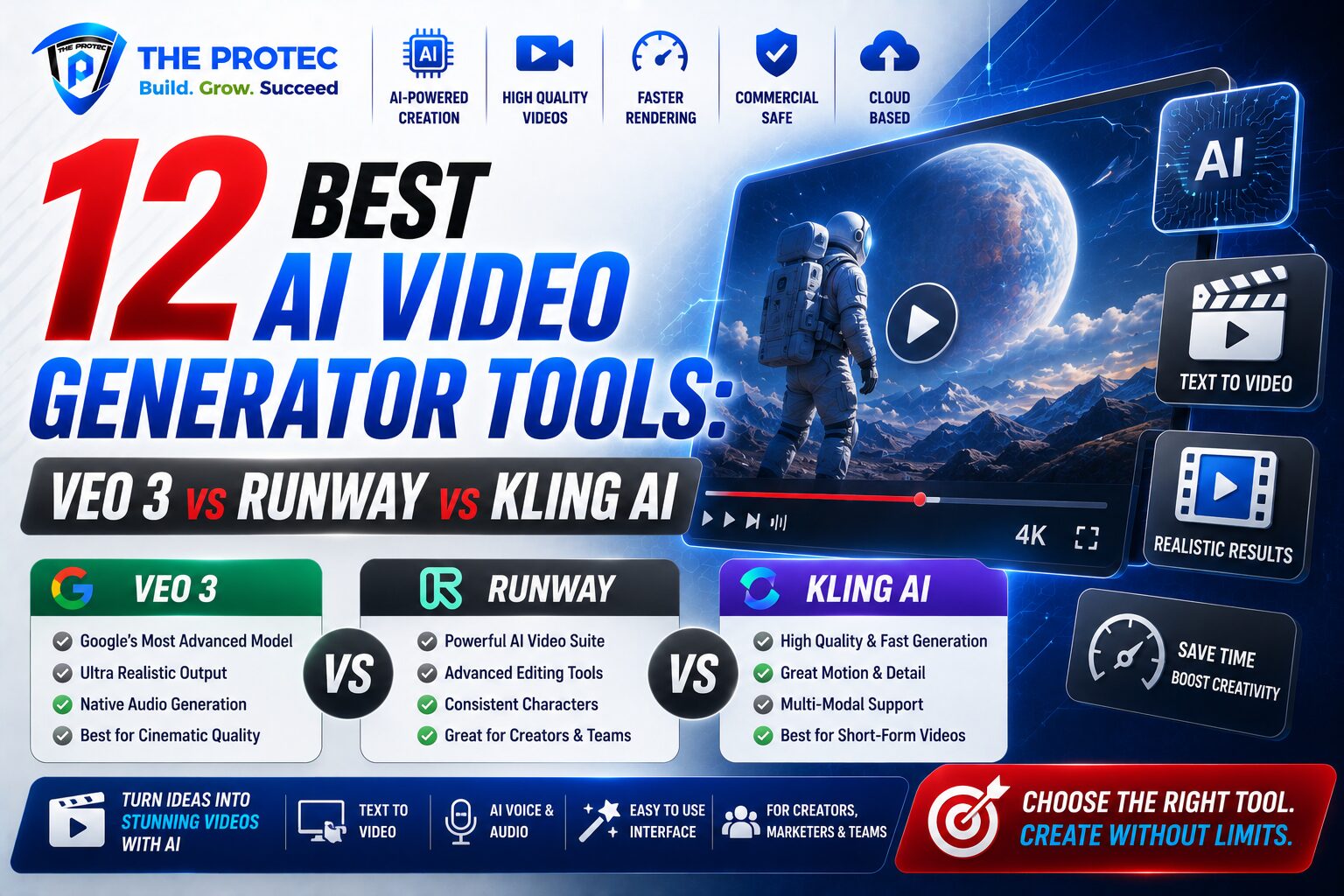
1. Veo 3: Best for Cinematic Quality and Natural Motion
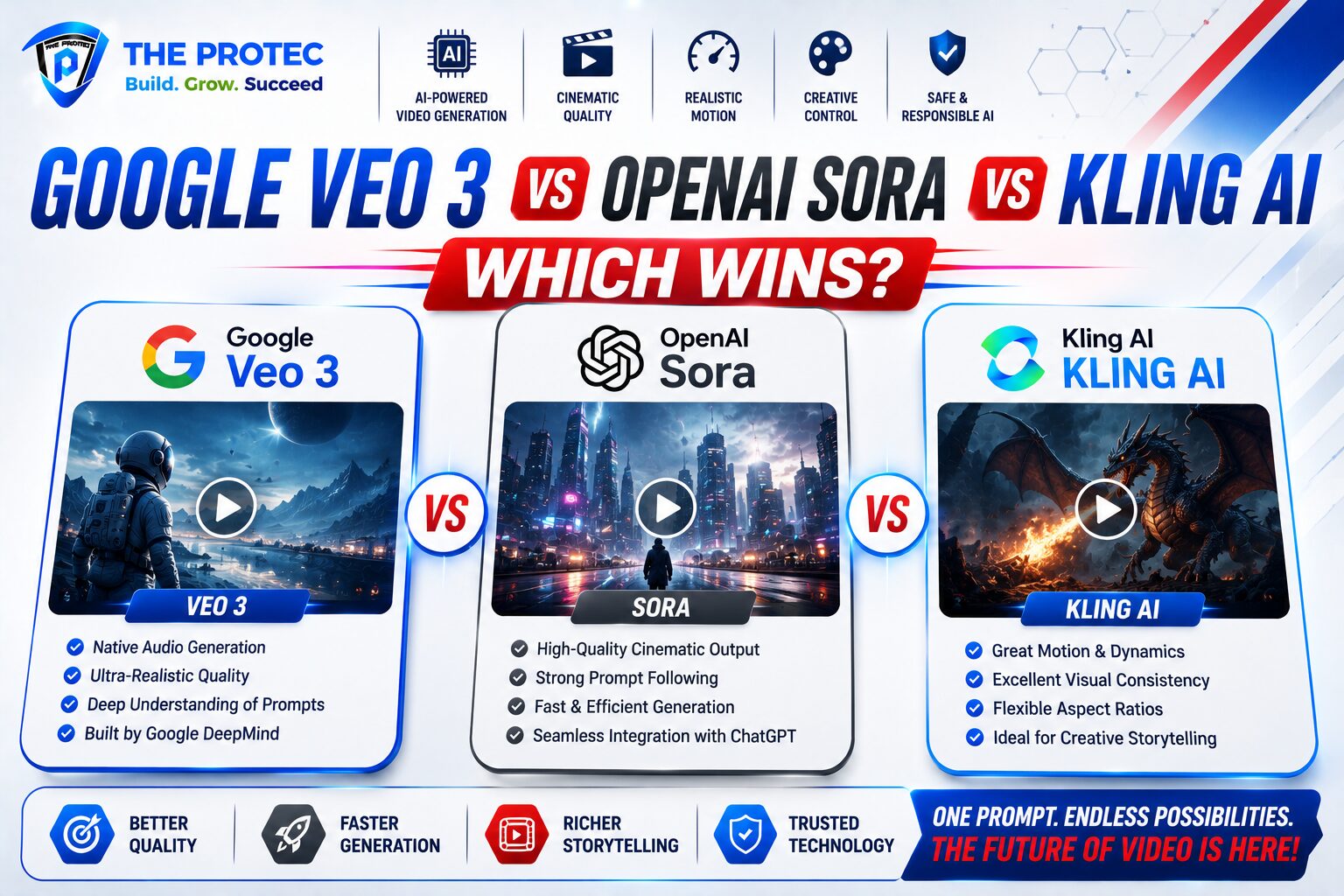
Veo 3 is one of the most talked-about AI video generator tools because it pushes hard on realism, motion quality, and prompt understanding. Compared with earlier generation models, it is much better at maintaining visual consistency across a shot and generating motion that feels grounded rather than jittery or overly synthetic.
Why it stands out: Veo 3 is particularly strong for cinematic sequences, realistic environments, and complex camera movement. It is a great option when you need footage that looks polished enough for concept reels, pitch decks, or high-end storyboards.
Strengths
- Excellent text-to-video fidelity
- Strong natural motion and scene realism
- Good for cinematic brand concepts and visual storytelling
- Useful for pre-production and ad ideation
Limitations
- Access may be more limited than some competing tools
- Less focused on lightweight editing workflows
- Can be expensive depending on access model and usage
Best for: agencies, filmmakers, premium brands, and teams that value visual quality over speed.
2. Runway: Best for Editing Control and Professional Workflows
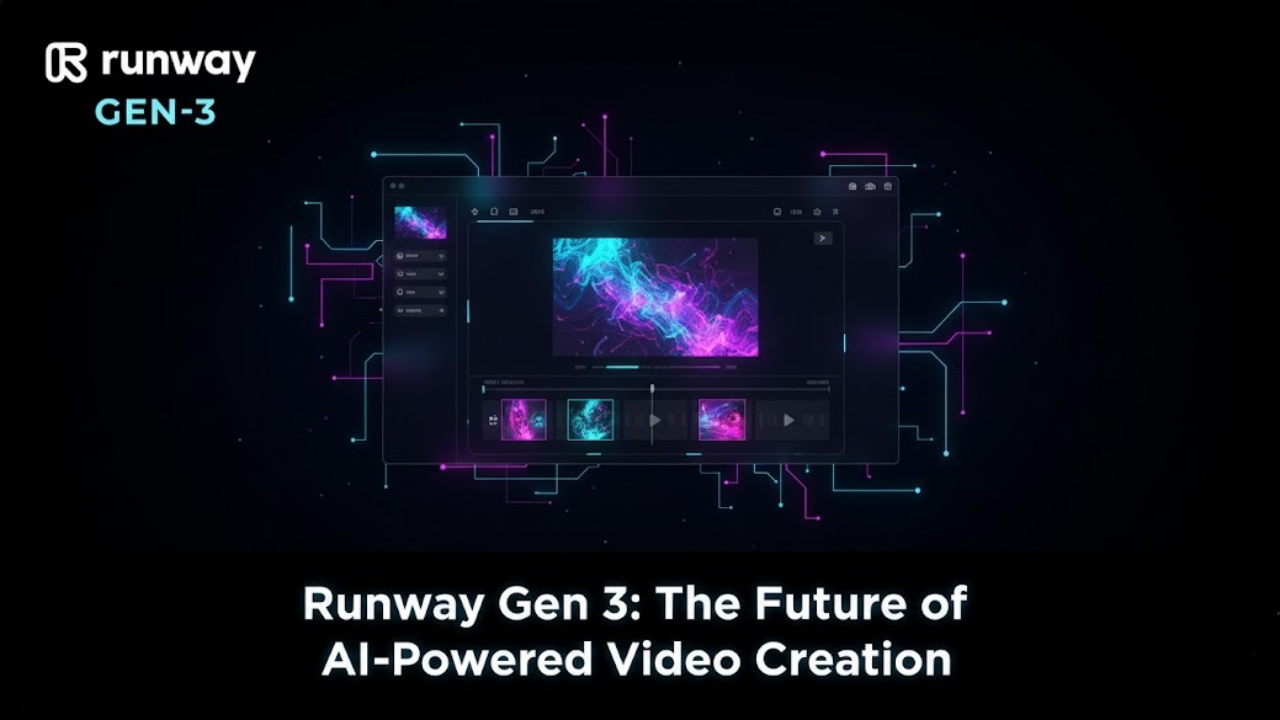
Runway remains one of the most versatile AI video generator tools on the market. If you care about experimentation, editing, and practical production workflows, it is still a top contender. The platform has become a favorite among creative professionals because it combines generation with post-production features in a way that feels genuinely useful.
When people compare Runway vs Veo 3, the difference often comes down to output style versus workflow depth. Veo 3 may deliver the more cinematic raw generation in some cases, but Runway offers stronger editing tools, broader creative control, and a smoother path from concept to polished asset.
Strengths
- Robust editing and refinement features
- Strong image-to-video and video-to-video capabilities
- Useful for social content, ads, and motion design
- Team-friendly workflow for iterative production
Limitations
- Some outputs may require extra refinement
- Quality can vary depending on prompt complexity
- Advanced use may involve a learning curve
Best for: marketers, creators, editors, and teams that need flexibility and control.
3. Kling AI: Best for Realistic Motion and Long-Form Potential
Kling AI has become a major name in the AI video space because it handles motion, facial detail, and scene continuity with impressive consistency. It is especially known for generating clips that feel more physically believable than many competitors, which makes it a strong choice for product visuals, character shots, and action-oriented prompts.
Among the best AI video generator tools, Kling AI is often praised for its balance of quality and realism. It can produce visually compelling clips with strong movement, and in many workflows it competes directly with premium tools for image-to-video results.
Strengths
- Strong realism and motion stability
- Good image-to-video performance
- Well suited for character-driven clips and product sequences
- Useful for creators seeking a polished aesthetic
Limitations
- Access and availability can vary by region and product version
- Editing ecosystem is not as mature as Runway’s
- Prompt iteration may be needed for best results
Best for: creators, brand teams, and visual storytellers who want realistic motion with strong aesthetics.
4. Pika AI: Best for Fast Social Content and Creative Effects
Pika AI is one of the most approachable AI video generator tools for creators who want quick, visually interesting outputs. It is especially appealing if your workflow revolves around short-form content, social clips, and stylized experimentation rather than long, cinematic sequences.
Pika tends to shine when speed matters. It is easy to use, fast to iterate with, and well suited for creators who want to test ideas without spending too much time on technical setup.
Strengths
- Fast generation and easy iteration
- Great for short-form content and social posts
- Creative effects and stylized looks
- Friendly interface for beginners
Limitations
- Less consistent for photorealistic scenes
- Not always the best fit for enterprise-grade campaigns
- May need more prompt testing for precision
Best for: creators, influencers, small brands, and social media teams that need speed and variety.
5. Hailuo AI: Best Budget-Friendly Option for Accessible AI Video
Hailuo AI has gained attention as a more accessible option for users who want to explore AI video generation without committing to the higher costs of premium tools. While it may not always match the top-tier realism of Veo 3 or the workflow sophistication of Runway, it can be a practical entry point for creators and small businesses.
In the current market, Hailuo AI is notable because it makes AI video more approachable. For teams that need frequent testing, rough drafts, or lightweight promotional content, that lower barrier can matter more than having the absolute best output in every scene.
Strengths
- Accessible pricing and lower entry cost
- Good for experimentation and lightweight content
- Useful for creators on a budget
- Simple way to start with image-to-video
Limitations
- Output quality may be less consistent than premium rivals
- Editing depth is usually more limited
- Less ideal for high-stakes commercial work without review
Best for: solo creators, startups, and budget-conscious teams testing AI video workflows.
6. Sora: Best for Scene Logic and Narrative Prompts
Sora remains a major reference point in the AI video generator category because of its strong scene understanding and ability to interpret more complex prompts. It is particularly interesting for users who want more narrative structure, environmental coherence, and multi-object interaction in generated video.
Best for: conceptual storytelling, exploratory production, and teams interested in advanced generation behavior.
Strengths
- Strong prompt comprehension
- Good for abstract or narrative-driven sequences
- Useful for storyboarding and concept development
Limitations
- Not always the fastest or most accessible option
- Commercial workflows may depend on product availability and policy changes
7. Adobe Firefly Video: Best for Brand-Safe Creative Teams
Adobe Firefly Video is attractive to businesses that prioritize brand safety, workflow familiarity, and compliance. Adobe’s ecosystem is built for creative professionals, and that matters when outputs need to fit into broader marketing production pipelines.
Best for: in-house teams, agencies, and enterprise users who already rely on Adobe tools.
Strengths
- Brand-friendly workflow
- Strong integration with creative production tools
- More comfortable for teams with approval processes
Limitations
- May not be as cutting-edge in raw visual output as niche leaders
- Best value often depends on existing Adobe subscriptions
8. Luma Dream Machine: Best for Smooth Motion and Fast Prototyping
Luma Dream Machine is a strong contender for creators who want fluid motion and quick idea generation. It is especially useful for prototyping scenes and testing visual directions without getting stuck in overly technical workflows.
Best for: concept artists, content teams, and fast-moving creatives.
Strengths
- Fluid motion in many shots
- Quick to use for drafts and tests
- Good balance of simplicity and quality
Limitations
- May not always match the top realism tools
- Advanced editing depth can be limited
9. PixVerse: Best for Social-First Visual Variety
PixVerse is built for variety and shareable results. It can be especially attractive for social-first campaigns where eye-catching visuals matter more than photoreal film language.
Best for: social media creators, trend-driven content, and short promotional clips.
10. Haiper: Best for Simple, Easy AI Video Creation
Haiper is a good choice for users who want to get into AI video without a steep learning curve. It is straightforward and practical, which makes it appealing for beginners or teams that just need quick content drafts.
Best for: beginners, internal communications, and light marketing use.
11. HeyGen: Best for AI Avatars and Talking Videos
HeyGen is less about cinematic generation and more about business communication. If your goal is avatar-led explainers, training videos, onboarding content, or localized talking-head videos, it is one of the most useful tools in the category.
Best for: sales teams, HR, customer education, and multilingual business videos.
12. Synthesia: Best for Enterprise Training and Corporate Video
Synthesia remains a leading platform for corporate video production, especially when consistency and scale matter more than artistic experimentation. It is not trying to compete with the most cinematic generators. Instead, it solves a business problem efficiently.
Best for: enterprise learning, onboarding, policy updates, and internal communications.
Runway vs Veo 3: Which One Should You Choose?
If you are deciding between Runway vs Veo 3, think about output versus workflow. Veo 3 is often the stronger choice for cinematic raw generation, especially when you want polished motion and visually rich scenes. Runway, however, is usually better when you need to edit, iterate, and build a practical content pipeline around the video output.
Choose Veo 3 if:
- You want the most cinematic-looking first pass
- You care about realism and natural motion
- You are building premium concept work
Choose Runway if:
- You want creative control and editing depth
- You need a workflow for repeated production
- You make social, ad, or campaign content regularly
Best AI Video Generator by Use Case
- Best overall quality: Veo 3
- Best editing workflow: Runway
- Best realistic motion: Kling AI
- Best for quick social content: Pika AI
- Best budget-friendly option: Hailuo AI
- Best for enterprise training: Synthesia
- Best for AI avatars: HeyGen
- Best for fast prototyping: Luma Dream Machine
Pricing, Licensing, and Commercial Use
Pricing changes frequently across AI video platforms, and most tools now use credits, subscriptions, or hybrid access models. In practical terms, the cheapest tool is not always the least expensive once you factor in retries, time spent refining prompts, and the need for commercial rights.
Before using any AI-generated video in paid campaigns, always check the tool’s current licensing terms. Some platforms grant broad commercial use, while others place restrictions on certain tiers, output types, or enterprise features. If you are producing client work, ad creatives, or branded campaigns, licensing matters as much as output quality.
As a rule of thumb:
- Creators: prioritize speed, ease, and export quality.
- Marketers: prioritize editing, commercial licensing, and repeatability.
- Businesses: prioritize governance, team workflows, and brand safety.
Final Verdict: Which AI Video Generator Is Best?
The best AI video generator depends on the job. If you want the most impressive cinematic output, Veo 3 is a leading choice. If you need control, editing, and a production-friendly workflow, Runway remains one of the strongest all-around options. If realism and motion stability matter most, Kling AI deserves serious attention. If you are making fast social content, Pika AI is hard to beat for convenience. And if budget is a major concern, Hailuo AI offers a practical entry point.
For businesses, the smartest approach is often to use more than one tool: one for ideation, one for refinement, and one for specific content formats. That is the real direction of the market in 2026. The best AI video generator tools are no longer just standalone novelty apps; they are becoming part of a broader creative stack.
FAQ
What is the best AI video generator overall?
For premium cinematic quality, Veo 3 is one of the strongest choices. For broader workflow control and editing, Runway is often the best all-around platform.
Is Runway better than Veo 3?
Not necessarily. Veo 3 is often stronger for raw generation quality, while Runway is better for editing, iteration, and practical creative workflows. The better choice depends on your use case.
Which AI video generator is best for marketers?
Runway is usually the strongest fit for marketers because it balances generation quality with editing tools, faster iteration, and campaign-friendly workflows. Pika AI can also be useful for quick social content.
Can AI video tools be used commercially?
Many can, but the rules differ by platform and subscription tier. Always review the current licensing terms before using outputs in ads, client work, or branded campaigns.
Which AI video generator is best for image-to-video?
Kling AI, Runway, and Veo 3 are among the strongest options for image-to-video, with Kling AI often standing out for realistic motion and Runway for flexibility.