






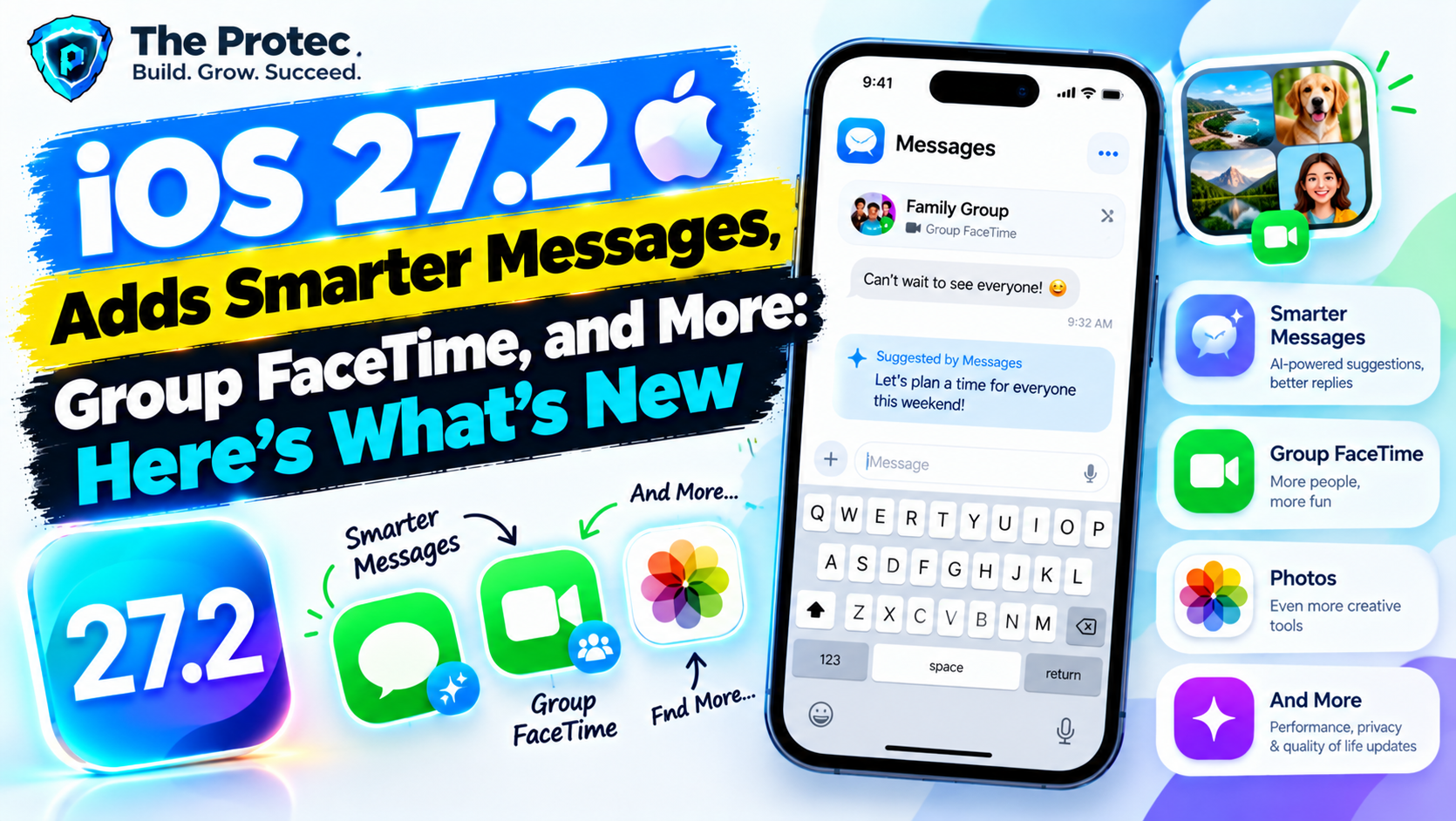
iOS 27.2 is shaping up to be a practical iPhone update rather than a dramatic redesign. The most useful reported changes focus on everyday friction: turning messages into tasks, making group FaceTime calls more flexible, simplifying Apple TV profiles, and giving smart-home users more control over connected locks.
Release timing needs some context. As of October 22, 2026, Apple has not announced a confirmed iOS 27.2 release date or published final release notes. References to features below reflect reported beta development and should not be treated as guarantees. Developer and public beta availability can also differ by several days, while the public launch is widely anticipated later in the release cycle—potentially in December if Apple follows its usual point-update schedule. That window is an estimate, not an Apple-confirmed date.
Anyone testing prerelease software should consult the Apple Beta Software Program before installing it on a primary iPhone. Here are the seven reported iOS 27.2 features that could matter most, along with the requirements and limitations users should understand.
1. Messages Suggested Actions Could Turn Chats Into Tasks
The most immediately useful reported addition is iOS 27.2 Messages Suggested Actions. The idea is straightforward: when a conversation contains a deadline, appointment, promise, location, or other actionable detail, Messages may offer a relevant next step instead of leaving you to copy information into another app manually.
A message such as “Please send the document tomorrow morning” could produce an option to create a reminder. A dinner plan might offer to add an event, while an address could lead to Maps. This would make conversations more useful without transforming every message into an intrusive alert.
Suggested Actions are expected to appear contextually within Messages, potentially through a highlighted phrase, a suggestion beneath the conversation, or a long-press menu. Related controls would most likely be found under Settings > Apps > Messages or in Apple Intelligence and Siri settings. The exact interface remains subject to beta changes.
More advanced interpretation may require Apple Intelligence, meaning availability could depend on a compatible iPhone, supported language, and eligible region. Apple Intelligence features also sometimes require language settings for both the device and Siri to match. Users who disable Apple Intelligence or Siri suggestions may receive fewer recommendations—or none at all.
The key question for the final release is whether message analysis happens entirely on-device and how aggressively suggestions appear. Apple’s final documentation should clarify privacy behavior, supported languages, and whether Suggested Actions work in SMS, RCS, iMessage, or only selected conversation types.
2. Siri May Gain Five Additional Languages
Expanded language support is another reported component of the iOS 27.2 Apple Intelligence rollout. Reports have referred to five additional Siri languages, but Apple had not provided a definitive public list for iOS 27.2 as of this article’s publication date. Consequently, specific language lists circulating before final documentation should be treated cautiously.
This distinction matters because “Siri language support” can mean several things. A language may work with traditional Siri commands without supporting newer Apple Intelligence capabilities. It may also be available only in a particular country or dialect, while features involving personal context, onscreen awareness, or third-party app actions can arrive later.
Users can check available options under Settings > Apple Intelligence & Siri > Language. If a newly supported language appears, the iPhone may need to download voice and language models. Changing Siri’s language can temporarily disable or limit Apple Intelligence until the required resources are installed.
Eligibility will likely depend on an Apple Intelligence-compatible iPhone, adequate free storage, a supported device language, and regional availability. Owners of iPhones that can run iOS 27.2 but do not support Apple Intelligence may still receive ordinary Siri improvements, although Apple has not confirmed the division of features.
Before changing languages, users should check Apple’s final iOS 27.2 release notes for the exact five additions, supported dialects, and regional restrictions. A beta language menu is useful evidence, but it is not a promise that every option will ship in the public build.
3. Group FaceTime Could Add Dual Capture
iOS 27.2 Group FaceTime Dual Capture is reportedly designed to let a caller share views from the front and rear cameras during a group call. That could be useful when showing family members an event, demonstrating a repair, walking colleagues through a physical space, or keeping your face visible while presenting what is in front of you.
If the feature reaches the final version, the control should appear in FaceTime’s camera or effects menu during a supported call. Users would start a group FaceTime session, open the on-call controls, and select a Dual Capture option. The resulting layout may show one camera as the main view and the other in a smaller window, although Apple’s final implementation could differ.
Dual Capture is unlikely to work on every iOS 27.2 supported iPhone. Simultaneously processing two camera streams requires compatible camera hardware, sufficient processing capacity, and thermal headroom. Certain lenses, frame rates, effects, low-light modes, or video orientations may also be unavailable while both cameras are active.
Bandwidth is another practical limitation. FaceTime can reduce video quality when the connection is weak, and transmitting two views could place additional demand on Wi-Fi or cellular data. Participants probably will not need the same iPhone model merely to watch the call, but the person sending both camera views will need a supported device.
Until Apple publishes final documentation, users should not assume that standard Dual Capture support in the Camera app automatically guarantees FaceTime compatibility. Device eligibility and group-call behavior require separate confirmation.
4. Apple TV Profiles May Become Easier to Manage on iPhone
Shared Apple TV devices work better when each person uses a separate profile, but switching and managing those identities has not always been intuitive. Reported iOS 27.2 Apple TV profiles would give iPhone users a more convenient way to choose or manage the active viewing profile.
The practical benefit is cleaner personalization. Watch history, Up Next recommendations, purchases, and suggestions are less likely to mix when household members use the correct profile. Parents may also find it easier to confirm which account is active before handing over a remote or starting content.
Profile controls could appear in the Apple TV app by tapping the account image, or through the iPhone’s Apple TV Remote interface in Control Center. The iPhone and Apple TV would likely need to use compatible software, be associated with the same home or household, and have Bluetooth and Wi-Fi enabled for nearby interactions.
This feature should not be confused with adding an Apple Account to a household or configuring purchase sharing. Profiles organize viewing experiences; they do not necessarily change Family Sharing permissions, subscriptions, rental access, or parental controls.
Users should look under TV app > account icon and in the Apple TV Remote after updating. Availability may vary by region because the Apple TV app, media catalog, and account services are not identical in every country.
5. Apple Home Automations Could Get Smarter About Locks
Smart locks are among the most useful Home accessories, but security safeguards can make automations less seamless than those for lights or thermostats. One of the reported iOS 27.2 new features is more capable automation behavior for compatible smart locks.
This could allow lock actions to work with more precise conditions, such as whether an authorized person is arriving, whether another accessory has changed state, or whether a particular time and occupancy requirement is met. It may also reduce unnecessary prompts in narrowly defined situations, although Apple has not confirmed that authentication requirements will be removed.
Users would create or edit an automation in Home > Automation, choose an arrival, departure, time, sensor, or accessory trigger, and then select the lock action. Some controls may require a home hub, such as a compatible HomePod or Apple TV, along with two-factor authentication and an updated Home architecture.
Hardware support is especially important. A lock working in the Home app does not guarantee access to every new automation. Compatibility may depend on the lock’s firmware and whether it uses HomeKit, Matter, Home Key, Thread, or another supported technology. Apple had not published a final list of supported smart locks for iOS 27.2 at the time of writing.
Because unlocking a door has real security consequences, users should review every trigger and test it while remaining nearby. Avoid building arrival automations that could unlock a home merely because a device enters a broad geofence. Final release notes should establish which actions still require confirmation.
The reported iOS 27.2 Apple Podcasts changes appear focused on usability rather than a wholesale redesign. Improvements under testing may make it easier to move through long episodes, understand episode structure, and reach the content you want without repeatedly scrubbing through the timeline.
Depending on what survives beta testing, listeners may notice better chapter presentation, clearer links connected to an episode, refined transcripts, or more useful playback navigation. These additions would be especially valuable for news programs, interviews, educational series, and shows with several distinct segments.
Available controls should appear directly on the Now Playing screen in Apple Podcasts. Transcript and chapter support will still depend on the publisher, language, region, and whether Apple can process the episode. Not every show will gain the same navigation tools immediately.
Podcast settings can be reviewed under Settings > Apps > Podcasts. Users concerned about storage should also check automatic download and episode-removal preferences, since an interface update does not necessarily change existing download behavior.
These improvements are not expected to require an Apple Intelligence-compatible iPhone unless Apple ties a particular summarization or semantic feature to its on-device models. Core playback and navigation changes should be more broadly available across the iOS 27.2 compatibility list.
7. Apple Games May Improve Library and Controller Management
The Apple Games experience is also expected to receive smaller but worthwhile refinements. Reported iOS 27.2 Apple Games improvements center on finding installed titles, resuming recent sessions, following game activity, and making connected-controller options easier to reach.
For players, the value is consolidation. Instead of moving between the App Store, individual games, Game Center settings, and controller menus, more information could be surfaced through Apple Games. Changes may also improve filtering or organization for Apple Arcade and previously downloaded games.
Users should open the Games app after updating and review their library, profile, and controller-related menus. System-level controller settings are generally available under Settings > General > Game Controller when compatible hardware is connected.
Some functions will require a Game Center profile, while Apple Arcade titles require an active subscription. Social features may be restricted for child accounts or by Screen Time settings. Controller-specific options will vary by model, firmware, and whether the game itself supports remapping, haptics, or other advanced functions.
As with the other reported additions, the final scope should be checked against Apple’s public release notes rather than inferred from an early beta build.
Is the Redesigned Health App Included in iOS 27.2?
A redesigned Health app appeared in reporting around early iOS 27.2 development, but it was reportedly removed during beta testing. It therefore should not be advertised as a confirmed part of the update.
Apple can remove an unfinished interface to address reliability, accessibility, data presentation, or regulatory concerns, then restore it in a later beta or future iOS release. Health data is particularly sensitive, so screenshots from an early build are not enough to establish public availability.
Unless the iOS 27.2 final release notes explicitly mention the Health app redesign, users should expect the current organization and feature set to remain substantially unchanged. Existing health categories, sharing options, medications, trends, and connected-device data should continue to work, but that does not amount to confirmation of a new design.
iOS 27.2 Compatibility and Installation
The safest compatibility rule is simple: an iPhone must first support iOS 27. Apple had not published a separate final iOS 27.2 compatibility list or feature-by-feature device chart at the time of writing. Most point releases retain the base version’s device support, but individual capabilities can require newer hardware.
- Apple Intelligence features require an eligible iPhone, supported language, and permitted region.
- FaceTime Dual Capture may require newer camera hardware.
- Lock automations require compatible accessories, firmware, and potentially a home hub.
- TV profile features may require updated Apple TV software and household configuration.
- Some Siri, Podcasts, media, and account features can vary by language or country.
To install the public iOS 27.2 update when available, back up the iPhone, connect it to power and Wi-Fi, then open Settings > General > Software Update. Review the update description before selecting Download and Install. Apple’s official iPhone update guide provides additional installation steps.
Should You Update to iOS 27.2 Immediately?
Most users should install the stable release eventually, but there is no need to join the beta merely to access these reported features. Beta software can affect app compatibility, battery behavior, accessories, and essential services.
When the public version arrives, users who rely on an iPhone for work, travel, health devices, smart locks, or authentication may prefer to wait several days for early reports. That gives app developers and accessory makers time to identify compatibility problems. Anyone interested in Suggested Actions, new Siri languages, or Dual Capture should also confirm that their device and region support the specific feature.
Do not install iOS 27.2 solely on the assumption that it improves performance, battery life, or security. Those claims require Apple documentation or credible testing. The final decision should be based on published release notes, device eligibility, app compatibility, and whether the features solve a problem you actually have.
Frequently Asked Questions
What is the confirmed iOS 27.2 release date?
Apple had not announced a confirmed public release date as of October 22, 2026. A later release-cycle launch, potentially in December, is plausible based on past schedules, but it remains an estimate until Apple publishes the final version.
Which iPhones support iOS 27.2?
The update is expected to follow the core iOS 27 device list, but individual features may have narrower requirements. Apple Intelligence and Dual Capture are the most likely examples of capabilities limited to newer hardware. Check Software Update and Apple’s final compatibility documentation before installing.
Does iOS 27.2 include the redesigned Health app?
It should not be considered confirmed. The redesign was reportedly removed during beta testing. It is included only if Apple restores it and identifies the change in the final release or accompanying documentation.
Will Messages Suggested Actions work without Apple Intelligence?
Basic suggestions may be possible on a wider range of devices, but advanced understanding of conversational context is likely to depend on Apple Intelligence. Apple’s final release notes must clarify the supported hardware, languages, regions, and message types.
Is it safe to install the iOS 27.2 beta on a primary iPhone?
It is safer to wait for the public release. Prerelease builds can contain bugs and may not work reliably with banking apps, workplace tools, health accessories, smart-home devices, or other services you depend on.