









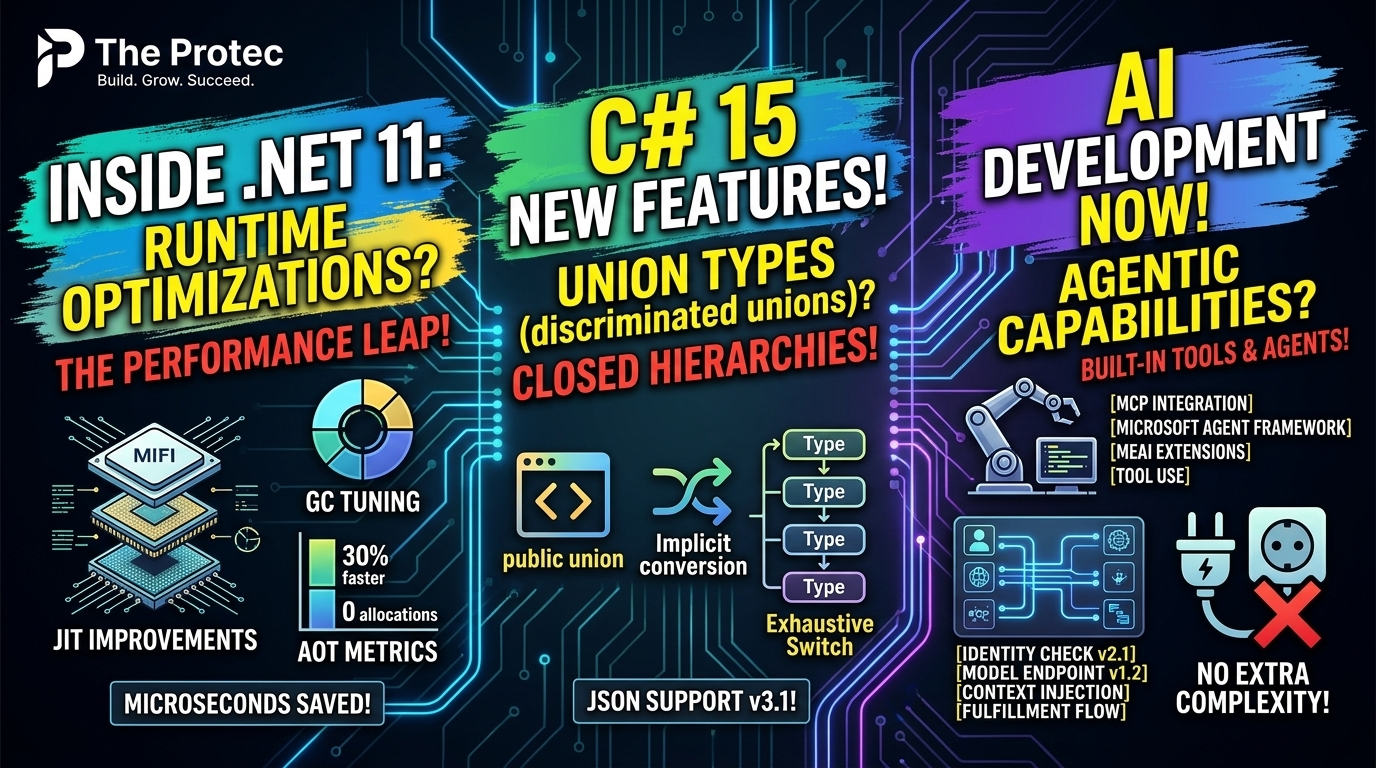
Microsoft released .NET 11 on November 10, 2026, bringing changes that reach far beyond a routine framework update. The most consequential .NET 11 new features sit deep in the runtime, where Runtime Async, JIT optimizations, Native AOT improvements and expanded hardware acceleration can reduce work beneath application code. C# 15 adds safer ways to represent finite application states, while ASP.NET Core 11 and Microsoft’s growing AI stack broaden what developers can build. The practical question is not simply what changed, but which improvements justify upgrading a production application from .NET 10.
The short answer: teams with async-heavy backends, Native AOT workloads or agent-based AI projects have the strongest reasons to evaluate the release. However, .NET 11 is a Standard Term Support release with two years of support. .NET 10 remains the Long Term Support option, making lifecycle requirements as important as benchmark results.
Runtime Async leads the .NET 11 runtime updates
Runtime Async changes how important parts of asynchronous execution are handled inside .NET. C# still provides the familiar async and await programming model, but the runtime can perform more of the underlying continuation and scheduling work with less overhead. Developers do not need to rewrite an application around a new asynchronous API to begin evaluating the improvement.
Consider an API gateway that authenticates a request, queries several services and writes an audit event. It may create thousands of short-lived asynchronous operations under load. A small reduction in the cost of each continuation can become meaningful at that scale. The likely benefits are lower execution overhead and less pressure from async infrastructure—not faster databases or networks.
That distinction matters. Runtime Async will not automatically make every application faster. CPU-bound services, synchronous desktop applications and workloads dominated by external latency may see little change. Teams should compare allocation rates, throughput, CPU consumption and latency distributions under representative traffic rather than treating a runtime microbenchmark as a production forecast.
JIT optimization and hardware acceleration
The .NET 11 performance improvements also include additional JIT work and new opportunities to use modern processor instructions. Better code generation can remove redundant operations, improve inlining decisions and accelerate suitable numeric, memory and data-processing paths. Libraries can take advantage of hardware capabilities while retaining managed fallbacks where supported.
These gains are workload-dependent. Image processing, compression, parsing and vector-friendly calculations are more likely to benefit than applications that spend most of their time waiting on a remote service. ReadyToRun, tiered compilation, dynamic profile-guided optimization and deployment settings can also affect results, so upgrade benchmarks should mirror the production configuration.
Native AOT becomes more practical for interface-heavy code
Native AOT compiles an application to native code ahead of time, avoiding JIT compilation at startup. It can be valuable for command-line tools, serverless handlers, small services and containers where startup time and memory footprint matter. .NET 11 improves interface dispatch in Native AOT applications, addressing an area that can be costly when abstractions are used extensively.
Imagine a serverless document converter with several implementations of an IDocumentHandler interface. Requests select a PDF, image or text handler through dependency injection. Improved interface dispatch can make that abstraction less expensive in an AOT-compiled binary, particularly when the operation is repeated frequently. The team can preserve a clean plugin-like design without assuming that every interface call carries the same previous cost.
Native AOT still requires deliberate engineering. Reflection, runtime code generation, dynamic assembly loading and some serialization patterns can be incompatible with trimming or ahead-of-time compilation. Analyze warnings, test every deployment path and verify third-party packages before changing an existing service’s publishing model.
C# 15 features make finite states explicit
Union types and closed hierarchies are among the most architecturally significant C# 15 features. They let developers model a value as one member of a known, finite set of alternatives. The compiler can then help verify that code handles every permitted case.
A payment operation, for example, might produce only Approved, Declined or ReviewRequired. A conventional design may use nullable properties, an enum and comments explaining which combinations are valid. That permits contradictory objects, such as an approved payment with a decline reason.
With a union or closed hierarchy, each outcome carries only the data relevant to that case. A switch can process the alternatives, and compiler checking identifies handling that becomes incomplete when a new case is added. This makes invalid states harder to represent and reduces the need for defensive default branches.
The benefit extends to parsers, workflow engines, API results and user-interface state. Adoption does not require replacing every class hierarchy. Start with domain boundaries where a small set of outcomes is genuinely closed. Extensible plugin models, where third parties must add implementations, remain a better fit for open interfaces.
ASP.NET Core 11 improves validation, APIs and Blazor
ASP.NET Core 11 introduces asynchronous validation, allowing validation logic to await work rather than forcing asynchronous checks into synchronous paths. This is useful when a rule depends on a tenant policy, database lookup or another asynchronous source. It should still be used carefully: issuing multiple remote calls for every property can turn validation into a latency bottleneck.
OpenAPI 3.2 support helps API teams describe newer protocol capabilities and generate more accurate contracts for compatible tooling. Before changing a published specification, verify that client generators, documentation portals and gateways in the delivery chain understand the newer version.
Blazor receives further framework and developer-experience refinements, alongside experimental AI components based on the Agent User Interaction Protocol. Those components explore richer exchanges between an agent and a user interface, including structured requests for input or approval. Because they are experimental, teams should isolate them behind replaceable boundaries rather than make them a hard production dependency.
Microsoft’s .NET AI development stack takes shape
.NET 11 arrives as Microsoft consolidates a more coherent set of abstractions for AI applications. Microsoft.Extensions.AI gives .NET developers common interfaces for model-related services, helping application code avoid depending directly on one provider’s SDK. Standard abstractions also fit naturally with dependency injection, configuration, telemetry and testing.
Model Context Protocol integration allows applications and agents to work with MCP tools, prompts and resources through a standardized protocol. This can reduce custom integration code, but it also expands the security boundary. An MCP server should be treated as an external capability: authenticate it, restrict available tools, validate arguments and log consequential actions.
Microsoft Agent Framework provides agent-oriented building blocks for constructing and coordinating model-driven workflows. The surrounding tools target concerns such as orchestration, state, tool execution and observability. A practical use case is a support assistant that searches approved documentation, drafts a response and requests human approval before updating a ticket.
Developers should distinguish the broader Microsoft Agent Framework and supported AI abstractions from experimental interface components. An impressive demonstration is not evidence of production readiness. Evaluate version stability, failure recovery, model cost, security controls and human oversight before deploying an autonomous workflow.
Everyday platform improvements beyond servers and AI
- .NET MAUI: Updates continue to improve cross-platform application development, framework behavior and tooling. Desktop and mobile teams should still test navigation, lifecycle events, platform integrations and packaging on each target OS.
- JSON processing: Serialization and parsing improvements can benefit APIs and data pipelines, especially when source generation is used. Contract compatibility matters more than raw speed when upgrading public services.
- Zstandard compression: Zstandard support gives developers another modern option when balancing compression ratio, throughput and interoperability. Confirm that both ends of a protocol support it before changing stored or transmitted formats.
- SDK and build performance: Faster everyday build paths can shorten local feedback and CI execution, although results depend on repository size, analyzers, generators, caching and build topology.
Compatibility and migration checks before upgrading
.NET 11 raises minimum processor requirements for supported x86/x64 and Arm64 hardware. That can affect older physical servers, edge devices, development machines and self-hosted CI runners. Do not infer compatibility from the operating-system version alone. Compare the actual processor capabilities with Microsoft’s supported-hardware documentation before deploying.
Library compatibility is the next checkpoint. Most well-maintained libraries targeting compatible .NET standards or recent target frameworks should remain usable, but runtime internals, analyzers, source generators and native dependencies deserve extra scrutiny. Native AOT projects require separate trimming and compilation validation.
- Install the .NET 11 SDK in an isolated development or CI environment.
- Update a representative application to
net11.0without changing unrelated code. - Review build warnings, obsolete APIs, analyzer output and package support statements.
- Run unit, integration, contract, UI and deployment tests on every supported platform.
- Benchmark startup, steady-state throughput, memory, CPU and tail latency against the existing release.
- Use a staged rollout with monitoring and a documented rollback path.
The official .NET 11 announcement provides the release overview, while Microsoft’s .NET what’s new documentation tracks detailed platform and compatibility changes.
.NET 11 vs .NET 10: who should upgrade?
- Backend developers: Evaluate .NET 11 when async overhead, startup behavior, JSON processing or Native AOT materially affects service economics. Measure with production-like traffic.
- Enterprise teams: .NET 10 LTS may remain preferable when longer support, vendor certification and slower upgrade cycles outweigh access to the latest runtime capabilities.
- Desktop and mobile developers: MAUI and runtime improvements can be useful, but platform-specific regression testing and hardware coverage should drive timing.
- AI application builders: .NET 11 offers the strongest alignment with Microsoft’s latest AI abstractions, MCP integration and agent tooling. Keep experimental components isolated and maintain provider boundaries.
The choice is therefore not a simple contest in which .NET 11 replaces .NET 10 for every team. .NET 11 offers newer language, runtime and AI capabilities; .NET 10 offers the longer LTS servicing window. Organizations can also pilot .NET 11 for selected services while retaining .NET 10 for systems governed by longer support policies.
A practical upgrade decision
The .NET 11 release is most compelling when its changes solve a measured problem: async overhead in a busy service, startup and footprint in an AOT deployment, fragile state modeling in a domain layer or excessive custom plumbing in an AI application. Teams should establish a baseline first, upgrade a representative workload and evaluate the result under realistic conditions.
That approach avoids two common mistakes: assuming every new runtime is automatically faster for every workload, and rejecting a Standard Term Support release without considering targeted adoption. .NET 11 is a substantial engineering release, but its value will be determined by testing, compatibility and operational fit.
Frequently asked questions
Is .NET 11 an LTS release?
No. .NET 11 is a Standard Term Support release with two years of support. .NET 10 remains the Long Term Support release and is generally the better default where organizations require a longer servicing window.
Will Runtime Async speed up existing applications automatically?
Existing async code may benefit without an API rewrite, but improvement is not guaranteed. Applications with many short asynchronous operations are stronger candidates than CPU-bound or mostly synchronous workloads. Benchmark the upgraded application under realistic load.
Do C# 15 union types replace classes and interfaces?
No. They are most useful when a domain value has a closed set of valid alternatives. Open extension models, conventional entities and behavior-rich objects can continue using classes and interfaces.
Are the new ASP.NET Core AI components production-ready?
Not all of them. Components described as experimental, including emerging Agent User Interaction Protocol experiences, should be treated as evaluation technology. Use stable abstractions for production systems and isolate experimental dependencies.
Can an application move to .NET 11 without adopting Native AOT?
Yes. Native AOT is a deployment option, not a requirement. Applications can use the .NET 11 runtime and libraries with their existing JIT-based deployment model, then assess AOT separately where startup time or footprint justifies the work.