








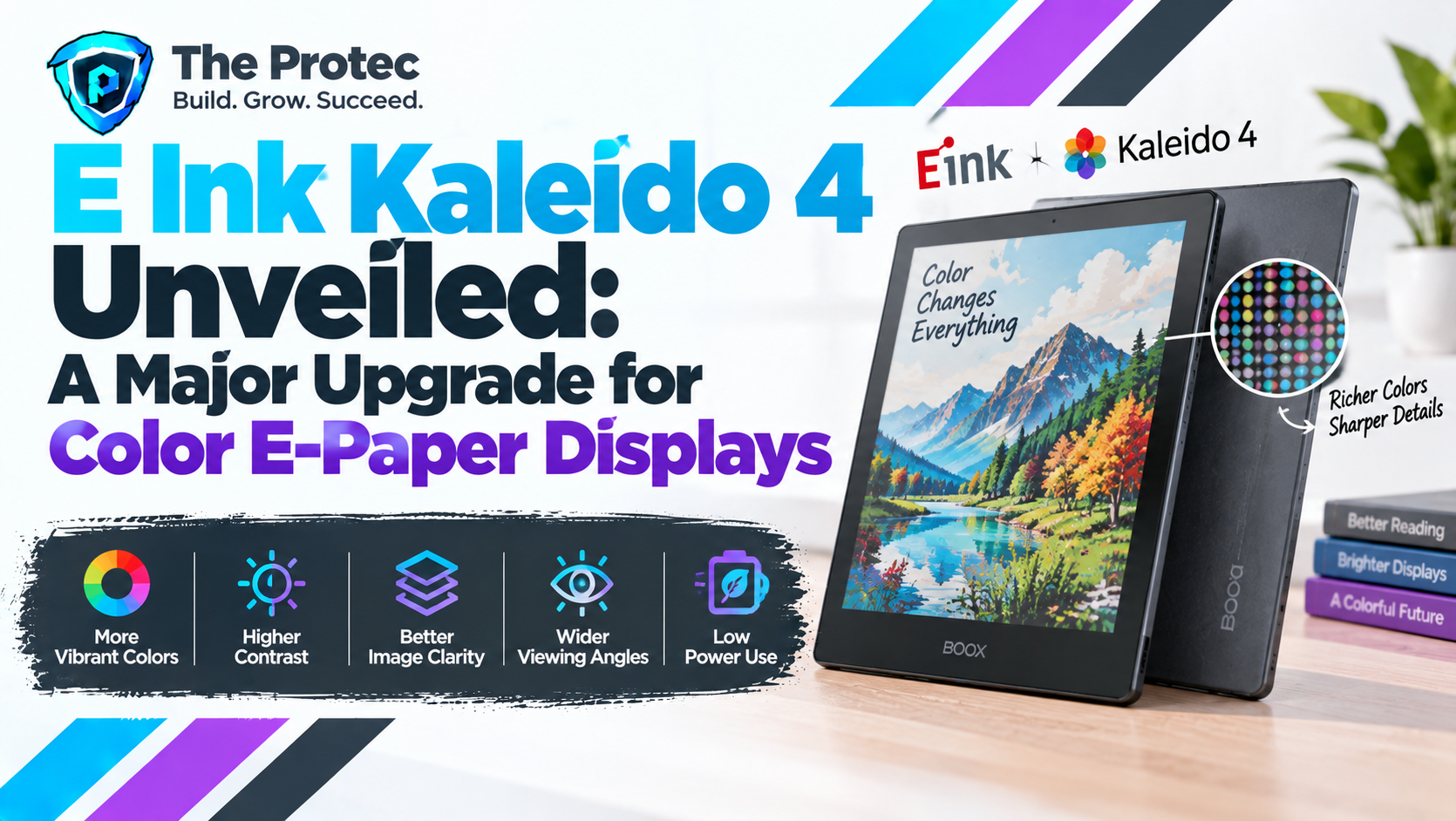
Color e-paper has spent years trying to close the gap between the comfort of a printed page and the visual usefulness of a modern tablet. The reported unveiling of E Ink Kaleido 4 marks the next step in that effort, promising a more polished viewing experience for e-readers, digital notebooks and other low-power electronic paper devices.
The appeal is easy to understand. Readers want illustrated books, magazines, charts and comics without sacrificing the sunlight visibility or long battery life associated with E Ink. Professionals want digital paper technology that can display meaningful annotation colors while remaining comfortable during extended writing and review sessions. Manufacturers, meanwhile, need better color quality without turning an e-paper product into another power-hungry tablet.
Kaleido 4 could address those demands through reported improvements in color reproduction, image definition, contrast and overall readability. However, not every technical detail circulating around the display has been confirmed in a comprehensive public specification sheet. It is therefore important to separate established facts about E Ink color technology from expectations surrounding the new generation.
What Has Been Confirmed About E Ink Kaleido 4?
E Ink Kaleido 4 has been presented in industry coverage as the successor to Kaleido 3, the color platform used in several recent e-readers and note-taking devices. The central goal of the Kaleido 4 display upgrade is reportedly to produce cleaner, richer and more readable color content while preserving the reflective, low-power characteristics of electronic paper technology.
At the time of publication, detailed Kaleido 4 specifications—including final color resolution, precise color-gamut measurements, refresh modes and commercial panel sizes—should be treated cautiously unless they appear in an official E Ink announcement or manufacturer data sheet. E Ink’s official Kaleido product information remains the most reliable reference for confirmed platform capabilities.
The established Kaleido architecture provides useful context. Kaleido 3 combines a monochrome electrophoretic E Ink layer with a printed color-filter array. Its widely documented specifications include up to 300 pixels per inch for monochrome material and 150 pixels per inch for color, with support for 4,096 colors. Kaleido 4 is expected to advance that foundation, but those earlier figures should not automatically be attributed to the new panel or replaced with rumored numbers.
How Kaleido Color E-Paper Works
Traditional black-and-white E Ink screens form an image by moving electrically charged dark and light particles inside microscopic capsules. Once the particles have moved into position, the page can remain visible with little or no additional power. Energy is primarily required when the image changes.
Kaleido adds color by placing a red, green and blue filter layer over the reflective electrophoretic display. Light from the environment—or from an integrated front light—passes through the filter, reflects from the underlying layer and returns to the viewer. This approach differs from LCD and OLED panels, which continuously emit or transmit light to maintain an image.
The filter makes color e-ink screens practical, but it also creates engineering compromises. Each color pixel uses filtered subpixels, reducing effective color resolution and brightness compared with monochrome text. Improving the filter pattern, optical efficiency, display controller and waveform processing can make each generation appear sharper and more colorful without abandoning the low-power foundation.
The Most Important Reported Kaleido 4 Display Upgrades
Clearer Color Images and Text
Image clarity is one of the areas in which Kaleido 4 could deliver the most noticeable improvement. On existing color e-reader displays, black text is usually crisp, but colored lettering, fine diagram labels and detailed artwork can look softer. A better filter design and more precise image processing could improve edge definition, reduce visible patterning and make mixed text-and-color pages easier to read.
Resolution figures alone will not tell the entire story. Perceived sharpness is also influenced by screen size, antialiasing, font rendering, front-light diffusion and the software used to prepare content. A successful next-generation e-paper panel must improve the complete visual system rather than simply advertise a higher pixel density.
Improved Color Reproduction
Kaleido displays are designed for functional, paper-like color rather than the highly saturated appearance of an OLED tablet. Reported Kaleido 4 advancements point toward fuller color reproduction and more accurate separation between similar hues. That could help maps, charts, textbook diagrams and illustrations communicate information more effectively.
Better color does not necessarily mean smartphone-level vibrancy. The reflective display still relies on ambient light, and its color-filter architecture imposes limits on saturation. The meaningful test will be whether colors remain distinct and consistent across common lighting conditions, not whether a demonstration image looks unusually vivid under controlled illumination.
Higher Contrast and Better Readability
Adding a color layer can make an e-paper screen appear darker than a monochrome panel. Improvements in optical efficiency may allow Kaleido 4 to deliver a lighter background, stronger dark tones or both. Higher perceived contrast would benefit ordinary black text as well as color content, particularly when a front light is set to a low level.
This is especially relevant to users who choose E Ink for long reading sessions. Small improvements to background brightness and contrast can reduce the need for strong front lighting and make documents more comfortable to scan. Real-world readability will still depend on the final device’s cover glass, touch layer and lighting system.
What Kaleido 4 Could Mean for E-Readers and Digital Notebooks
Color has more practical value than simply making book covers attractive. In digital books, a refined Kaleido 4 panel could present richer children’s illustrations, cookbooks, travel guides, educational diagrams and graphic novels. Readers may also find highlighted passages easier to organize when annotation colors are more clearly differentiated.
Digital notebooks stand to gain even more. Color-coded notes can separate priorities, identify edits and organize projects without requiring users to decipher similar muted shades. Improved presentation of PDF documents could make reports, academic papers and technical manuals more useful on digital paper devices.
- Education: Clearer diagrams, maps, timelines and color-coded study notes.
- Professional review: More visible comments, markup layers and revision categories.
- Creative planning: Better mind maps, storyboards and handwritten concept sketches.
- Technical documents: Easier interpretation of legends, warnings, graphs and schematics.
- Leisure reading: More engaging comics, magazines and illustrated books.
Manufacturers could also use the E Ink display innovation to differentiate premium readers from monochrome models. A stronger panel may support products that sit between a conventional e-reader and a general-purpose tablet, emphasizing reading and focused productivity rather than video or gaming.
Kaleido 4 Color E-Paper Versus LCD and OLED
LCD and OLED screens remain the better choice for saturated color, fluid animation, fast scrolling and video. OLED pixels emit their own light and can produce deep blacks, while modern LCDs deliver high brightness and broad color coverage. Both technologies refresh rapidly enough for complex interfaces and multimedia.
Kaleido 4 color e-paper is aimed at a different experience. Because it reflects surrounding light, it can become easier to see in bright outdoor conditions rather than being overwhelmed by glare. The screen also does not need to redraw a static page continuously, supporting exceptional standby time and battery life measured in days or weeks, depending on device usage.
Front-lit e-paper is not identical to unlit paper, and comfort varies by user. Nevertheless, many readers prefer it for text-heavy sessions because the illumination is directed across the display instead of shining outward from behind the image. E Ink’s overview of how electronic ink works explains the bistable, reflective principles behind this low-power display technology.
Remaining Challenges for E Ink’s Latest Technology
A new generation does not automatically eliminate the familiar limitations of color e-paper displays. Refresh speed remains one of the biggest differences between E Ink and conventional screens. Turning pages is generally comfortable, but rapid scrolling, zooming and interface animation can expose latency or produce temporary ghosting.
Faster display modes often trade image quality for responsiveness. Text and graphics may look rougher until a full refresh cleans the page. Device makers must balance speed, ghosting and power consumption through their controllers and software, meaning two products using similar panels can behave differently.
Color vibrancy is another challenge. Even with stronger reproduction, Kaleido 4 is unlikely to match the contrast and saturation of premium LCD or OLED hardware. Front lights can brighten the image but may alter color appearance or reduce the natural paper-like effect. Buyers should evaluate production devices under indoor and outdoor lighting rather than relying solely on promotional images.
Price will matter as well. New panels, customized controllers and advanced lighting systems can increase manufacturing costs. Kaleido 4 will have the greatest impact if companies can offer the technology at prices that make sense beyond a narrow group of enthusiasts.
When Will Kaleido 4 Devices Become Available?
A display unveiling and a finished consumer product are separate milestones. Hardware companies must secure panels, integrate touch and lighting layers, tune refresh waveforms, develop software and complete manufacturing. Unless E Ink or a named device maker has issued a firm shipping announcement, specific Kaleido 4 release dates should be considered unverified.
The first products are likely to come from categories that already benefit from color e-ink reader technology: premium e-readers, large-format digital notebooks and document-focused tablets. Panel size, effective color resolution and refresh behavior may vary by product, so consumers should compare final device specifications instead of assuming that every Kaleido 4 implementation will perform identically.
Could Kaleido 4 Make Color E-Paper an Everyday Choice?
Kaleido 4 does not need to replace OLED tablets to succeed. Its opportunity is to make color sufficiently clear and useful that buyers no longer feel forced to choose between a comfortable reading screen and meaningful visual information.
If the production technology delivers the reported gains in clarity, contrast and color separation, it could turn color e-paper into a more practical option for education, document review, research and focused digital productivity. Its advantages remain strongest when content is mostly static and battery life, outdoor visibility and reading comfort matter more than animation.
The final verdict will depend on verified Kaleido 4 specifications and independent testing of shipping hardware. Even so, the direction is significant: color is becoming a functional part of digital paper rather than a novelty, and E Ink Kaleido 4 could be the upgrade that brings that experience to a broader range of readers.
Frequently Asked Questions
What is E Ink Kaleido 4?
E Ink Kaleido 4 is the reported next generation of E Ink’s filtered color e-paper platform. It is intended for reflective, low-power devices such as e-readers and digital notebooks, with expected improvements to color reproduction, clarity, contrast and readability over earlier Kaleido displays.
Is Kaleido 4 better than an OLED display?
It depends on the task. OLED is superior for video, animation, deep contrast and vivid color. Kaleido 4 is designed for static reading and writing, where ambient-light visibility, low power use and a paper-like presentation are more important than fast refresh rates.
What are the confirmed Kaleido 4 specifications?
Not every figure reported for Kaleido 4 has been supported by a complete public specification sheet. Resolution, color performance, refresh behavior and available panel sizes should be verified through E Ink or the manufacturer of a finished device. Specifications from Kaleido 3 should not be presented as confirmed Kaleido 4 figures.
Will Kaleido 4 display more vibrant colors?
Improved color reproduction is a central expectation, but reflective color e-paper is still unlikely to look as saturated as LCD or OLED. The more important improvement may be clearer separation between colors, making illustrations, annotations and charts easier to understand.
Does color e-paper use more power than monochrome E Ink?
Power consumption depends on refresh frequency, processing, wireless activity and front-light use. The underlying image remains bistable, so static pages require very little energy. Color filtering itself does not require continuous power, although users may run the front light more often because the filter can darken the screen.