







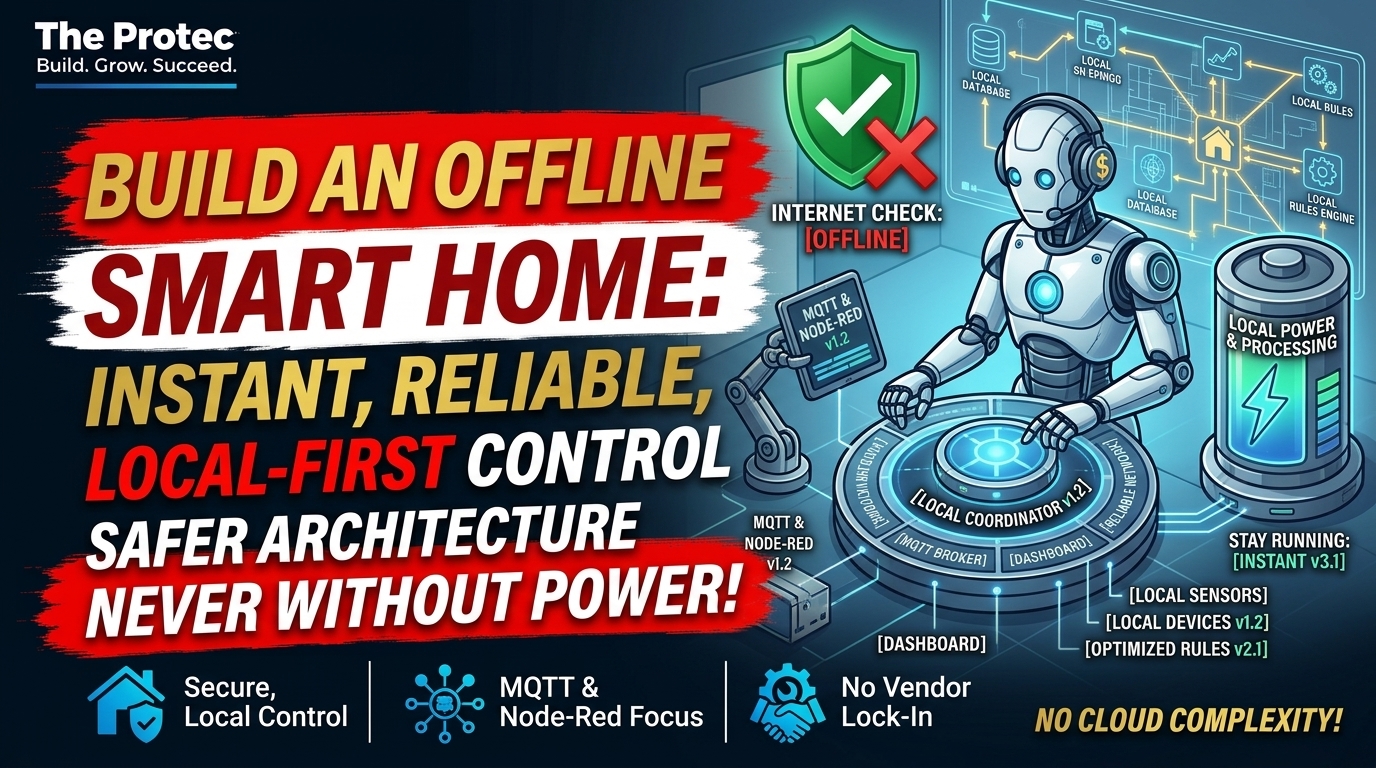
The internet goes down, you tap a wall switch, and nothing happens because the light is waiting for a server hundreds of miles away. An offline smart home avoids that failure by keeping essential commands, automations, and data inside the home. Internet access can still add remote control, voice assistants, weather data, and software updates, but it should not determine whether you can turn on a light or adjust the temperature.
The practical goal is not to disconnect every device. It is to build a local-first system in which essential functions survive an internet outage, a vendor API failure, or the permanent shutdown of a manufacturer’s cloud service. That requires the right devices, a local automation hub, sensible network design, and physical controls that continue working when software does not.
Why cloud-dependent smart devices create fragile homes
Many connected products follow a deceptively complicated path. A command sent from a phone may leave the house, reach the manufacturer’s cloud platform, return through the router, and finally reach a device in the next room. If the broadband connection, vendor account, mobile app, API, or remote server fails, the command may never arrive.
The inconvenience becomes obvious when a smart bulb cannot be controlled without its app, a thermostat loses important scheduling controls, or a connected appliance depends on a vendor API for basic automation. The longer-term risk is more serious: if a manufacturer discontinues a product or closes its cloud platform, otherwise functional hardware can lose features or become unusable.
A smart home without internet should still provide basic lighting, climate control, safety notifications within the property, and established automations. Cloud services are best treated as optional enhancements—not mandatory links in every control path.
Cloud, local, and hybrid control explained
Cloud-dependent systems
Cloud-dependent devices send commands or automation decisions through external servers. They are often easy to install and may provide polished apps, remote access, or managed AI features. Their weaknesses include internet dependency, account requirements, uncertain product lifetimes, additional latency, and limited visibility when something fails.
Locally controlled systems
Local control smart devices communicate directly with a hub, controller, broker, or application running inside the home. The local network carries the command, and no vendor server is required for routine operation. A motion sensor can therefore trigger a hallway light even when the broadband modem is unplugged.
Hybrid systems
A hybrid product supports local operation while offering optional cloud features. This can be an effective compromise. Local automations handle essential tasks, while the cloud provides remote notifications, off-site backups, speech processing, or integrations that genuinely require online data. Buyers should verify that “local” means normal operation—not merely a limited manual mode.
Home Assistant offline: the local automation hub
Home Assistant is an open-source platform designed to run on hardware inside the home, including dedicated appliances, mini PCs, servers, and Raspberry Pi systems. Its dashboards, automations, and compatible local integrations can operate over the local network. The project’s official offline-operation FAQ also makes an important distinction: Home Assistant itself can work without internet, but integrations that rely on remote services cannot.
That distinction applies to any self-hosted home automation platform. Installing local software does not magically convert a cloud-only product into a local device. The complete automation path—from sensor to controller to actuator—must avoid mandatory external services.
Home Assistant can centralize dashboards, schedules, scenes, device states, and logs. Its broad integration model also lets owners combine products from different manufacturers instead of relying on one company’s app. Logs and local state histories make troubleshooting easier because users can see whether a sensor reported an event, an automation ran, and a target device responded.
Zigbee vs. Wi-Fi smart home devices—and other local options
No single protocol guarantees independence, but several technologies can support local smart home automation when implemented correctly.
- Zigbee: A low-power mesh protocol commonly used for sensors, switches, plugs, and lights. Devices can communicate through a local coordinator connected to the automation hub. Compatibility and feature exposure can vary by manufacturer.
- Z-Wave: Another low-power mesh technology with a local controller. It uses regional radio frequencies, so devices and coordinators must match the location where they are installed.
- Wi-Fi: Convenient because it uses existing network infrastructure, but the label says nothing about control architecture. One Wi-Fi plug may expose a local API, while another works only through a vendor cloud.
- Matter: An interoperability standard built around Internet Protocol networking. Matter devices are intended to support local communication with compatible controllers, but Matter does not guarantee that every advanced feature, manufacturer app, account workflow, or update process works offline.
- Thread: A low-power IPv6 mesh network used by many Matter devices. Thread provides network transport; it does not by itself define every device feature or eliminate all cloud dependencies. A Thread border router is needed to connect the mesh to the home’s IP network.
- ESPHome: A system for creating locally managed devices based on supported microcontrollers. ESPHome devices can integrate directly with Home Assistant, giving technically inclined users control over firmware behavior and sensors.
When comparing Zigbee vs. Wi-Fi smart home products, focus on the command path rather than the radio. Zigbee is often local when paired with a local coordinator, while Wi-Fi products require closer inspection for documented local APIs. Either can be reliable when properly designed.
MQTT, Node-RED, Tasmota, and Raspberry Pi
A Raspberry Pi or energy-efficient mini PC can host several components of a self-hosted home automation system. Home Assistant can provide the central interface and automation engine. An MQTT broker can carry lightweight messages among sensors, services, and switches, while Node-RED offers visual, flow-based automation for users who want more explicit logic.
In MQTT home automation, devices publish information to topics and other components subscribe to relevant topics. For example, a moisture sensor could publish a leak event, allowing a local controller to trigger an alarm and close a compatible valve. Home Assistant’s MQTT integration documentation explains discovery, configuration, and message handling.
Tasmota can provide local firmware for certain compatible devices, while ESPHome is useful for supported do-it-yourself sensors and controllers. Neither should be installed casually: hardware compatibility, electrical safety, warranty implications, and recovery procedures matter. Users also do not need every tool listed here. A simple Home Assistant installation with a Zigbee coordinator may be more maintainable than an unnecessarily complex stack.
What a resilient local architecture looks like
Consider a hallway automation built around a local motion sensor, hub, and light:
- The sensor detects movement and sends an event over Zigbee or publishes it to a local MQTT broker.
- A local automation hub evaluates time, light level, and occupancy rules.
- The hub sends a local command to the wall switch or bulb.
- The device responds and reports its state to the hub.
No command needs to leave the property. Internet access may add a remote notification or voice command, but the hallway still lights during an outage. This pattern also reduces latency and creates useful local logs for diagnosing missed events.
Keep physical controls for essential functions
Automation should add options rather than remove them. Lights need usable wall controls, thermostats need on-device temperature adjustment, doors need appropriate manual access, and critical appliances need safe fallback behavior. Visitors, children, and emergency responders should not need an app or administrator account to operate basic household systems.
Physical controls also protect against failures unrelated to the cloud, including a crashed hub, depleted sensor battery, broken automation, or network configuration error. For critical functions, design graceful degradation: if the smart layer fails, the underlying device should remain understandable and operable.
Buyer’s checklist for an offline smart home
Product pages often use “local,” “Matter,” or “hub compatible” without explaining the limits. Before buying, check the following:
- Local control: Can routine commands run entirely over the LAN or a local radio mesh?
- Documented APIs: Is there a supported local API, protocol specification, or established local integration?
- Account requirements: Is an online account mandatory for setup, daily use, recovery, or adding a new controller?
- Outage behavior: What works when the router has local connectivity but the internet connection is unavailable?
- Physical fallback: Can people operate essential features from the device itself?
- Firmware support: Are security updates available, and can firmware be updated without surrendering local operation?
- Feature boundaries: Which capabilities are local, and which depend on the manufacturer’s cloud?
- Long-term record: Has the manufacturer maintained older products, published end-of-support policies, or helped users when services changed?
If the documentation is unclear, search technical integration notes and owner reports before purchasing. “Works with Home Assistant” can describe either a local integration or a cloud API; the difference is fundamental.
How to migrate without replacing everything
Existing cloud-dependent smart devices do not all need to go into the recycling bin. A measured migration is cheaper, less wasteful, and easier to troubleshoot.
- Inventory the home. List each device, its protocol, account dependency, physical controls, and behavior during an internet outage.
- Classify by importance. Prioritize lighting, heating, access, leak detection, and safety-related functions over novelty devices.
- Test the outage. Disconnect the internet connection while leaving the local router running. Record which apps, schedules, switches, and automations continue working.
- Install a local hub. Start with Home Assistant or another maintained local platform on reliable hardware. Back up its configuration.
- Add local radios as needed. A Zigbee or Z-Wave coordinator can bring compatible devices under local control without involving their original cloud hubs.
- Integrate before replacing. Some existing products offer undocumented-looking but established local integrations, Matter support, or local network APIs. Confirm support and limitations first.
- Replace at natural milestones. When a device fails, loses support, or becomes too unreliable, choose a local-first replacement rather than conducting a costly wholesale upgrade.
- Retest regularly. Repeat the internet-outage smart home test after major updates or new installations.
Local control still requires strong security
Local does not automatically mean secure. Vulnerable firmware, weak passwords, excessive network privileges, and exposed dashboards remain serious risks. Keep hubs and devices updated, use unique credentials, disable unused services, and place untrusted internet-of-things products on an appropriate isolated network or VLAN.
Remote access needs particular care. Avoid exposing dashboards or MQTT brokers directly to the public internet without a well-designed security layer. A maintained remote-access service or properly configured VPN is generally safer than casual port forwarding. Maintain offline backups and document recovery steps so a failed storage device does not take the entire system with it.
The trade-offs of local-first automation
Local-first systems can improve resilience, privacy, responsiveness, and troubleshooting. They also shift responsibility to the owner. Initial configuration takes time, integrations can change, radios require thoughtful placement, and backups and updates must be maintained. A modest, documented system is usually better than an elaborate collection of services nobody in the household understands.
Hybrid designs are often the most practical answer: local control for essential operations, with carefully selected cloud features layered on top. The test is simple—when the internet disappears, the home should become less connected, not less functional.
AI makes reliable fallback behavior more important
Smart-home platforms are increasingly adding conversational interfaces, learned routines, computer vision, and autonomous agents. These systems may make more decisions and coordinate more devices than traditional rule-based automation. That raises the stakes: an AI service should not become a mandatory gateway for basic household control.
AI can provide optional planning and convenience, but deterministic local rules should protect essential functions. Users also need visibility into what an agent changed, permission boundaries, local logs, and a quick way to override its decisions. The smarter the system becomes, the more important predictable fallback behavior is.
Frequently asked questions
Can a smart home work completely without internet?
Yes, if its hub, device communications, automation logic, and controls are local. Online weather, remote notifications, cloud voice assistants, and cloud-only integrations will be unavailable, but local lighting, sensors, schedules, and compatible climate controls can continue operating.
Does Home Assistant work offline?
Home Assistant’s local interface and locally supported integrations can work offline. Integrations that call vendor servers or internet data services cannot. Reliable offline operation depends on choosing local integrations across the entire command path.
Does Matter guarantee an offline smart home?
No. Matter supports local IP-based communication between compatible devices and controllers, which is valuable for resilience. However, optional manufacturer features, initial account processes, firmware delivery, remote access, and some ecosystem services may still require the internet.
What is the easiest place to start?
Choose one noncritical room. Install a local hub, add a compatible sensor and switch or bulb, create one automation, and test it with the internet disconnected. Once that small system is stable and documented, expand gradually.