





What if an AI coding agent could modify its own workspace instead of waiting for developers to add every missing feature? On November 2, 2026, DeepSeek demonstrated DeepSeek Creator Mode, an experimental feature of DeepSeek Harness that turns natural-language requests into working plugins. The agent writes the code, installs the plugin, and tests whether it functions—all within the environment it is extending.
The demonstration positions Harness as an open, extensible alternative to established coding agents such as Claude Code. It does not prove that DeepSeek has surpassed those products, and Creator Mode is not a new standalone AI model. It is a developer-preview feature built into DeepSeek Harness, with an emphasis on letting an agent create tools for itself.
What is DeepSeek Creator Mode?
Creator Mode is an experimental plugin-building workflow inside DeepSeek Harness. A developer describes a desired capability in ordinary language—such as a timer, research interface, or visual design tool—and the AI coding agent attempts to create the necessary plugin.
The workflow goes beyond returning a block of source code. According to DeepSeek’s November 2 demonstration and accompanying preview materials, the agent can:
- Interpret the user’s natural-language request.
- Plan the plugin’s structure and required components.
- Write the implementation files.
- Install or register the plugin in Harness.
- Run the new capability and test its behavior.
- Revise the implementation when errors are detected.
That final mile matters. Conventional code generation often leaves developers responsible for copying files, resolving dependencies, connecting interfaces, and verifying the result. Creator Mode attempts to complete that loop inside the agent’s own environment.
It is important to keep the terminology clear: DeepSeek Creator Mode is a feature of DeepSeek Harness, not a newly released DeepSeek foundation model. Its results still depend on the models, tools, permissions, and execution environment configured in Harness.
Inside DeepSeek’s November 2 demonstration
DeepSeek presented seven example prompts during the November 2 demonstration. They were intended as illustrations of the range of plugins Harness might construct, not as benchmark tasks or guarantees that every user will obtain identical results.
Five of the most prominent examples covered distinctly different kinds of work:
- Pomodoro timer: A request for a focused-work timer showed that Creator Mode could add a small interactive utility rather than generating a separate application for manual deployment.
- Design workspace: This example tested whether the agent could produce a richer interface with controls and an editable working area.
- Poster generator: The generated tool combined user inputs and visual output, illustrating how a plugin might support a repeatable creative workflow.
- Research assistant: This prompt demonstrated a workflow-oriented tool for collecting, organizing, and presenting information.
- Conversation dashboard: The dashboard example focused on turning conversation data into a more structured interface for review and navigation.
The seven prompts should not be interpreted as seven polished commercial applications. DeepSeek’s presentation included iterative requests around the showcased builds, so some prompts represented extensions or refinements rather than entirely separate named products. Taken together, the sequence highlighted timers, visual creation, research support, information organization, and dashboard-style interfaces.
The central point was not the novelty of any one app. A developer could already ask an AI model to write a Pomodoro timer. The more consequential idea is that Harness can treat the requested capability as a plugin, place it inside the agent environment, and attempt to verify it without requiring the user to perform each integration step manually.
Why Harness says “everything is a plugin”
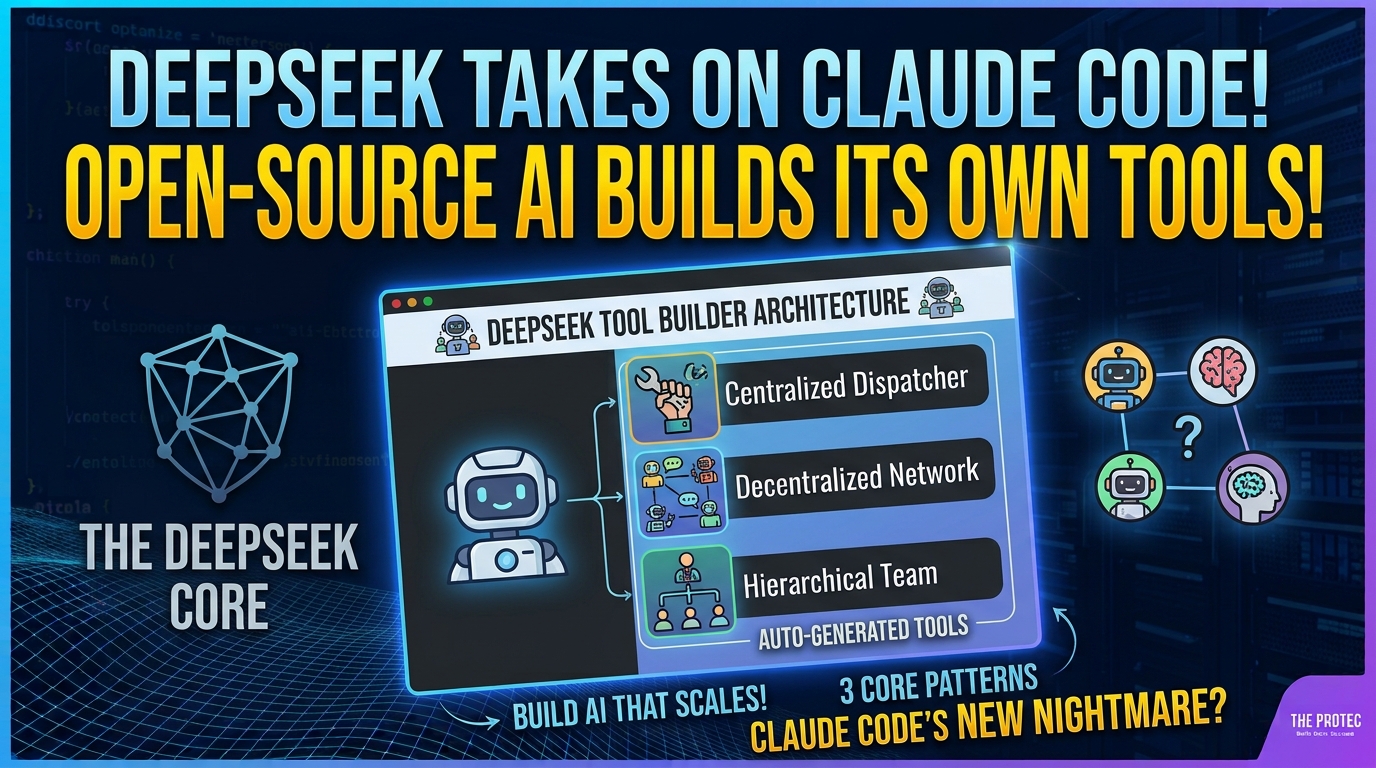
DeepSeek Harness is organized around an “everything is a plugin” architecture. Instead of treating extensions as optional accessories around a fixed core, the project exposes major parts of the agent environment as replaceable or extendable components.
Those components can include:
- Tools: Commands or functions that let the agent interact with files, services, terminals, browsers, or other systems.
- Models: The language or reasoning models used for particular tasks, subject to the adapters and providers supported by the environment.
- Skills: Packaged instructions and workflows that guide the agent through specialized jobs.
- Memory: Components that store and retrieve relevant context across tasks or sessions.
- Interface elements: Panels, dashboards, controls, visual workspaces, and other parts of the user experience.
This modularity gives Creator Mode a broad canvas. A generated plugin does not have to be another command-line tool. It could introduce a UI component, package a recurring workflow, connect a data source, or change how information is remembered and displayed.
The approach also separates Harness from systems in which the model and interface are tightly coupled. If plugins can replace models, tools, and memory providers, teams have more freedom to assemble an agent around their own infrastructure. That flexibility, however, also creates more integration and security decisions for developers to manage.
How it compares with Claude Code and other AI coding agents
Claude Code, along with other autonomous coding tools, is primarily known for operating on software projects: reading repositories, editing files, running commands, debugging failures, and helping developers complete engineering tasks. It can also work with extensibility mechanisms and external tools. Anthropic maintains current product information on its official Claude Code page.
Creator Mode overlaps with that category but changes the immediate target. Instead of only asking, “Can the agent build or repair my application?” it asks, “Can the agent add the capability it needs to its own workspace?”
Application code versus environment extensions
A typical AI coding agent might generate a timer application in a repository and provide instructions for running it. Creator Mode attempts to turn that same request into an installed Harness plugin. The output becomes part of the agent environment rather than merely another codebase produced by it.
This distinction is not absolute. Claude Code and competing agents can use integrations, commands, hooks, and tool protocols, while Harness can still generate ordinary software. The difference lies in the emphasis: Creator Mode makes self-extension a visible, first-class workflow.
An alternative, not a declared winner
A short demonstration cannot establish which agent is more reliable, secure, or effective across real repositories. Claude Code has an established coding-agent workflow, while Harness is currently presented as a developer preview. The responsible conclusion is that DeepSeek is challenging the prevailing approach with a more openly extensible design—not that it has beaten Claude Code.
Why the open-source approach matters
Harness’s open-source direction could make Creator Mode especially useful to developers who need workflow-specific tools. Teams can inspect how plugins are structured, modify generated code, replace components, and share extensions without depending exclusively on a vendor-controlled marketplace.
Potential applications include internal deployment panels, domain-specific research tools, customized review interfaces, documentation workflows, data transformation utilities, and connectors for private services. A community could also refine AI-generated plugins into maintained packages, replacing one-off generation with reusable components.
Open source does not automatically produce compatibility or quality. Community plugins may use different conventions, depend on unmaintained packages, or behave unpredictably across configurations. Harness will need clear plugin contracts, versioning practices, testing tools, and provenance information if its ecosystem is to grow safely. Developers can monitor code and release materials through DeepSeek’s official GitHub organization.
The security problem with AI-generated plugins
A plugin capable of doing useful work may also be capable of executing commands, reading files, making network requests, or accessing credentials. Letting an AI agent write and install such code introduces risks beyond those of displaying an imperfect code suggestion.
Generated code could contain a destructive bug, expose sensitive information in logs, install a vulnerable dependency, or request broader access than the task requires. An attacker could also distribute a malicious plugin under a trustworthy-looking name or place hostile instructions in data that the agent processes.
Teams experimenting with an open-source AI agent should apply several controls:
- Use least-privilege permissions. Give each plugin access only to the directories, commands, network destinations, and secrets it genuinely needs.
- Run plugins in a sandbox. Containers, isolated virtual machines, restricted processes, and disposable workspaces can limit the impact of faulty code.
- Require approval for sensitive actions. Installing packages, executing shell commands, accessing credentials, and writing outside the project directory should trigger explicit confirmation.
- Review generated source code. Automated tests are useful, but a passing test does not prove that a plugin is safe. Security-sensitive plugins need human review.
- Pin and scan dependencies. Lock dependency versions, inspect transitive packages, and use vulnerability and secret scanners before deployment.
- Preserve audit logs. Record what the agent generated, which permissions it requested, what commands it ran, and what files it changed.
- Verify plugin provenance. Do not install untrusted community plugins merely because they claim to be compatible with Harness.
These controls are particularly important when Creator Mode has access to private repositories, cloud credentials, production data, or developer machines. Convenience should not turn plugin installation into an invisible, unrestricted action.
A promising developer preview, not a reliability guarantee
Harness remains a developer preview. The successful examples shown on November 2 demonstrate an intended workflow, but they do not guarantee reliable results for every prompt, operating system, dependency set, or security policy.
Natural-language requests can be ambiguous. Generated interfaces may be incomplete, tests may cover only happy paths, and a plugin that runs during a controlled demonstration may fail in a more complex environment. Developers should treat outputs as generated software requiring inspection—not as inherently trusted infrastructure.
The most useful way to evaluate Creator Mode is with bounded, reversible tasks. Start in an isolated workspace, request a small plugin, inspect the plan and code, review requested permissions, and test failure cases. That process reveals more than judging the feature solely by polished demonstrations.
What Creator Mode could change
If the architecture matures, AI-generated plugins could shorten the distance between identifying a workflow problem and having a purpose-built tool. Instead of searching for a generic extension or building one from scratch, a developer could describe the missing capability and receive an editable starting point integrated into the agent.
The larger idea is an adaptive development environment whose tools are not entirely predetermined by its vendor. Harness makes that possibility unusually explicit. Its long-term value will depend on whether generated plugins are dependable, understandable, portable, and safe—not merely whether they look impressive in a demo.
Frequently asked questions
Is DeepSeek Creator Mode a new AI model?
No. Creator Mode is an experimental feature of DeepSeek Harness. It uses an AI agent to create and install plugins, but it is not a new standalone foundation model.
What does Creator Mode do after writing a plugin?
The demonstrated workflow goes beyond code generation. Harness can register or install the plugin, run it, test its functionality, and attempt revisions when problems appear. Results still require developer review.
Is DeepSeek Harness a Claude Code alternative?
It can be considered an open and extensible alternative within the broader AI coding-agent category. Its distinctive emphasis is allowing the agent to extend its own environment. That does not establish that it is more capable or reliable than Claude Code.
Are AI-generated plugins safe to install?
Not automatically. Plugins may execute code, access files, contact external services, or use credentials. Developers should sandbox execution, minimize permissions, inspect source code, scan dependencies, and avoid untrusted plugins.
Can developers use Creator Mode for production workflows?
Harness is a developer preview, so production use requires caution. Teams should begin with non-sensitive tasks, maintain human approval for consequential actions, and validate generated plugins under realistic security and reliability tests.