








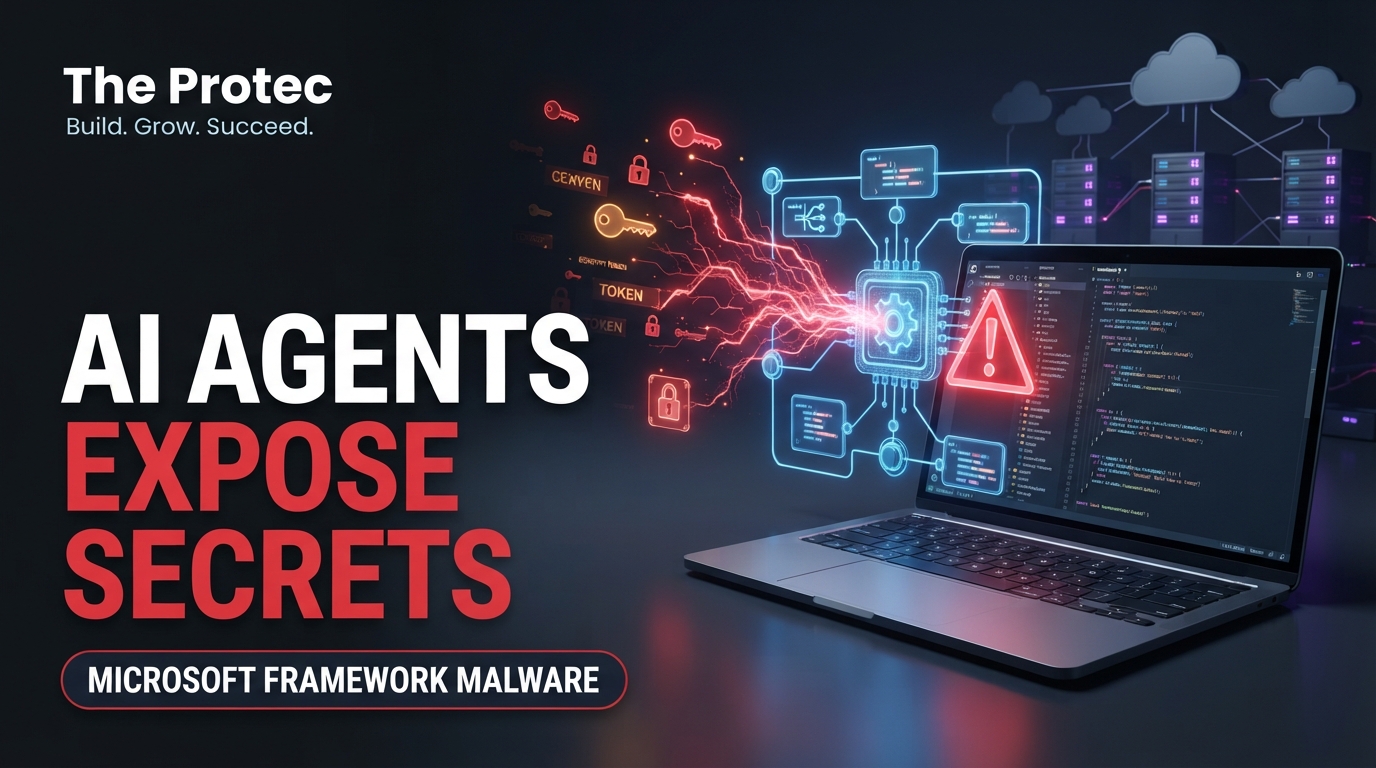
A compromised dependency does not need to be imported by an application to become dangerous. On November 17, 2026, Microsoft Agent Framework malware published through the framework’s PyPI package demonstrated why: malicious releases used executable Python startup hooks that could run credential-stealing code whenever Python started. Developers and security teams should identify installations of versions 1.26.1 and 1.26.2, isolate potentially affected systems, rotate exposed credentials, and investigate CI/CD activity. The incident does not mean every release or every user of Microsoft’s framework was compromised.
What happened to the agent-framework package?
Malicious versions 1.26.1 and 1.26.2 of the agent-framework Python package were published to the Python Package Index, or PyPI, on November 17. Those releases contained code designed to collect sensitive information from developer and build environments. Version 1.26.0 has been identified as the last clean release before the compromised uploads.
The malicious releases were subsequently removed from PyPI. According to Elastic Security Labs, its researchers detected the compromise six minutes after publication. The short public exposure window reduced the opportunity for downloads, but it did not eliminate risk. Automated dependency resolution, uncached container builds, scheduled pipelines, and developer installations can retrieve a package within minutes.
The GitHub security advisory GHSA-764m-3ppc-5m73 identifies 1.26.1 and 1.26.2 as affected. Organizations should use the advisory and their own package inventories as the authoritative basis for response rather than assuming that an installation is safe merely because the releases are no longer available.
Why the Python .pth file made this PyPI malware dangerous
Python installations commonly process files ending in .pth from site-packages during interpreter initialization. These files are normally used to add directories to Python’s module search path. However, lines beginning with an import statement can execute code when the standard site module processes them.
The agent-framework malicious package abused that behavior as a startup hook. Once installed, its payload did not depend on an application explicitly running import agent_framework. Starting Python for another application, a test runner, a package-management operation, or a CI/CD task could activate the hook. That distinction is central to this incident: reviewing source code for direct framework imports is not enough to determine whether a system was exposed.
Affected environments must therefore be treated as potentially active compromises, not simply as projects with an incorrect dependency version. Running routine Python-based diagnostic commands on a live system could start the interpreter and trigger a remaining hook. Isolate the host first and favor filesystem inspection from trusted tools or a mounted snapshot.
Which credentials may have been exposed?
Developer workstations and build agents frequently hold more authority than production applications. Depending on the environment where the Python package ran, potentially accessible material could have included:
- Azure access tokens, service principal secrets, CLI session data, and environment-based cloud credentials.
- GitHub Actions tokens, personal access tokens, workflow secrets exposed to a job, and short-lived identity tokens.
- CI/CD platform tokens used to trigger jobs, retrieve artifacts, or access deployment environments.
- Package registry, container registry, and source-control credentials.
- Cloud credentials for other providers, SSH keys, signing material, database secrets, and local configuration files available to the executing account.
Potential access is not the same as confirmed theft. The presence of agent-framework 1.26.1 or 1.26.2 establishes exposure to a malicious package, but investigators still need host, identity, network, and pipeline evidence to determine execution and misuse. Conversely, the absence of an obvious framework import does not prove that the payload never ran because the .pth mechanism operated during Python startup.
Who should investigate the Microsoft Agent Framework malware?
Prioritize any workstation, virtual environment, container image, notebook environment, or build runner that installed versions 1.26.1 or 1.26.2. This includes transitive installations recorded by dependency resolvers, even if the package was not listed directly in a top-level requirements file.
Users who remained on 1.26.0 or another verified clean release are not automatically affected. Nor does the incident imply that all Microsoft Agent Framework versions, Microsoft products, or framework users were compromised. Scope should be based on package versions, installation records, cached artifacts, and evidence of execution.
Incident response checklist for affected environments
1. Isolate before using Python-based tools
Disconnect suspected developer machines and self-hosted runners from sensitive networks, or quarantine them through endpoint controls. Pause affected pipelines and preserve relevant disks, containers, logs, caches, and process telemetry. Avoid launching Python in the environment until responders understand whether a malicious .pth file remains active.
For initial filesystem inspection from a trusted shell or mounted snapshot, locate package metadata and startup files:
find /path/to/environment -type d -name 'agent_framework-*.dist-info' -print
find /path/to/environment -type f -name '*.pth' -print
grep -RniE '^import[[:space:]]' /path/to/environment/lib/python*/site-packages/*.pth
A suspicious file should be preserved for analysis rather than deleted immediately. Capture its path, timestamps, ownership, contents, and cryptographic hash while maintaining your organization’s evidence-handling procedures.
2. Check installed versions and dependency records
After isolation—and only when responders accept the risk of starting Python—these commands can identify an installed package version:
python -m pip show agent-framework
python -m pip freeze | grep -i agent-framework
Do not rely on the current environment alone. Ephemeral runners may already have been destroyed, while the relevant version remains in lockfiles, package caches, image layers, build logs, or software bills of materials. Search repositories and retained pipeline artifacts:
grep -Rni 'agent-framework' requirements*.txt poetry.lock uv.lock Pipfile.lock
find . -type f ( -name 'requirements*.txt' -o -name 'poetry.lock' -o -name 'uv.lock' -o -name 'Pipfile.lock' ) -print
Inspect resolved versions rather than only broad constraints such as agent-framework>=1.26.0. A flexible requirement could have resolved to a malicious release during the exposure window even when the source file did not change.
3. Rebuild rather than merely uninstall
Removing the package does not establish that the host is trustworthy. A payload running with the user’s permissions may have copied credentials, changed startup configuration, created persistence, or modified other files. Rebuild affected runners and development environments from a known-good image, restore source from trusted repositories, and install dependencies from a reviewed lockfile.
Purge or quarantine package caches and container layers that may hold 1.26.1 or 1.26.2. Pin the dependency to a verified clean version, such as 1.26.0 where operationally appropriate, until the organization has reviewed a safe upgrade path. Do not downgrade in place and treat that action as complete remediation.
4. Rotate credentials in the right order
Perform rotation from a clean administrative system. Start with credentials that could create or recover other credentials: cloud administrator accounts, source-control administrators, CI/CD service identities, secret-manager access, signing keys, and registry publishing tokens.
Revoke active sessions where supported, replace Azure service principal secrets or certificates, review federated identity settings, and rotate long-lived GitHub tokens and repository or organization secrets available to affected jobs. A job-scoped GitHub Actions token may expire automatically, but teams should still review what it could access and whether it was used unexpectedly. Replace downstream credentials after controlling the identities capable of reading or rewriting them.
5. Review CI/CD, Azure, and GitHub activity
Search the period beginning with the earliest possible installation and extend beyond containment. Review package installation logs, workflow runs, runner registrations, artifact downloads, secret access, repository changes, token creation, cloud sign-ins, service principal activity, role assignments, container registry operations, and deployment events.
Look for network connections from Python processes, unusual child processes, unexpected access from build-runner addresses, new workflow files, altered release artifacts, or activity outside normal job schedules. Correlate identity events with host and pipeline telemetry. A clean dependency scan today cannot answer whether a removed ephemeral runner executed the package earlier.
Why AI development infrastructure is an attractive target
AI projects often combine rapidly changing Python dependencies, notebooks, orchestration frameworks, cloud SDKs, model registries, data stores, and automated deployment systems. A single environment may have access to proprietary code, model artifacts, training data, cloud compute, and production deployment credentials.
Agent frameworks are especially sensitive because developers expect them to integrate with external services and credentials. That legitimate access can make malicious behavior harder to distinguish from normal framework activity. Fast-moving experimentation also encourages frequent installs and loose version constraints, increasing the chance that a poisoned release reaches a workstation or pipeline before a lockfile or security review catches it.
This is why a Python supply chain attack can cross boundaries quickly. The initial compromise may be a development dependency, but the consequences can reach cloud control planes, source repositories, artifact registries, and production CI/CD systems.
Reducing risk from future Python package malware
- Pin and verify dependencies: Use reviewed lockfiles and hashes so builds do not silently retrieve a newly published version.
- Separate build identities: Give each pipeline only the permissions required for its task and avoid sharing credentials across repositories.
- Prefer ephemeral, clean runners: Recreate build workers from controlled images and prevent untrusted jobs from accessing privileged secrets.
- Monitor package resolution: Record exact versions, download sources, hashes, and installation times in retained build logs.
- Scan startup mechanisms: Include
.pthfiles, site customization modules, shell profiles, and other interpreter startup paths in endpoint monitoring. - Use short-lived credentials: Federated identities and narrowly scoped tokens reduce the value and lifetime of stolen secrets.
- Maintain rapid revocation procedures: Teams should know who can disable runners, revoke cloud sessions, rotate secrets, and block compromised packages.
Frequently asked questions
Were all Microsoft Agent Framework users compromised?
No. The confirmed malicious PyPI releases were agent-framework 1.26.1 and 1.26.2. Exposure depends on whether one of those versions was installed in an environment and whether the startup code executed. Version 1.26.0 is identified as the last clean release before the compromise.
Could the malware run without importing agent-framework?
Yes. Its executable .pth startup mechanism could run when Python initialized and processed site-packages. An application did not need to import the framework directly, which is why investigators must examine environments and lockfiles rather than only application imports.
Is uninstalling the malicious package sufficient?
No. Uninstallation may remove package files but cannot reverse credential exposure or prove that no persistence or secondary changes occurred. Isolate the system, preserve evidence, rotate credentials, review logs, and rebuild from a trusted baseline.
What version should teams look for in historical records?
Search specifically for 1.26.1 and 1.26.2 in package inventories, lockfiles, CI/CD output, caches, container layers, and SBOMs. Also review unconstrained dependency specifications that may have resolved to either release on November 17.
The key lesson for cloud security teams
The Microsoft Agent Framework malware incident shows how package installation can become code execution far outside the code path developers expect. Because Python .pth hooks run during interpreter startup, traditional checks for imported modules can miss the real exposure. Teams that find an affected version should handle it as a software supply chain attack: contain first, investigate historical execution, rebuild trusted environments, rotate reachable credentials, and scrutinize cloud and CI/CD activity.