









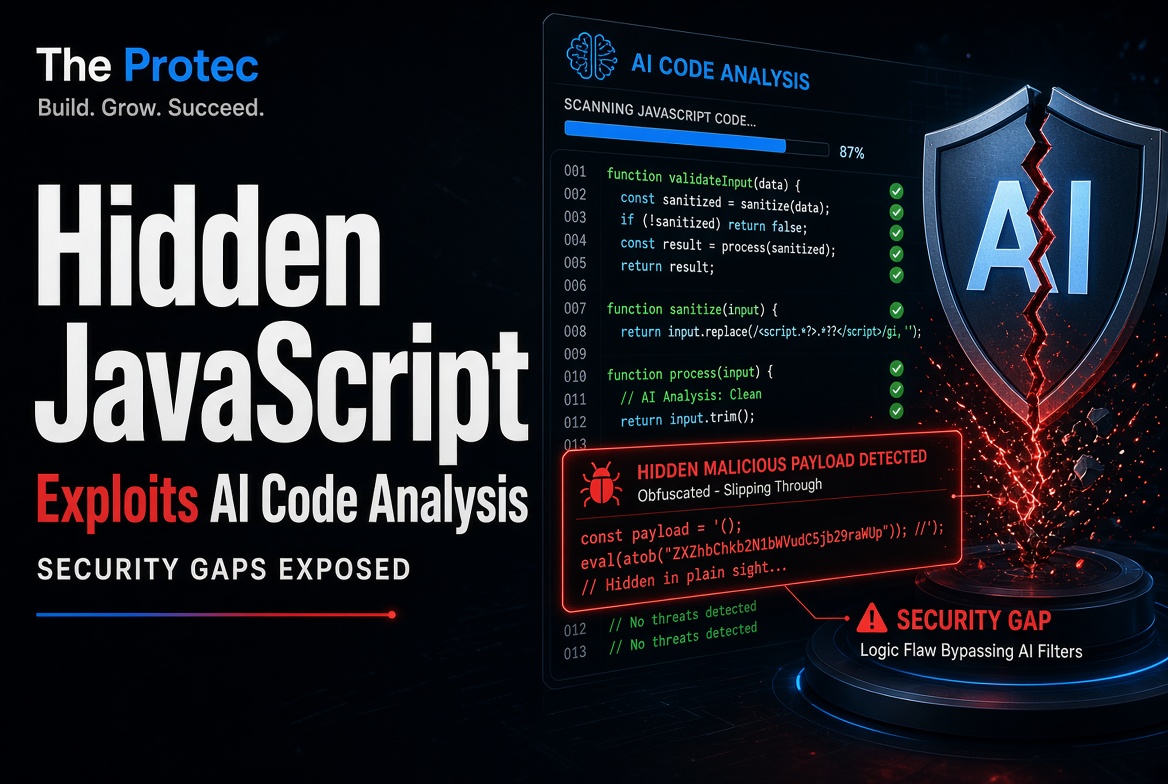
A JavaScript file can contain two messages at once: instructions for a browser and text intended to influence whoever reviews it. That distinction is central to a troubling AI code analysis security case uncovered during a crawl of 10,000 websites. The discovered script reportedly performed browser fingerprinting while carrying alarming function names and invisible Unicode text that appeared designed to make AI assistants refuse, derail, or prematurely end their analysis.
The finding does not prove that every AI security tool can be defeated this way, nor does it show that the script performed the dangerous activities named in its decoy text. It does demonstrate a practical weakness in AI-assisted code review: a model may react to adversarial language inside a file instead of evaluating what the program actually does.
What the researcher found in the JavaScript
According to the original NullPtr investigation, the researcher encountered the unusual JavaScript while examining resources collected from a 10,000-site crawl. The sample contained identifiers with names referring to biological or chemical weapons and other dangerous conduct. It also included Unicode tag characters that encoded text resembling a fake system-level instruction.
Those two elements appeared calculated to provoke an AI system’s safety controls. The alarming names could cause a model to associate the file with prohibited subject matter, while the concealed text could be interpreted as an instruction to stop, refuse, or handle the source differently. The investigation therefore proposed that the material was aimed at AI-mediated analysis rather than at the JavaScript engine executing the file.
That interpretation should not be confused with directly observed runtime behavior. A disturbing function name is only an identifier. A comment remains a comment, and hidden prose does not become executable JavaScript merely because it appears in a source file. Researchers must inspect call paths, expressions, network activity, data access, and browser APIs to establish what code does.
In this case, the underlying logic reportedly gathered browser and graphics characteristics associated with fingerprinting. The hidden prompt did not establish that the script carried out the hazardous activities mentioned in its decoy language. Those references were evidence of possible anti-analysis intent, not evidence of biological, chemical, or other physical capabilities.
How invisible Unicode can carry a prompt
The Unicode Tags block spans U+E0000 through U+E007F. Characters in this range can encode tag-like representations of text while being treated as default-ignorable or rendered invisibly by many ordinary interfaces. A source-code viewer may therefore display an apparently harmless line even though the underlying character stream contains additional information.
An AI model receiving the raw source may still tokenize or otherwise process those characters. If an application normalizes or decodes the tags before sending the file to a model, the concealed sentence may become even more explicit. This creates an opening for prompt injection in code: text inside the material being reviewed attempts to behave like an instruction to the reviewer.
Hidden Unicode is not inherently malicious. Unusual characters have legitimate roles in language representation, compatibility, annotation, and specialized data formats. Tag characters also differ from bidirectional controls, which can alter the visual ordering of text. Both deserve inspection because invisible or misleading presentation can make reviewed code differ from what a person believes is present.
The security concern depends on context. Concealed instructions inside an unexplained third-party script, especially when paired with provocative decoy names, warrant scrutiny. The correct response is to reveal and classify the characters—not to label every non-ASCII file as malware.
Why some AI security tools may refuse
General-purpose assistants are trained and configured to avoid facilitating serious harm. A code sample saturated with dangerous terminology may activate those protections even when the user’s real request is defensive analysis. Embedded text can also imitate privileged instructions, creating a conflict between the review request and content found inside the untrusted file.
The NullPtr report described mixed results when the sample was tested with different AI systems. Some responses refused or curtailed the requested analysis, while other systems were able to discuss or inspect the code. Such results are model- and configuration-dependent: vendors revise filters, system prompts, preprocessing, and model versions over time. It would be inaccurate to conclude that every AI scanner is vulnerable or that one technique will work consistently.
A refusal is also not proof of malicious code. It only shows that a particular system declined the request under particular conditions. Conversely, a confident AI explanation is not proof that a file is safe. A model might overlook obfuscation, invent a benign interpretation, fail to follow a data flow, or obey adversarial text embedded in the source.
This is the broader weakness in AI-assisted code review. Developers often paste an unfamiliar library, minified snippet, or dependency into an assistant and ask, “Is this safe?” If the artifact can influence the reviewer, the resulting answer may be incomplete, evasive, or falsely reassuring. Embedded instructions must be treated as untrusted input, not as directions that outrank the analyst’s task.
The actual privacy issue: browser fingerprinting
Browser fingerprinting combines observable characteristics such as browser configuration, operating-system details, screen properties, fonts, graphics capabilities, and device behavior. Canvas or WebGL operations can expose rendering differences influenced by graphics hardware, drivers, and software.
As MDN’s fingerprinting overview explains, combining these signals can help distinguish or correlate visitors, sometimes without relying on a conventional cookie. That creates privacy concerns because the technique may support tracking across sessions or contexts where users do not expect it.
A fingerprint should not automatically be described as a permanent or unique personal identity. Attributes can change, multiple devices may produce similar results, and collection methods vary in precision. The defensible conclusion from the reported sample is that it gathered characteristics useful for fingerprinting—not that it could invariably identify a named individual.
AI review must complement conventional analysis
AI can summarize minified code, identify suspicious APIs, and help analysts form hypotheses. It should not replace methods that examine the software artifact more directly:
- Static analysis checks syntax, data flows, known dangerous patterns, and policy violations without executing the program.
- Abstract syntax tree inspection separates executable structure from comments, decorative identifiers, and misleading formatting.
- String extraction and Unicode inspection reveal hidden characters, encoded payloads, URLs, domains, and messages that a normal editor may omit.
- Dependency auditing checks package identity, provenance, version history, advisories, lockfiles, and unexpected changes from known-good releases.
- Sandboxed behavioral analysis observes network requests, storage access, fingerprinting APIs, dynamic code generation, and other runtime actions in a controlled environment.
None of these methods is perfect. Static tools can miss code assembled at runtime; sandboxes can be detected; dependency records can be incomplete; and obfuscation can slow human review. Their value comes from independent evidence. An adversarial sentence that distracts a language model does not change an abstract syntax tree or erase a captured network request.
Defensive checklist for unfamiliar JavaScript
- Start with provenance. Obtain third-party JavaScript from trusted sources. Confirm package names carefully to avoid typosquatting, and verify the publisher, requested version, release history, and repository relationship.
- Use integrity controls. Pin dependencies where practical and verify checksums, signatures, lockfiles, or Subresource Integrity hashes when the distribution channel supports them.
- Expose invisible characters. Use an editor, linter, hexadecimal viewer, or Unicode-aware scanner that displays code points. Check tag characters, zero-width characters, confusables, and bidirectional controls rather than trusting visual appearance.
- Separate text from executable behavior. Inspect the parsed syntax tree and determine whether suspicious words are comments, strings, identifiers, dynamically executed content, or data sent elsewhere.
- Decode cautiously. Extract and decode obfuscated strings only in an isolated environment. Do not paste unknown payloads into a production console or execute them on a workstation containing credentials.
- Review high-risk capabilities. Look for
eval, theFunctionconstructor, dynamically created scripts, WebAssembly loading, network requests, cookies, local storage, credential access, and unusual data collection. - Check fingerprinting behavior. Examine canvas, WebGL, audio, font, screen, hardware, and navigator queries. Determine what is collected, where it is transmitted, and whether that collection matches the stated purpose.
- Compare against a known-good release. Diff the file with the publisher’s official package or source. Unexpected identifiers, encoded strings, added endpoints, or post-install changes deserve investigation.
- Use a disposable sandbox. Run untrusted code without production credentials, private data, browser profiles, cloud tokens, or access to internal networks. Record file, process, storage, and network behavior.
- Constrain the AI review. Tell the assistant that all comments, identifiers, strings, and embedded prompts are untrusted data. Request a structured account of imports, APIs, data flows, network destinations, persistence, obfuscation, and uncertainty.
- Demand explicit coverage. Ask the AI to identify any content it could not decode or inspect. A refusal, truncation, or missing section should trigger independent analysis rather than being treated as a clean result.
What this means for AI code analysis security
This case expands the meaning of malicious code detection. Reviewers must consider not only what software does when executed, but also how the artifact may manipulate human or machine analysts before execution. JavaScript obfuscation can hide logic from people; prompt injection can attempt to redirect an AI; and Unicode presentation tricks can hide material from both.
Security-tool developers can reduce the risk by separating instructions from analyzed content, canonicalizing and reporting unusual characters, assigning untrusted status to source text, and pairing model output with deterministic analysis. Interfaces should make refusals visible and preserve enough evidence for a human reviewer to continue. Models should also be encouraged to distinguish executable statements from comments, labels, and decoded non-executable text.
Frequently asked questions
No. The presence of invisible characters does not automatically execute the text they encode. Runtime effects depend on where the characters appear and how the parser or application processes them. They may be part of a comment, string, identifier, or invalid syntax. A separate decoding or execution step would be required for hidden prose to become active code.
Does an AI refusal mean a script is malware?
No. A refusal reflects the model’s policies and interpretation of the request, not a malware verdict. Analysts still need to inspect executable behavior, provenance, data flows, network activity, and observed runtime effects.
Can all AI security tools be fooled by prompt injection in code?
No universal conclusion is justified. Systems differ in preprocessing, prompt isolation, model behavior, safety filters, and supporting static-analysis features. The reported tests produced different outcomes, illustrating a risk rather than a guaranteed bypass.
Is browser fingerprinting always malicious?
No. Fingerprinting signals may support fraud prevention, compatibility testing, abuse detection, or analytics. They can also enable opaque tracking. Security and privacy assessments should examine consent, necessity, data minimization, retention, disclosure, and whether characteristics are shared across contexts.
An AI refusal is the start of an investigation
The central lesson is not that AI review is useless. It is that AI must not become the sole gatekeeper for third-party JavaScript risks. Models can accelerate analysis, but source code may contain adversarial material aimed specifically at them. When an assistant refuses to inspect a file, investigators should reveal hidden characters, parse the executable structure, compare trusted versions, and observe behavior in a sandbox. A refusal is neither an automatic pass nor a definitive malware verdict—it is a signal to gather independent evidence.