








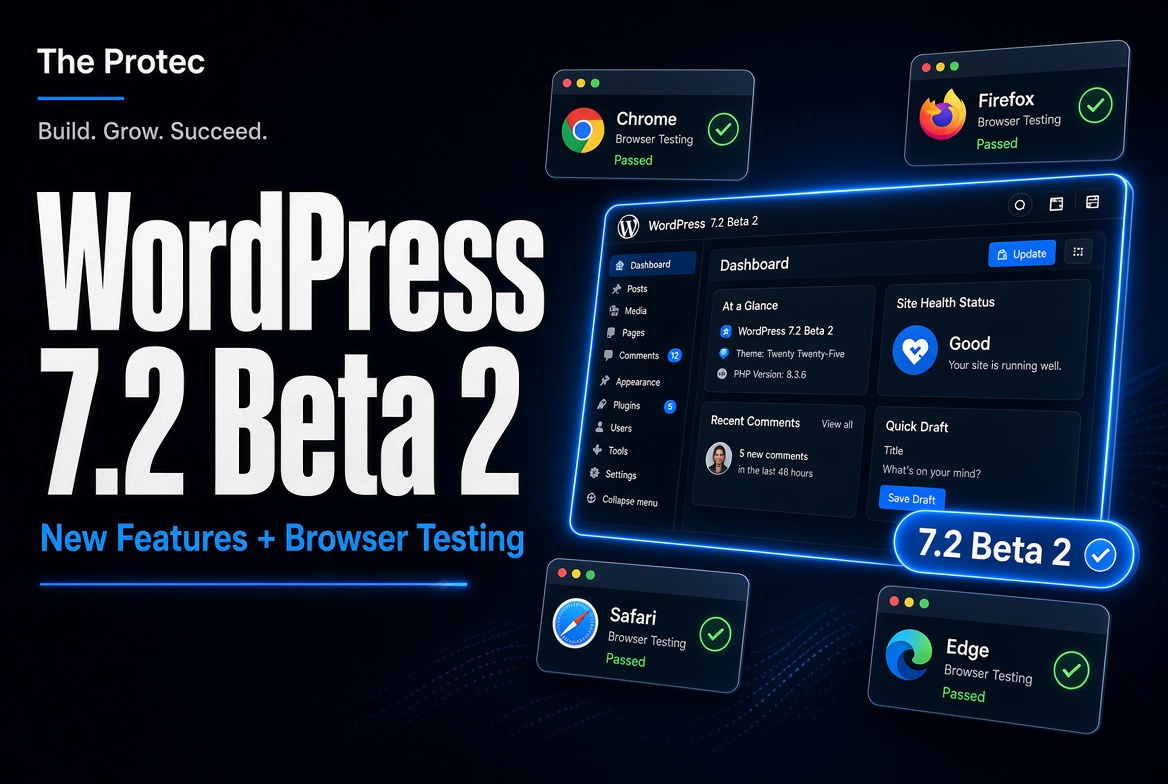
A new WordPress release is approaching, but installing unfinished software on a live website is never the right way to explore it. WordPress 7.2 Beta 2, released on October 27, 2026, gives site owners, plugin developers, theme authors, and hosting teams a safer opportunity to find compatibility problems before the stable release arrives.
The final WordPress 7.2 release is scheduled for December 8, 2026, although release schedules can change as testing progresses. Beta 2 is strictly pre-release software. It should be used only in WordPress Playground, staging, local, or otherwise disposable environments—not on production or mission-critical websites.
This guide separates the changes highlighted for Beta 2 from work already available in Beta 1. It also explains how to test WordPress beta online in a browser, how to use the other official installation methods, and how to submit a useful bug report.
WordPress 7.2 Beta 2 at a glance
Beta 2 is an iterative testing release rather than a completely new feature package. It refines APIs, administration behavior, and developer tools that entered the WordPress 7.2 testing cycle earlier. Some implementation details may still change before December.
| Area | What testers should examine | Why it matters |
|---|---|---|
| Abilities API | Content queries, capability requirements, schemas, and permission handling | Plugins need predictable, secure ways to expose actions and functionality. |
| DataViews and DataForm | New server-side registration capabilities | Developers can define data-driven administrative interfaces more consistently. |
| REST API | More flexible handling across supported API workflows | Integrations may encounter fewer unnecessary constraints while retaining validation. |
| Admin assets | Refined loading of scripts and styles | Correctly scoped assets can reduce conflicts and avoid loading resources unnecessarily. |
| Admin icons | Transition toward modern SVG icons | SVG assets scale cleanly and are easier to maintain in modern interfaces. |
| Beta 1 baseline | Earlier API, editor, interface, accessibility, and compatibility work | Regression testing should cover the complete 7.2 beta cycle, not only Beta 2 changes. |
What is new or refined in WordPress 7.2 Beta 2?
The official WordPress 7.2 Beta 2 announcement is the primary reference for this build. It also points testers toward the relevant WordPress Core Trac tickets and Gutenberg commits, where implementation discussions and individual changes can be reviewed. Because beta work remains active, the following items should not be interpreted as guaranteed final-release behavior.
Continued development of the WordPress Abilities API
The WordPress Abilities API provides a structured way for software to describe actions it can perform. Beta 2 continues this work in several practical areas: querying content, declaring capability requirements, handling input and output schemas, and enforcing permissions.
In accessible terms, an ability might represent an action such as retrieving a set of posts or performing a plugin-specific operation. A schema describes the data that action expects and returns. Capability and permission checks determine whether the current user or request is allowed to run it.
Plugin developers should test more than the successful path. Try an administrator, an editor, and a lower-privileged account. Submit valid and invalid parameters. Confirm that private or restricted content cannot be exposed through a query. A convenient developer API is useful only when its permission boundaries behave consistently.
Server-side registration for DataViews and DataForm
WordPress DataViews and DataForm support data-driven screens for displaying, filtering, editing, and managing records. Beta 2 adds server-side registration capabilities to this continuing work.
This matters because a plugin may eventually be able to define more of an administrative data interface from PHP rather than assembling every screen independently in browser-side code. For example, a plugin managing locations could describe fields, supported actions, and presentation details on the server, then use shared interface components to display and edit those records.
Developers testing this area should check field schemas, labels, validation, filtering, empty states, pagination, permissions, and error handling. Server-side registration is still developing, so avoid redesigning a production plugin around beta-only behavior until the final API is documented.
Greater REST API flexibility
REST API refinements in Beta 2 are intended to make supported request and response workflows more flexible. This is particularly relevant to headless websites, mobile applications, block-editor integrations, and plugins that register custom endpoints.
Test existing integrations for status codes, authentication, parameter validation, response shapes, and error messages. Greater flexibility does not mean that validation or authorization should be bypassed. An endpoint must still reject malformed input and requests from users without the required permissions.
More precise loading of administration assets
WordPress administration screens depend on JavaScript and CSS supplied by Core, themes, and plugins. Beta 2 refines how some admin assets are loaded so resources can be attached to the correct context and avoid appearing where they are not needed.
Plugin authors should visit every custom settings page, list table, editor panel, and modal. Look for missing styles, undefined JavaScript objects, duplicate event handlers, or assets that load across the entire dashboard when they are needed on only one screen. Open the browser console and network panel, because an apparently minor warning may reveal an incorrect dependency or loading order.
Modern SVG icons in the administration interface
The administration interface is also transitioning toward modern SVG icons. Unlike older bitmap assets, SVG graphics remain sharp at different sizes and pixel densities. They can also fit more naturally into maintainable interface systems.
Theme and plugin developers should check custom admin CSS for assumptions about image dimensions, background positions, colors, or legacy icon files. Test standard and high-contrast color schemes, browser zoom, right-to-left layouts where applicable, and narrow screens. This is a visual modernization, but custom styling can turn a small asset change into a noticeable compatibility issue.
What was already available in Beta 1?
The official WordPress 7.2 Beta 1 announcement opened the broader testing cycle. Beta 1 included the initial 7.2 package of Core and block-editor updates, including the earlier iterations of API work, DataViews and DataForm development, editor refinements, administrative changes, and general accessibility, performance, and compatibility fixes included in that build.
Beta 2 continues and adjusts parts of that baseline. It does not mean that every feature mentioned on a long-term WordPress roadmap is present or complete. In particular, experimental Gutenberg work and ideas under discussion should not be described as confirmed WordPress 7.2 new features unless they are included in the beta package and identified in the release documentation.
For reliable testing, compare the same workflow in Beta 1 or the latest stable version when possible. This helps determine whether a problem is new in Beta 2, began earlier in the 7.2 cycle, or already exists in production WordPress.
How to test WordPress 7.2 Beta 2 in your browser
WordPress Playground runs WordPress in the browser without a conventional local web server, database setup, or hosting account. It is the quickest option for exploring a dashboard, testing blocks, or performing an initial plugin compatibility check.
- Open the official announcement. Use the WordPress Playground instance linked from the Beta 2 announcement rather than an unofficial demo.
- Wait for the environment to load. Playground prepares WordPress and its supporting runtime in the browser. Loading time depends on the device and connection.
- Confirm the installed version. Check the dashboard or updates screen and verify that the environment reports WordPress 7.2 Beta 2.
- Explore the dashboard and editor. Create posts and pages, insert blocks, change settings, open list screens, and test navigation through common admin workflows.
- Add relevant test components. Install or upload non-sensitive copies of themes and plugins when the Playground configuration supports them. Exercise custom blocks, settings pages, forms, templates, and layouts.
- Test user-facing output. Preview different viewport widths, inspect menus and templates, submit forms with dummy data, and watch for visual or JavaScript problems.
- Record reproducible failures. Note the exact action, expected result, actual result, browser, active theme, active plugins, and any console error.
Playground is ideal for quick experiments, but it is not production hosting. Depending on its configuration, changes may disappear when the session closes or resets. Browser storage, available memory, networking, file access, background processes, and server extensions may also differ from conventional hosting. Some third-party plugins—especially those involving payments, external services, scheduled tasks, or unusual server requirements—will not behave identically.
Alternative WordPress beta testing methods
WordPress Beta Tester plugin
On a separate test installation, install the WordPress Beta Tester plugin. In its settings, select the Bleeding edge channel and the Beta/RC Only stream, then run the available update. Confirm the version afterward.
Official beta download
You can download the beta package offered through the official release announcement and install it in a local or staging environment. This method is useful when you need a conventional PHP, web server, and database stack that resembles the intended hosting configuration.
WP-CLI
Developers can update a disposable test installation from the command line:
wp core update --version=7.2-beta2
Run the command only after confirming that the current directory belongs to the test site. Back up any valuable test data first.
Safety rules before testing
- Never install a beta on a live, revenue-generating, or mission-critical website.
- Use a separate staging site, local environment, or disposable Playground session.
- Back up files and the database if the test installation contains anything valuable.
- Do not copy real customer information into the environment.
- Do not use production passwords, API keys, payment credentials, or live webhooks.
- Assume beta database changes may not be straightforward to reverse.
Developer-focused testing checklist
- Admin screens: Check custom menus, settings, notices, list tables, icons, styles, modals, and asset dependencies.
- REST API: Test authenticated and unauthenticated requests, validation failures, status codes, response structures, and custom endpoints.
- Permissions: Repeat sensitive workflows with several user roles and confirm unauthorized actions fail safely.
- Editor workflows: Create, edit, save, preview, schedule, and revise content using core and custom blocks.
- Data interfaces: Test DataViews and DataForm integrations, including schemas, filters, pagination, validation, and empty states.
- Theme compatibility: Review templates, patterns, navigation, responsive layouts, typography, and editor-to-front-end consistency.
- Plugin compatibility: Activate plugins individually, test upgrades, and watch for deprecated calls or fatal errors.
- Browser diagnostics: Inspect console errors, failed network requests, PHP logs, and REST API responses.
How to report a reproducible bug
Search existing reports before opening a new one. General testing questions and help reproducing a problem can go to the WordPress support forums, particularly the alpha and beta testing area. Confirmed WordPress Core defects can be reported in Core Trac. If the issue is specific to a Gutenberg package, follow the component and commit references supplied in the release notes.
A strong report includes a short title, exact reproduction steps, expected and actual behavior, WordPress version, PHP version, browser, operating system, theme, active plugins, and relevant logs or screenshots. Retest with default conditions when practical. Remove credentials, customer data, private URLs, and security-sensitive details before posting.
Frequently asked questions
Is WordPress 7.2 Beta 2 safe for a live website?
No. It is a pre-release testing build and may contain bugs, incomplete interfaces, or compatibility problems. Use an isolated environment with no production data or credentials.
What is the WordPress 7.2 release date?
The final release is scheduled for December 8, 2026. That date is a target rather than a guarantee and may change if testing identifies issues requiring more work.
Do I need to install a local server to test the beta?
No. WordPress Playground can run a disposable WordPress environment directly in a supported browser. A local or staging installation is still preferable when you need realistic server configuration, persistence, integrations, or performance testing.
Will every plugin work in WordPress Playground?
No. Many plugins can be explored there, but compatibility depends on browser resources and the Playground configuration. Plugins requiring unsupported server extensions, background services, external networking, or production payment connections may behave differently.
Will every Beta 2 change appear unchanged in the final release?
Not necessarily. APIs, interfaces, and implementation details can be revised or removed during beta and release-candidate testing. Follow official release notes and test later builds before making final compatibility claims.
Test now, but keep production protected
WordPress 7.2 Beta 2 offers an important checkpoint for testing the evolving Abilities API, server-registered DataViews and DataForm functionality, REST API behavior, admin asset loading, and SVG icon updates. Playground makes the first review accessible even if you do not maintain a local development stack.
Start with a disposable browser session, work through the workflows your website or product depends on, and document anything that fails. Careful testing now can help the WordPress community improve the December release while keeping your live website safely separated from unfinished software.