







Contents
- 1 Why AI Productivity Apps Matter More Than Ever
- 2 What to Look for in the Best AI Apps
- 3 1. ChatGPT: The Flexible All-Rounder for Daily Work
- 4 2. Microsoft Copilot: Best for Microsoft 365 Workflows
- 5 3. Notion AI: Best for Knowledge Management and Team Collaboration
- 6 4. ClickUp AI: Best for Task Management and Workflow Control
- 7 5. Grammarly: Best for Professional Writing and Communication
- 8 6. Zapier AI: Best for Connecting Business Automation Tools
- 9 7. Otter.ai: Best for Meetings and Action Items
- 10 8. Motion: Best for AI Scheduling and Time Management
- 11 How These AI Productivity Apps Compare
- 12 How to Build a Smarter AI Productivity Stack
- 13 External Resources Worth Exploring
- 14 FAQs About AI Productivity Apps
- 15 Final Thoughts
Why AI Productivity Apps Matter More Than Ever
Professionals are working in a very different environment than they were just a few years ago. Teams are distributed, communication happens across multiple platforms, and the volume of meetings, messages, documents, and decisions keeps growing. That is exactly why AI productivity apps have become essential. They do more than speed up repetitive tasks. The best AI apps now help professionals think faster, write better, organize priorities, automate workflows, and reduce context switching throughout the day.
The modern workplace is no longer just about individual efficiency. It is about creating a system where information moves smoothly, follow-ups happen automatically, and teams stay aligned without constant manual effort. That is where business automation tools powered by AI have become especially valuable. They can summarize meetings, draft responses, extract action items, generate reports, and connect different software tools into one smoother workflow.
As of May 2026, the strongest tools in this category are not just intelligent chatbots. They are integrated productivity systems with deep context awareness, multimodal input, real-time collaboration, and increasingly reliable automation capabilities. In this article, we will compare the best AI-powered productivity apps for professionals, focusing on practical use cases, strengths, and the types of workflows each tool improves most.
What to Look for in the Best AI Apps
Not every app with an AI label deserves a place in a professional workflow. The best AI apps deliver measurable value in at least one of three areas: time savings, decision support, or workflow automation. Before choosing a tool, it helps to evaluate how it fits into your existing systems and how much manual work it can actually remove.
- Accuracy: Outputs should be reliable enough for everyday professional use.
- Integration: The app should connect with calendars, email, project management tools, or cloud storage.
- Automation depth: Strong tools can trigger actions, not just generate text.
- Ease of use: Professionals need tools that reduce friction, not add another learning curve.
- Collaboration: Shared spaces, comments, and team workflows matter in real business settings.
- Security and governance: Sensitive data handling is increasingly important for business users.
With those criteria in mind, let us look at the standout AI productivity apps and how they compare in real-world professional workflows.
1. ChatGPT: The Flexible All-Rounder for Daily Work
For many professionals, ChatGPT remains one of the most useful AI productivity apps because it can adapt to so many tasks. It is widely used for drafting emails, summarizing documents, brainstorming ideas, refining writing, creating project outlines, and even helping with lightweight analysis. The key strength is flexibility. Instead of forcing users into a narrow workflow, it can support many different work styles.
In 2026, the most valuable use cases for ChatGPT in business settings include internal communication drafts, sales messaging, meeting prep, policy summaries, and quick content generation. It is also useful as a thinking partner when you need to turn a rough idea into a structured plan. For teams, its value increases when it is used to standardize recurring tasks such as status updates, client proposals, and knowledge-base drafts.
Best for: Writing, ideation, summarization, and general knowledge work.
Limitations: It still requires human review for accuracy, brand tone, and sensitive business decisions.
2. Microsoft Copilot: Best for Microsoft 365 Workflows
Microsoft Copilot is one of the strongest business automation tools for professionals already working inside Word, Excel, Outlook, Teams, and PowerPoint. Its biggest advantage is native integration. Rather than switching between apps, users can ask Copilot to summarize a Teams meeting, draft a document in Word, analyze an Excel sheet, or help write an Outlook email thread.
This makes Copilot especially valuable for enterprise teams and managers who live inside Microsoft 365 all day. Its productivity impact is strongest in organizations with standardized workflows and document-heavy operations. Instead of creating a separate AI workflow, Copilot enhances the tools people already use.
Recent improvements in enterprise governance, contextual assistance, and cross-app generation have made Copilot more practical for business use than early versions of AI assistants. For professionals who need productivity without leaving their core office suite, it is one of the best AI apps available.
Best for: Office documents, email management, spreadsheets, and meetings.
Limitations: Most useful only if your team is already embedded in Microsoft tools.
3. Notion AI: Best for Knowledge Management and Team Collaboration
Notion AI stands out because it combines note-taking, documentation, project organization, and AI assistance in one workspace. Professionals use it to create meeting notes, summarize research, draft project plans, and maintain internal wikis. For teams that want one system for knowledge and execution, Notion AI is a strong choice.
One of the biggest productivity gains comes from turning scattered information into searchable, structured context. Instead of digging through email threads or separate docs, teams can store decisions, processes, and notes in one place and use AI to extract what matters. This is particularly helpful for operations teams, agencies, startups, and remote organizations.
Notion AI is one of the best AI productivity apps for professionals who value documentation as much as execution. It is not only about generating content; it is about making team knowledge easier to find and use.
Best for: Internal documentation, project notes, team knowledge bases, and planning.
Limitations: Less powerful for deep automation than dedicated workflow tools.
4. ClickUp AI: Best for Task Management and Workflow Control
ClickUp AI is especially useful for professionals managing multiple projects, deadlines, and teams. It adds intelligent assistance to task management by helping users write task descriptions, summarize updates, create project docs, and generate action items from notes. The platform is already known for its broad project-management feature set, and AI makes it even more efficient.
Where ClickUp AI excels is workflow clarity. Professionals can use it to reduce the time spent on planning, updating, and organizing tasks. For managers, it helps convert meeting notes into actionable work. For teams, it reduces the back-and-forth that often slows down execution. As business automation tools go, ClickUp AI is strong because it sits close to the work itself.
Best for: Project teams, operations, task tracking, and team coordination.
Limitations: Can feel complex if your team only needs simple task tracking.
5. Grammarly: Best for Professional Writing and Communication
Grammarly remains one of the most practical AI productivity apps for professionals because communication quality has a direct effect on productivity. It helps users write clearer emails, stronger client-facing messages, polished reports, and more consistent internal communication. Its AI features now go well beyond grammar checks, offering tone adjustments, rewrite suggestions, and message refinement.
For busy professionals, Grammarly saves time by reducing editing cycles. It is especially useful for leaders, sales teams, consultants, and customer-facing roles where writing quality affects credibility. The tool also works well as a final review layer before sending important messages or publishing content.
While it may not automate workflows in the same way as project tools, Grammarly contributes to productivity by preventing communication mistakes and shortening the writing process. In many workplaces, that makes it one of the best AI apps to keep on hand every day.
Best for: Email, reports, proposals, and polished business writing.
Limitations: Less useful if your main need is task automation rather than writing support.
6. Zapier AI: Best for Connecting Business Automation Tools
Zapier has long been one of the most important automation platforms for professionals, and its AI capabilities make it even more powerful. It helps connect apps across sales, marketing, operations, HR, and customer support so repetitive tasks can happen automatically. With AI-assisted setup and workflow suggestions, Zapier makes automation more accessible to non-technical users.
This is where productivity gains become especially significant. Imagine automatically saving form responses to a spreadsheet, sending a follow-up email after a meeting, creating tasks from new leads, or generating summaries from incoming requests. Zapier AI helps turn those manual processes into consistent automated systems.
For professionals looking for business automation tools that save time every day, Zapier is often one of the best investments. Its value grows as the number of tools in your stack grows. The more disconnected apps you use, the more useful it becomes.
Best for: Workflow automation, app integrations, recurring business processes.
Limitations: Requires thoughtful setup to avoid over-automation or messy workflows.
7. Otter.ai: Best for Meetings and Action Items
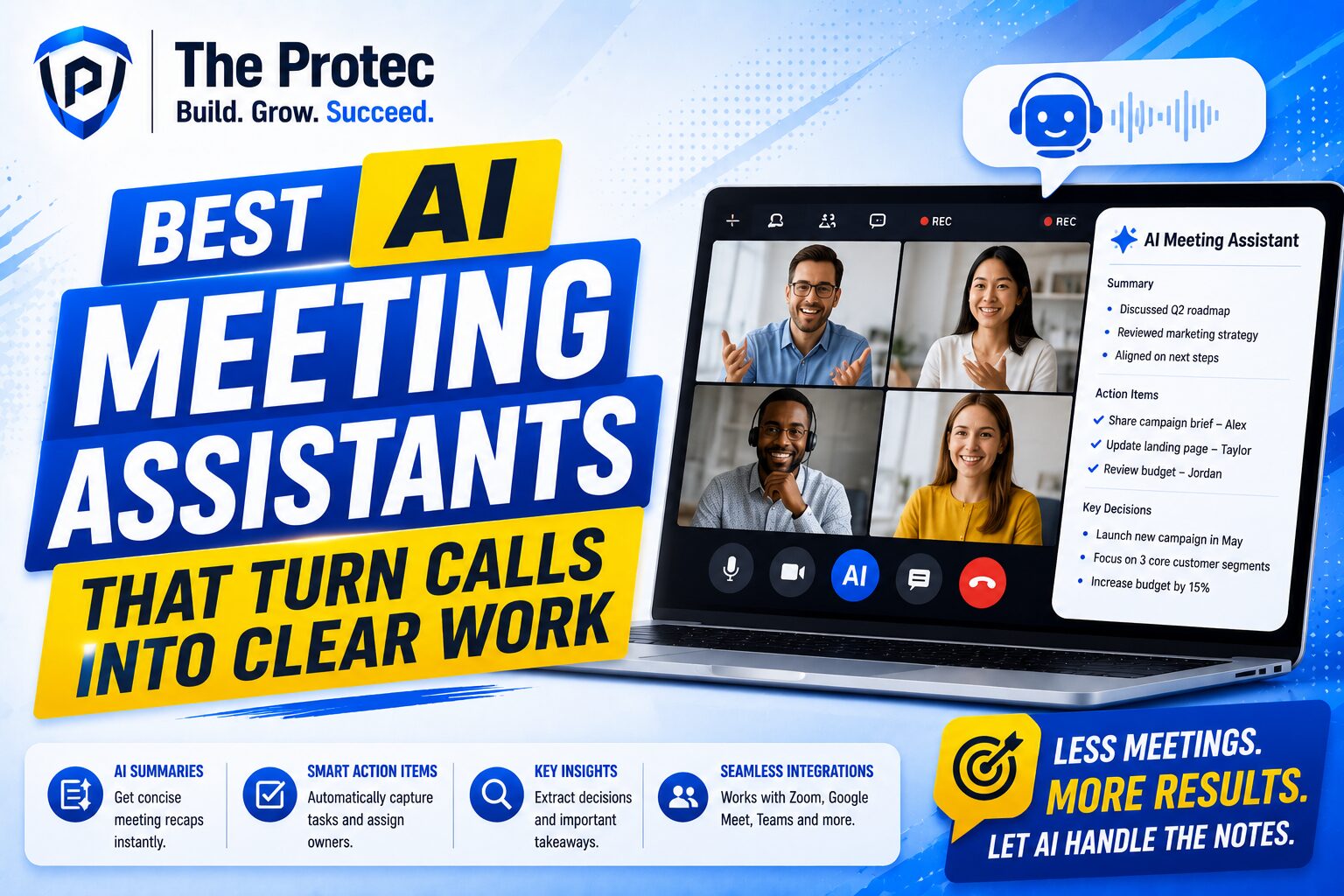
Meetings can be one of the biggest sources of lost productivity, and Otter.ai is designed to reduce that cost. It records, transcribes, and summarizes meetings so professionals can focus on the discussion instead of taking notes manually. It also helps surface decisions, action items, and key points after the meeting ends.
This is especially valuable for managers, client service teams, sales professionals, and consultants. Instead of relying on memory or scattered notes, teams can quickly review what was said and move directly into execution. In 2026, AI meeting tools have become more accurate and better at extracting useful context, which makes Otter.ai a practical everyday assistant.
Among AI productivity apps, Otter.ai is one of the clearest examples of replacing manual work with an automated workflow. It reduces the hidden time cost of meetings and improves follow-through.
Best for: Meeting transcription, summaries, and follow-up tasks.
Limitations: Works best when meeting audio quality is good and speakers are clear.
8. Motion: Best for AI Scheduling and Time Management
Motion has become popular because it solves a real problem: professionals often have too many priorities and not enough protected focus time. Motion uses AI to schedule tasks and meetings around actual calendar availability, helping users plan their day with less manual effort. It can adjust schedules dynamically when priorities change.
This makes Motion especially useful for people who manage client work, shifting deadlines, and deeply focused individual tasks. Instead of manually deciding when to do everything, users let the software build a realistic schedule. That reduces decision fatigue and helps protect time for important work.
Among the best AI apps for personal productivity, Motion stands out because it turns planning into an automated system rather than a daily guessing game.
Best for: Calendar planning, focus time, time-blocking, and task scheduling.
Limitations: Best suited for individuals or small teams that need strict scheduling discipline.
How These AI Productivity Apps Compare
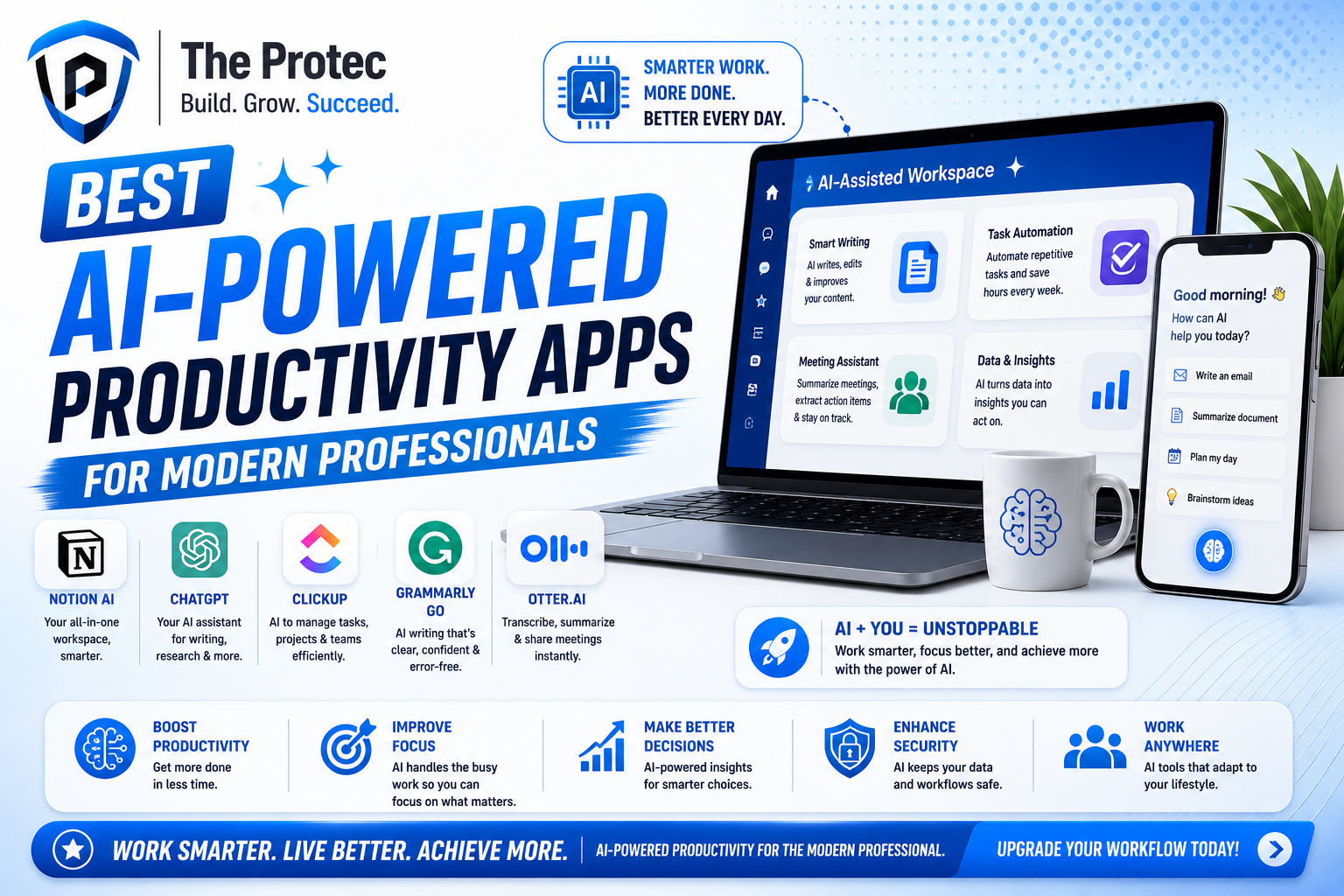
Different professionals need different solutions, and the best AI productivity apps are the ones that match your workflow rather than forcing you into a new one. If you need a general assistant for writing and ideation, ChatGPT is hard to beat. If your work depends on Microsoft 365, Copilot is the natural choice. If your team lives in documentation and shared knowledge, Notion AI offers strong value. If your focus is project execution, ClickUp AI is a practical option. If you want to automate repetitive processes across apps, Zapier AI is one of the best business automation tools available.
Here is a simple way to think about the market:
- For writing and brainstorming: ChatGPT, Grammarly
- For office-suite productivity: Microsoft Copilot
- For knowledge bases and notes: Notion AI
- For project management: ClickUp AI
- For automation: Zapier AI
- For meetings: Otter.ai
- For scheduling: Motion
The strongest productivity stack often combines two or three of these tools instead of relying on just one. A professional might use ChatGPT for drafting, Otter.ai for meetings, and Zapier AI for workflow automation. Another might pair Copilot with Grammarly and Motion to improve communication, document creation, and time management. The key is choosing tools that remove friction from your most repetitive tasks.
How to Build a Smarter AI Productivity Stack
The best approach is not to download every promising app. It is to build a stack around your actual bottlenecks. Start by identifying where time is being lost. Is it in meetings, writing, project follow-up, scheduling, or manual data entry? Once you know the problem, choose the AI productivity app that removes the most friction.
- If writing slows you down: use Grammarly and ChatGPT.
- If meetings create busywork: add Otter.ai.
- If your calendar is overloaded: test Motion.
- If tasks get lost: use ClickUp AI or Notion AI.
- If systems do not talk to each other: build automations with Zapier AI.
- If your team is all-in on Microsoft: use Copilot as the core assistant.
Professionals should also remember that AI works best when paired with good process design. A tool can summarize a meeting, but it cannot fix unclear ownership. A workflow automation platform can move data around, but it cannot decide what business outcome matters most. The real productivity gain comes from using AI to reinforce strong systems, not replace them.
External Resources Worth Exploring
If you want to compare product capabilities directly, start with the official product pages for deeper feature details and pricing information:
FAQs About AI Productivity Apps
What are AI productivity apps used for?
AI productivity apps help professionals save time by automating repetitive work, improving writing, summarizing meetings, organizing tasks, and connecting tools across a workflow. They are used for communication, planning, documentation, and business automation.
Which AI app is best for professionals?
The best option depends on the job. ChatGPT is a strong all-rounder, Microsoft Copilot is ideal for Microsoft 365 users, Notion AI is great for documentation, and Zapier AI is one of the strongest tools for automation. Most professionals benefit from using a few complementary tools rather than only one.
Are AI productivity apps safe for business use?
They can be safe when used with proper governance, access controls, and review processes. Businesses should check data handling policies, restrict sensitive information where needed, and make sure AI outputs are reviewed before being shared externally or used in decisions.
Can AI productivity apps replace employees?
No. Their real value is in removing repetitive work so employees can focus on higher-value thinking, communication, and decision-making. They support professionals rather than replacing them.
How do I choose the right business automation tools?
Start with the task that wastes the most time, then choose the tool that removes that friction most directly. If you need automation between apps, choose Zapier AI. If you need better scheduling, choose Motion. If you need better documents and communication, choose Copilot or Grammarly.
Final Thoughts
The best AI-powered productivity apps are no longer experimental add-ons. They are becoming core parts of modern work. For professionals, the biggest win is not novelty. It is reclaiming time from repetitive tasks and turning scattered workflows into clean, repeatable systems. Whether you need help writing, planning, meeting, scheduling, or automating processes, there is now a mature set of best AI apps that can make a real difference.
If you approach these tools strategically, you can build a workflow that is faster, clearer, and far less manual. And in a business environment where speed and focus matter more every year, that advantage is hard to ignore.


I have been exploring for a little bit for any high quality articles or weblog
posts in this kind of space . Exploring in Yahoo I finally stumbled upon this
web site. Reading this information So i am glad to express that I’ve an incredibly good
uncanny feeling I found out exactly what I needed.
I such a lot indubitably will make certain to don?t disregard this site
and provides it a look on a relentless basis.