






Why Grok Is Becoming a Powerful Coding Coach
Learning to code has always been a mix of curiosity, repetition, and frustration. In the past, beginners relied on tutorials, forums, and scattered documentation. Today, AI tools are changing that workflow, and Grok has become one of the most interesting options for developers who want fast, conversational help. If you want to learn coding with Grok, the real advantage is not just quick answers. It is the ability to turn Grok into a structured tutor, code reviewer, practice partner, and debugging assistant.
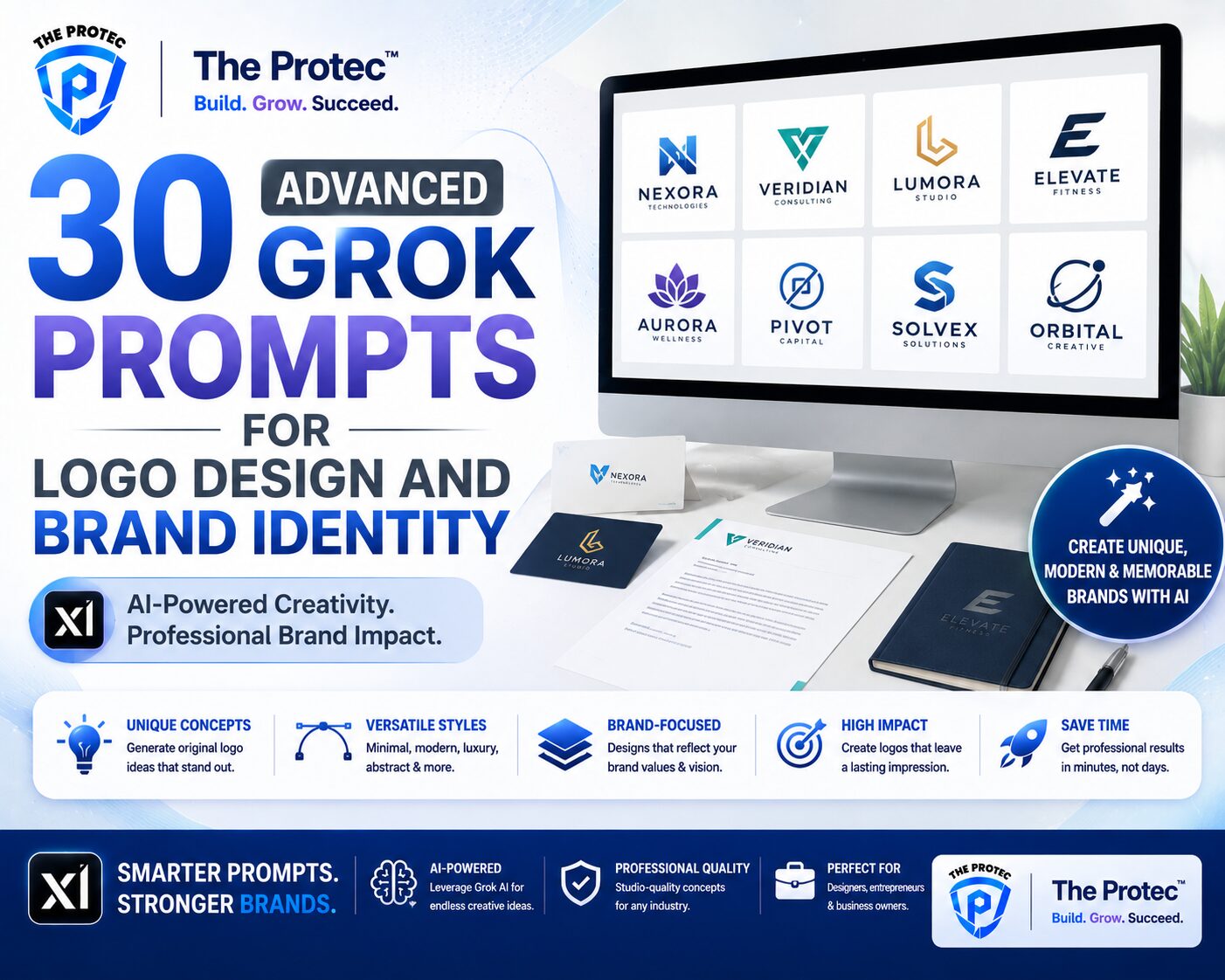
What makes Grok especially useful is its ability to respond in a direct, context-aware way. You can ask it to explain a concept at different levels, generate exercises, compare approaches, review your code, or even simulate interview-style questions. That flexibility makes it more than a chatbot. Used well, it becomes one of the most effective programming AI prompts platforms for building confidence and speed.
As software development continues to shift toward AI-assisted workflows, learning how to prompt well is becoming a core skill. Beginners who learn to ask better questions get better explanations. Developers who use coding learning prompts effectively save time, reduce confusion, and improve problem-solving habits. In this guide, we will look at the best Grok prompts for learning programming faster, with practical examples you can start using right away.
How to Use Grok as a Programming Learning Tool
Before jumping into specific prompts, it helps to understand the right mindset. Grok works best when your request is clear, specific, and bounded by a goal. Instead of asking, “Teach me Python,” you will get much better results by saying, “Teach me Python lists by using short examples, one analogy, and three practice questions.” The more precise your prompt, the more useful the answer.
Good prompts usually include four things: the topic, the skill level, the desired format, and the outcome you want. This structure helps Grok tailor the response to your learning style. For example, you can ask for a beginner-friendly breakdown, a step-by-step debugging checklist, or a mini project that reinforces a concept. When you use this approach consistently, Grok becomes a personalized learning environment instead of a random source of code snippets.
For broader prompt-writing principles, OpenAI’s prompt engineering guidance is also useful for understanding how clear instructions improve AI outputs: OpenAI Prompt Engineering Guide.
Best Grok Prompts for Learning Programming Faster
Below are practical programming AI prompts organized by use case. You can copy them, adapt them, and reuse them across languages such as Python, JavaScript, TypeScript, Java, C#, Go, or Rust. The best results come from refining the prompt based on what you need to learn next.
1. Learn a concept from scratch
Use this when you are starting a new topic and want a clean explanation without jargon.
Prompt: “Explain [concept] like I am a beginner. Use simple language, a real-world analogy, a short code example, and a common mistake to avoid.”
This is one of the strongest coding learning prompts because it combines explanation with practical context. If you are learning variables, closures, recursion, async/await, or object-oriented programming, this format keeps the answer focused and digestible.
2. Turn a topic into a learning roadmap
When a subject feels too big, ask Grok to break it into stages.
Prompt: “Create a 7-day learning plan for [topic]. Include what to study each day, one small coding exercise, and one review question.”
This prompt is especially useful for learners who want consistency. Instead of bouncing between random tutorials, you can follow a sequence that builds knowledge in the right order. It is also helpful for developers returning to programming after a break.
3. Generate practice exercises
Practice is where most programming growth happens. Grok can generate unlimited exercises, which means you are never stuck waiting for the next lesson.
Prompt: “Give me 5 practice exercises for [topic], ordered from easy to hard. Do not include solutions until I ask.”
To make this even more effective, specify constraints like “use only loops,” “avoid recursion,” or “focus on array manipulation.” Constraints force deeper thinking and help you build problem-solving habits instead of memorizing patterns.
4. Ask for hints instead of answers
One of the best ways to learn is to struggle productively. If you get stuck, do not ask Grok to solve everything immediately.
Prompt: “I am stuck on this problem. Give me one hint at a time, and wait for my response before giving the next hint.”
This prompt prevents passive learning. It keeps you engaged, which is essential when working through debugging, algorithmic thinking, or project logic. Many learners improve faster when they use Grok as a guide rather than a shortcut.
5. Compare two programming approaches
Understanding tradeoffs is a major step toward becoming a better developer.
Prompt: “Compare [approach A] and [approach B] for [use case]. Explain performance, readability, maintainability, and when to use each one.”
For example, you might compare recursion vs iteration, REST vs GraphQL, or promises vs async/await. This kind of prompt builds architectural thinking and helps you make more informed decisions in real projects.
6. Debug your code step by step
Debugging is one of the most valuable skills in software development, and Grok can help you learn the process instead of just fixing the bug.
Prompt: “Here is my code and the error I am getting. Do not rewrite it immediately. First, explain the likely cause, then walk me through how to debug it step by step.”
This is one of the most practical programming AI prompts because it teaches method, not just output. You learn how to isolate variables, inspect logic, and identify faulty assumptions. If you want Grok to help you grow as a developer, this is a prompt you should use often.
7. Review your code like a mentor
Code review is a critical skill, and Grok can simulate feedback from a more experienced developer.
Prompt: “Review this code as a senior developer. Focus on readability, structure, performance, naming, and edge cases. Then suggest improvements.”
Ask Grok to explain why a change matters, not just what to change. That builds judgment, which is more valuable than surface-level corrections. If you are learning coding with Grok, this prompt can help you identify habits that slow down growth, such as overly complex functions, inconsistent naming, or poor error handling.
8. Convert code into plain English
When you find a code sample online that looks intimidating, this prompt can make it approachable.
Prompt: “Translate this code into plain English line by line. Then summarize what it does in one paragraph.”
Reading code is a skill that improves with repetition. This prompt helps you decode unfamiliar syntax and understand how professional code works in practice. It is especially useful when learning frameworks, libraries, or new language features.
9. Turn mistakes into lessons
Some of the fastest learning happens after making an error. Grok can help you analyze it constructively.
Prompt: “I made this mistake while coding. Explain why it happened, what concept I misunderstood, and how to avoid it next time.”
Instead of treating errors as setbacks, this prompt turns them into study material. Over time, you will start noticing patterns in your mistakes, which makes you a faster learner and a better debugger.
10. Build mini projects with guided milestones
Projects are where theory turns into skill. Grok can help you build gradually instead of overwhelming you with a full solution.
Prompt: “Help me build a beginner project for [language or framework]. Break it into milestones, explain each milestone, and give me one task at a time.”
This is ideal for learners who want to build a portfolio while improving their understanding. You can ask for projects like a calculator, habit tracker, weather app, expense tracker, or simple API integration. The key is to stay focused on small wins.
How to Make Grok Prompts Work Better
Great prompts are not only about wording. They are also about learning strategy. If you want better results from Grok, use a few simple habits. First, always include your current skill level. Grok will explain differently to a beginner than to someone with intermediate experience. Second, ask for the format you want. A bullet list, comparison table, or step-by-step explanation can make the answer far more useful. Third, keep prompts narrow enough that the response stays focused.
You should also iterate. If the first answer is too advanced, ask for a simpler explanation. If it is too vague, ask for examples. If it is too broad, ask Grok to focus on one subtopic. This back-and-forth is where real learning happens. It teaches you how to refine questions, which is a transferable skill in programming and in technical work generally.
For developers interested in broader AI-assisted coding trends, GitHub’s documentation on Copilot is a useful reference point for how modern AI tools fit into everyday development workflows: GitHub Copilot Docs.
Common Mistakes When Using Programming AI Prompts
Many learners do not get the best results from Grok because they treat it like a search engine rather than a tutor. One common mistake is asking overly broad questions. Another is requesting finished code without trying to understand it. That may solve the immediate problem, but it does not build lasting skill.
Another issue is skipping verification. AI tools can produce incorrect or incomplete answers, especially for edge cases or fast-changing libraries. Always test the code, read the explanation critically, and compare it with official documentation when needed. This is especially important when learning frameworks, APIs, or modern language features that evolve quickly.
A final mistake is using Grok only for answers and not for practice. The real value comes from combining explanation, repetition, and feedback. If you use coding learning prompts to generate exercises, review your work, and ask for hints, you will learn much faster than if you only copy code.
Why These Prompts Help Beginners and Experienced Developers
Beginners benefit because Grok reduces the intimidation factor. A confusing concept becomes manageable when it is explained in plain language, supported by examples, and paired with practice. Instead of feeling lost in a sea of terminology, learners can move one step at a time.
Experienced developers benefit too. Grok can speed up exploration, help compare patterns, generate tests, and review code for clarity. It can also support learning a new language or framework more efficiently because you can ask for direct comparisons with what you already know. For example, if you are comfortable with JavaScript, Grok can explain TypeScript concepts in terms of JavaScript behavior, which shortens the learning curve.
That is why learning to use programming AI prompts well is becoming a valuable technical skill. The strongest developers are not the ones who memorize everything. They are the ones who know how to learn quickly, verify carefully, and adapt continuously.
A Practical Grok Prompt Template You Can Reuse
If you want a simple formula, use this structure:
- State the topic clearly.
- Specify your skill level.
- Choose the format you want.
- Ask for examples or practice.
- Request a follow-up question or next step.
Example: “Explain JavaScript closures to a beginner using a simple analogy, a short example, and two practice questions. Then ask me one follow-up question to test my understanding.”
This format works because it creates a mini learning loop. You get explanation, application, and recall practice in one interaction. That combination is one of the fastest ways to improve programming skills with AI.
FAQ: Best Grok Prompts for Learning Programming Faster
Can Grok help me learn coding as a complete beginner?
Yes. Grok can explain concepts in simple language, generate beginner exercises, and answer follow-up questions. It is especially helpful when you want short explanations and step-by-step guidance without getting lost in technical jargon.
What are the best programming AI prompts for practice?
Prompts that generate exercises, debugging challenges, and mini projects tend to be the most effective. Ask Grok for problems ordered by difficulty, hints instead of full answers, and review prompts that help you reflect on your solution.
How do I learn coding with Grok without becoming dependent on it?
Use Grok as a tutor, not a replacement for thinking. Try solving problems first, ask for hints when stuck, and always test and understand the code yourself. The goal is to improve your reasoning, not to skip it.
Can Grok help with advanced programming topics too?
Yes. Grok can help with architecture comparisons, performance tradeoffs, code review, testing strategies, and framework learning. Advanced users get the most value when they ask precise questions and request analysis rather than generic explanations.
Conclusion: Learn Faster by Prompting Smarter
The best Grok prompts are not just about getting answers quickly. They are about building a better learning process. When you use Grok to explain concepts, generate exercises, debug code, compare approaches, and review your work, you create a feedback loop that accelerates progress. That is what makes this approach so effective for beginners and experienced developers alike.
If your goal is to learn coding with Grok, focus on clarity, practice, and iteration. Ask better questions. Request smaller steps. Turn mistakes into lessons. Use Grok to reinforce your understanding rather than replace it. With the right coding learning prompts, you can move from passive reading to active problem-solving much faster, and that is where real programming growth begins.