




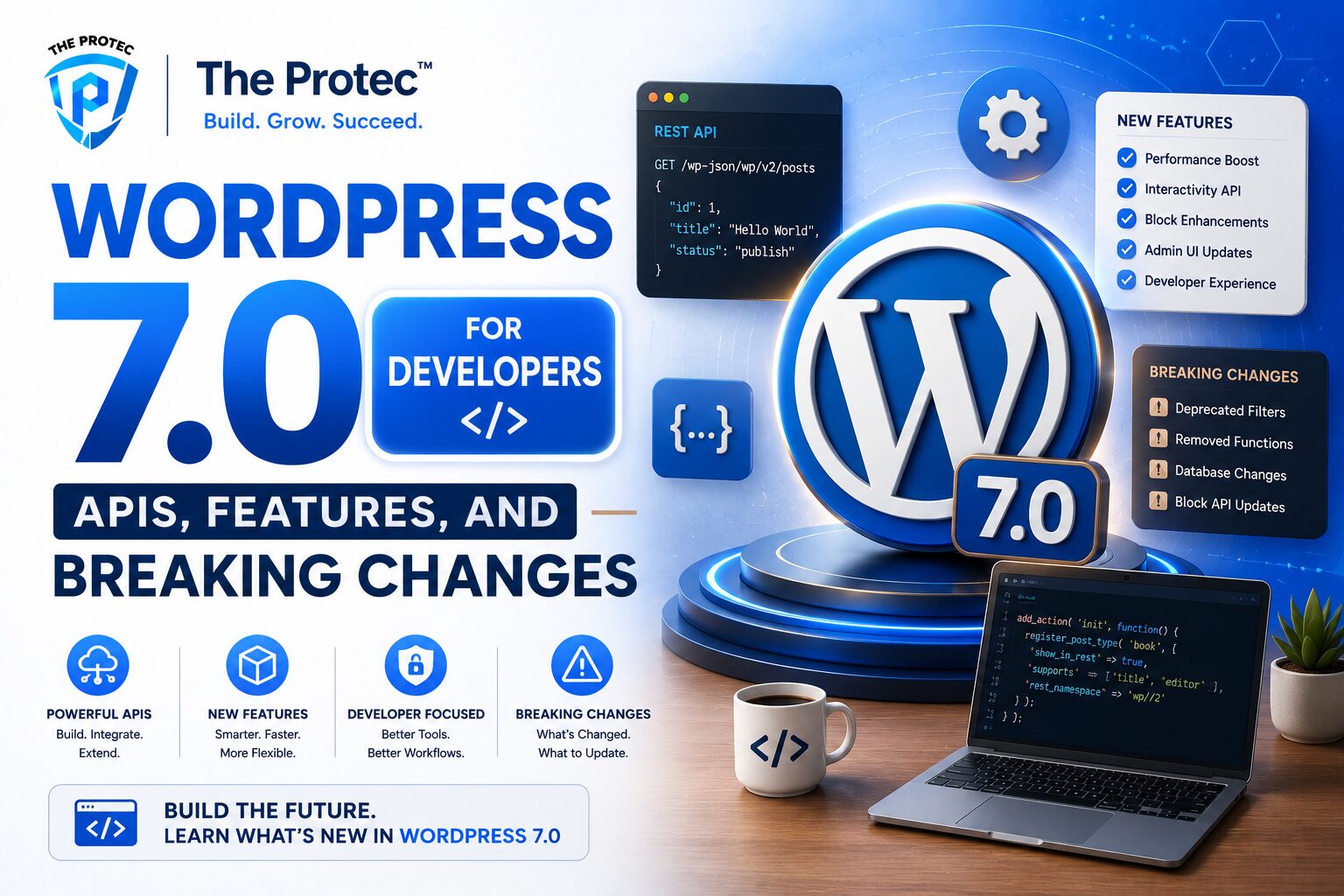
WordPress 7.0 for Developers: What Matters Most
WordPress has steadily evolved from a content platform into a modern application framework, and WordPress 7.0 pushes that trajectory further. For developers, the most important question is not whether the release adds more features, but how those changes affect plugin architecture, theme development, testing workflows, and long-term compatibility. This WordPress developer guide breaks down the most important WordPress 7 APIs, the practical development features you can use right away, and the breaking changes that may affect production sites.
If you build custom blocks, maintain plugins, support enterprise WordPress environments, or ship themes at scale, the 7.0 release deserves a careful review. The update continues the platform’s shift toward a cleaner editing experience, more structured data handling, stronger performance patterns, and a more predictable development model. At the same time, it introduces compatibility considerations that can create regressions if you upgrade without auditing dependencies, editor integrations, and legacy code paths.
In other words, WordPress 7.0 is not just another core release. It is a checkpoint for modern WordPress development. Teams that understand the new APIs and adjust their codebase early will move faster, reduce maintenance debt, and avoid emergency fixes after deployment.
Why WordPress 7.0 Matters for Modern WordPress Development
The most significant trend in WordPress development over the last several cycles has been the movement toward a more composable platform. Developers increasingly expect a stable block-based editing layer, predictable data APIs, better front-end performance, and fewer workarounds for common tasks. WordPress 7.0 builds on that direction by refining the developer experience across core systems rather than introducing isolated features.
For agencies and in-house teams, this matters because the platform now touches more than template rendering. A typical project may involve custom blocks, REST integrations, headless endpoints, build tooling, automation hooks, multisite behavior, and editorial workflows. Each of those layers can be affected by changes in core APIs and editor behavior. That is why a WordPress 7.0 rollout should be treated as a development project, not just a routine update.
Another important trend is the growing use of typed interfaces, schema-driven content models, and component-based front ends in the broader web ecosystem. WordPress 7.0 moves closer to that world by improving how developers interact with content, settings, and rendering logic. The result is a platform that feels more aligned with modern JavaScript and PHP development practices.
New WordPress 7 APIs Developers Should Know
One of the most useful parts of any major release is the API surface area it adds or refines. WordPress 7 APIs are designed to reduce boilerplate, improve consistency, and make integrations easier to maintain. While the exact implementation details will vary based on your project stack, the themes are consistent: more structured data access, better editor extensibility, and cleaner integration points for block-aware development.
1. Expanded block and editor APIs
The block editor continues to be the center of modern WordPress development, and WordPress 7.0 expands the ways developers can register, configure, and interact with blocks. This includes more robust patterns for block metadata, richer block supports, and improved editorial UI integrations. Developers working with custom blocks should pay close attention to registration behavior and attribute handling, because newer APIs increasingly expect cleaner schemas and more explicit definitions.
For plugin authors, this is an opportunity to simplify code that previously relied on a patchwork of filters, custom admin controls, and legacy editor extensions. By leaning into block-first patterns, you can reduce maintenance cost and improve compatibility with future core releases.
2. More consistent data and settings access
WordPress 7.0 continues the push toward better-structured data access across the admin and editor layers. That means fewer direct assumptions about global state and more reliance on APIs that expose data in a predictable way. Developers building dashboard widgets, site settings tools, or custom editorial workflows can benefit from more standardized access patterns that align better with modern application design.
This is especially valuable when working in larger teams. A consistent data layer improves code readability, makes QA easier, and reduces the chance that one component accidentally breaks another through shared state or hidden dependencies.
3. Better integration hooks for rendering and formatting
Rendering has always been one of the trickiest parts of WordPress development because content can originate from blocks, classic post content, shortcodes, dynamic components, or external APIs. WordPress 7.0 introduces more refined hooks and integration points that help developers control rendering without overcomplicating the template layer.
For example, if you build dynamic blocks or content transformations, you can take advantage of more stable rendering pipelines to apply formatting, sanitization, and output logic in a cleaner way. That is particularly useful for teams migrating away from shortcode-heavy implementations.
Features That Improve Day-to-Day WordPress Development
Not every improvement in a major release is technically dramatic, but some features meaningfully improve how developers ship and maintain projects. WordPress 7.0 includes several enhancements that streamline daily workflows and reduce friction during implementation.
Improved block editor workflows
The block editor remains a major focus, and WordPress 7.0 continues to polish the editing experience for both authors and developers. Better block organization, improved inspector controls, and more predictable design support make it easier to create reusable components that behave consistently across environments.
From a development standpoint, the biggest benefit is lower complexity. When the editor provides clearer defaults and more stable UI behavior, developers spend less time patching edge cases and more time building features that matter to clients.
Performance-oriented core improvements
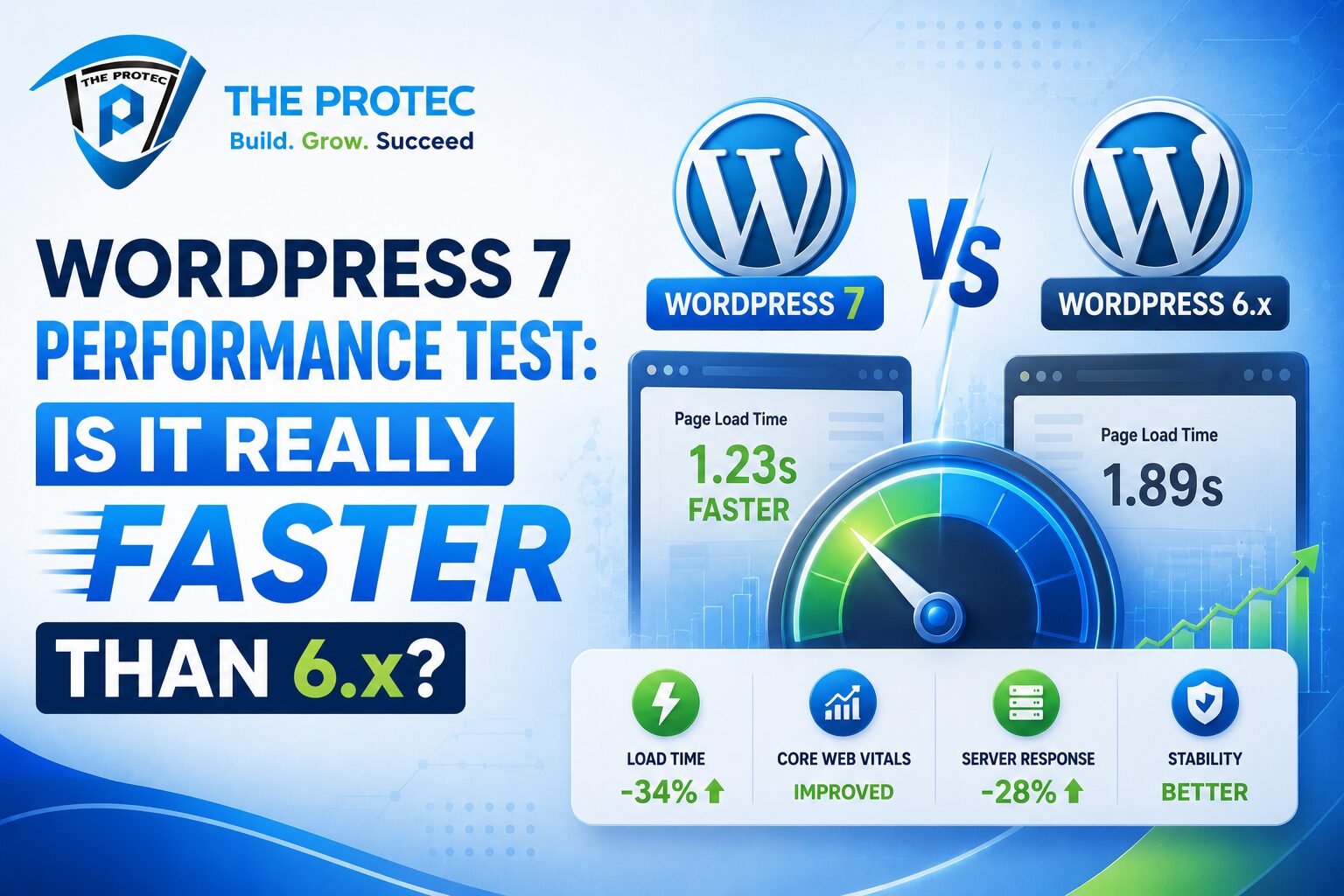
Performance has become a defining issue in modern WordPress development. Users expect fast page loads, smoother admin interactions, and less overhead from plugins. WordPress 7.0 reflects this priority through improvements that help core operate more efficiently in common scenarios.
For developers, these changes create both opportunity and responsibility. Opportunity, because better core performance gives you more budget to work with when building custom functionality. Responsibility, because poorly optimized plugins can stand out even more in a faster core environment. If your code performs unnecessary queries, loads excessive assets, or bypasses caching strategies, WordPress 7.0 may expose those weaknesses more clearly.
Better support for modern development workflows
WordPress development has changed significantly over the last few years. More teams now use local environments, automated testing, linting, component libraries, CI pipelines, and build steps for JavaScript and CSS. WordPress 7.0 is better aligned with these workflows because its APIs and editor behavior are more consistent with the expectations of structured development teams.
This is particularly helpful for plugin and theme shops that need repeatable deployment processes. When the platform behaves more predictably, you can standardize build artifacts, reduce environment drift, and improve release confidence.
Breaking Changes in WordPress 7.0: What to Audit First
Every major release introduces some level of breaking change, and WordPress 7.0 is no exception. The risk is not always a catastrophic failure; more often, it shows up as subtle incompatibilities, changed defaults, or deprecated behavior that degrades a feature without an obvious error.
The best approach is to audit your codebase before upgrading. Start with your most critical dependencies and move outward from there.
Legacy editor assumptions
If your plugin or theme still assumes classic editor behavior, you should review it carefully. WordPress 7.0 places even more emphasis on block-based architecture, and some legacy interfaces may no longer behave the way older code expects. This can affect metabox positioning, content filters, shortcode rendering, and admin page layouts.
Any code that injects controls into the editor should be tested against the current editor architecture. In many cases, the code will still work with minor adjustments, but older assumptions about DOM structure or script loading order may no longer hold.
Deprecated APIs and changed defaults
Another common source of breakage is reliance on deprecated APIs that were tolerated in earlier versions. WordPress 7.0 may remove or alter behavior that had been soft-deprecated for some time. This includes older hooks, outdated admin utilities, and legacy JavaScript patterns that conflict with modern core libraries.
It is worth running static analysis, reviewing deprecation logs, and checking plugin compatibility statements before deploying the release in production. Teams that maintain shared libraries should pay extra attention, because one outdated helper can affect multiple projects.
Script loading and dependency changes
Front-end and admin scripts are another area where incompatibilities can surface. If your code depends on a specific loading order, global object, or older bundled library, WordPress 7.0 may expose the fragility. This is especially relevant for block plugins, admin dashboards, and custom editor panels.
Modern WordPress development increasingly favors explicit module boundaries and well-scoped dependencies. If your code still relies on implicit globals, this is the time to refactor.
Formatting and rendering edge cases
Changes to content filters, block serialization, or formatting pipelines can cause subtle visual differences. That is why design QA is just as important as technical QA. A page may appear functionally correct while still rendering differently because of spacing, wrapper markup, or attribute handling changes.
For production sites, test the highest-traffic templates first: homepage, landing pages, archive views, product pages, and editorial templates with dynamic blocks. These are usually the places where small rendering changes become user-visible.
How to Prepare Your Plugins and Themes for WordPress 7.0
A safe upgrade starts with a systematic audit. The goal is to identify compatibility issues before they become production incidents. A WordPress developer guide for this release should emphasize practical steps, not just theory.
Run compatibility checks early
- Review all plugins for active maintenance and version support.
- Test custom themes against a staging copy of the site.
- Check whether any custom blocks depend on deprecated editor APIs.
- Inspect JavaScript build output for outdated dependencies.
- Verify that PHP code passes current linting and compatibility standards.
Use staging environments, not live sites
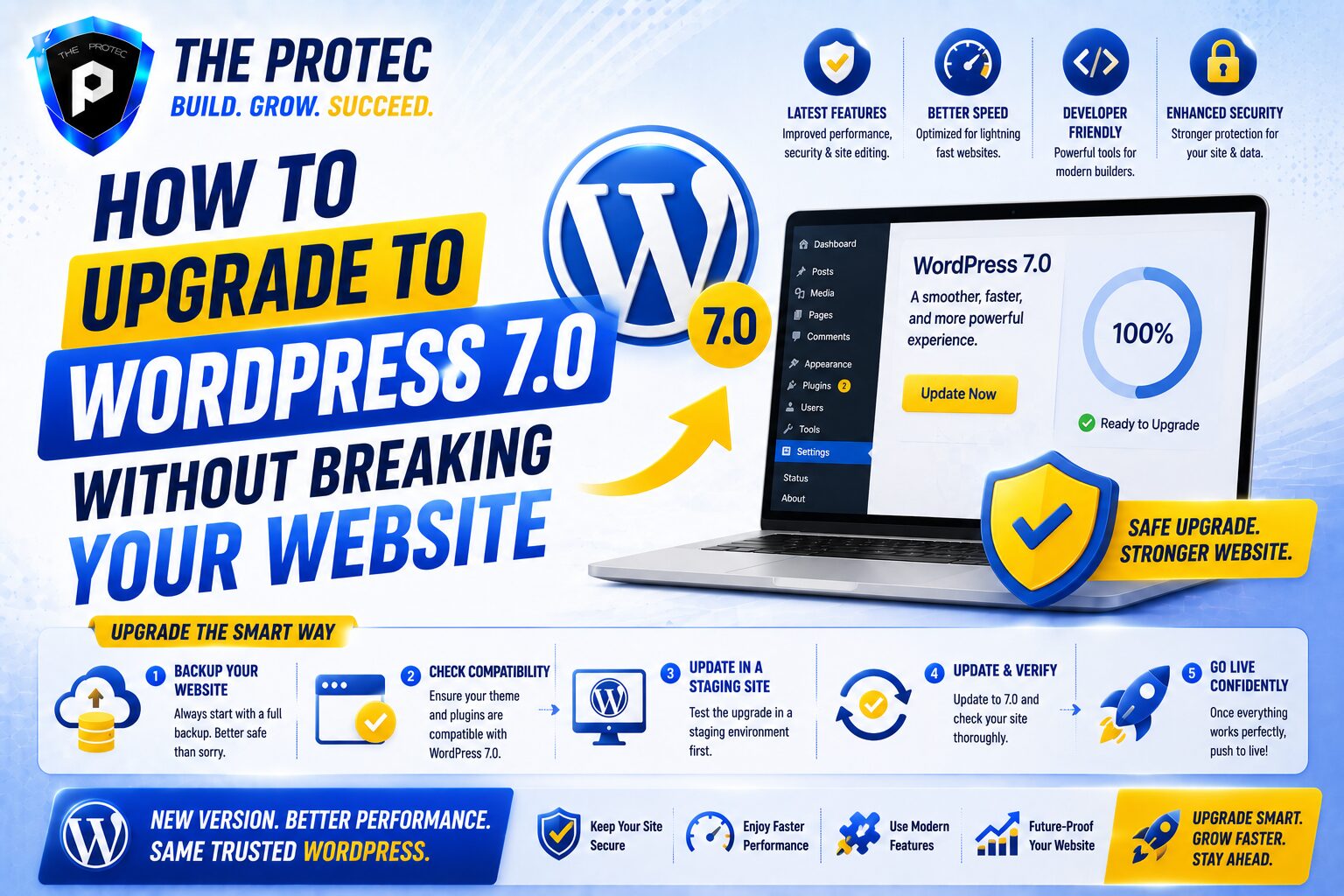
WordPress 7.0 should be evaluated in a staging environment that mirrors production as closely as possible. That includes the same theme stack, plugin versions, object caching, PHP version, and database size. Many bugs only appear when real content, real traffic patterns, or real plugin interactions are present.
If you support multiple client sites, create a structured rollout sequence. Start with lower-risk environments, collect logs, and validate behavior before expanding to higher-value properties.
Refactor toward block-native patterns
One of the best ways to future-proof your work is to reduce reliance on legacy patterns. If you still use shortcodes for content that should be block-based, or if you manually manage editor controls that core now handles more cleanly, refactor those areas incrementally. The closer your code is to current WordPress APIs, the easier it becomes to support future updates.
Document your dependencies
Many upgrade failures happen because teams do not have a clear dependency map. Keep a record of which plugins, themes, custom packages, and external services your site depends on. When WordPress 7.0 changes something important, you will know immediately which areas need attention.
WordPress 7 APIs and the Future of Headless and Hybrid Builds
Headless and hybrid WordPress architectures continue to gain traction, especially for teams that want WordPress as a content backend with a modern JavaScript front end. WordPress 7 APIs support this trend by making it easier to model data, expose structured content, and maintain cleaner integration boundaries.
For headless projects, consistency is critical. The more predictable the data and rendering layers become, the easier it is to synchronize content between WordPress and external front ends. WordPress 7.0 helps by improving the developer experience around content structure, editor controls, and API-driven workflows.
For hybrid builds, the benefit is even broader. You can keep WordPress in control of editorial workflows while exposing only the pieces you need in a custom front end. That allows teams to maintain familiar CMS tools without giving up modern performance and UX patterns.
Best Practices for Safe WordPress 7.0 Adoption
The most successful upgrades are the ones planned like software releases, not admin tasks. Use a checklist, assign ownership, and verify behavior at each layer of the stack.
- Test on the same PHP version used in production.
- Check editor functionality for all custom blocks and patterns.
- Audit console warnings and PHP notices after the upgrade.
- Measure page speed before and after the update.
- Review accessibility and responsive behavior in the editor and front end.
- Keep a rollback plan ready in case a critical compatibility issue appears.
It is also smart to monitor logs during the first days after deployment. Subtle issues often emerge only after real users interact with forms, filters, search pages, or content editing screens.
External Resources Worth Following
For official release notes and developer updates, keep an eye on the WordPress core documentation at WordPress News. For broader platform planning and project direction, the Make WordPress Core site is also useful.
FAQ: WordPress 7.0 for Developers
Is WordPress 7.0 a major update for plugin developers?
Yes. Even if your plugin does not rely on every new feature, WordPress 7.0 can affect editor behavior, script dependencies, and deprecated APIs. Plugin developers should test carefully before releasing compatibility updates.
What should theme developers check first after upgrading?
Start with block templates, theme.json settings, front-end rendering, and any custom scripts that interact with the editor. Theme developers should also verify spacing, typography, and layout behavior across key templates.
How do I know if my custom blocks are compatible?
Review block registration, attribute schemas, serialization behavior, and any editor-side dependencies. If your blocks rely on old assumptions about DOM structure or editor internals, they may need updates.
Should I update production sites immediately?
Not without testing. The safest approach is to validate the release in staging, confirm plugin compatibility, review logs, and only then schedule a controlled production rollout.
Does WordPress 7.0 help with performance?
Yes, especially when paired with optimized plugins and modern development practices. Core improvements may reduce overhead, but your site still depends on how efficiently your themes, plugins, and queries are built.
Final Thoughts: Treat WordPress 7.0 as a Development Milestone
WordPress 7.0 is more than a maintenance release. For developers, it represents a meaningful step toward a cleaner, more API-driven, and more predictable platform. The new WordPress 7 APIs, editor improvements, and performance-oriented changes can make development more efficient, but only if teams upgrade with a plan.
If your workflow still depends heavily on older assumptions, now is the right time to modernize. Audit legacy code, validate compatibility, and refactor toward block-native, standards-based patterns. Doing so will not only reduce upgrade risk for WordPress 7.0, but also make your projects easier to maintain as WordPress development continues to evolve.
For teams that treat upgrades as engineering work, WordPress 7.0 offers a strong foundation for the next stage of development.