






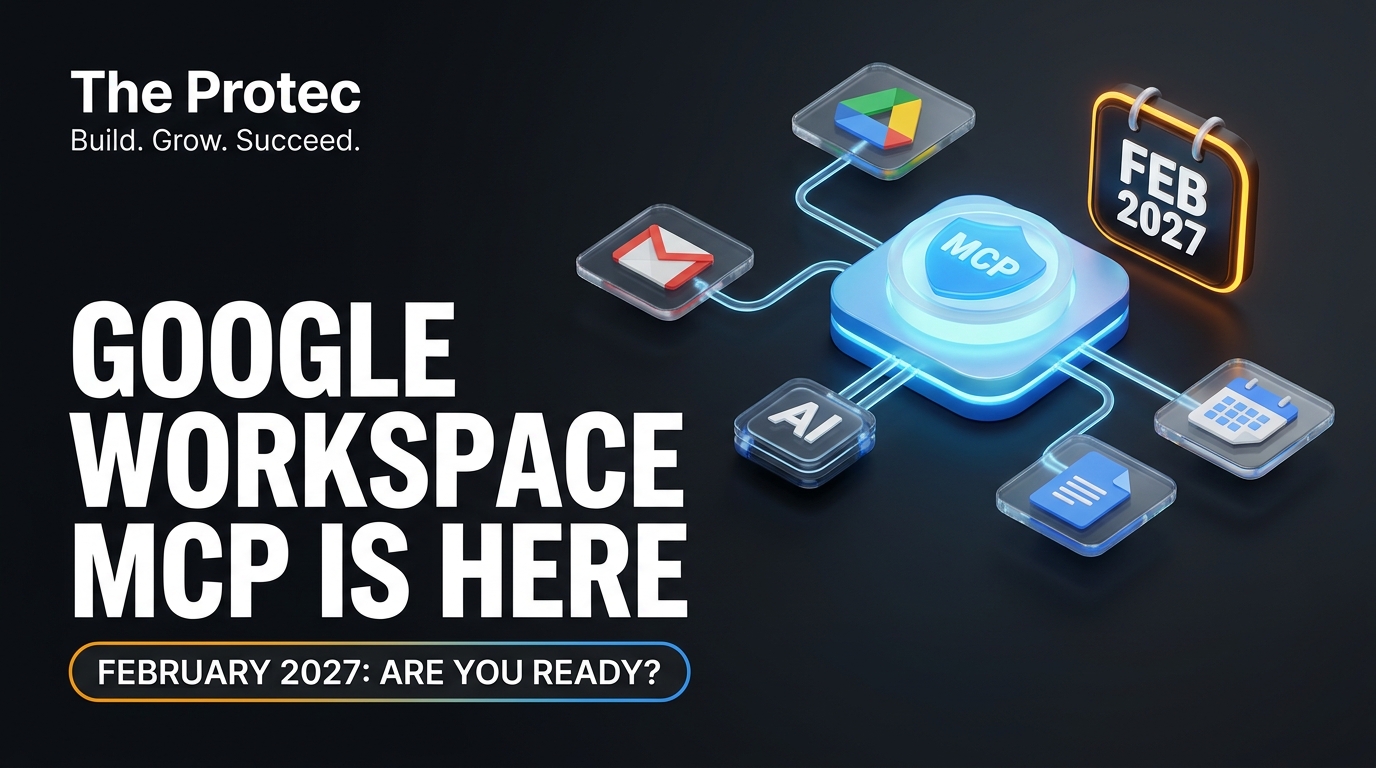
Developers connecting autonomous assistants to Gmail, Drive, or Calendar now have a firm migration deadline. Google Workspace MCP became generally available on November 24, 2026, alongside the official Google Workspace CLI. More importantly, Google announced that agentic workflows must use its managed Workspace MCP servers instead of accessing Workspace REST APIs directly, with technical enforcement beginning February 1, 2027.
The policy does not mean every existing Workspace application must be rebuilt. It targets AI agents that dynamically choose actions, operate across Workspace services, or act on a user’s behalf. Conventional applications with deterministic API calls are not automatically required to migrate. Development teams must therefore classify their integrations, separate agentic access where necessary, and test the new security model before enforcement arrives.
What Google released on November 24
The general availability announcement covers two related additions to Google’s collection of Google Workspace developer tools: Google-managed Workspace MCP servers and the official Google Workspace CLI.
The managed servers expose supported capabilities from Gmail, Google Drive, Docs, Sheets, Slides, Calendar, Chat, and Tasks through the Model Context Protocol. An AI agent can discover available tools, inspect their input requirements, and invoke an approved action without every developer creating a custom connector around each REST endpoint.
The Google Workspace CLI provides an official command-line interface for exploring and automating supported Workspace operations. It can help developers inspect resources, validate authentication, and test behavior outside an agent runtime. It does not eliminate the need for application code, authorization design, or production controls.
General availability also signals production support, but the rollout is staged. Service availability, organization controls, quotas, and individual tools may appear at different times across accounts or regions. Teams should verify what is enabled in their own Google Cloud and Workspace environments rather than assuming every announced capability is immediately active.
How the Model Context Protocol changes integration design
The Model Context Protocol, or MCP, standardizes communication between an AI host and external tools. A typical architecture contains four parts:
- Host: The application in which the agent runs, such as an internal assistant or workflow platform.
- MCP client: The component that establishes a session, discovers tools, sends requests, and receives structured results.
- MCP server: The managed interface that publishes Workspace tools and validates calls.
- Workspace service: Gmail, Drive, Docs, Sheets, Slides, Calendar, Chat, or Tasks, where the requested operation occurs.
Tool discovery is central to this model. Instead of hard-coding every possible REST route into a prompt or orchestration layer, the MCP client retrieves structured tool definitions from the server. The model can then select an appropriate tool, such as searching messages or locating Drive files, while the application remains responsible for policy checks and execution approval.
MCP does not give a model unrestricted access. A tool can only perform actions supported by the server, permitted by the granted OAuth scopes, allowed by Workspace administration policies, and approved by any confirmation controls in the workflow. The protocol is an integration boundary, not a substitute for authorization.
Which integrations must change before February 1, 2027?
Google’s announced requirement applies to agentic workflows. Beginning February 1, technical enforcement will require AI agents to use Google Workspace MCP servers rather than directly calling Workspace REST APIs for agent-driven access.
An integration is likely agentic when a model interprets an open-ended goal, chooses among multiple actions, decides which Workspace data to retrieve, or initiates consequential operations. Examples include an assistant that searches email, summarizes attachments, finds a related Drive document, and drafts a response based on its own tool-selection process.
Traditional application access is different. A payroll application that uploads a predefined report to a fixed Drive folder, or a scheduling product that creates a Calendar event through deterministic application logic, is not automatically agentic merely because it uses Workspace APIs. Those non-agent integrations can continue using traditional APIs unless another Google policy or product-specific requirement applies.
The boundary can become unclear when one product contains both types of activity. For example, a customer-support platform may use deterministic code to sync records while an embedded AI assistant searches Gmail and drafts replies. The sync can remain a traditional API integration, while the assistant’s actions must move to MCP.
Why separate OAuth clients may be necessary
Mixed applications should consider separate OAuth client configurations for agentic and conventional access. Separation makes consent, scopes, quotas, logs, incident response, and policy enforcement easier to reason about. It also prevents a broad legacy authorization grant from silently becoming the credential set for an autonomous agent.
A dedicated client lets teams request only the permissions required by the agent and distinguish MCP activity from ordinary application traffic. Whether separation is mandatory in a particular deployment depends on Google’s configuration rules and the organization’s architecture, but it is a strong default for reducing ambiguity and risk.
MCP authentication, permissions, and security controls
MCP authentication should begin with the same least-privilege principle used for any sensitive Workspace integration. The user or administrator authorizes access, the application receives credentials for approved scopes, and the Google-managed server evaluates requests within that authorization context.
Developers should review several layers rather than treating a successful OAuth flow as sufficient:
- Scoped permissions: Request the narrowest available access. An agent that searches messages should not receive permission to send or delete them unless those actions are required.
- User confirmations: Require explicit approval before sending email, changing a shared file, inviting Calendar attendees, posting to Chat, or deleting content.
- Audit logging: Record the user, agent, selected tool, authorization context, timestamp, affected resource, confirmation result, and outcome. Avoid storing unnecessary message or document content in logs.
- Data-loss prevention: Apply organizational DLP rules to prompts, tool inputs, retrieved content, and model outputs. Test whether protected data can be copied from Workspace into an unapproved model, destination, or log store.
- Runtime policy: Restrict tools by role, user, data classification, and environment. The tools visible in a development session should not automatically be available in production.
AI agent security also requires defenses against prompt injection. A malicious instruction inside an email or document must not be able to override application policy. Treat retrieved Workspace content as untrusted data, keep system instructions separate, validate tool arguments, and make authorization decisions outside the model.
Example: an agent using Gmail and Google Drive MCP
Consider an internal assistant that helps an employee prepare for a customer meeting. The user asks it to find recent correspondence, locate the latest proposal, and produce a briefing without modifying source material.
- The assistant host authenticates the employee through a dedicated OAuth client configured for the agent.
- Its MCP client connects to the Google-managed Gmail MCP server and Google Drive MCP interface.
- The client discovers read-oriented tools available under the employee’s scopes.
- The model proposes a Gmail search using the customer’s approved email domain. Application policy validates the query before execution.
- The agent receives only the messages returned by the authorized tool and extracts relevant dates and commitments.
- It invokes a Drive search tool for proposal files accessible to that employee. DLP checks run before selected content is supplied to the model.
- The assistant creates the briefing in its own interface. Because the request did not authorize writing to Docs, sending email, or changing Drive files, those tools are unavailable.
- The system logs each invocation and the final result without retaining full email bodies longer than necessary.
If the employee later asks the assistant to email the briefing, the workflow should request a separate confirmation showing the recipients, subject, and final body. Only after approval should the Gmail MCP server receive the send action. This architecture keeps tool selection flexible while preserving a deterministic authorization gate for consequential operations.
Standard and Scaled usage tiers
Google’s managed Workspace MCP offering includes Standard and Scaled usage tiers. Developers should not assume that quotas from direct REST APIs map one-to-one to MCP. Tool calls may combine underlying service operations, and limits can vary by account, project, service, or rollout stage.
The Standard tier is the starting point for qualifying usage, while Scaled usage supports workloads that exceed applicable Standard allowances or require higher capacity. Teams should consult the quotas and tier details shown for their projects rather than designing around unverified limits.
Google has also announced billing changes beginning April 1, 2027, for qualifying usage. That date is separate from the February enforcement deadline. Migrating by February addresses access compliance; reviewing projected MCP volume and billing before April addresses cost. Load tests should measure tool invocations, retries, concurrency, response size, and model loops that repeat searches unnecessarily.
A practical migration checklist
- Inventory Workspace access. Identify every direct call to Gmail, Drive, Docs, Sheets, Slides, Calendar, Chat, and Tasks, including calls hidden inside third-party agent frameworks.
- Classify each workflow. Document whether behavior is deterministic application logic or agentic tool selection. Record the reasoning for borderline cases.
- Map REST operations to MCP tools. Confirm that required actions are available in the staged rollout. Keep unsupported cases visible rather than silently bypassing MCP.
- Separate identity configurations. Create dedicated OAuth clients or projects where needed so agent permissions, consent, quotas, and logs are isolated.
- Reduce scopes. Remove permissions inherited from legacy integrations and separate read-only tools from write or delete operations.
- Add approval gates. Require confirmation for external communication, sharing changes, destructive actions, and high-impact updates.
- Test security boundaries. Use adversarial emails and documents to test prompt injection, data exfiltration, cross-user access, and unauthorized tool calls.
- Review logging and DLP. Confirm that administrators can investigate activity without placing sensitive content into an uncontrolled telemetry system.
- Measure quotas and cost. Test representative workloads against Standard and Scaled tier behavior, then model qualifying usage ahead of April billing changes.
- Run both paths carefully. During migration, compare MCP results with the old integration without allowing duplicate messages, events, edits, or task creation.
Production validation should begin well before February 1. A successful development demo does not prove that domain policies, delegated access, shared drives, revoked consent, rate limits, or user confirmations behave correctly at scale.
Frequently asked questions
Must every Google Workspace API integration migrate to MCP?
No. Google’s requirement targets agentic workflows in which an AI system selects or invokes Workspace actions. Traditional, non-agent applications using deterministic REST API integrations are not automatically required to migrate.
Can an AI agent continue calling Gmail or Drive REST APIs after February 1, 2027?
Under the announced policy, agentic workflows must use the managed Workspace MCP servers, and technical enforcement begins on that date. Developers should not design a REST fallback that circumvents the MCP requirement.
Does MCP remove the need for OAuth consent and scopes?
No. MCP authentication still depends on an authorized identity and appropriately scoped permissions. The managed server limits how tools are exposed, but developers remain responsible for OAuth design, user consent, approval flows, and secure credential handling.
When do the billing changes take effect?
Google has announced April 1, 2027, as the start of billing changes for qualifying managed MCP usage. Review project-specific terms, quotas, and tier eligibility because the February enforcement date and April billing date address different concerns.
What development teams should do now
The most important step is not a wholesale rewrite. It is an accurate inventory of where AI models can choose Workspace actions. Move those paths to Google Workspace MCP, isolate their authorization, and verify confirmations, logging, DLP, and quotas. Leave clearly non-agentic integrations on traditional APIs when appropriate, but document that classification.
Google’s managed interfaces reduce the need to build and maintain a separate Gmail MCP server or custom Google Drive MCP connector. They do not remove architectural responsibility. Teams that use the transition to narrow permissions and create observable approval boundaries will be better prepared for February enforcement—and for the broader security demands of production AI agents.