








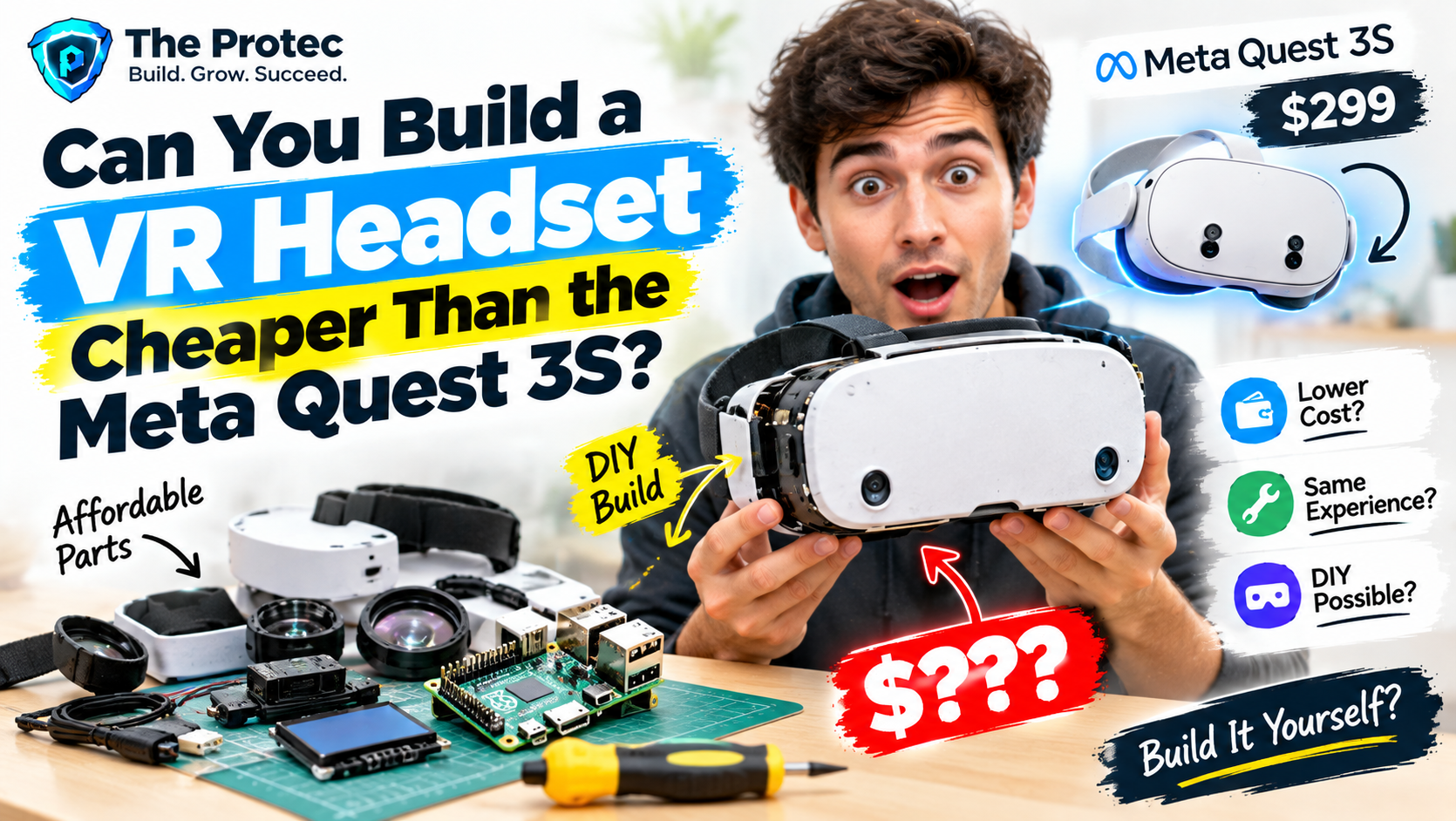
Building a virtual reality headset for roughly $180 sounds like a decisive win over buying a Meta Quest 3S. Order a display, add lenses and tracking sensors, print a frame, install open-source software, and pocket the difference. In practice, that simple cheaper price comparison falls apart almost as soon as the VR headset goes on your face.
An October 19 Ars Technica hands-on report explored what happened when a low-cost headset was assembled around open-source VR concepts. The experiment produced recognizable virtual reality for an approximately $180 parts bill, but it also exposed inaccurate tracking, delicate display hardware, awkward cabling, and substantial comfort problems. The result was a fascinating VR hardware development project—not a dependable Quest replacement.
This distinction matters. A DIY VR headset can teach you how displays, optics, inertial sensors, firmware, and PC software cooperate. It may even run compatible PC VR experiences after considerable configuration. It does not automatically provide the polished tracking, ergonomics, safety testing, application library, or portability built into a commercial headset.
What the Reported $180 DIY VR Headset Cost Really Means
The reported $180 figure refers to the components used for one particular build. It is not a guaranteed price for every DIY virtual reality headset, and it should not be treated as a complete ownership cost. Component listings change, shipping varies by country, and a damaged panel or incorrectly printed frame can quickly erase the apparent savings.
Checked against the reported bill of materials and current listings for equivalent hobbyist hardware, a realistic DIY VR headset price breakdown looks like this:
- Display panel and controller board: approximately $60–$85 for a compact high-resolution LCD, HDMI-compatible driver, and associated power hardware.
- Optical lenses: approximately $15–$25, depending on lens type, diameter, focal length, and whether a matched pair is available.
- Controller and motion sensor hardware: approximately $20–$35 for a compatible microcontroller, inertial measurement unit, wiring, and connectors.
- 3D-printed frame and mechanical parts: approximately $15–$35 in filament, outsourced printing, fasteners, and brackets.
- Straps, facial padding, and light blocking: approximately $15–$25.
- HDMI, USB, power, and miscellaneous cables: approximately $15–$30.
Those current replacement-price ranges span about $140 to $235. The specific build covered by Ars landed near $180 because of its selected suppliers and parts. That reported total should remain separate from the cost of a soldering iron, multimeter, wire tools, adhesives, 3D printer access, shipping, taxes, failed prints, replacement displays, or a VR-capable computer.
The host PC is especially important. A standalone Meta headset contains processors, storage, wireless radios, cameras, audio, a battery, and an operating system. Most homemade designs shift rendering to a computer, so a $180 headset is not a complete $180 VR system unless you already own suitable hardware.
DIY VR Headset Components and How They Work Together
Anyone researching how to build a VR headset should begin with its architecture. A headset is not merely a screen strapped behind magnifying lenses. It is a tightly timed system in which a delay or alignment error in one component can undermine the entire experience.
Display and optics
A typical DIY VR headset display is a compact LCD connected to an HDMI driver board. The computer renders left-eye and right-eye images side by side, while lenses enlarge those images and create the impression of a wide virtual scene.
Resolution is only one measure of DIY VR headset image quality. Pixel response time, brightness, black levels, refresh rate, persistence, panel orientation, and driver latency all matter. A nominally sharp panel can still smear during head movement or feel uncomfortable at 60Hz. Commercial headsets commonly operate at higher refresh rates and use carefully tuned display timing to reduce visible judder.
Lens alignment is equally unforgiving. The distance between the lenses must suit the user’s interpupillary distance, while the screen-to-lens spacing must remain consistent. A few millimeters of error can cause blur, chromatic fringing, eyestrain, or a tiny usable sweet spot. Poor sealing around the frame also lets outside light reflect across the lenses.
Head-tracking electronics
Basic VR headset head-tracking sensors use an inertial measurement unit containing gyroscopes and accelerometers. Relativty-derived builds commonly pair an IMU with an Arduino-class controller that sends orientation data to the host computer. This arrangement can provide rotational, or three-degrees-of-freedom, tracking.
Rotation is not the same as full positional tracking. Six-degrees-of-freedom tracking also measures movement forward, backward, sideways, up, and down. An IMU alone cannot reliably determine position because tiny acceleration errors accumulate into severe drift. Achieving stable positional tracking generally requires cameras, infrared emitters, external base stations, computer-vision markers, or another external reference.
Frame, padding, and cables
A 3D printed VR headset frame holds the display, lenses, electronics, and straps at fixed distances. It needs enough rigidity to preserve optical alignment but should not concentrate weight on the nose, forehead, or cheekbones. Printed edges must be smoothed, electronics insulated, and the display secured without putting pressure on its glass or ribbon cable.
Cables introduce another challenge. Separate HDMI, USB, and power leads add weight and can pull the headset sideways. Strain relief is essential because small display connectors and exposed controller boards are not designed for repeated yanking.
Relativty and Open-Source VR Hardware
Relativty is an open-source virtual reality headset project created to make headset construction understandable and accessible. Its published designs connect a display, lenses, motion sensor, microcontroller, printed enclosure, firmware, and PC software into a working learning platform.
A Relativty VR headset build guide is useful because it provides more than a shopping list. It demonstrates how sensor readings become head orientation, how software exposes tracking data to a PC, and how physical dimensions affect optics. Enthusiasts can inspect the code, modify the enclosure, substitute parts, or experiment with calibration rather than treating the headset as a sealed appliance.
Documentation should still be read carefully before ordering anything. Open-source projects evolve, repositories can contain multiple revisions, and seemingly equivalent displays may use different controller boards or mounting dimensions. The current documentation and open issues should be checked for operating-system support, SteamVR compatibility, firmware dependencies, and known component substitutions.
An Arduino VR headset based on Relativty is best understood as an educational platform. Its behavior does not represent every open-source VR project; more advanced designs may use camera-based tracking, custom PCBs, faster displays, or substantially larger budgets.
Why VR Headset Tracking Problems Are So Difficult
Tracking determines whether the virtual world feels stable or slides around when you move. A gyroscope measures angular velocity, and software integrates those readings to estimate orientation. Bias in the sensor creates drift, while vibration, temperature changes, electrical noise, and poor calibration introduce additional errors.
Accelerometers can help establish the direction of gravity, but they cannot neatly distinguish head movement from other forces. Magnetometers may provide a heading reference, although nearby metal, speakers, computers, and electrical wiring can distort them. Combining these signals requires sensor-fusion algorithms that balance responsiveness against stability.
Latency makes the problem more visible. Time passes while the sensor samples movement, firmware processes it, USB transfers it, the application renders a frame, and the display scans that frame to the panel. If the displayed image trails the user’s head, the brain receives conflicting visual and vestibular signals. The result may be discomfort, disorientation, or motion sickness.
Commercial inside-out tracking systems use multiple cameras, calibrated lenses, dedicated processing, and years of software refinement. Reproducing that capability is possible as a research project, but it is far beyond plugging an inexpensive IMU into an Arduino-compatible board.
Comfort, Heat, and Fragile Hardware
The Ars experiment illustrates why DIY VR headset comfort problems are not cosmetic. Front-heavy weight increases pressure on the face and neck. A narrow strap allows the enclosure to wobble, changing lens alignment every time the user moves. Hard printed surfaces create pressure points, while insufficient ventilation causes heat and lens fogging.
Thermal management also affects reliability. Display controller boards, voltage regulators, and screens generate heat inside a small enclosure. They need airflow without exposing the user’s face to hot components or admitting distracting light. Wires should be insulated, circuit boards mounted securely, and power requirements confirmed before the device is worn.
Compact LCD modules are particularly fragile. Their ribbon cables can tear, exposed edges can crack, and pressure from a warped print can damage the panel. A commercial headset’s molded housing conceals this engineering. A homemade VR headset tutorial cannot eliminate the need for careful assembly and testing.
DIY VR vs Meta Quest 3S
At publication, the Meta Quest 3S is listed from $299.99 in the US, although storage options, regional pricing, bundles, and promotions can change the amount paid. On component price alone, the reported $180 build is cheaper. On total capability, the comparison is much less favorable.
- Total cost: The DIY build may cost around $180 in parts, but tools, freight, replacements, printing, and a capable PC are extra. Quest 3S is a complete standalone system.
- Setup effort: Building from scratch can require days of printing, assembly, firmware work, calibration, and troubleshooting. Quest setup typically takes minutes.
- Tracking reliability: A basic DIY design may provide drifting rotational tracking. Quest 3S supplies integrated six-degrees-of-freedom headset and controller tracking.
- Display and optics: DIY quality depends on panel timing, lenses, alignment, and software distortion. Meta delivers a calibrated optical system, even though the Quest 3S uses less advanced Fresnel optics than the Quest 3.
- Comfort: A printed shell can be customized, but achieving balanced weight, ventilation, clean padding, and repeatable fit takes extensive iteration.
- Portability: The homemade headset is usually tethered to a PC and may require multiple cables. Quest 3S can operate wirelessly as a standalone device.
- Software: DIY VR headset software may depend on community drivers and compatibility layers. Quest 3S arrives with a supported operating system, storefront, guardian features, controllers, and established applications.
Quest 3S also includes mixed-reality cameras, spatial tracking, audio, Wi-Fi, storage, battery management, and safety systems. Once those capabilities are considered, the commercial headset’s price reflects much more than its screen and lenses.
Beginner’s Checklist Before You Build Your Own VR Headset
- Confirm that you can identify connectors, voltage requirements, polarity, and exposed electrical hazards.
- Review whether the design requires soldering, and practice on inexpensive parts before touching the display or sensor board.
- Check access to a calibrated 3D printer or include professional printing in the budget.
- Verify the exact display dimensions, controller board, lens focal length, firmware revision, and mounting files before ordering.
- Confirm host operating-system, graphics hardware, driver, and VR runtime compatibility.
- Budget for shipping, tools, spare wire, connectors, failed prints, and at least one replacement component.
- Add cable strain relief, electrical insulation, smooth facial surfaces, and ventilation.
- Test electronics on a desk before enclosing them, then begin with short seated sessions.
- Stop immediately if the headset causes nausea, dizziness, unusual heat, visual discomfort, or eye pain.
Is Building a VR Headset Worth It?
It is worth considering if the objective is to learn. Electronics enthusiasts can explore sensors and embedded firmware. VR developers can better understand latency and coordinate systems. Students can study optics, industrial design, and sensor fusion. Open-source hardware learners can contribute documentation, enclosure revisions, or software fixes.
It is harder to recommend for someone who simply wants inexpensive, plug-and-play VR. The $180 achievement is real within the boundaries of the reported project, but it does not include every expense and does not match the integrated capabilities of Meta Quest 3S. Building the headset is the experience; the finished device is closer to a prototype than a consumer product.
Frequently Asked Questions
Can you really build a DIY VR headset for $180?
One documented build reached approximately $180 in components. Your cost may be higher or lower depending on suppliers, shipping, printing, tools, substitutions, and damaged parts. A compatible computer is normally not included.
Does a Relativty headset support positional tracking?
The classic Relativty architecture focuses on IMU-based orientation tracking. Full positional tracking requires additional reference hardware and software. Check the current project documentation and community revisions before choosing components.
Is a DIY headset better value than Meta Quest 3S?
It can be better educational value, but usually not better consumer value. Quest 3S includes standalone computing, reliable tracking, controllers, software support, wireless connectivity, and a finished enclosure.
Do I need to know how to solder?
That depends on the selected revision and components. Some builds use plug-in modules, while others require soldered headers, custom wiring, or repairs. Basic electronics and safe soldering skills remain valuable.
What is the biggest obstacle when building a VR headset from scratch?
Stable, low-latency tracking is usually the hardest technical problem. Optical alignment, refresh rate, thermal control, software integration, and comfort are also critical because small errors become obvious when the device is attached to your face.