









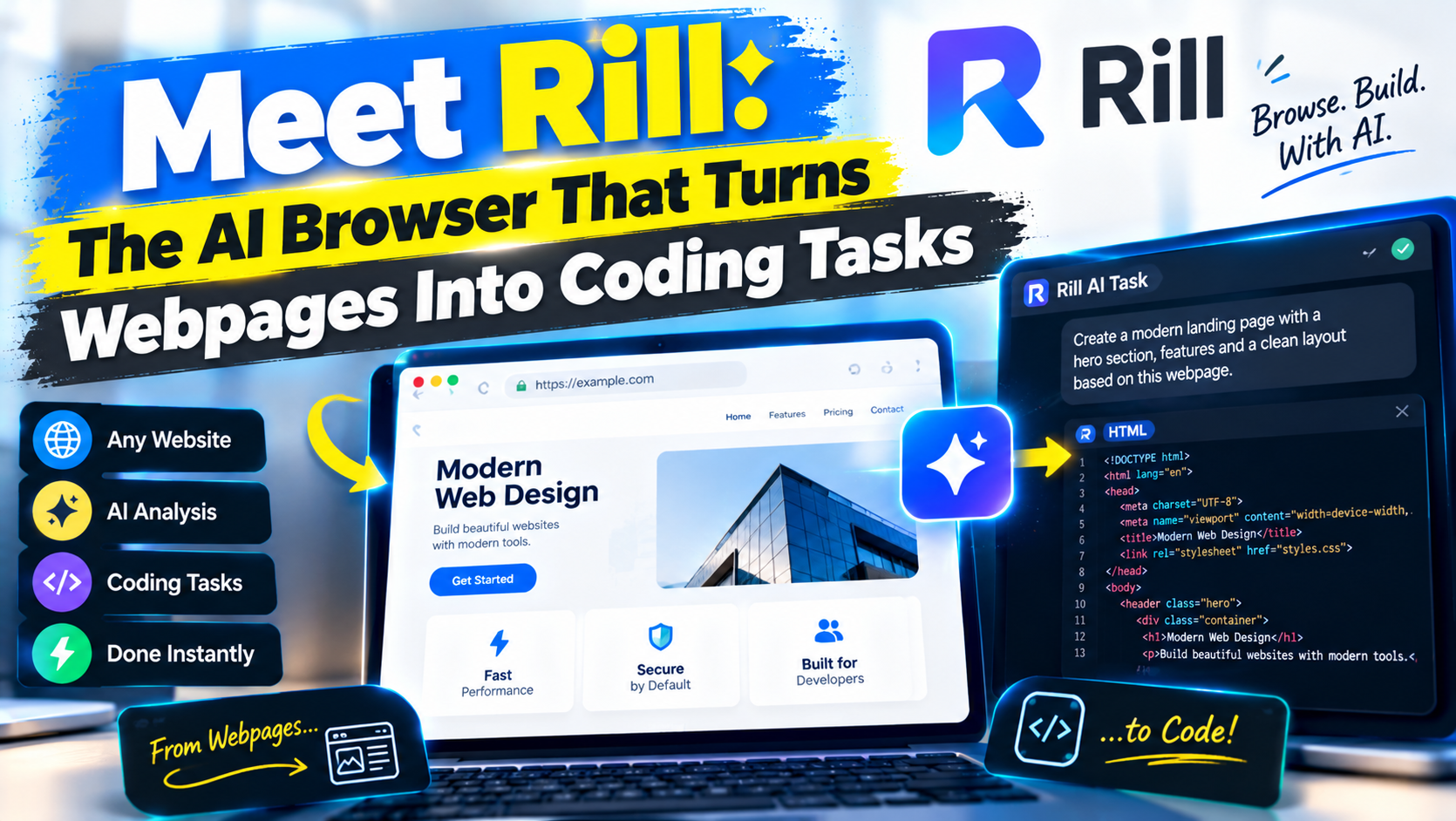
Developers routinely discover useful ideas while browsing: a polished navigation pattern, an effective pricing table, a clever form interaction, or documentation that reveals a better way to use an API. Acting on that discovery usually interrupts the flow. You copy a URL or screenshot, find the right terminal window, navigate to the project, explain the context to a coding agent, and then return to the browser to compare the result.
Rill Browser is designed to shorten that loop. It is a free macOS browser that connects everyday browsing with Claude Code and OpenAI Codex, allowing developers to turn something visible on a webpage into a task for an existing software project. Instead of treating the browser and coding agent as separate environments, Rill brings the handoff into the browsing workflow.
That does not mean Rill can clone any website perfectly or complete every development task without supervision. Its value is more focused: it reduces the coordination work between finding an idea and asking an AI coding agent to implement, investigate, or adapt it.
What Is Rill Browser?
Rill is an AI browser for developers built around Claude Code and OpenAI Codex workflows. According to its official product information, the browser can identify projects represented in a developer’s Claude Code or Codex history. A user can then select a relevant project and send a coding task to an agent without manually locating the repository in a separate terminal session.
This makes Rill different from a general-purpose browser with a chatbot sidebar. The central feature is not simply asking questions about a page. Rill is intended to connect webpage context with agents capable of reading and modifying an existing codebase.
The verified core workflow includes:
- Browsing the web in a macOS application.
- Finding existing projects through Claude Code or Codex history.
- Sending a task associated with the current browsing context to a supported coding agent.
- Continuing to browse while the agent works.
- Organizing open tabs and searching browser history.
These capabilities position Rill as a browser with AI coding agents rather than an autonomous application builder. The distinction matters: Claude Code or Codex performs the coding work, while Rill provides the bridge between browsing context, project selection, and task initiation.
How Rill Connects Browsing With Coding Agents
A conventional Claude Code web development workflow involves several separate steps. You find a design reference in Chrome or Safari, copy the relevant details, open a terminal, locate the repository, start or resume Claude Code, and write a prompt that reconstructs the browser context. A Codex coding agent workflow creates much the same coordination overhead.
Rill Claude Code integration and Rill OpenAI Codex integration aim to remove part of that friction. Because Rill uses agent history to surface projects, developers do not have to begin every task by navigating through project folders. Selecting the correct project remains the user’s responsibility, but the browser makes that selection more immediate.
The ability to continue browsing is equally important. An agent may need time to inspect a repository, understand its component structure, edit files, or run checks. Rill lets the developer research related documentation, compare alternatives, or continue triaging tabs rather than watching a terminal process.
Tabs and Searchable History as Development Context
Browser tabs often function as temporary project memory. A developer may keep API documentation, issue discussions, design references, package examples, and test data open at once. Rill treats tab organization as part of developer productivity rather than an unrelated browser feature.
Its searchable browser history for developers is useful when a reference disappears into an earlier session. Instead of trying to remember the exact page title or retracing a search, a developer can search browsing history and recover the source that informed a task. This does not automatically give an agent every page in that history; it helps the user locate and choose relevant context.
A Practical Rill Browser Coding Workflow
Consider a developer working on a dashboard application who finds an appealing command palette on another website. The goal is not to reproduce that site pixel for pixel. It is to implement a similar interaction using the project’s existing framework, components, and accessibility conventions.
1. Inspect the UI Pattern
Start by studying the behavior rather than only its appearance. Note how the palette opens, how results are grouped, whether keyboard navigation is supported, and what happens when no results match. Check whether the pattern is appropriate for the application and avoid copying protected branding, content, or proprietary assets.
2. Send a Focused Task to the Correct Project
In Rill, choose the project identified through Claude Code or Codex history. Verify the repository name and path before proceeding. Then describe the desired outcome with clear constraints. For example: implement an accessible command palette inspired by the interaction on the current page, reuse the application’s existing modal primitives, support keyboard navigation, and add tests for opening, closing, and result selection.
A precise request is safer and more useful than asking the agent to “copy this page.” It also gives the coding agent criteria against which the result can be reviewed.
3. Continue Researching While the Agent Works
While the task runs, use Rill to inspect accessibility guidance, review the component library’s documentation, or compare other implementations. This is where an AI browser for coding workflows can save time: the browser remains useful rather than becoming a waiting screen.
4. Review the Resulting Code
Once the agent finishes, inspect every changed file. Confirm that it modified the intended project, followed local conventions, avoided unnecessary dependencies, and did not weaken security or accessibility. Generated code may compile while still introducing subtle architectural or user-experience problems.
5. Run and Refine the Application
Run the project’s formatter, type checker, tests, and development server. Compare the implementation with the original goal, not merely the reference website. If focus management is unreliable or mobile behavior is awkward, send a narrower follow-up task. Review the second diff before committing it.
This iterative loop is the practical form of AI-assisted web development: observe, specify, generate, test, and refine. Rill accelerates the handoffs, but it does not remove engineering judgment.
Rill Versus a Conventional Browser and Terminal Agent
Using Safari, Chrome, or Firefox beside a terminal-based agent remains a capable setup. It offers explicit control and works across more operating systems. Experienced developers may already have shell aliases, editor integrations, and scripts that make project switching fast.
Rill’s advantage is workflow compression. It brings project discovery, webpage context, tab management, searchable history, and agent task initiation into one browser-oriented interface. That can reduce repeated copying, window switching, and repository navigation.
The conventional approach may be preferable when a team requires a particular managed browser, relies heavily on remote development environments, or needs detailed terminal control at every stage. Rill is more compelling when web research frequently becomes implementation work and the developer already uses Claude Code or Codex.
A Claude Code vs Codex workflow inside Rill should not be reduced to which agent has the better name or interface. The right choice depends on repository support, account access, model behavior, team policy, and the task. Rill provides access to both supported paths; it does not make their outputs identical.
What Rill Can and Cannot Do
Verified product capabilities include macOS browsing, project discovery through supported agent history, task handoff to Claude Code or Codex, tab organization, and searchable history. It is reasonable to expect these features to reduce context switching, although the amount of time saved depends on each developer’s habits.
Rill should not be assumed to understand every visual detail, bypass website restrictions, reproduce arbitrary websites perfectly, or autonomously deliver production-ready features. A webpage may reveal appearance and interaction, but not the original implementation, backend logic, design tokens, licensing terms, or accessibility decisions.
Developers should apply the following safeguards:
- Confirm the selected project and working directory before starting a task.
- Review permissions requested by Rill and each coding agent.
- Avoid exposing secrets, private customer data, or restricted webpages.
- Inspect diffs and generated commands before accepting changes.
- Run tests, security checks, and the application locally.
- Commit only after confirming that the change is intentional and maintainable.
Compatibility, Installation, Pricing, and Privacy
Rill is currently presented as a macOS browser. Developers should obtain the Rill browser download from the official Rill website rather than an unofficial software mirror. Because minimum macOS versions and processor requirements can change between releases, check the download page for the current compatibility details before installing.
Setup requires access to at least one supported coding agent. Install and authenticate Claude Code or OpenAI Codex using the provider’s official instructions. Developers can consult the Claude Code documentation and OpenAI Codex documentation for current account, installation, and platform requirements. Using projects with the agent first allows relevant history to exist for Rill’s project discovery workflow.
Official product information describes Rill Browser as free. That does not necessarily make the connected AI services free. Claude Code or Codex usage may require a subscription, API access, organizational entitlement, or usage-based payment under the provider’s current terms. Pricing should therefore be evaluated across both the browser and the selected coding agent.
Privacy requires similar separation. Browser history, open pages, source code, prompts, and agent output can all be sensitive. Rill’s presence does not override the data handling rules of Anthropic, OpenAI, an employer, or a repository host. Before using it with confidential work, review Rill’s current privacy disclosures, the selected agent provider’s retention terms, and organizational policies. Grant only necessary permissions and never assume that page context is safe to send merely because it is visible in a browser.
Who Will Benefit Most From Rill?
Rill is most relevant to frontend engineers, full-stack developers, product engineers, technical founders, and designers who code. It is especially useful for people who frequently move from design research, documentation, or issue investigation into an active repository.
Developers who rarely use coding agents, work exclusively on unsupported operating systems, or must use tightly controlled enterprise browsers may gain less. The best AI browsers for developers are not simply those with the longest feature lists; they are the ones that fit existing tools, security requirements, and review practices.
Final Assessment
Rill Browser addresses a real but often overlooked source of friction: turning something discovered on the web into a well-scoped coding task. Its integration with Claude Code and OpenAI Codex, project discovery, background workflow, organized tabs, and searchable history create a practical bridge between research and implementation.
The browser is not a substitute for understanding a codebase or reviewing agent-generated changes. Used carefully, however, it can make AI browser automation feel less like juggling separate tools and more like one continuous software development workflow.
Frequently Asked Questions
Is Rill Browser free?
Rill is currently described as free to download and use on macOS. Connected Claude Code or OpenAI Codex services may have separate subscription, account, or usage charges.
Does Rill replace Claude Code or OpenAI Codex?
No. Rill connects browsing activity with those coding agents. Claude Code or Codex still performs repository analysis, file editing, and related coding work according to its capabilities and permissions.
Can Rill copy any website into my project?
No. Rill can help communicate a webpage-inspired task to an agent, but it cannot guarantee an exact or lawful reproduction. Developers must account for technical limitations, licensing, branding, accessibility, and the architecture of their own application.
Is Rill available for Windows or Linux?
Rill is presented as a macOS browser. Developers should consult its official download information for any newly supported platforms rather than assuming that a Windows or Linux version is available.
Do I still need to review code created through Rill?
Yes. Verify the project selection, inspect all changed files, review commands and dependencies, run automated checks, test the application, and examine the final diff before committing or deploying anything.