








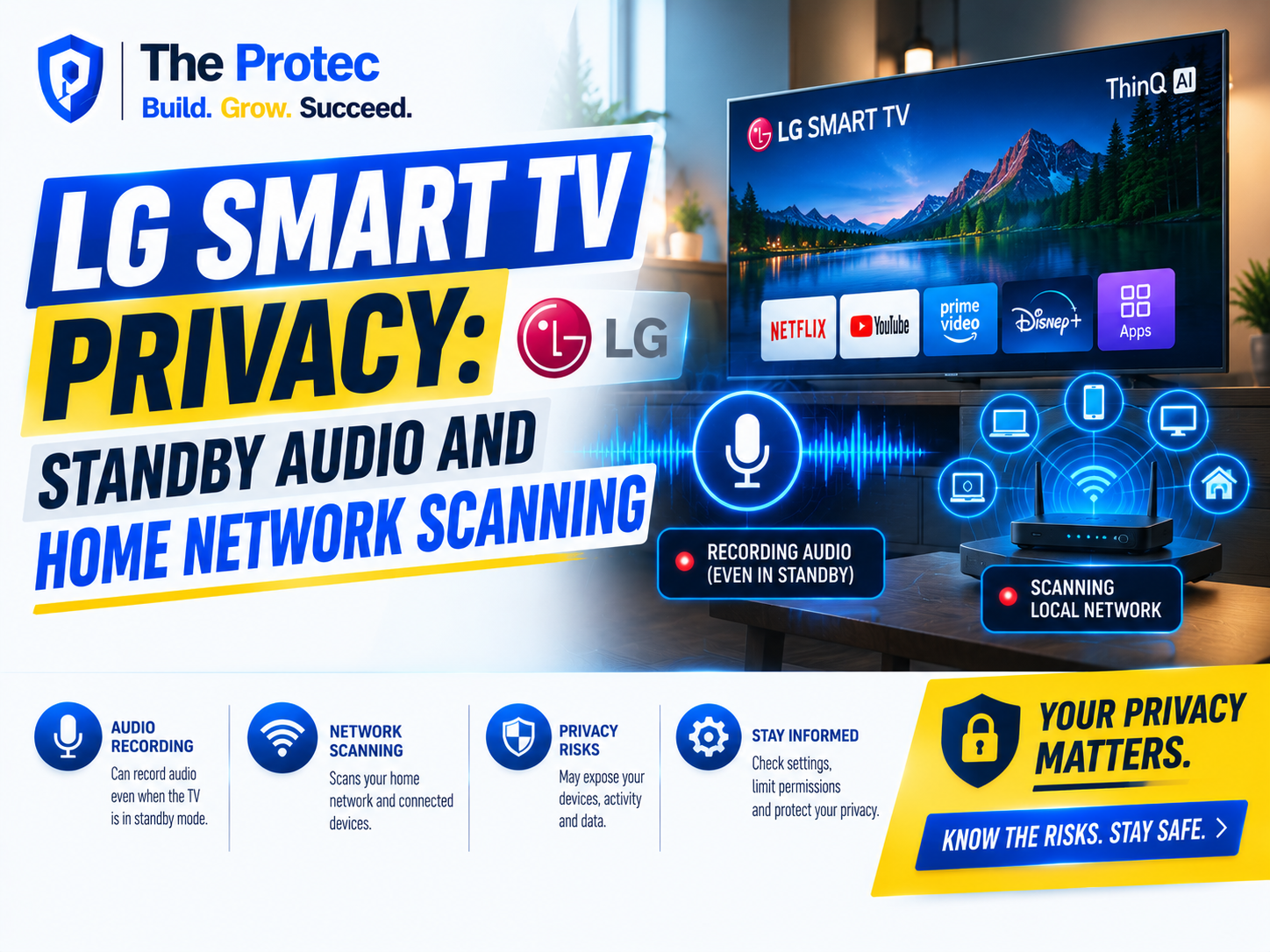
A television that appears to be off should not feel like an active sensor on your home network. Yet security researchers examining modern LG smart TVs say some models can remain surprisingly busy when their screens are dark. Their findings raise questions about standby audio capture, local network discovery, viewing-data collection, and how clearly these behaviors are explained to users.
The issue is more nuanced than a claim that every LG TV is secretly recording conversations. Smart televisions require limited background activity for features such as voice activation, casting, automatic updates, content recommendations, and instant wake. However, researchers have reported that certain configurations may allow audio processing while a TV appears to be in standby. They have also observed LG webOS devices sending discovery traffic across the local network to identify compatible devices and services.
Those capabilities deserve scrutiny because televisions now combine microphones, internet connectivity, advertising technology, and detailed viewing analytics. As of September 2026, the central LG smart TV privacy question is no longer simply what a TV shows. It is what the television can hear, recognize, discover, and share while operating as a connected computer in the living room.
What Researchers Found About LG TV Recording Audio
Recent technical examinations of LG smart TVs have focused on what happens after a user presses the power button. On many modern televisions, that action does not disconnect power or shut down the operating system completely. Instead, the TV enters a low-power state so it can wake quickly, receive commands, install updates, or respond to connected services.
Researchers reported indications that audio capture or microphone-related processes could remain available under certain settings while the display was dark and the television appeared inactive. This is particularly relevant to models supporting hands-free voice control, wake words, or an ambient mode such as LG’s Always Ready functionality.
It is important to distinguish among three different activities:
-
Microphone availability: Hardware and software remain ready to detect a voice command.
-
Local audio processing: A limited audio buffer is analyzed on the device for a wake word or command.
-
Audio transmission or storage: Recorded sound is sent to a remote server or retained for later use.
Evidence that a microphone can capture or process sound does not automatically prove that LG continuously uploads private conversations. Public research has not established that every LG smart TV secretly sends unrestricted room audio to LG. Nevertheless, the ability to process audio when a television looks off creates a meaningful transparency problem. Most people reasonably interpret a black screen as inactivity, not as an active listening state.
Why Standby Does Not Always Mean Off
Smart TVs increasingly behave like smartphones with very large displays. Pressing the remote’s power button may turn off the panel while keeping parts of the processor, networking hardware, and operating system active. Features that can depend on this low-power state include fast startup, voice wake, mobile-app control, scheduled recording, smart-home integration, and background maintenance.
The LG OLED G5 and other current premium LG smart TVs illustrate how much functionality is packed into a television. Their webOS software supports personalized profiles, voice features, connected-home controls, content recommendations, casting, and advertising-supported services. Some models may have microphones in the television itself, while others rely primarily on a microphone in the Magic Remote. Capabilities also vary by country, model, firmware version, and selected options.
A remote microphone that activates only while a button is held presents a different risk from a far-field LG TV microphone designed to hear commands across a room. Owners should therefore check their specific model rather than assuming every LG television behaves identically.
LG TV Network Scanning: What the Television May Discover
Researchers also observed behavior described as LG TV network scanning. In practical terms, the television sends traffic over the local network to find devices, apps, or services it may be able to communicate with. It can use common discovery technologies such as Simple Service Discovery Protocol, multicast DNS, Universal Plug and Play, or Digital Living Network Alliance services.
There are legitimate reasons for this activity. A television may need to locate media servers, casting devices, smart speakers, home-automation hubs, network storage, or phones running companion apps. Discovery allows these features to work without requiring users to enter an IP address manually.
The privacy concern is that discovery traffic can also reveal an informal inventory of a household’s connected environment. Depending on the technique used, a device may learn hostnames, addresses, device types, advertised services, and open interfaces. That information could expose the presence of security cameras, storage servers, computers, printers, or poorly protected Internet of Things devices.
Network discovery is not proof of LG TV spying, nor does it necessarily mean a television is attempting to exploit other equipment. The concern is proportionality: Does webOS search only for services required by enabled features, or does it probe more broadly than users would expect? It also raises security questions about what could happen if the TV itself, a third-party app, or its cloud account were compromised.
How webOS Expands the Smart TV Attack Surface
LG webOS is a full connected-device platform rather than a basic television interface. It runs apps, manages accounts, communicates with advertising and analytics systems, accepts network connections, and interacts with external hardware. Every additional capability expands the potential attack surface.
Past research into LG webOS security has demonstrated that implementation flaws can expose account, privilege, or device-management functions. Vendors regularly patch such vulnerabilities, but TVs often remain in homes much longer than phones and laptops. A television may still work perfectly after years of use even though it receives fewer security updates or runs obsolete third-party components.
That longevity makes LG smart TV security a household-network issue. A compromised TV could potentially be used to monitor traffic, contact other local devices, participate in botnet activity, or provide an attacker with a foothold behind the router. These are potential outcomes, not evidence that LG televisions routinely perform them. They explain why broad network visibility and long support periods matter.
ACR Tracking and What LG Knows About Viewing Habits
Automated Content Recognition, commonly called ACR, is technology used to identify what is playing on a television. It can generate compact fingerprints from content displayed on the screen and compare them with reference databases. Depending on implementation, ACR can recognize programming delivered through broadcast television, a cable box, a game console, a streaming device, or another HDMI source.
ACR tracking is valuable because viewing behavior reveals interests, routines, preferred brands, and likely demographics. Smart TV platforms and advertising businesses can use this information for recommendations, audience measurement, ad attribution, and targeted campaigns. LG has marketed relevant functionality under settings and services such as Live Plus, although naming and availability vary by region.
ACR generally does not need to retain a complete copy of every program. The privacy risk comes from the resulting event data: what was recognized, when it played, how long it remained on screen, and which device or household identifier was associated with it. When combined with account, IP address, advertising, and partner data, these records may create a detailed household profile.
Regulators have previously treated undisclosed ACR collection as a serious issue. The Federal Trade Commission’s smart TV enforcement action involving Vizio established an important principle: viewing information can be sensitive, and consumers must receive meaningful notice and choice.
Where LG Ad Solutions Fits Into the Picture
LG Ad Solutions is LG’s connected-TV advertising business. It supports advertising, audience targeting, campaign measurement, and content monetization across the smart TV environment. This does not mean microphone recordings are automatically handed to advertisers. Audio processing, ACR, app analytics, account data, and advertising systems can operate under different permissions and policies.
The broader concern is how these systems may interact through identifiers and inferred profiles. ACR can indicate what a household watches. App activity can show which services it uses. Advertising technology can measure whether a campaign reached a television or influenced later behavior. Personalized home-screen and screensaver advertising also gives platform operators more opportunities to monetize attention outside traditional programming.
LG explains categories of data and consumer choices through its privacy information and controls. Users should still read on-screen consent requests carefully. A single acceptance screen may cover multiple services, and declining personalization does not necessarily stop operational telemetry required to deliver updates, streaming, or security functions.
How to Improve LG TV Privacy Settings
Menu names change across webOS versions, regions, and models, but owners can reduce unnecessary collection by reviewing privacy and connectivity options rather than keeping the default setup.
-
Disable hands-free voice recognition: Turn off wake-word detection or far-field voice control if it is not needed. Use push-to-talk through the remote where available.
-
Check for a microphone switch: Some models have a physical microphone control. A hardware switch offers stronger assurance than a software setting when implemented as a true electrical disconnect.
-
Turn off Always Ready: Disable ambient or quick-access modes if the TV does not need to respond while the screen is dark.
-
Review ACR settings: Look for Live Plus, viewing information, content recognition, personalized advertising, or similar labels. Disable features that are not worth the data exchange.
-
Limit account personalization: Review advertising IDs, interest-based ads, voice-information permissions, and cross-device personalization.
-
Remove unused apps: Every installed service may introduce additional analytics, permissions, and update requirements.
-
Install firmware updates: Enable security updates or check manually. Updates may fix LG TV security flaws even when they do not add visible features.
-
Disconnect unused integrations: Remove old phones, voice assistants, smart-home accounts, media servers, and casting permissions.
Users seeking the simplest configuration can disconnect the television from the internet and use a separately managed streaming device. That does not eliminate tracking by the external device, but it can reduce webOS data collection and prevent the TV from scanning the home network. The tradeoff is losing built-in streaming, remote management, and automatic updates.
Segment the TV From Sensitive Home Devices
A strong smart TV security strategy assumes that any connected entertainment device could eventually develop a vulnerability. Place the television and other IoT products on a guest network or dedicated VLAN when the router supports it. Ideally, that network should have internet access but should not be able to initiate connections to personal computers, network storage, work devices, or security systems.
Disable UPnP on the router if it is unnecessary, use a unique LG account password, and activate multifactor authentication when offered. Router logs or network-monitoring tools can also reveal how frequently the television contacts external servers and whether it continues generating local traffic in standby.
Network segmentation will not stop data collection that the television sends directly to authorized cloud services. It does, however, limit what LG TV network scanning can discover and reduces the damage that a compromised television might cause.
Are LG Smart TVs an Overlooked Privacy Risk?
Modern televisions occupy an unusually sensitive location. They sit in shared living spaces, remain connected for years, observe entertainment habits, and may contain far-field microphones. At the same time, users tend to apply less scrutiny to TVs than to phones or computers. Consent screens are often accepted quickly during setup because people simply want to start watching.
The available findings do not justify treating every LG television as a covert surveillance device. They do justify demanding clearer indicators, narrower defaults, long-term security updates, and plain explanations of what remains active in standby. A screen going black should not be the only signal users receive about whether microphones, networking, or recognition services remain operational.
LG smart TV privacy concerns also reflect an industry-wide shift. Television manufacturers increasingly operate advertising and data platforms, while voice control and AI personalization create demand for more persistent sensors. Owners should treat a smart television as an IoT computer with a display—not as a passive appliance.
Frequently Asked Questions
Can an LG smart TV record audio while it is off?
Certain LG smart TVs may keep microphone or voice-detection functions available when the display is off but the television is in standby. That is different from being unplugged. Whether audio is processed depends on the model, voice settings, firmware, and region. Current public evidence does not show that every LG TV continuously uploads complete private conversations.
How can I tell whether my LG TV microphone is active?
Check the voice-recognition, AI service, Always Ready, and privacy menus. Consult the model manual to determine whether the microphone is in the TV, the remote, or both. If a physical microphone switch is present, use it when voice control is unnecessary. An on-screen icon may appear during active voice commands, but it may not represent every background process.
Why is my LG TV scanning my home network?
webOS may use local discovery to find casting targets, phones, media servers, smart-home equipment, or other compatible services. This can be legitimate, but it may reveal more about the network than users expect. A guest network or IoT VLAN can prevent the television from seeing sensitive devices.
Does disabling ACR stop all LG data collection?
No. Disabling Automated Content Recognition can reduce collection of recognized viewing activity, but the TV may still send operational data such as app requests, device diagnostics, update checks, account activity, and security telemetry. Review each privacy category separately.
Is unplugging the television the only way to stop standby activity?
Unplugging the TV or using a switched outlet provides the clearest physical assurance that its microphone, processor, and network adapter are inactive. Less drastic options include disabling Always Ready and voice wake, turning off Wi-Fi, using a hardware microphone switch, or blocking the TV through the router when it is not in use.