







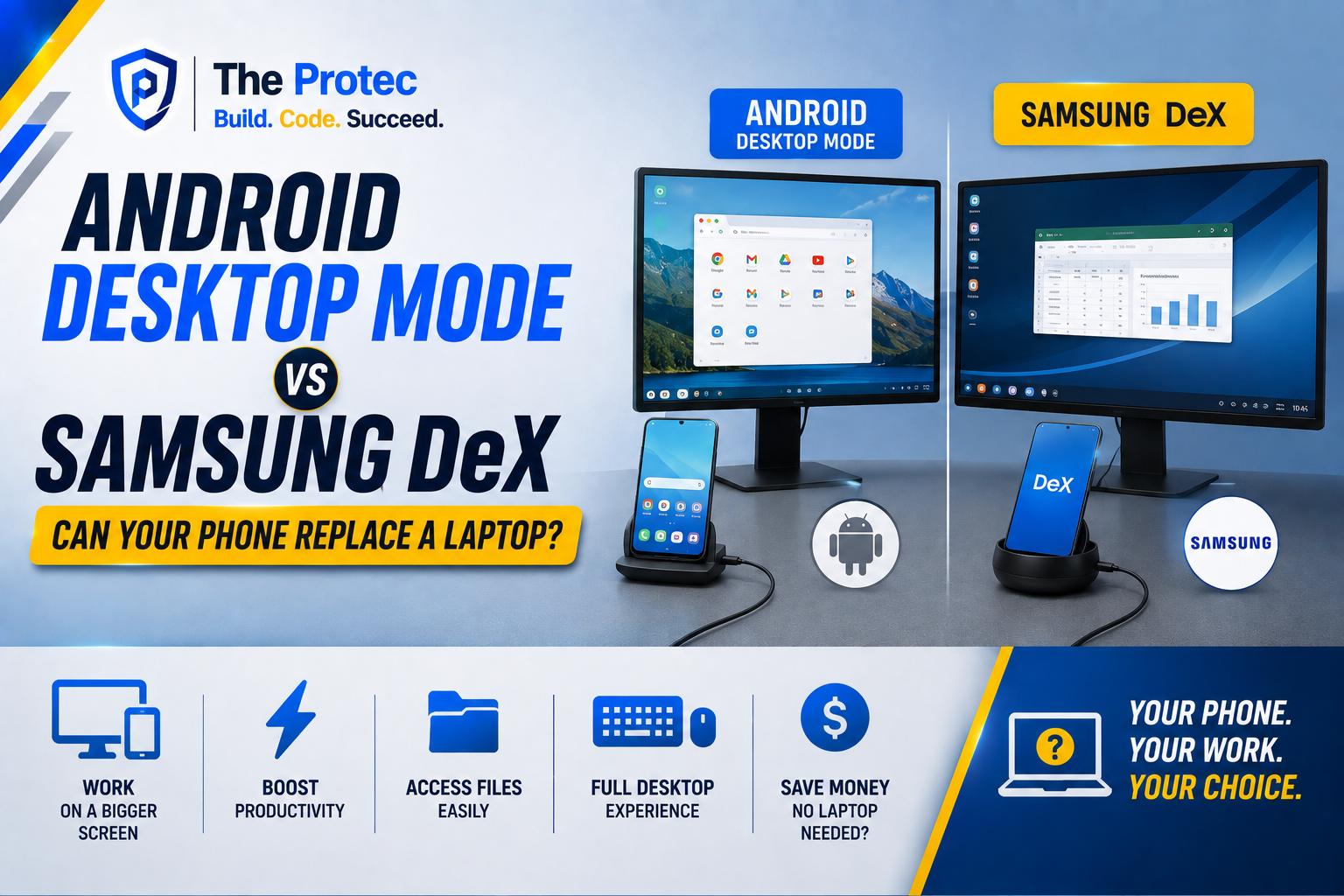
The idea of using a phone as a laptop has spent years hovering between clever demonstration and practical reality. Connect a handset to a monitor, add a keyboard and mouse, and the same device that handles calls, photos and messages becomes a desktop computer. The pitch is appealing: one processor, one set of files and one device to carry. In this article we will discuss Android Desktop Mode vs Samsung DeX: Can Your Phone Replace a Laptop?
As of August 2026, that concept is more credible than ever. Android desktop mode is evolving from an experimental developer feature into a more consistent platform experience, while Samsung DeX continues to offer one of the most polished phone-to-desktop systems. Faster mobile processors, improved window management, USB-C displays and better web applications have also removed several early obstacles.
That does not mean a flagship phone can automatically replace every laptop. The answer depends on your applications, display setup, accessories and tolerance for mobile software quirks. Here is how Android desktop mode compares with Samsung DeX across productivity, multitasking and real-world use.
What Is Android Desktop Mode?
Android desktop mode is the broader platform approach to running Android on a connected display with resizable windows, a desktop-style taskbar, keyboard and mouse support, and improved management of multiple applications. Instead of simply mirroring a phone’s narrow screen onto a monitor, the operating system can create a workspace designed for a larger display.
Earlier versions of this capability were hidden behind developer settings and offered an unfinished interface. The Android 16-era platform brought connected-display desktop windowing much closer to a consumer-ready feature, supported by continuing refinements to window controls, display handling and application compatibility. Google’s desktop windowing guidance for Android developers also encourages applications to adapt to flexible window sizes rather than assume they are running full-screen on a phone.
Availability still depends on the device manufacturer. A phone needs video output, suitable software and enough performance to drive an external display. Two phones running a similar Android version may therefore provide very different desktop experiences.
How Samsung DeX Is Different
Samsung DeX is Samsung’s established desktop interface for supported Galaxy phones and tablets. It has had years of practical refinement, including a familiar taskbar, app shortcuts, notifications, overlapping windows, keyboard commands and settings for external displays. Samsung also provides clear information about supported connection methods on its official DeX page.
Recent DeX releases have increasingly shared foundations and interface conventions with Android’s native desktop windowing work. That alignment should make application behavior more consistent across large screens, although longtime DeX users may notice that controls and features change as Samsung modernizes the experience.
The crucial difference is maturity. Generic Android desktop mode supplies a foundation that manufacturers can adopt, customize or restrict. DeX is a complete Samsung product integrated with Galaxy hardware. If desktop use is a deciding factor when buying a phone, DeX remains easier to evaluate because its supported devices and behavior are more predictable.
Android Desktop Mode vs Samsung DeX at a Glance
- Interface polish: DeX generally feels more cohesive, while native Android implementations can vary by phone brand and software release.
- Window management: Both support resizable app windows, but DeX has a longer track record with desktop-style controls and keyboard workflows.
- Application support: Both run Android apps, so their biggest limitations are often identical. Applications designed for adaptive layouts perform best.
- Hardware choice: Android desktop mode can potentially reach more manufacturers. DeX is limited to selected Samsung Galaxy devices.
- Ecosystem integration: DeX benefits from Samsung features and accessories, while platform-level desktop mode offers a path toward broader Android consistency.
Productivity: Can You Actually Work on It?
For browser-based work, email, messaging and document editing, the answer is increasingly yes. Modern mobile browsers can request desktop versions of websites, web apps are more capable, and Android productivity suites work well with physical keyboards. A phone can comfortably handle research, calendar management, cloud documents, video calls and light image editing on a monitor.
The experience is particularly effective for people whose working day already revolves around browser tabs and communication tools. Files downloaded on the phone are immediately available, authentication stays on one trusted device, and mobile connectivity provides an automatic fallback when Wi-Fi is unavailable.
Samsung DeX has an advantage in consistency. Window placement, shortcuts and notifications generally behave as users expect from a desktop. Android desktop mode can be equally productive on well-implemented hardware, but OEM differences make it harder to promise the same experience across every compatible phone.
Neither option changes the underlying software catalog. An Android office app may omit advanced macros, publishing tools or document controls found in its Windows or macOS counterpart. A website may also serve a limited mobile interface even when the browser requests desktop mode. Before replacing a laptop, test the exact applications and workflows you use rather than relying on a general list of supported apps.
Multitasking Has Improved, but Memory Still Matters
A convincing desktop needs more than large windows. It must keep applications active while users move between a document, browser, chat client and video meeting. Both DeX and newer Android desktop environments support overlapping, resizable windows and a taskbar, making this type of workflow possible.
High-end phones with generous RAM perform well under moderate loads. They can run several productivity applications without obvious slowdowns, and modern flagship processors have enough graphics power for high-resolution interfaces. Performance is rarely the first problem during ordinary office work.
Application lifecycle behavior is more significant. Android may suspend or close background apps to control power and memory use. A browser tab can reload, an editing app may lose its position, or a remote session may disconnect after aggressive background management. DeX cannot completely eliminate these Android fundamentals, although Samsung’s optimizations often make multitasking feel stable on supported flagship hardware.
Thermal limits also matter. A phone driving a display while charging, joining a video call and running several apps can become warm. Sustained workloads may reduce performance, especially if the handset is in a thick case or enclosed dock.
External Display Support Is the Make-or-Break Feature
USB-C alone does not guarantee monitor support. The phone must support video output through an appropriate DisplayPort mode, and the manufacturer must enable a desktop interface. Some devices only mirror their screens, while others cannot send video through USB-C at all.
Samsung DeX works through compatible USB-C monitors, hubs and docks, and selected configurations may offer wireless display connections. A wired connection remains preferable for office use because it delivers lower latency, better image quality and fewer compression artifacts. Wireless mode is convenient for presentations or temporary setups but is less satisfying for precise mouse work.
Native Android desktop mode has expanded external-display possibilities beyond Samsung, including compatible Pixel and other flagship devices. Support remains fragmented, however. Resolution choices, refresh rates, audio routing and behavior when the phone screen turns off can differ by manufacturer.
Check whether a phone supports extended desktop output rather than simple mirroring. Also confirm the desired monitor resolution and refresh rate, particularly for ultrawide or high-refresh displays. A feature listed as external display support may not cover every display configuration.
The Accessories You Need
A basic phone-to-desktop setup requires a USB-C hub or monitor with power delivery, an HDMI or DisplayPort connection, and a keyboard and mouse. A hub with Ethernet, USB ports and an SD card reader creates a more laptop-like workstation. Supplying power through the dock prevents the phone’s battery from draining during long sessions.
A portable USB-C monitor and compact Bluetooth keyboard can create a travel setup, but this is where the phone as a laptop proposition becomes less straightforward. Once you carry a screen, stand, keyboard, charger and cables, a lightweight laptop may be simpler. Lapdocks combine these parts into a laptop-shaped shell and can be elegant, but quality, trackpad performance and availability vary.
The phone itself can sometimes act as a touchpad or keyboard. That is useful in an emergency, not ideal for hours of work. A physical mouse or responsive trackpad remains essential for accurate desktop interaction.
Real-World Limitations You Cannot Ignore
- Mobile applications: Some apps stretch awkwardly, refuse to resize or restart when moved between displays. Adaptive Android apps behave far better than phone-only designs.
- Professional software: Full desktop development environments, advanced media suites, specialized engineering tools and many corporate applications remain unavailable or reduced in capability.
- Browser constraints: Desktop websites usually work, but extensions, developer tools, certificate handling and peripheral access may not match a desktop browser.
- Peripheral compatibility: Printers, scanners, audio interfaces, webcams and encrypted storage devices can require drivers Android does not provide.
- Corporate management: VPNs, endpoint policies and remote desktop tools may work well, but an employer’s security platform can limit external displays, file transfers or application access.
- Single point of failure: If the phone is lost, damaged or needed for a call, both the mobile device and primary computer are affected.
Local storage is another consideration. Cloud services reduce dependence on internal capacity, but large media projects and offline archives can quickly consume a phone’s storage. External drives are useful, although file-system support and application permissions may complicate transfers.
Desktop mode also does not give every Android app a desktop-quality interface. The operating system can place an app in a window, but it cannot redesign that app’s navigation, keyboard shortcuts or menus. Software quality—not raw processor speed—is now the largest barrier to universal laptop replacement.
Samsung DeX Alternatives Worth Considering
The market for Samsung DeX alternatives is broader than one Google feature. Motorola Smart Connect, desktop environments from Honor and other manufacturer-specific systems offer variations on the same concept. Some prioritize wireless continuity with a PC, while others create a full interface on a monitor.
Native Android desktop mode is the most important long-term alternative because it gives app developers a common target. A shared platform can reduce the need to optimize separately for every manufacturer’s desktop shell. Still, implementation quality matters more than branding. Buyers should verify wired video output, windowing behavior and accessory compatibility on the exact phone model.
Remote desktop and cloud PC services offer another path. In that arrangement, the phone supplies connectivity and the display interface while a remote Windows or Linux computer handles demanding software. It can be powerful, but it introduces subscription costs, network dependence and latency.
Who Can Replace a Laptop With a Phone?
A phone can replace a laptop for users who primarily work in a browser, write documents, manage email, attend meetings and use cloud storage. It also makes sense for field workers, frequent travelers and people who already have monitors and docks at their regular destinations.
Samsung DeX is the safer option for someone who wants a proven, ready-to-use desktop environment. Android desktop mode is compelling for users who prefer other phone brands or want to participate in a growing cross-device standard. In both cases, a week-long trial with normal work is more revealing than a short demonstration.
Keep the laptop if your job depends on advanced creative applications, software development, complex spreadsheets, extensive browser extensions or specialized peripherals. A phone may still serve as an excellent secondary computer or emergency workstation without becoming the only computer you own.
Frequently Asked Questions
Is Android desktop mode the same as Samsung DeX?
No. Android desktop mode refers to platform-level support for desktop windowing and connected displays. Samsung DeX is Samsung’s integrated implementation for selected Galaxy devices. Their interfaces are becoming more closely related, but hardware support, settings and features can still differ.
Can any Android phone connect to a monitor?
No. The phone needs compatible wired or wireless display output, and true desktop use requires suitable software. Some USB-C phones support only charging and data, while others provide screen mirroring without an extended desktop. Check the specifications for the exact model.
Can Samsung DeX run Windows applications?
DeX runs Android applications and web apps, not native Windows software. Windows applications may be accessible through a remote desktop, cloud computer or compatible streaming service, but they are running on another machine.
Does desktop mode damage a phone’s battery?
Normal use should not damage a healthy phone, but long sessions generate heat and often keep the device charging. Use a reputable power-delivery charger, provide ventilation and enable battery-protection settings when available.
Is a phone powerful enough to replace a laptop?
Flagship phones have enough processing power for common office tasks. The main restrictions are application capability, background behavior, display support and peripherals. Performance alone is no longer the deciding factor.
The Verdict
Android desktop mode has turned the phone-to-desktop idea into a serious computing option, while Samsung DeX remains the benchmark for polish and predictability. For communication, browser-based work and light content creation, a modern phone can replace a laptop surprisingly well.
For demanding professional software or complex peripherals, it is still a compromise. The best way to view the trend is not that every phone is now a laptop, but that a capable phone can become the only computer many people need—provided their work already fits Android and the web.