






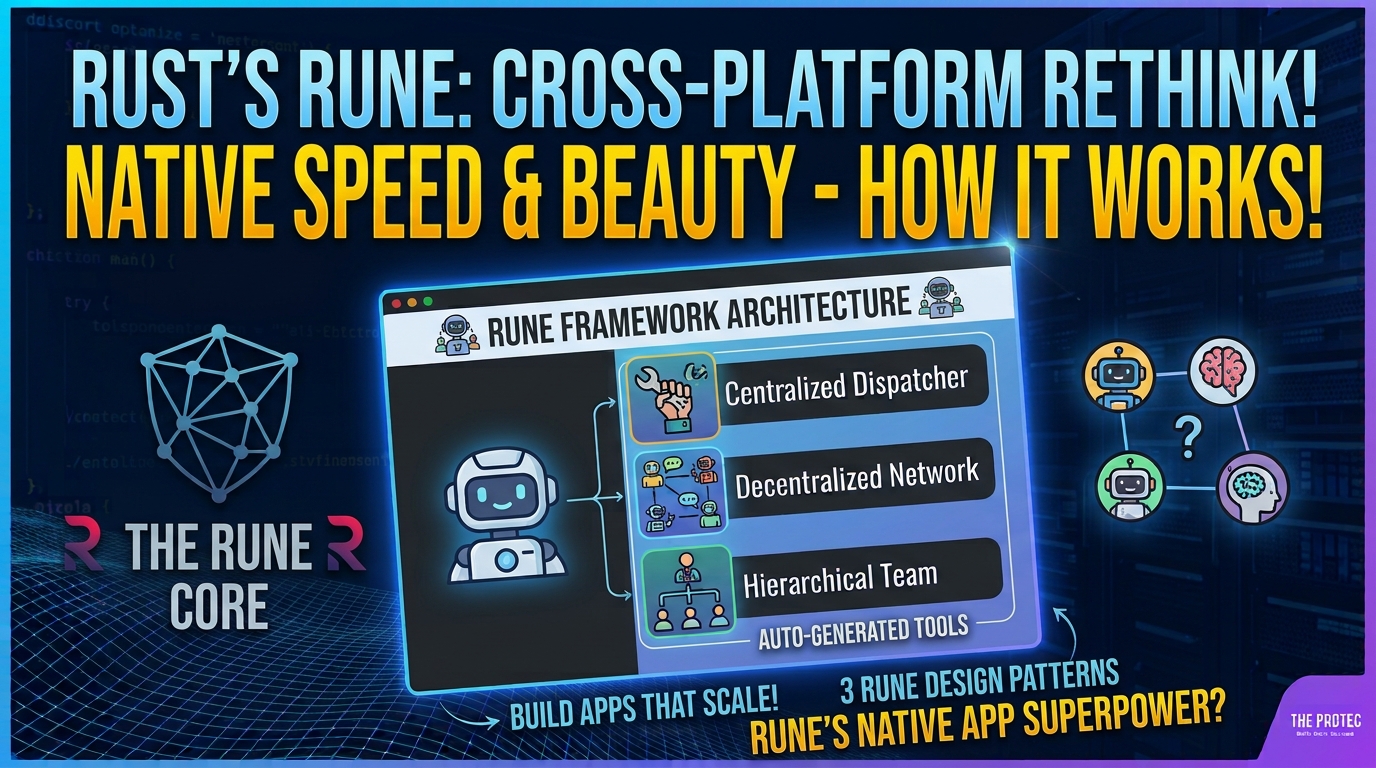
Cross-platform development usually requires a compromise: accept the overhead of a browser runtime, depend on operating-system webviews, or reproduce an interface across several native toolkits. The emerging Rune Rust UI framework proposes another route. It gives Rust developers a unified interface stack built around its own GPU renderer, text engine, layout system, and animation capabilities, with macOS, Windows, Linux, and the web among its intended targets.
Rune is particularly notable because rendering is only part of its pitch. A headless mode is designed to let automated tests and AI coding agents render screenshots, inspect element trees, and simulate user interactions without relying exclusively on a visible desktop session. That could make the framework interesting for teams exploring agent-assisted development, deterministic visual testing, or an all-Rust application architecture. However, Rune remains pre-release as of November 2026, so its design should be evaluated as an evolving platform rather than a production-safe default.
What is Rune trying to change?
Most cross-platform frameworks sit on top of another substantial interface layer. Electron embeds Chromium and Node.js. Tauri commonly combines a Rust backend with each operating system’s webview. Other tools bind Rust to native widgets or use a separate language and rendering engine.
Rune instead aims to own the core UI pipeline. Application code describes interface elements in Rust, while Rune handles layout, text, drawing, animation, input, and platform presentation. The goal is not merely to expose multiple native toolkits through one API. It is to produce the interface through a shared renderer, reducing the need to maintain separate AppKit, WinUI, GTK, and browser implementations.
This architecture puts Rune in the category of a retained, GPU-rendered UI system rather than a thin compatibility wrapper. It can potentially offer consistent behavior across platforms, but it also makes the framework responsible for difficult details that mature operating-system toolkits have refined over many years.
How Rune’s GPU-rendered UI pipeline works
A Rune application begins with a Rust-defined element hierarchy. Elements carry content, style, layout requirements, and interaction state. The framework resolves that description into geometry, prepares text and graphical resources, and submits drawing work through its GPU-oriented renderer.
Layout turns elements into geometry
The layout system determines the size and position of interface elements based on their constraints and the available window or viewport. Centralizing layout is essential to Rune’s cross-platform model: the same rules can be applied on desktop and web targets rather than delegated to unrelated native layout engines.
That does not mean every platform will produce perfectly identical pixels. Font availability, display scaling, graphics drivers, input conventions, and window behavior can still affect the result. A shared layout implementation nevertheless gives Rune a common baseline for testing and visual consistency.
The text engine handles more than drawing letters
Text is one of the hardest parts of a custom Rust GUI framework. A text engine must account for font selection, shaping, line breaking, glyph measurement, bidirectional scripts, scaling, cursor positioning, and selection. Rune’s decision to include its own text subsystem indicates that text participates directly in the framework’s layout and rendering model instead of being handed wholesale to a native text widget.
The practical quality of this subsystem will be critical. Developers should test the languages, scripts, fonts, editing behaviors, and accessibility scenarios required by their applications rather than assuming that basic text rendering guarantees a complete internationalized editing experience.
GPU drawing and animation complete the frame
After layout and text preparation, Rune converts visual elements into renderable primitives and sends the resulting work to the graphics layer. Owning this stage allows the framework to coordinate clipping, transforms, opacity, effects, and animation in one pipeline. It can also make custom visuals easier to reproduce across supported targets.
GPU rendering is an architectural choice, not proof of superior performance. Frame time depends on scene complexity, text workloads, resource management, driver behavior, invalidation strategy, and many other factors. There are not yet sufficient independent, comparable benchmarks to claim that Rune is faster than Electron, Flutter, or established native frameworks.
One Rust interface across desktop and web
Rune targets macOS, Windows, Linux, and the web, allowing developers to share interface logic and application code in Rust. On desktop systems, the framework still needs platform-specific layers for windows, input, clipboard access, cursors, display scaling, and graphics-surface creation. For the web, Rust code and rendering infrastructure must operate within browser capabilities, typically through web compilation technologies and browser graphics APIs.
A declared target should not be confused with equal maturity. Feature completeness, graphics backend support, accessibility, input methods, packaging, and deployment can differ by platform. Linux support is especially broad because distributions, display servers, desktop environments, and system dependencies vary. Prospective adopters should verify the current support matrix against the exact environments they plan to ship.
Why headless mode is a significant feature
Rune’s headless mode is designed to run the interface without requiring normal on-screen presentation. Tests and development tools can render screenshots, inspect the element tree, and simulate interactions such as pointer actions or keyboard input. This makes the UI itself observable and controllable through structured automation.
For conventional testing, teams could use these capabilities to confirm that a dialog appears after an action, compare visual output with approved snapshots, or inspect whether an expected element exists. Screenshot tests can catch layout and styling regressions, while element-tree assertions can be less fragile than pixel comparisons.
The same facilities are relevant to AI coding agents. An agent can modify Rust code, launch the interface headlessly, inspect the resulting structure, perform an interaction, and examine a rendered image. That creates a feedback loop richer than compilation alone. It does not eliminate the need for human review: an agent may produce a screenshot that looks plausible while missing accessibility semantics, native conventions, or uncommon interaction states.
Rune compared with Electron, Tauri, and Flutter
All four approaches can support cross-platform products, but they place responsibility in different layers.
Electron
Electron packages a Chromium renderer and Node.js-based application environment. Its main advantage is access to mature web technologies and the large JavaScript ecosystem. The tradeoff is that an application ships a browser-centered runtime and follows a multi-process architecture. Electron’s official documentation explains its process model and the separation between main and renderer processes.
Rune does not use HTML and CSS as its primary UI layer or depend on an embedded Chromium renderer. It draws through its own graphics stack and keeps interface development in Rust. That may appeal to Rust-focused teams, but Electron currently offers a far larger ecosystem and years of production experience.
Tauri
Tauri generally uses a Rust core with a frontend rendered by the operating system’s webview. This can avoid bundling an entire browser engine, although behavior may vary with the webview available on each platform. Its architecture also lets teams retain familiar HTML, CSS, and JavaScript workflows. The official Tauri architecture overview describes how these layers fit together.
Rune replaces the web frontend with a Rust-native element and rendering system. It therefore seeks stronger control over rendering consistency, while accepting responsibility for text, widgets, accessibility, and other services normally supplied by the browser.
Flutter
Flutter uses Dart and an engine-controlled rendering approach to provide a consistent widget system across platforms. Architecturally, that makes it closer to Rune than Electron or Tauri: both emphasize framework-owned layout and drawing rather than assembling an application from native widgets or HTML elements.
The important differences are language, runtime, ecosystem maturity, tooling, and implementation details. Flutter has an established package ecosystem and substantial production adoption. Rune’s attraction is its Rust-first model, but it is much earlier in development. Performance comparisons require equivalent applications, release builds, hardware, workloads, and measurement methods; architectural similarities alone do not establish a winner.
Native and binding-based Rust frameworks
Other cross-platform Rust UI options may wrap native controls, bind to an existing toolkit, or provide immediate-mode interfaces. Native controls can deliver strong platform integration and familiar behavior, but visual output and available features may differ among operating systems. Rune favors a shared custom-rendering model, trading some automatic native behavior for centralized control.
Potential benefits of Rune’s architecture
- A Rust-centered codebase: Teams can write interface and application logic in the same language, reducing cross-language boundaries.
- Consistent custom visuals: A shared renderer, text system, and layout engine can make branded interfaces easier to reproduce across targets.
- Integrated animation: Animation can participate directly in Rune’s own scene and rendering pipeline instead of being coordinated across unrelated toolkits.
- Structured automation: Headless screenshots, tree inspection, and simulated input support testing and agent-driven development workflows.
- Reduced platform duplication: Developers may be able to share more UI code than they would with separate native implementations.
Challenges Rune still needs to solve
Accessibility is a major test. A custom-drawn button is not automatically exposed as a button to screen readers or other assistive technology. Rune must map its element model to each platform’s accessibility APIs while preserving roles, labels, state, focus order, navigation, and text semantics.
Native controls come with hidden depth. Menus, text fields, drag-and-drop, input methods, keyboard navigation, high-contrast modes, printing, and system dialogs contain decades of platform-specific behavior. Rune can imitate their appearance, but matching expected behavior is a separate challenge.
Operating-system integration remains platform-specific. Notifications, global shortcuts, file associations, window chrome, sandboxing, signing, accessibility permissions, and application distribution cannot be solved by a renderer alone. Teams may still need target-specific code and deployment expertise.
Visual consistency can conflict with platform conventions. A uniform interface may strengthen a product’s identity, yet users expect different menu placement, shortcuts, typography, and interaction patterns on macOS, Windows, Linux, and the web. Good cross-platform design often shares a core while adapting selected details.
Pre-release software carries stability risk. APIs may change, documentation may be incomplete, debugging tools may be limited, and third-party packages may not yet exist. Those costs can outweigh architectural elegance for applications with fixed delivery deadlines.
How developers should evaluate Rune
Start with a prototype that reflects the difficult parts of the intended product, not a simple counter or to-do list. Test long and internationalized text, keyboard-only navigation, assistive technology, multiple windows, high-DPI displays, animation-heavy views, clipboard operations, and packaging on every required target.
Review the documentation, release status, platform support, issue tracker, contribution activity, licensing, and upgrade policy. Measure startup time, memory use, frame pacing, binary size, and test reliability with your own workload. Most importantly, assess whether the framework’s stability and ecosystem match the application’s risk profile. Rune may be compelling for experiments and internal prototypes, but its pre-release status means production adoption requires caution.
Frequently asked questions
Is the Rune Rust UI framework ready for production?
Not as a general recommendation. Rune remains pre-release as of November 2026. A team considering it for production should independently confirm API stability, required platform features, accessibility support, packaging workflows, and the project’s maintenance outlook.
Does Rune use native operating-system controls?
Rune’s core approach centers on its own layout and GPU-rendering stack rather than building the entire interface from native widgets. It still depends on platform integration for windows, input, accessibility bridges, and system services. Developers should verify which components are custom-drawn and which native facilities are available.
Is Rune faster than Electron or Flutter?
That conclusion is not currently justified by independent, comparable benchmarks. Rune avoids Electron’s Chromium-based rendering model and differs from Flutter’s engine and runtime, but architecture alone does not determine real application performance.
What is Rune’s headless mode useful for?
It enables automated systems to render screenshots, inspect element trees, and simulate interactions without a conventional visible UI session. Likely uses include visual regression testing, interaction tests, continuous integration, debugging tools, and feedback loops for AI coding agents.
Why might a Rust team choose Rune over Tauri?
A team may prefer Rune when it wants the interface itself written and rendered through Rust rather than implemented with web technologies. Tauri is likely more attractive when the team values the existing web ecosystem and operating-system webviews. The better choice depends on skills, UI requirements, platform coverage, and acceptable project risk.