









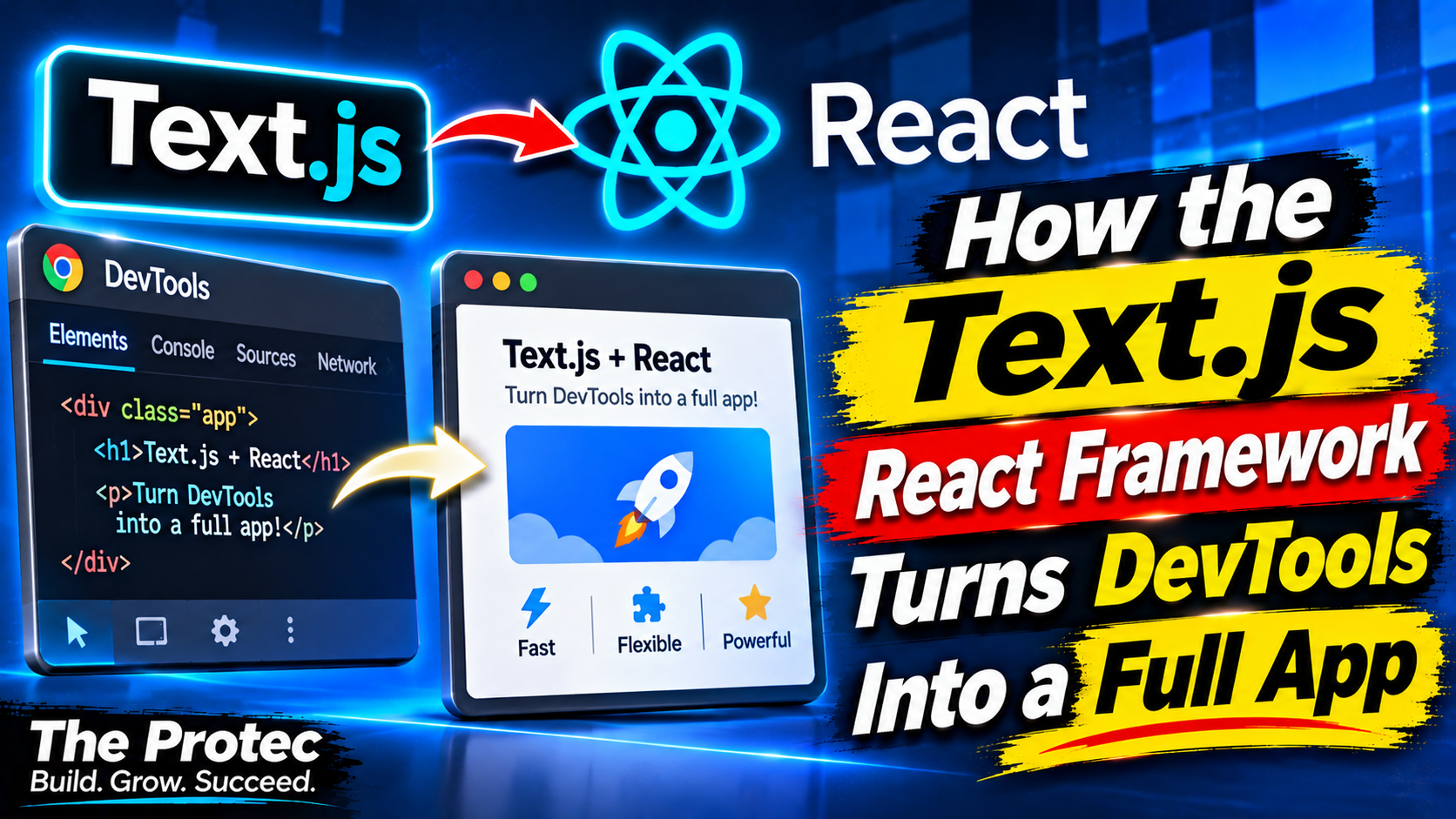
What if console.log() were not merely an output stream, but the surface of an application? The Text.js React framework explores that idea by rendering interactive software directly inside the browser DevTools console. Instead of building a conventional page from DOM elements, it uses React components, a custom reconciler, cell-based layout, and styled console output to present text, controls, tables, charts, images, and even games where developers normally inspect errors and variables.
The result is deliberately unconventional. Text.js can support full applications rather than isolated logging tricks, including routing, server rendering, terminal execution, and integration with coding agents through the Model Context Protocol. It also raises a practical question: is the browser console a useful new application surface, or is this primarily an ingenious demonstration of how far React rendering can be pushed?
What is Text.js?
Text.js is a React-based framework for applications whose primary interface is text-oriented rather than DOM-oriented. Its browser mode turns the browser DevTools console into a live interface, while its broader architecture can target terminal environments and support full-stack application patterns.
Developers still describe interfaces through components. React still tracks state, schedules updates, reconciles trees, and triggers rerenders. What changes is the host environment. A normal React web renderer translates component changes into operations on HTML elements. The Text.js framework translates them into a structured grid of characters, styles, and interactive regions that can be emitted to a console or terminal.
This distinction matters because Text.js is not simply a library that wraps messages in colorful console.log() calls. It treats text output as a rendering target with its own layout model, lifecycle, event handling, and application structure.
How its custom React reconciler works
React is not inherently tied to the DOM. Its reconciler compares component trees and determines what changed, while a renderer implements the host-specific operations needed to display those changes. React Native applies that model to native mobile controls; other custom renderers have targeted canvases, 3D scenes, command-line interfaces, and embedded devices.
Text.js follows the same principle. Its custom React reconciler receives component updates and maps them into text-oriented primitives. When state changes, the framework recalculates the relevant output and refreshes the console representation. This is what makes React apps in console.log behave more like live software than a chronological pile of immutable log statements.
The phrase “React 19 console rendering” can be misleading if taken too literally. React 19 does not provide a built-in DevTools-console renderer. Text.js supplies the custom rendering layer and applies React’s component and state model to that environment. Developers should check the current compatibility information before combining rapidly changing framework and React releases.
A cell-based layout instead of the DOM box model
Web layouts ordinarily depend on CSS boxes measured in fluid pixels. A text interface works more naturally as a grid. Text.js uses a cell-based layout and rendering system in which content occupies rows and columns. Components can arrange those cells to form panels, lists, navigation areas, forms, tables, and dashboard-like views.
That approach makes terminal-inspired composition practical. A table can align values into predictable columns, a chart can use character cells or styled blocks, and a selected control can be distinguished through color, weight, or background styling. The renderer then converts the composed frame into output understood by the destination environment.
In the browser DevTools console, formatting features such as styled console substitutions can provide color and visual hierarchy. More advanced output can represent charts and images within the limits of the browser’s console implementation. The experience is not equivalent to pixel-perfect HTML and CSS, but it is substantially richer than plain monospaced logging.
How interaction works inside the browser DevTools console
Text.js adds an input model so that rendered controls can respond to user actions. Applications can maintain focus, update selected items, accept commands, and rerender after state changes. That makes menus, filters, forms, product selectors, developer utilities, and small games possible.
However, a console is not a hidden replacement for the DOM. Browsers differ in how their developer tools display output and handle focus. Users must open DevTools and intentionally engage with the console experience. Keyboard events, pointer behavior, text selection, accessibility support, and clipboard interaction do not necessarily behave like familiar webpage controls.
Those limitations are part of the framework’s identity. Text.js is better understood as a distinct interface model than as a technique for recreating every conventional website inside a debugging panel.
More than a console renderer: the full-stack application model
The most consequential part of Text.js may be its ambition beyond rendering. It is presented as a full-stack React framework with application-level conventions, including file-system routing and server rendering. Routes can organize screens and application states without requiring developers to build navigation infrastructure from scratch.
Server rendering allows work to happen outside the client before the resulting interface reaches its target. This can be useful for loading data, applying server-side logic, or sharing code between backend and frontend concerns. It also places Text.js closer to modern application frameworks than to a standalone JavaScript developer tools library.
The exact boundary between server and client still depends on the feature and release being used. Developers should not assume that concepts from a DOM-focused React metaframework map one-to-one onto Text.js. Its rendering destination, event model, and deployment requirements remain different even when the routing and server architecture feel familiar.
One component model for terminals and consoles
Because its interface is organized around text and cells, Text.js can also support terminal-based web applications and command-line experiences. A component that represents a list, panel, or status display may be adaptable across a terminal and the browser console, although environment-specific capabilities can still require different handling.
This opens an interesting path for teams that already build terminal tools but want React’s declarative composition and state management. The browser console can act as another developer-facing target, while terminal rendering supports workflows outside the browser. Text.js is therefore not limited to making novelty pages appear in DevTools; it can serve as a shared foundation for text-first software.
Connecting applications to coding agents with MCP
Text.js also explores agent-accessible applications through the Model Context Protocol, or MCP. MCP provides a standardized way for compatible AI clients and coding agents to discover tools, resources, and contextual information exposed by software.
That connection is important because an agent should not have to interpret a visual screenshot or imitate mouse movements to work with an application. A Text.js app can offer an interface for humans through its rendered console or terminal while exposing supported capabilities to an agent through MCP. The visual experience and the machine-facing interface can be developed as related parts of the same application.
This model could suit debugging assistants, operational dashboards, code exploration tools, test runners, and internal utilities. MCP support is still an area where implementation details can evolve quickly, so teams should verify the currently supported tools and transports before planning production integration.
What the demonstrations reveal
The project’s demonstrations help explain its range better than a simple “React in the console” description:
- Interactive dashboards show that cell-based rendering can organize metrics, tables, status indicators, and controls into a readable live view.
- Terminal-style storefronts demonstrate navigation, product presentation, selections, and stateful interactions without a traditional ecommerce webpage.
- OpenCode Lite illustrates how a compact, developer-oriented application can fit naturally into a text-first interface.
- Doom running in DevTools pushes the rendering and input model toward a game-like experience, serving as a technical showcase rather than a claim that the console is an ideal gaming platform.
Together, these examples show that the framework can coordinate state, input, layout, and repeated rendering. They also expose the trade-off: an application can be surprisingly capable while remaining constrained by the console that hosts it.
Where the Text.js React framework could be useful
The strongest use cases are those in which a text-first, developer-facing interface is an advantage rather than a compromise. Potential applications include:
- Debugging panels that live alongside logs, network requests, and source inspection.
- Interactive diagnostics for inspecting application state or running controlled maintenance actions.
- Build monitors, test dashboards, database explorers, and API development utilities.
- Terminal-inspired interfaces that need structured layouts but not a full graphical UI.
- Educational experiments that demonstrate React reconciliation and custom renderers.
- Agent-accessible tools that combine a human interface with MCP capabilities.
Text.js may also interest framework authors. Its architecture offers a concrete example of separating React’s declarative programming model from the browser DOM, making custom renderer concepts easier to examine in a familiar environment.
The constraints developers should evaluate honestly
A browser DevTools console was designed for software inspection, not general application delivery. Users must know that an experience exists, open DevTools, select the console, and potentially adjust its size or focus. That requirement alone makes Text.js unsuitable for most consumer-facing products.
Visual fidelity is another limitation. Cell-based layouts favor text, alignment, and discrete blocks rather than responsive typography, fluid animation, complex forms, or precise graphics. Browser vendors can also format console output differently, creating compatibility concerns that ordinary web standards help reduce.
Accessibility deserves particular attention. Semantic HTML works with established browser and assistive-technology conventions; styled console output does not automatically inherit those benefits. Security policies, output throttling, retained logs, and DevTools performance may create additional constraints for long-running or high-frequency interfaces.
These issues do not invalidate the concept. They define the situations in which it makes sense. A focused developer utility may benefit from appearing beside existing diagnostics, whereas a public service requiring broad discoverability and accessible controls should usually remain a conventional web application.
Package names and versions require a current check
Text.js has evolved quickly, and its framework packages, commands, compatibility requirements, and experimental features have changed between releases. For that reason, install snippets copied from an older article may be misleading even when the architectural explanation remains accurate.
Before adopting it, consult the official Text.js documentation for current setup instructions and compare package and version details with the project’s development changelog. This article intentionally avoids freezing a package/version combination that may no longer match the current release line.
Useful interface or inventive experiment?
Text.js is unquestionably an inventive demonstration, but novelty does not exclude utility. Its most credible role is not replacing the web page. It is giving developers another target for tools whose audience already lives in terminals, editors, and DevTools.
The framework combines a memorable rendering trick with serious application concepts: React reconciliation, reusable components, routing, server execution, multiple text targets, and agent integration. Whether that becomes a durable software category will depend on compatibility, ergonomics, accessibility, and the quality of applications built with it. For now, Text.js is a valuable reminder that React describes interfaces; the DOM is only one place those interfaces can appear.
Frequently asked questions
Does Text.js replace React or the DOM?
No. Text.js uses React’s component and reconciliation model but supplies a custom renderer for text-oriented destinations. It does not replace the DOM for ordinary websites, and most customer-facing web applications will still be better served by semantic HTML and CSS.
Can users interact with a Text.js app without opening DevTools?
The browser-console experience requires DevTools to be opened and the relevant console interface to be intentionally engaged. Text.js can also target terminal environments, but a console application does not silently behave like a normal webpage when developer tools are closed.
Can Text.js display more than plain text?
Yes. Its rendering system can produce styled text, controls, tables, charts, images, and interactive experiences within the capabilities of the target console or terminal. Results can vary because those environments do not offer the same visual model as the DOM.
Is Text.js suitable for production applications?
It may suit specialized developer tools, diagnostics, terminal interfaces, internal utilities, and agent-accessible software. Teams should evaluate browser compatibility, accessibility, input behavior, performance, package stability, and current experimental status before production adoption.