








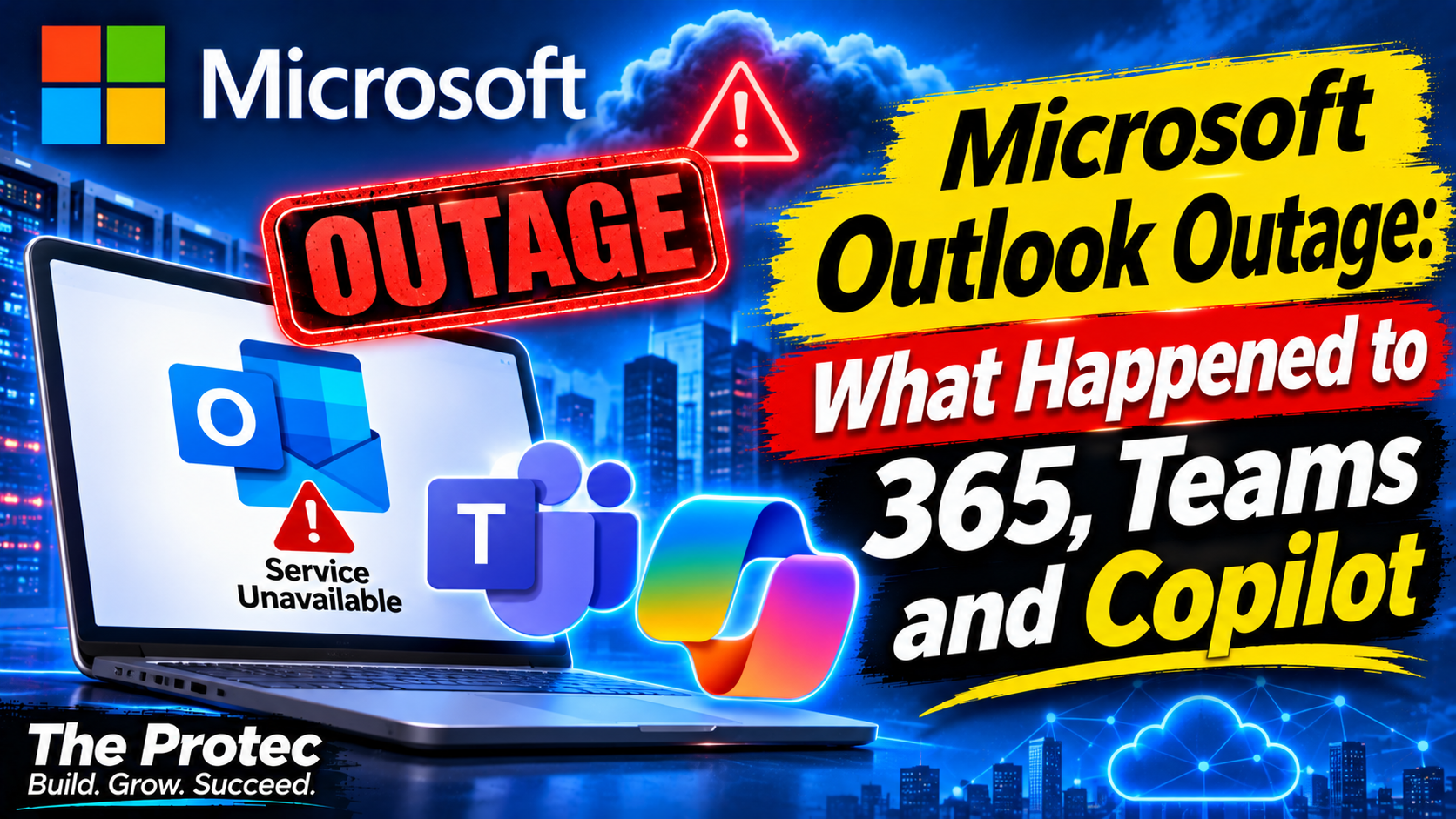
Customers opening their inboxes on November 12 encountered missing messages, failed sign-ins and applications that would not load. The widespread Microsoft Outlook outage affected Outlook and Exchange Online while also disrupting parts of Microsoft 365, Teams, Copilot and other connected services. Microsoft traced the immediate problem to unavailable servers and excessive pressure on the infrastructure that remained online, although its investigation into the underlying cause continued as engineers worked to restore access.
The disruption generated more than 130,000 Outlook problem reports on Downdetector at its peak, according to news coverage of the incident. That figure shows the scale of user concern, but it is not a count of confirmed affected customers. Downdetector collects user-submitted reports, and one person can encounter several symptoms or report a problem that originates elsewhere.
What happened during the November 12 Microsoft outage?
Users across multiple regions reported that Outlook was down or unreliable. Common symptoms included inboxes failing to load, repeated authentication prompts, delayed messages and errors when sending or receiving email. Some people could open Outlook but could not complete actions that depend on Exchange Online.
The disruption was broader than a conventional Microsoft email outage. Customers also reported difficulty signing in to Microsoft applications or reaching Teams, Copilot and other Microsoft 365 services. Associated Press, The Verge, Channel News Asia and KTTC coverage described a widespread service problem while Microsoft posted technical updates through its administrative channels.
Two official incident identifiers were central to the response:
- EX1550543 covered the Exchange Online service issues affecting Outlook connectivity and email functions.
- MO1550821 covered impacts involving multiple Microsoft 365 services rather than Exchange Online alone.
These identifiers matter for organizations because administrators can use them to match employee reports with Microsoft’s service notifications. They also help distinguish this event from a local internet failure, damaged Outlook profile or isolated account problem.
How Outlook, Exchange Online and connected services were affected
Outlook is a front end for services that depend heavily on Exchange Online, identity systems and Microsoft’s regional cloud infrastructure. A failure behind the scenes can therefore appear differently depending on the device, application and connection method.
Outlook on the web
Some customers could not load Outlook on the web, while others encountered slow pages, sign-in failures or mailboxes that never finished opening. Browser refreshes did not reliably solve the problem because the errors originated within Microsoft’s service infrastructure rather than the user’s browser.
Outlook desktop and mobile apps
Desktop and mobile clients could open normally yet fail to synchronize new mail. Users also reported problems sending messages, refreshing folders or connecting after an authentication prompt. The outage affected Exchange Online connectivity methods including MAPI, Exchange ActiveSync and REST APIs, meaning several types of clients and integrations could experience errors simultaneously.
Microsoft 365, Teams and Copilot
Incident MO1550821 reflected the wider Microsoft 365 outage. Teams and Copilot were among the connected products reported as affected, although the exact symptoms and severity varied. A user might have been able to open Teams but encountered trouble signing in or using a function dependent on another Microsoft service. Copilot features similarly rely on cloud services, identity and organizational data, so upstream availability problems can prevent them from responding or accessing permitted content.
Microsoft’s technical explanation
Microsoft initially reported elevated infrastructure load across multiple regions. In practical terms, some systems were receiving more work than they could process reliably, leading to slow responses, failed connections and unavailable applications.
The company later provided a more specific explanation: servers that were unexpectedly unavailable had shifted additional traffic and processing demand onto the infrastructure that remained operational. The surviving systems then experienced increased load, expanding the impact beyond the machines that first became unavailable.
Microsoft subsequently investigated automated server health-check failures. Engineers examined whether a recent change involving a health-check component may have contributed to servers being marked unhealthy or becoming unavailable.
It is important to separate confirmed findings from a suspected root cause. Microsoft confirmed that unexpected server unavailability transferred load to remaining infrastructure and that health-check failures were under investigation. The possible connection to a recent health-check component change was an investigative lead, not a final root-cause determination in the incident reporting available for this article.
How Microsoft responded to the outage
Microsoft used several mitigation measures rather than relying on a single fix. Its response included:
- Redistributing traffic to reduce pressure on affected infrastructure.
- Pausing deployments and configuration changes to prevent additional variables from complicating recovery.
- Restarting affected servers to return capacity to the service.
- Testing configuration changes intended to restore server availability.
- Monitoring recovery as traffic and workloads moved across the available environment.
Traffic redistribution can provide short-term relief, but it does not by itself correct the condition that removed servers from service. Restarts and carefully tested configuration changes were therefore important to recovering capacity. Pausing deployments also allowed engineers to stabilize the environment while investigating whether a recent change played a role.
Recovery from a large cloud incident may be uneven. One region, application or connection method can improve before another, and users may see intermittent success while capacity returns. That is why an individual being able to send one message does not necessarily mean the entire Microsoft server outage has been resolved.
Is Outlook down right now? Answers to popular searches
Is Outlook down right now?
The answer depends on when and where you check. The November 12 incident caused widespread Outlook problems, but a past incident report cannot confirm current availability. Consult Microsoft’s public cloud service status page. Business and education administrators can find tenant-specific details in the Microsoft 365 admin center.
Is Microsoft 365 down?
Multiple Microsoft 365 services experienced disruption under incident MO1550821. The effects were not necessarily identical for every customer or application. Tenant-specific service health is more useful than assuming every Microsoft 365 feature is unavailable.
Were Teams and Copilot affected?
Yes. Teams, Copilot and other connected services were included in reports about the broader disruption. Their availability could differ from Outlook because each product has distinct dependencies, capacity and recovery paths.
Was Microsoft hacked?
There is no evidence in the cited incident reporting that the outage was caused by a cyberattack. Microsoft’s updates focused on infrastructure load, unavailable servers, automated health checks and a possible connection to a component change. Unless Microsoft or a relevant authority publishes evidence of malicious activity, claims that the company was hacked are speculation.
When will Outlook be back up?
Microsoft did not provide a reliable universal restoration time in the reporting reviewed for this article. Large services may recover gradually as servers return and traffic is rebalanced. Users should rely on official incident updates rather than unofficial estimates or isolated social media posts.
What to do when Outlook is not working
During a confirmed Exchange Online outage, extensive changes to a device or account may create new problems without fixing the service-side failure. Use this measured troubleshooting process:
- Check Microsoft service status. Look for Exchange Online or Microsoft 365 incidents and compare the listed symptoms with what you are seeing.
- Confirm the scope. Ask whether colleagues or users in other locations are affected. This helps distinguish a platform incident from a local network problem.
- Try another access method once. If appropriate, compare Outlook on the web with the desktop or mobile app. Repeated retries can add frustration and will not repair Microsoft’s servers.
- Avoid destructive account changes. Do not delete Outlook profiles, remove accounts, clear large data stores or repeatedly change server settings during a confirmed service incident.
- Preserve unsent work. Save important message text and attachments locally if an application is unstable.
- Retry after restoration. Once Microsoft reports recovery, restart the application, allow it to synchronize and resend only messages that are still in the Outbox.
If problems continue after Microsoft marks the incident resolved, administrators should review local network controls, licenses, authentication policies and client health. At that point, recreating a profile may be reasonable—but it should not be the first response to a known cloud outage.
Restoration status and root cause
As of the latest November 12 incident reporting reviewed for this article, Microsoft had not published a final restoration notice or a confirmed root-cause statement. That does not mean the outage remains active at the time you are reading this. Service conditions can change quickly, so the official Microsoft outage status pages provide the most current answer.
The confirmed explanation remains that unexpectedly unavailable servers placed additional load on the remaining infrastructure. Automated health-check failures and a possible link to a recent health-check component change were still being investigated rather than established as the final cause. This article should be updated when Microsoft publishes a final restoration status and completed root-cause analysis.
Frequently asked questions
What are EX1550543 and MO1550821?
EX1550543 is the Microsoft incident associated with Exchange Online disruption, including Outlook connectivity and email problems. MO1550821 identifies the broader incident affecting multiple Microsoft 365 services. Administrators can search for these references in service-health communications available to their organizations.
Does a Downdetector Outlook spike show how many customers were affected?
No. The spike of more than 130,000 reports represents user-submitted problem reports, not a verified count of unique customers, mailboxes or organizations. It is a useful signal of widespread trouble but not an official measurement of impact.
Why can Outlook fail while another Microsoft application still works?
Microsoft applications share some infrastructure but do not have identical technical dependencies. Exchange Online, Teams and Copilot can use different service components, regional capacity and connection paths. As a result, one application may recover sooner or show fewer symptoms.
Should I reinstall Outlook during an outage?
Usually not. Reinstalling the application will not repair unavailable Microsoft infrastructure and may make recovery more complicated. Confirm service status first, avoid deleting profiles during an active incident and retry after Microsoft restores service.