








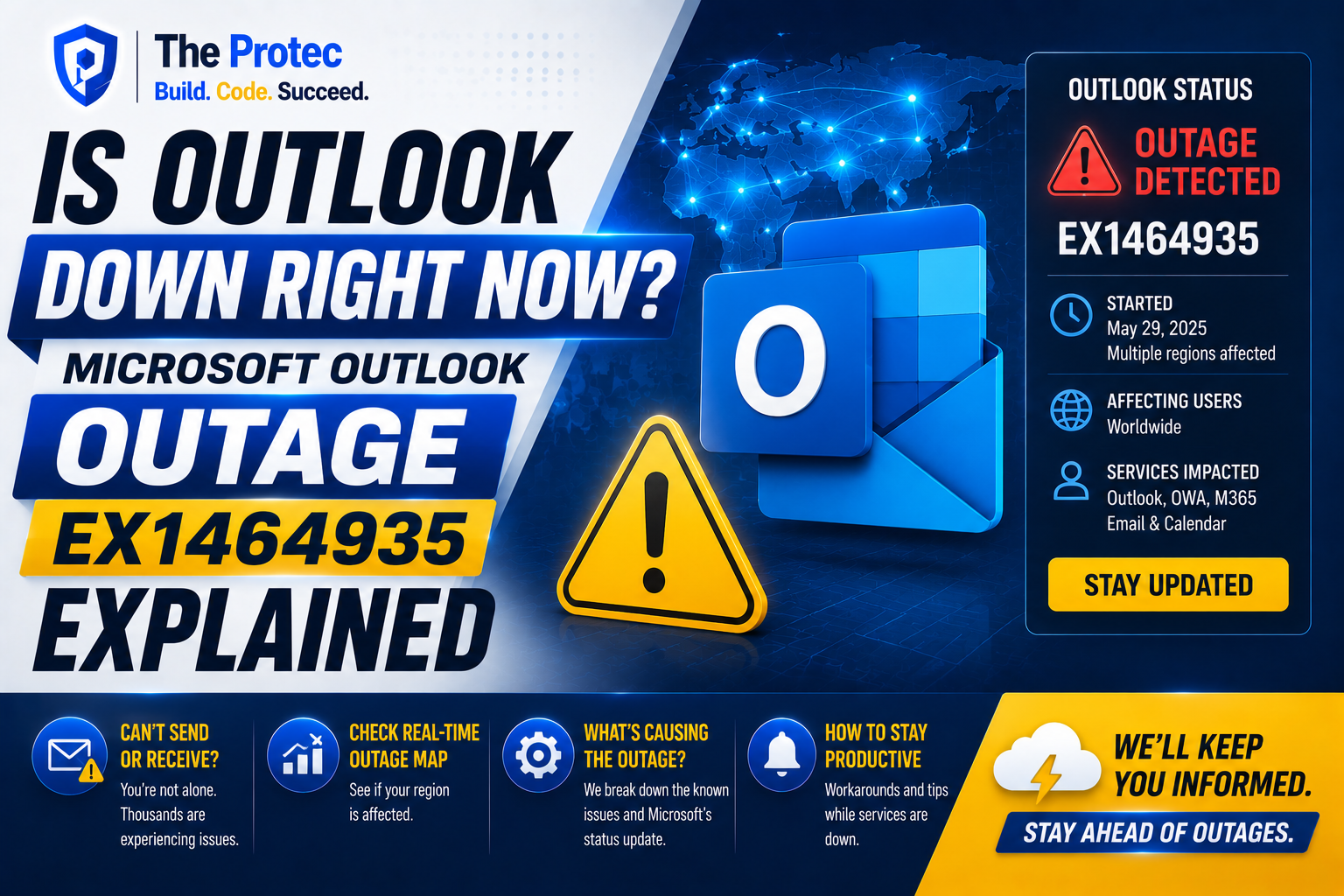
If Outlook is refusing to load, messages are stuck in the Outbox, or new email is arriving late, you are not alone in asking: is Outlook down right now? Microsoft has tracked email disruption under incident identifier EX1464935, prompting reports of Outlook Outage and Exchange Online problems across affected organizations.
The important distinction is that an Outlook failure does not necessarily mean every Microsoft service is down. EX1464935 is associated with Microsoft’s hosted email environment, and its effects can vary by tenant, region, account type, and connection route. Some users may be unable to open Outlook on the web, while others can access their inbox but experience delayed sending, synchronization failures, or intermittent errors.
This explainer, reviewed on August 31, 2026, separates confirmed incident information from user reports and unverified theories. Because cloud-service conditions can change quickly, administrators should treat Microsoft’s tenant-specific Service Health dashboard as the final authority for their organization.
Is Outlook Down Right Now?
Outlook is experiencing an outage for at least some users affected by Microsoft incident EX1464935. That does not establish a worldwide failure affecting every Outlook.com or Microsoft 365 account. Cloud incidents are frequently scoped to a subset of infrastructure, tenants, regions, or mailbox operations.
If Outlook works on one account but not another, that difference does not rule out a Microsoft Outlook outage. Business and education mailboxes typically run through Exchange Online, while personal Outlook.com accounts may follow a different service path. Two people in the same location can therefore have different experiences.
The fastest way to determine whether your organization is included is to ask a Microsoft 365 administrator to check the tenant Service Health panel for EX1464935. Microsoft’s public cloud status page can provide broader signals, but it may not display every tenant-specific Exchange Online incident.
What Is Microsoft Incident EX1464935?
EX1464935 is the reference number used to track this service event. The “EX” prefix identifies Exchange Online, the cloud platform that provides mailbox and calendar services behind Microsoft 365 Outlook accounts. Outlook is the application people see, but Exchange Online performs much of the server-side work involved in storing, retrieving, searching, sending, and receiving email.
This distinction explains why several Outlook clients can fail at once. Classic Outlook for Windows, the new Outlook app, Outlook on the web, Outlook for Mac, and the mobile apps all depend on Microsoft-hosted services. Reinstalling one client will not repair a failure in the underlying Exchange Online infrastructure.
The existence of EX1464935 confirms that Microsoft is tracking a service-side issue. It does not, by itself, prove that every reported Microsoft problem has the same cause. Teams sign-in failures, OneDrive errors, Azure problems, local internet outages, and device-specific bugs require separate evidence before they can be attributed to this incident.
Which Outlook and Microsoft Services Are Affected?
The most defensible confirmed scope is Exchange Online functionality described in the tenant advisory for EX1464935. Depending on the mailbox and infrastructure involved, that can surface through multiple Outlook experiences:
- Outlook on the web may load slowly, show an error, or fail to open a mailbox.
- New Outlook and classic Outlook may display disconnected, trying to connect, or synchronization messages.
- Outlook for Mac, iOS, and Android may stop refreshing folders or repeatedly request a connection.
- Sending and receiving email may be delayed even when the inbox remains accessible.
- Calendar data, shared mailboxes, address lookup, search, or delegated access may behave inconsistently if the affected Exchange operation supports those features.
These are plausible manifestations of an Exchange Online disruption, not a guarantee that EX1464935 affects every listed feature. Administrators should read the “user impact” and “scope of impact” fields in Microsoft’s advisory to determine the confirmed effect on their tenant.
Social posts may describe a wider Microsoft outage today, including problems with Teams or other Microsoft 365 tools. Unless Microsoft connects those services to EX1464935, those claims remain user reports. Teams can also appear affected when users cannot access calendar or mailbox features backed by Exchange, even if Teams messaging itself remains operational.
Common Symptoms Reported During the Outlook Outage
Users affected by the Outlook outage have described symptoms consistent with an intermittent or partial email-service failure. Common complaints include:
- Email remaining in the Outbox or showing a send failure.
- Incoming messages appearing later than expected.
- Folders failing to update across desktop and mobile devices.
- Blank inboxes, loading loops, or generic server errors in Outlook on the web.
- Repeated password prompts despite valid credentials.
- Shared mailboxes, calendars, or search results becoming unavailable.
- Outlook switching between connected and disconnected states.
These reports can help identify a pattern, but crowdsourced outage trackers are not proof of cause. A spike in complaints shows that users are encountering trouble; it does not establish the affected infrastructure, exact start time, or technical root cause. Microsoft’s diagnostic data and service advisory remain the stronger sources.
What Has Microsoft Said About EX1464935?
Microsoft communicates detailed Exchange Online incident updates through the Microsoft 365 admin center. Authorized administrators can review the advisory through the official Microsoft 365 Service Health dashboard. The entry for EX1464935 should show Microsoft’s current assessment, tenant impact, investigation progress, mitigation work, and next scheduled update.
At the time of this review, there was not enough publicly verifiable information to quote a universal restoration time or a detailed final root-cause analysis. That limitation matters: repeating an unverified screenshot, social post, or estimated recovery time as an official Microsoft statement can mislead users.
Status wording also has specific implications. “Investigating” means Microsoft is still identifying the fault or its scope. “Mitigating” generally means engineers are applying a fix, rerouting workloads, rolling back a change, or restoring capacity. “Monitoring” indicates that mitigation has been applied but Microsoft is validating recovery. “Resolved” means Microsoft considers the incident closed, although individual clients may still need time to reconnect or process queued mail.
How Long Has the Outlook Outage Lasted?
There is no reliable single duration for every user affected by EX1464935. Microsoft measures an incident from its identified start or initial alert through mitigation and closure, but individual impact can begin later and recover earlier. Intermittent failures also make the experience difficult to measure: Outlook may reconnect briefly before failing again.
For an authoritative outage duration, administrators should compare the incident start time, update timestamps, and resolved time in the tenant advisory. Any duration circulating without a Microsoft timestamp should be treated as an estimate. Email queued during the outage may continue arriving after service restoration, making the disruption appear longer than the underlying infrastructure failure.
What Caused the Microsoft Outlook Outage?
No specific technical cause should be presented as confirmed unless Microsoft states it in the EX1464935 advisory or publishes a post-incident review. Exchange Online disruptions can result from infrastructure faults, networking problems, software deployments, authentication dependencies, capacity issues, or unexpected behavior following a configuration change. Those are general possibilities, not confirmed explanations for this event.
Claims that the outage was caused by a cyberattack, data breach, or compromised user accounts are speculative without supporting evidence from Microsoft or another authoritative source. A service interruption alone does not indicate that mailbox data was exposed. Likewise, repeated sign-in prompts during an outage can result from failed service requests rather than stolen credentials.
Users should still be cautious. Do not respond to unsolicited messages claiming to “restore” Outlook, and never provide a password or multifactor authentication code to an alleged support representative. Major outages often create opportunities for phishing campaigns that exploit urgency and confusion.
What to Do When Outlook Is Down
If EX1464935 affects your tenant, local troubleshooting cannot repair Microsoft’s servers. It can, however, confirm whether the issue is service-side and prevent unnecessary changes to a working device.
1. Test Outlook on the web
Open Outlook on the web in a private browser window and sign in directly. If both the web experience and desktop app fail, a server-side, account, or network issue is more likely. If the web version works normally, the desktop client may have a local synchronization problem.
2. Compare another account or connection
Where permitted, test another Microsoft 365 account or switch from the office network to a mobile connection. This can help separate a tenant outage from a local firewall, DNS, proxy, or internet-service problem. Do not bypass organizational security controls.
3. Check the incident before resetting anything
Ask an administrator to search Service Health for EX1464935. Avoid repeatedly changing passwords, deleting Outlook profiles, removing accounts, or reinstalling Office while Microsoft confirms an active incident. Those actions can create additional recovery work without addressing the outage.
4. Preserve queued messages
Do not repeatedly press Send on an important message. Multiple attempts may produce duplicates when connectivity returns. Save critical text separately, note any attachments, and verify the Sent folder after recovery before resending.
5. Restart only after service begins recovering
Once Microsoft reports mitigation or resolution, restart Outlook and allow it time to synchronize. Mobile users can refresh the inbox or briefly reopen the app. Avoid clearing application data unless the problem continues after service restoration and your administrator recommends it.
Guidance for Microsoft 365 Administrators
Administrators should document the advisory updates and communicate only confirmed scope. Tell users which functions are affected, what alternatives are approved, and when the next update will be provided. A short, accurate notice is more useful than a speculative technical explanation.
- Confirm whether EX1464935 appears for the tenant and review the stated user impact.
- Use message tracing or available diagnostics to distinguish delayed delivery from client synchronization problems.
- Preserve timestamps, error messages, affected user counts, and support-ticket examples.
- Pause disruptive client remediation while Microsoft reports active service impact.
- After resolution, verify mail flow, shared mailbox access, calendar operations, and mobile synchronization.
Organizations with time-sensitive communications should activate established continuity procedures rather than improvise insecure workarounds. Sensitive information should not be moved to personal email accounts or unapproved messaging platforms simply because Outlook is unavailable.
How to Confirm Outlook Has Recovered
A resolved dashboard entry is an important signal, but recovery should also be tested. Send one internal and one permitted external message, confirm delivery, open a shared mailbox, and verify that calendar changes synchronize. Check for duplicate messages and delayed mail that may have accumulated during the incident.
If only one user remains affected after colleagues recover, the remaining Outlook issues may be local. Restart the client, install approved updates, test the web version, and contact the organization’s help desk. Administrators can then investigate the profile, add-ins, cached data, licensing, or account configuration without confusing those issues with the wider outage.
Frequently Asked Questions
Is Outlook down for everyone?
No evidence establishes that EX1464935 affects every Outlook user. Microsoft cloud incidents can be limited by tenant, region, infrastructure segment, or mailbox operation. One person having access does not mean another person’s outage report is incorrect.
Does EX1464935 mean all Microsoft services are down?
No. The EX prefix points to Exchange Online. Other Microsoft services may rely on Exchange features or experience separate problems, but they should not be classified as part of EX1464935 unless Microsoft explicitly connects them.
Will emails sent during the outage be lost?
Delayed email is not automatically lost. Messages may remain queued in Outlook, on an organization’s mail system, or within Microsoft’s delivery infrastructure. After recovery, check the Outbox, Sent folder, delivery notifications, and message trace before resending important mail.
Should I reinstall Outlook?
Not while Microsoft confirms an active Outlook outage. Reinstallation does not fix Exchange Online infrastructure and may remove useful settings or cached data. Test Outlook on the web and check Service Health first.
Was EX1464935 caused by a cyberattack?
There is no basis to make that claim without an official finding. Outage reports and login errors are not proof of an attack or data breach. Treat cyberattack theories as speculation unless Microsoft or a relevant authority publishes supporting evidence.
The Bottom Line on EX1464935
For users asking “is Outlook down right now?”, EX1464935 confirms a Microsoft-tracked Exchange Online disruption affecting at least a subset of customers. The exact symptoms and recovery timing can differ, so broad claims that every Microsoft service is offline are not justified.
Use Microsoft’s tenant Service Health entry for the latest confirmed status, avoid destructive troubleshooting during active mitigation, and verify mail flow after recovery. Most importantly, separate Microsoft’s published findings from crowdsourced symptoms and unsupported theories. That approach gives users the clearest picture of the Outlook outage today while conditions continue to change.