







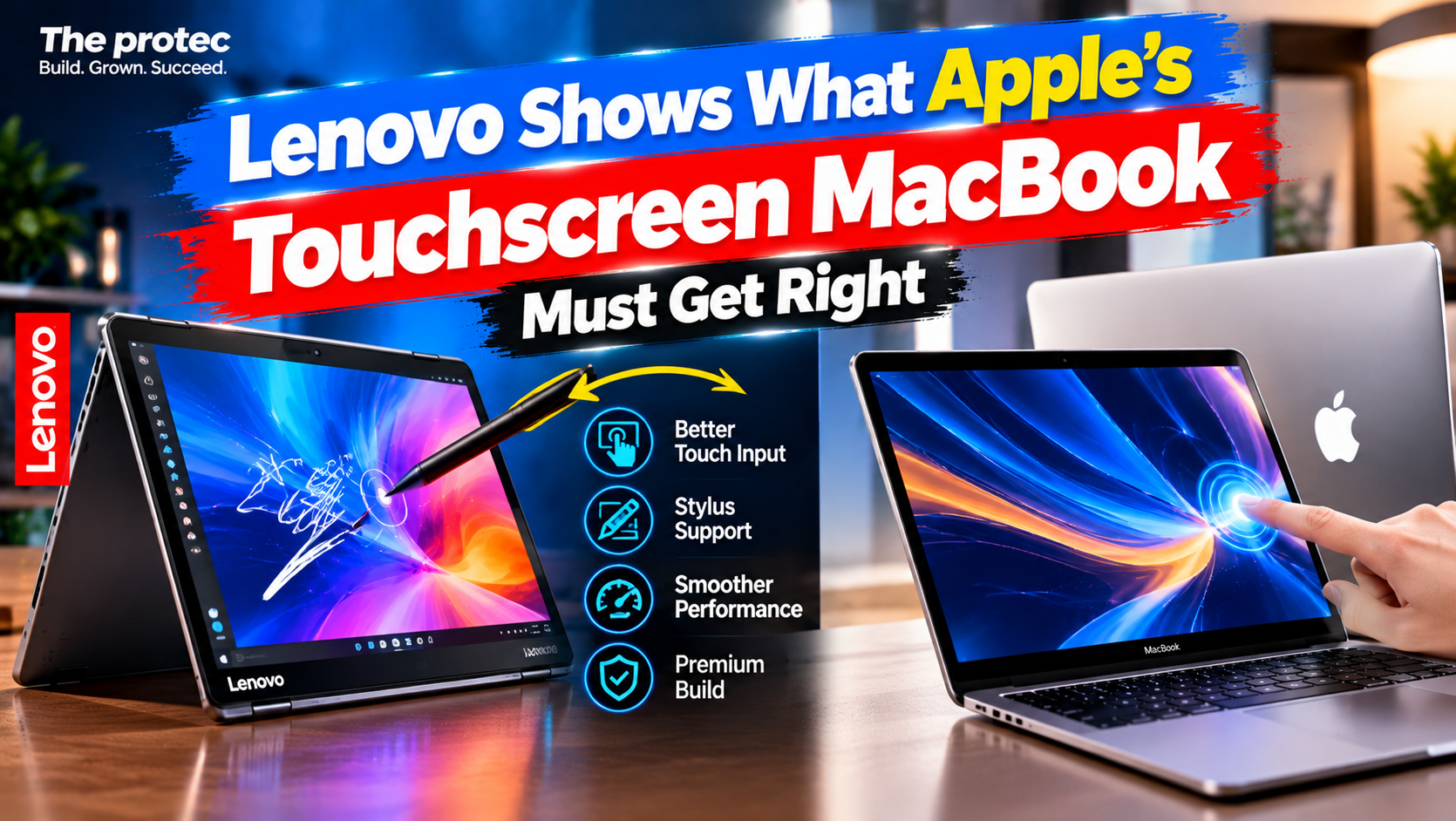
Lenovo and other PC makers have spent years testing touchscreens, styluses, and convertible hinges in the real world. If Apple introduces a touchscreen MacBook, it will inherit those lessons—and the challenge of making touch useful without weakening the keyboard-and-trackpad experience Mac users already value. Adding a touch-sensitive panel is easy compared with building a coherent interaction model that works equally well with a finger, pointer, keyboard, and possibly a stylus.
Apple has not officially announced an Apple touchscreen MacBook at publication time. Reporting from Bloomberg and other credible outlets has said Apple has explored a touch-enabled MacBook Pro, potentially alongside broader display and hardware changes, but its design, launch timing, software experience, and stylus compatibility remain unconfirmed. Any touchscreen MacBook Pro specifications should therefore be treated as unknown until Apple provides them.
First, Which Lenovo Yoga Is the Reference?
The model-name distinction matters. Lenovo does not document a product called the “Lenovo Yoga 9n” in its current Yoga range; that keyword appears to be a mistaken rendering of Yoga 9i. The relevant reference point is the Lenovo Yoga 9i 2-in-1 Aura Edition, identified in Lenovo documentation as the Yoga 9 2-in-1 14ILL10.
According to Lenovo’s official specifications, this premium Windows 11 convertible has a 360-degree hinge, a 14-inch 16:10 touch OLED display, and support for the Lenovo Yoga Pen. Display configurations can differ by market, including WUXGA 60Hz and sharper 2.8K 120Hz OLED options. The compatible pen supports pressure-sensitive input, while whether it is bundled can vary by region and configuration.
The laptop starts at approximately 1.32 kilograms, or 2.91 pounds, and carries a 75Wh battery. Its documented connections include two Thunderbolt 4 ports, another multifunction USB-C port, USB-A, and a headphone jack. Independent reviews generally identify its vivid OLED screen, flexible hinge, and capable pen experience as strengths, while also noting the familiar limitations of convertible laptops: fingerprints, reflections, exposed keys in tablet mode, and less comfortable handheld use than a dedicated tablet.
That makes this Lenovo 2-in-1 laptop a useful case study, not a blueprint Apple should copy wholesale.
Five Lessons for a Worthwhile Touchscreen MacBook
1. Make Touch Feel Natural in a Desktop Operating System
Desktop interfaces are built around precision. A pointer can target narrow scroll bars, small window controls, menu items, timeline handles, and densely packed toolbar icons. A finger covers more screen area and is less exact. Simply enabling taps in today’s macOS interface could make basic actions possible without making them pleasant.
A successful macOS touch interface would need contextual adaptation. Controls could gain larger touch targets when the system detects finger input, while retaining compact layouts for trackpad and mouse users. Window snapping, scrolling, text selection, drag-and-drop, and multitasking would all need predictable touch behavior. Menus should remain information-dense without requiring users to hit targets designed for a cursor.
Apple does not necessarily need to turn macOS into iPadOS. In fact, forcing a tablet interface onto every Mac workflow could undermine the flexibility that makes macOS valuable. The better approach would let touch supplement the desktop environment: tap a dialog button, swipe through photos, reposition a window, or scrub a video timeline, then return immediately to the keyboard or trackpad.
Lenovo benefits from years of touch support in Windows, including an on-screen keyboard, touch gestures, snapping tools, and interface elements that respond reasonably well to fingers. Even so, conventional desktop applications remain inconsistent. That is an important warning for Apple: operating-system support alone cannot make every application touch-friendly.
2. Get Stylus Support Right
A MacBook touch display would become considerably more useful with accurate pen input. Designers could sketch directly over artwork, students could annotate lecture slides, engineers could mark drawings, and editors could add handwritten notes to documents. Pressure sensitivity, tilt recognition, low latency, dependable palm rejection, and easy access to markup tools would matter more than a long list of novelty gestures.
The Yoga 9i shows why hardware and posture must work together. Its compatible Yoga Pen can be used with the screen folded into tablet, tent, or stand mode, allowing the keyboard to move out of the way. Availability of the pen in the box differs across configurations, so buyers must check the specific listing rather than assume it is included.
An Apple Pencil MacBook combination remains speculative. Apple has not confirmed that an Apple Pencil will work with a future Mac, and current Pencil models are designed for compatible iPads. If support arrives, Apple would need to solve pairing, charging, storage, palm rejection, and application compatibility. Requiring an expensive separate stylus without deep system integration would make the feature feel incomplete.
There is also an ergonomic limit. Writing on an upright laptop screen causes movement at the hinge and tires the arm. A conventional clamshell could still work for signatures and brief annotations, but sustained drawing is far more comfortable when the display can lie nearly flat or rest at a shallow angle.
3. Offer Flexibility Without Compromising the Laptop
The Yoga 9i’s 360-degree hinge supports four broad arrangements: laptop, stand, tent, and tablet. Stand mode is useful for drawing and watching video. Tent mode can help with presentations or recipes in limited spaces. Folding the display fully back creates a large tablet for reading and annotation.
Those options carry trade-offs. Convertible hinges require careful engineering, the keyboard remains exposed in tablet mode, and a roughly three-pound computer is less comfortable to hold than an iPad. A more complex hinge can also affect thickness, internal packaging, durability, and repairability.
Apple therefore has a genuine design choice. A conventional clamshell would preserve familiar MacBook ergonomics and keep weight under control, but it would limit serious handwriting and drawing. A convertible design would expand the possible workflows but could compromise the clean, rigid laptop form MacBook buyers expect.
Neither choice is automatically correct. Developers, writers, and spreadsheet users may gain little from a folding design because their work remains keyboard-centric. Illustrators, presenters, educators, and people who review visual documents would have more reason to value stand or tablet-like positions.
4. Solve Ergonomics, Display Quality, and Battery Life
Touching a laptop screen is excellent for quick actions and poor for sustained ones. Tapping a playback control, rotating a model, zooming into a map, or advancing a presentation can feel more direct than finding the pointer. Repeatedly reaching across a desk, however, strains the shoulder and interrupts typing. This “gorilla arm” problem is physical, not something software can eliminate.
A MacBook touch display would also collect fingerprints and need a surface durable enough for years of taps and stylus strokes. Glossy OLED panels can deliver rich contrast but may show reflections in bright rooms. Additional touch-sensing components can affect power consumption, display thickness, weight, and repair cost.
Lenovo’s 75Wh battery illustrates how convertible makers allocate substantial capacity to a thin OLED laptop, but manufacturer runtime claims depend heavily on brightness, refresh rate, panel choice, workload, and test method. They should not be treated as guaranteed real-world results. Apple’s battery capacity and runtime for an unannounced touch Mac are unknown.
Apple would need to balance touch response with the qualities buyers already expect: long unplugged use, a bright color-accurate display, a rigid lid, manageable weight, and quiet performance. Touch should not become an excuse for a more reflective screen, shorter battery life, or a fragile hinge.
5. Make Touch a Meaningful Productivity Upgrade
The best touch features shorten specific tasks. A video editor could scrub a timeline directly while keeping keyboard shortcuts available. A designer could pinch to zoom, rotate a canvas, and use a pen for masking. A student could circle a passage in a PDF. A presenter could annotate a slide or move between slides without reaching for the trackpad. An engineer could zoom into a diagram and mark a problem for a colleague.
These uses complement precision input rather than replace it. A trackpad remains better for selecting small interface elements, a keyboard is faster for commands and text entry, and a mouse is often preferable for long desktop sessions. Touch is valuable when direct manipulation is more intuitive than moving a pointer indirectly.
Developers would still need to update applications. Controls require appropriate spacing, canvases need reliable palm rejection, and gestures should behave consistently. Apple could provide frameworks and design guidance, but it cannot safely assume every existing Mac application will automatically offer a good touch experience. Consistent system-level behavior would be essential to prevent each app from inventing its own gesture language.
Lenovo Yoga 9i vs. Apple’s Unannounced Touch Mac
This comparison separates shipping Lenovo features from unknown Apple details. Apple’s currently published MacBook Pro lineup does not advertise a touchscreen, convertible hinge, or Apple Pencil support.
| Feature | Lenovo Yoga 9i 2-in-1 Aura Edition | Rumored touchscreen MacBook concept |
|---|---|---|
| Status | Shipping, documented Lenovo product | Unannounced; reports are not confirmation |
| Display | 14-inch 16:10 touch OLED; configuration-dependent resolution and refresh rate | Unknown; OLED has appeared in reporting but is unconfirmed |
| Hinge | 360-degree convertible hinge | Unknown |
| Stylus | Supports Lenovo Yoga Pen; bundle varies | Apple Pencil support unknown |
| Ports | Thunderbolt 4, multifunction USB-C, USB-A, and audio jack | Unknown |
| Weight | Starts around 2.91 pounds | Unknown |
| Battery | 75Wh; runtime varies by panel and workload | Unknown |
| Software | Windows 11 with established touch and pen features | Any touch-specific macOS changes are unknown |
Lenovo demonstrates practical design options, not necessarily the exact decisions Apple should make. Its convertible format enables better pen postures, while its compromises show why Apple might prefer a simpler clamshell.
What Apple Should Avoid
- Touch added for marketing: A panel with no thoughtful software or compelling workflows would increase cost without creating lasting value.
- Tablet controls everywhere: Enlarging every macOS element could waste space and frustrate users working with a mouse or trackpad.
- A weaker keyboard or trackpad: Touch must not reduce the quality of the MacBook’s primary input tools.
- Shallow stylus support: A costly accessory needs low latency, reliable palm rejection, and meaningful app integration.
- Battery and durability compromises: Buyers should not have to accept dramatically worse endurance, excessive glare, or a less rigid display.
Who Would Actually Benefit?
Creative professionals are the clearest audience, especially those who draw, mask images, edit video, or manipulate 3D scenes. Students could annotate readings and handwritten equations. Engineers and architects could mark plans, while presenters and educators could interact directly with visual material. Developers may appreciate touch for testing cross-platform interfaces, though coding itself remains primarily a keyboard workflow.
Many traditional MacBook owners may not need it. Writers, accountants, programmers, and office users often work more efficiently with shortcuts, precise trackpad gestures, and a stable clamshell. Apple should make touch optional in practice, even if it becomes standard hardware. No one should be forced to abandon an established workflow.
Verdict: Apple Must Do More Than Add a Touch Panel
A worthwhile touchscreen MacBook depends on five priorities: a genuinely touch-aware macOS interface, carefully designed stylus support if Apple offers it, practical ergonomics, reliable hardware with strong battery life, and applications that use touch for real work.
Apple does not need to copy the Yoga 9i’s entire design. It should study what Lenovo gets right—flexible screen positions, integrated pen capabilities, and multiple input methods—while recognizing the limitations of a heavy tablet posture and inconsistent desktop touch software. The winning Mac would preserve everything that makes a laptop efficient, then add touch where direct interaction is genuinely faster or more expressive.
Frequently Asked Questions
Is Apple making a touchscreen MacBook?
Apple has not officially announced one at publication time. Credible reporting indicates that the company has explored a touch-enabled MacBook Pro, but the final design, release date, and specifications remain unconfirmed.
Is Apple Pencil support expected on a touchscreen MacBook?
Apple Pencil compatibility has not been confirmed. It would be useful for drawing and annotation, but Apple would need compatible display hardware, palm rejection, charging or storage arrangements, and macOS application support.
Would a touchscreen MacBook replace the iPad?
Probably not. An iPad is lighter and built around touch, while a MacBook prioritizes desktop applications, multitasking, a keyboard, and pointer input. A touch-enabled Mac would overlap with some iPad workflows without necessarily matching its handheld ergonomics.
Does the Lenovo Yoga 9i include a pen?
The Yoga 9i 2-in-1 supports the Lenovo Yoga Pen, but included accessories can vary by country, retailer, and configuration. Buyers should verify the exact product listing before purchasing.