






Running a late-1990s Windows game on a new Mac is not especially unusual. Compatibility tools, source ports and virtual machines can all make old software appear on modern displays. What makes the Apple’s M6 Mac Mini 86Box result noteworthy is that it tackles a much harder problem: reproducing the PC beneath the game.
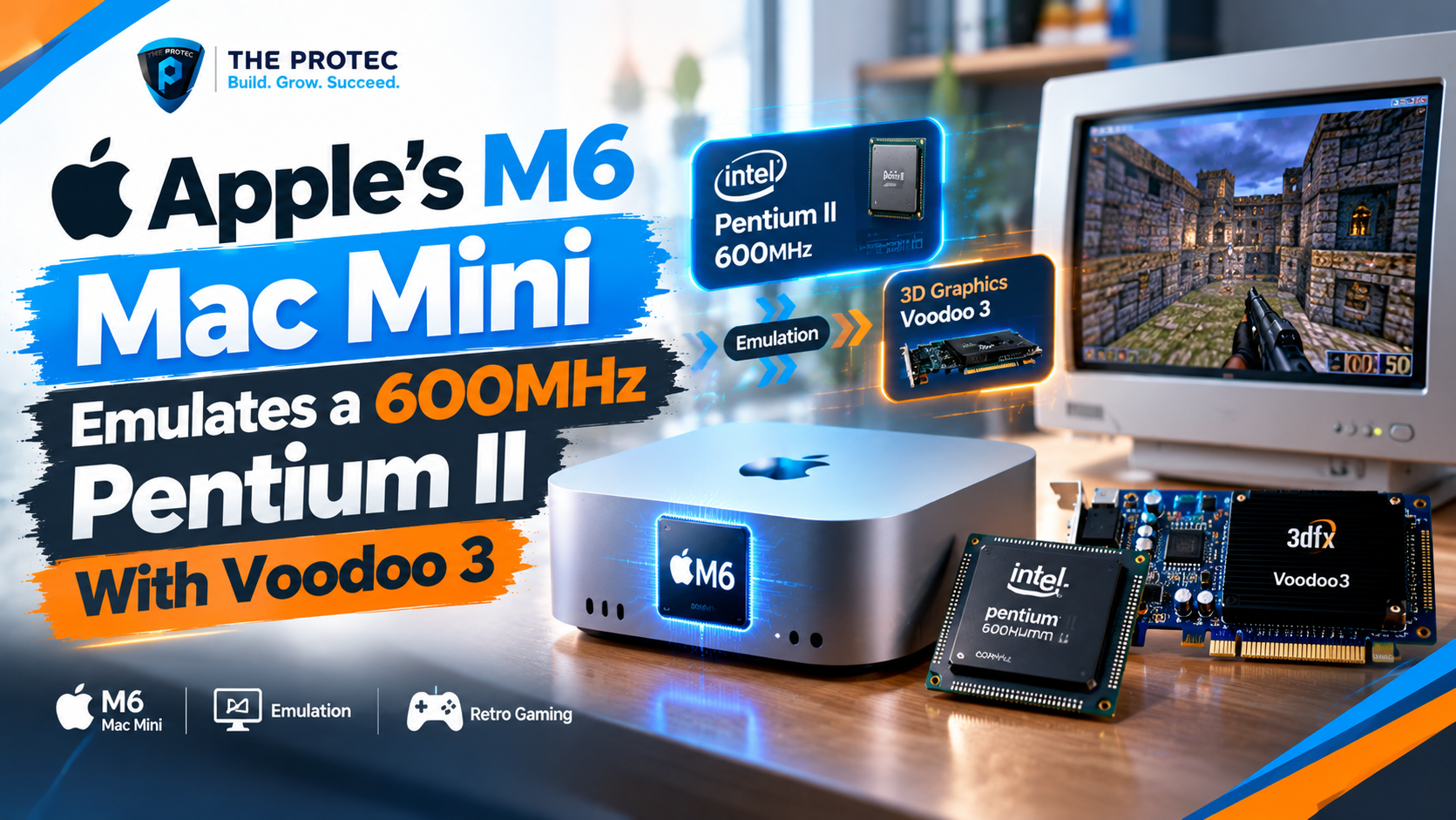
In the reported configuration, Apple’s compact M6 system successfully handles an emulated 600MHz Pentium II-class machine paired with Voodoo 3 graphics. Instead of translating only a game’s operating-system calls, 86Box models the processor, motherboard chipset, storage controllers, sound hardware, firmware and graphics card expected by period software. The guest operating system effectively sees a vintage PC assembled from recognizable components.
That distinction turns M6 Mac Mini emulation into more than a novelty. It is a useful demonstration of how far Apple Silicon retro PC emulation has progressed—and of how demanding accurate hardware emulation remains. It does not prove that the M6 is universally faster than current gaming PCs or GPUs. It shows that its per-core performance can sustain a challenging late-1990s hardware target under a workload with significant serial dependencies.
Why the M6 Mac Mini 86Box Result Is Different
Many ways of playing an old Windows game avoid recreating the original computer. A compatibility layer may translate Windows APIs into modern macOS equivalents. A source port can replace the original executable while retaining game assets. Virtualization allows an older operating system to run efficiently when its processor architecture and privileged operations can be mapped onto the host.
86Box takes a more historically focused approach. It emulates complete IBM PC-compatible systems, including specific motherboards and expansion devices. Software interacts with emulated registers, interrupt behavior, memory layouts and timing-sensitive components rather than a simplified modern substitute.
For an 86Box Pentium II installation, the workload can include:
- Executing or dynamically recompiling x86 instructions on an ARM-based host processor.
- Modeling the selected chipset, buses, BIOS and memory behavior.
- Emulating IDE or SCSI storage and period-correct disk access.
- Reproducing sound-card behavior, interrupts, DMA and audio mixing.
- Processing Voodoo 3 graphics commands and presenting the result through macOS.
- Keeping those components synchronized closely enough for Windows and games to behave correctly.
Every additional device creates work and potential timing interactions. That is why a Pentium II emulator cannot be judged solely by whether it reaches the Windows desktop. Stable audio, predictable frame pacing, correct drivers and sustained gameplay matter just as much.
What “600MHz Pentium II” Actually Means
There is an important historical detail behind the headline. Intel did not sell a standard retail Pentium II running at 600MHz. Desktop Pentium II processors officially topped out at 450MHz before the Pentium III era took over. A reported 600MHz Pentium II configuration in an emulator should therefore be understood as an emulated clock selection or overclock-like setup, not the recreation of a commercially released 600MHz Pentium II model.
That caveat does not make the achievement less interesting. On the contrary, it helps define what is being measured. The M6 Mac Mini Pentium II result represents an aggressive Pentium II-class workload beyond typical stock machines of the period. It also provides a clearer stress test than emulating a more common 233MHz or 350MHz configuration.
Clock speed in an emulator is not a direct one-to-one measure of host performance. An emulated 600MHz processor does not simply require 600 million host cycles per second. Individual guest instructions can require translation, memory checks, exception handling and synchronization with other virtual devices. The cost varies with the software being run, the accuracy settings and the selected machine.
Why Single-Core Performance Matters So Much
Modern chips obtain much of their aggregate performance by combining multiple CPU and GPU cores. Hardware emulation presents a different challenge because the state of one emulated component often depends on what happened immediately before it. Splitting that work across many cores can introduce synchronization overhead or alter timing.
Although supporting tasks may use additional threads, the critical path in 86Box is still heavily dependent on fast serial execution. CPU translation, chipset activity, interrupts and graphics commands must progress in a coherent order. As a result, high single-core performance, low latency and an efficient ARM64 dynamic recompiler can matter more than a large multicore benchmark score.
This plays to a recognized strength of Apple Silicon. The M6’s fast performance cores, memory subsystem and power-efficient desktop implementation give the Mac Mini substantial headroom for a workload that cannot be distributed perfectly. Sustaining performance is also important: a retro PC may run for hours, and brief host slowdowns can become guest audio crackle or visible stutter.
The result should still be interpreted narrowly. Successfully maintaining this 86Box configuration says something meaningful about Apple M6 emulation performance. It does not establish superiority in native games, ray tracing, GPU compute or heavily multithreaded applications. Those workloads exercise entirely different parts of a modern system.
Why Voodoo 3 Emulation Is a Big Part of the Story
A Pentium II desktop alone would be an interesting preservation target, but pairing it with an 86Box Voodoo 3 configuration makes the test especially relevant to late-1990s gaming. 3dfx hardware helped define the first major wave of consumer 3D acceleration, and the company’s Glide API became closely associated with visually impressive PC games.
Released in 1999, the Voodoo 3 combined 2D and 3D functionality on one card, unlike earlier Voodoo accelerators that commonly worked alongside a separate 2D adapter. It supported Glide, Direct3D and OpenGL-based software, although its feature set reflected the transition period of the time. Its emphasis on 16-bit rendering and period-specific filtering behavior can produce an image that differs noticeably from modern wrappers.
Voodoo 3 emulation is therefore not just about drawing polygons quickly. A convincing Voodoo 3 emulator must reproduce enough of the card’s interfaces and quirks for original drivers and games to recognize and use it. Texture handling, blending, fog, filtering, frame-buffer operations and timing can all affect the result.
This is why hardware emulation can be valuable even when a modern Glide wrapper delivers higher resolutions or smoother performance. A wrapper aims to make software practical on a current machine. 86Box retro gaming aims to preserve the relationship between the software, driver and emulated hardware. Both approaches are useful, but they answer different questions.
Games Suited to a Pentium II and Voodoo 3 PC
A fast Pentium II-era Windows installation with Voodoo 3 graphics sits near a particularly rich point in PC gaming history. Depending on the guest operating system, drivers and individual game patches, suitable titles include:
- Unreal and Unreal Tournament, both closely associated with Glide acceleration.
- Quake II and Quake III Arena, which demonstrate the era’s OpenGL evolution.
- Half-Life, including its hardware-accelerated rendering modes.
- Thief: The Dark Project, a demanding example of late-1990s immersive design.
- Need for Speed III: Hot Pursuit and Need for Speed: High Stakes.
- Diablo II, which arrived at the edge of this hardware generation.
Not every title will behave identically, and some may prefer another graphics card, processor speed or Windows version. That variability is part of the appeal of a Mac Mini retro PC setup: users can build several virtual period machines instead of forcing every game through one generic profile.
Original installation media, valid software licenses and authentic drivers are still required where applicable. 86Box does not turn incompatible software into a ready-made game library; it supplies the emulated hardware environment in which legitimately obtained software can run.
Hardware Emulation vs. Virtualization and Compatibility Layers
The terms are often mixed together, but they describe different technical strategies.
Hardware emulation
Hardware emulation recreates another machine’s components in software. It can bridge processor architectures—such as an x86 guest on an Arm-based Mac—and expose specific vintage devices. This provides flexibility and historical fidelity, but it carries substantial performance overhead.
Virtualization
Virtualization generally allows guest code to execute with direct assistance from the host processor while isolating the operating system. It can be extremely fast when the guest and host architectures align. An Arm-based Apple Silicon Mac cannot directly execute the x86 instructions used by a Pentium II guest, so conventional same-architecture virtualization does not solve this particular problem.
Compatibility layers
A compatibility layer reimplements or translates the software interfaces an application expects. It may avoid running the original Windows environment or emulating a chipset and graphics card. This is often more efficient, but behavior can differ from a genuine period configuration, especially with old drivers, copy-protection systems or unusual rendering paths.
For retro Windows gaming on Mac, the best method depends on the goal. Compatibility tools are attractive for convenience. Virtual machines are valuable for supported operating systems. A PCem alternative such as 86Box is compelling when the machine itself is part of what users want to preserve.
What This Says About Apple Silicon Retro PC Emulation
The M6 Mac Mini retro gaming demonstration points to a broader change in emulation priorities. Early Apple Silicon discussions focused heavily on running contemporary x86 Mac applications. The ecosystem has since matured, with greater attention going to native Arm tools, efficient dynamic recompilation and accurate preservation of older computing platforms.
A compact Mac Mini capable of sustaining a demanding Pentium II Voodoo 3 profile can serve as a flexible retro workstation without the noise, aging capacitors, fragile hard disks or display complications of original hardware. It also allows configurations to be documented, duplicated and tested systematically.
Accuracy still has limits. Emulator versions, host builds, graphics back ends and machine settings can change results. A game launching successfully does not guarantee cycle-perfect behavior, and a reported clock rate is not a standardized benchmark. Anyone comparing an 86Box Mac setup with another host should use the same emulator build, machine profile, guest image, drivers and test sequence.
The responsible conclusion is specific: the M6 has enough single-threaded capability to make an unusually fast Pentium II-class system with Voodoo 3 graphics practical under 86Box. Broader claims require controlled measurements across multiple applications and host platforms.
FAQ
Can the M6 Mac Mini really emulate a 600MHz Pentium II?
Yes, the reported 86Box configuration demonstrates a Pentium II-class system operating at a 600MHz setting. However, Intel never released a standard 600MHz Pentium II. The setup is best viewed as an overclock-like emulated configuration rather than an exact retail PC model.
Does 86Box run natively on Apple Silicon?
86Box supports macOS, while native Arm64 availability and performance can depend on the specific build and release. Users should consult the project’s official documentation for current installation, compilation and machine-configuration guidance.
Is 86Box better than a compatibility layer for retro games?
It is better when accurate period hardware behavior is the priority. Compatibility layers are usually easier and faster for launching individual games, while 86Box recreates a complete PC with original operating systems, drivers and emulated expansion cards.
Does this result mean the M6 Mac Mini beats modern gaming PCs?
No. It demonstrates strong performance in a largely serial hardware-emulation workload. Native gaming, GPU rendering, ray tracing and multicore applications are different tests, so the 86Box result should not be used as a universal comparison.
Why choose Voodoo 3 instead of modern translated graphics?
Voodoo 3 emulation lets games communicate with a representation of the period card through original APIs and drivers. That can preserve characteristic rendering behavior and compatibility that a modern wrapper may intentionally replace or improve.
A Compact Mac Recreating a Defining PC Era
The striking part of this achievement is not simply that an old game appears on a new display. It is that the M6 Mac Mini can shoulder the layered work of recreating a fast Pentium II-class computer, its supporting chipset and one of the most important graphics cards of the late 1990s.
For enthusiasts interested in accurate retro PC emulation on Mac, that combination makes the M6 Mac Mini an intriguing host. The result highlights the value of high single-core performance, the growing maturity of 86Box on modern platforms and Apple Silicon’s potential as a home for historically meaningful PC configurations—without turning one successful emulation target into an exaggerated claim about every kind of computing performance.