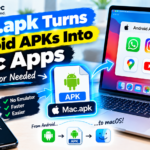








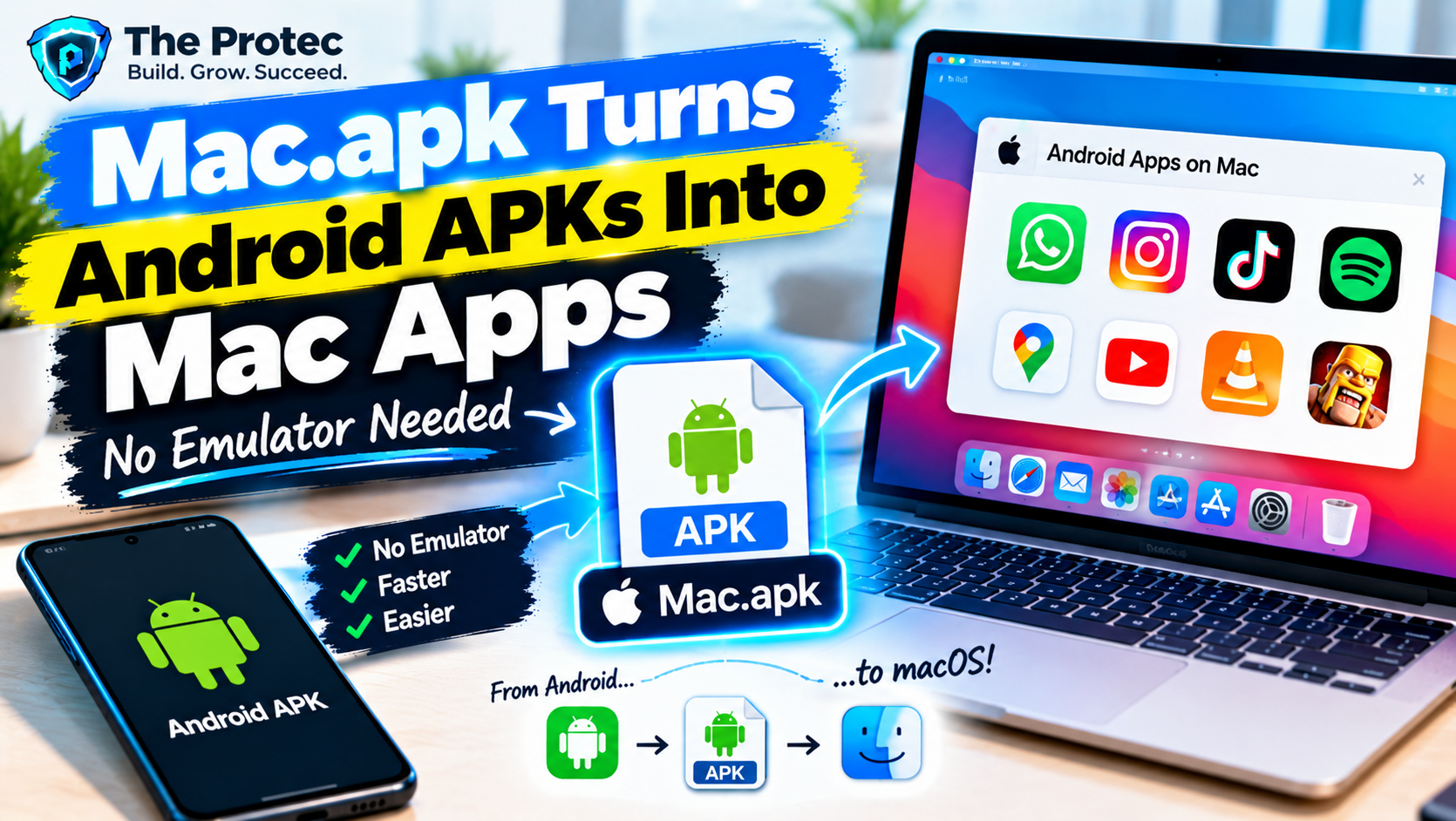
Running an Android app on a Mac has traditionally meant starting an emulator, allocating memory to a virtual device, waiting for Android to boot, and then using the app inside a simulated phone screen. Mac.apk proposes a more direct experience: install an APK and open it in its own macOS window, without launching a conventional Android emulator or managing a full virtual machine.
That makes this open-source project especially interesting for Apple Silicon users. Instead of treating Android as a separate desktop hidden inside another window, Mac.apk aims to make Android software feel more like part of the Mac. Each application can appear independently, making it easier to switch between an Android app, Safari, Finder, and other macOS software.
The idea is compelling, but expectations need to be realistic. Mac.apk remains an alpha project rather than a finished, universally compatible Android runtime. App support varies, security isolation is limited, and software that depends on Google Play services, DRM, specialized hardware, or particular Android APIs may not work. It is a promising Android emulator alternative for Mac, not yet a drop-in replacement for every emulator.
What Is Mac.apk?
Mac.apk is an open-source Android runtime project designed to run APK files on macOS as individual application windows. Its goal is to remove much of the friction associated with conventional Android emulators: no virtual phone interface, no separate Android desktop, and no virtual machine that users must manually start before opening an app.
The project is particularly relevant to Android apps on Apple Silicon because modern Android applications often include ARM64 code, while M-series Macs also use an Arm-based architecture. Matching processor architectures can eliminate some of the instruction translation required when an x86 computer runs Arm software. That does not make Android code automatically native to macOS, however. Android and macOS still have different system APIs, graphics stacks, application frameworks, file models, and security mechanisms.
Mac.apk therefore acts as a compatibility runtime. It supplies or translates the environment an Android application expects while presenting the resulting interface through a Mac window. Calling these completely native Android apps on macOS would be misleading: they remain Android packages operating through a compatibility layer. The visible experience is nevertheless more Mac-like than working inside a virtual phone.
Mac.apk vs. an Android Emulator
The most obvious difference is presentation. A conventional emulator creates a virtual Android device with its own launcher, settings, storage, and system image. Users boot that environment and then operate apps inside it. Mac.apk focuses on the application itself, allowing it to open as a separate window.
- Convenience: Mac.apk can provide a shorter path from APK to app window. An emulator usually requires device creation, system-image downloads, and Android configuration.
- Compatibility: Mature emulators reproduce more of the Android operating system and generally support a broader range of APIs. Mac.apk compatibility is narrower and more app-dependent.
- Isolation: A well-configured virtual machine creates a stronger boundary between Android software and personal Mac files. Mac.apk’s current permission model requires considerably more caution.
- Performance: Avoiding a complete virtual device may reduce startup time and overhead. Actual performance still depends on the app, runtime implementation, graphics workload, and Mac hardware.
- Gaming: Emulators often provide controller mapping, multi-instance tools, frame-rate controls, and game-specific fixes. Mac.apk may run some Android games on Mac without a virtual machine, but demanding titles, anti-cheat systems, DRM, or unusual graphics features can prevent them from working.
For developers testing a complete Android environment, Android Studio’s emulator remains the more predictable tool. For someone who wants to open a compatible utility or lightweight game in a standalone window, Mac.apk offers a more streamlined experiment.
What the Initial Compatibility Results Actually Mean
In the initial Mac.apk announcement, the developer reported manually testing 65 applications. Of those, 51 worked, 10 worked partially, and four failed. Those figures attracted attention because they suggested that a substantial portion of the small test set could already launch in an early release.
They must be interpreted carefully. The results were an early snapshot reported by the developer, not an independently verified benchmark, a statistically representative sample, or a guarantee of current Mac.apk supported apps. The tested versions, test procedures, hardware, and definition of “worked” can all affect the outcome. An app opening successfully does not necessarily mean every menu, notification, login flow, purchase, or background feature works.
Android APK compatibility on macOS can change according to:
- Whether the package contains compatible ARM64 native libraries
- The Android framework APIs and operating-system behavior it expects
- Its reliance on Google Play services or Google account authentication
- Graphics APIs, shaders, video decoders, audio features, and frame-rate demands
- DRM, Play Integrity checks, anti-cheat technology, or licensing systems
- Camera, GPS, telephony, sensors, Bluetooth, and notification requirements
- Server-side login policies and app-version requirements
- The installed macOS version, Apple Silicon generation, memory, and display configuration
A simple offline utility may work while a banking app or competitive game fails. Even two versions of the same app can produce different results after a developer changes its dependencies.
Mac.apk Installation Guide
The Mac.apk alpha targets Apple Silicon Macs rather than Intel models. Before installing it, confirm the currently supported macOS release and chip requirements in the README and release notes. The project’s requirements can change quickly, so instructions attached to an older video, repost, or third-party package should not be treated as authoritative.
Use this practical process to test the project:
- Check your Mac: Open About This Mac and verify that it uses an Apple M-series chip. Compare your macOS version with the minimum listed for the latest release.
- Visit the official source: Obtain Mac.apk from its official GitHub repository. Review the README, release notes, open issues, security guidance, and checksums when provided.
- Review licensing: The repository identifies the main project under the Apache License 2.0. Dependencies and bundled components may have their own notices, so developers redistributing builds should inspect every applicable license file.
- Choose a release carefully: Prefer the latest signed or documented release over an unknown binary. Developers who build from source should use the toolchain and commands specified at the selected commit.
- Install as documented: Follow the current release instructions for copying or opening the application and handling macOS security prompts. Do not disable system-wide protections merely to make an unofficial build run.
- Test one trusted APK: Start with a non-sensitive app obtained directly from its developer or another reputable source. Open or import it using the workflow documented by the current Mac.apk release.
- Observe behavior: Check window rendering, keyboard and mouse input, sound, networking, file access, CPU use, and shutdown behavior before adding other apps.
These steps intentionally avoid relying on one fixed command or interface label. Alpha installation workflows can change between releases. Anyone researching how to install APK files on Mac should verify the instructions against the latest release rather than assuming an earlier tutorial remains accurate.
Mac.apk Security Risks Require Serious Attention
Security is the most important limitation to understand before trying Mac.apk. According to the project’s stated design, Android applications run with the permissions of the current macOS user instead of being confined inside a phone-style Android application sandbox. That difference can expose local files and other resources available to the user account if an APK is malicious, compromised, or simply behaves unexpectedly.
An APK is executable software, not a harmless media file. Repackaged applications can contain credential stealers, spyware, ransomware, remote-access tools, or code that searches documents and browser data. A familiar app name and icon do not prove that the package came from its real developer. Limited runtime isolation raises the consequences of trusting the wrong file.
Safer testing practices include:
- Download APKs only from the original developer or a reputable source with verifiable signatures.
- Review Mac.apk privacy and security documentation, known issues, requested macOS permissions, and recent security reports.
- Avoid banking, password-manager, work, cryptocurrency, and primary social accounts during early testing.
- Do not install unfamiliar applications on a primary work machine or a Mac containing sensitive client data.
- Use a separate, non-administrator macOS account with minimal files when practical.
- Keep macOS security features enabled and maintain a current backup that is not continuously writable by the test account.
- Remove an app if it requests unexplained access, makes unexpected network connections, or consumes unusual resources.
macOS may still enforce controls such as privacy prompts and user-account permissions, but those controls are not equivalent to Android’s per-app sandbox. Apple’s overview of Apple Platform Security can help users understand the protections available on a Mac. It should not be read as a claim that every APK receives the same isolation as a notarized Mac application.
Why the Open-Source Model Matters
The Mac.apk open-source approach allows developers to inspect how Android APIs, windows, input, graphics, storage, and process behavior are implemented. That visibility is particularly valuable for a runtime handling untrusted application packages. Researchers can audit important code paths, document risks, reproduce bugs, and propose stronger isolation.
Open development can also expand compatibility. Contributors may add missing APIs, fix rendering errors, improve keyboard handling, or investigate an app that stops during launch. Public issue tracking makes it easier to separate repeatable runtime problems from failures caused by a specific APK or service dependency.
Open source does not automatically make software secure. Most users will not audit the code themselves, and a public repository cannot guarantee that a downloaded third-party binary matches its source. The practical benefit comes from transparent implementation, reproducible discussion, active maintenance, and independent review—not from the label alone.
Who Should Try the Mac.apk Alpha?
Mac.apk is best suited to Android and macOS developers, security researchers working in controlled environments, open-source contributors, and technically confident Mac users who understand alpha software. It can also interest enthusiasts who want to test a lightweight Android utility or play Android games on Mac when those titles do not require unsupported services or aggressive DRM.
Users seeking broad game compatibility, dependable Google integrations, strong isolation, or production reliability should wait. The same applies to anyone who is uncomfortable evaluating APK provenance or troubleshooting crashes. A mature Android emulator or dedicated Android device remains safer and more predictable for sensitive applications.
Frequently Asked Questions
Can Mac.apk run Android apps on a MacBook without an emulator?
It is designed to run Android apps on MacBook models with Apple Silicon without starting a conventional phone emulator or user-managed virtual machine. It still uses a compatibility runtime, so the apps are not converted into ordinary macOS binaries.
Does Mac.apk work with every APK?
No. Mac.apk limitations include incomplete Android API coverage and possible problems with Google Play services, DRM, native libraries, graphics, hardware features, logins, and anti-cheat systems. The early 51-of-65 result is not a universal compatibility guarantee.
Is Mac.apk safe?
Its open source code can be inspected, but the current execution model presents meaningful risk because APKs can operate with the macOS user’s permissions rather than a phone-style app sandbox. Test only trusted packages and avoid sensitive data or accounts.
Is Mac.apk better than an Android emulator for gaming?
It may be faster to launch and more convenient for a compatible game, but established emulators usually provide broader game support, control mapping, virtual-device features, and stronger separation. The best Android emulator alternative for Mac depends on the title and the level of risk a user can accept.
A Promising Project With Alpha-Stage Boundaries
Mac.apk presents a refreshing vision for running Android software on a Mac: click an APK, get an individual app window, and skip the ceremony of booting a virtual phone. Its open development model gives contributors an opportunity to improve compatibility and examine how the runtime works.
For now, that convenience comes with uneven app support and a security model that demands caution. Developers, open-source enthusiasts, and experienced Apple Silicon users may find the alpha valuable in a controlled test environment. Everyone else should wait for stronger isolation, broader compatibility, and clearer production-ready guarantees before treating Mac.apk as a replacement for conventional Android emulators.