








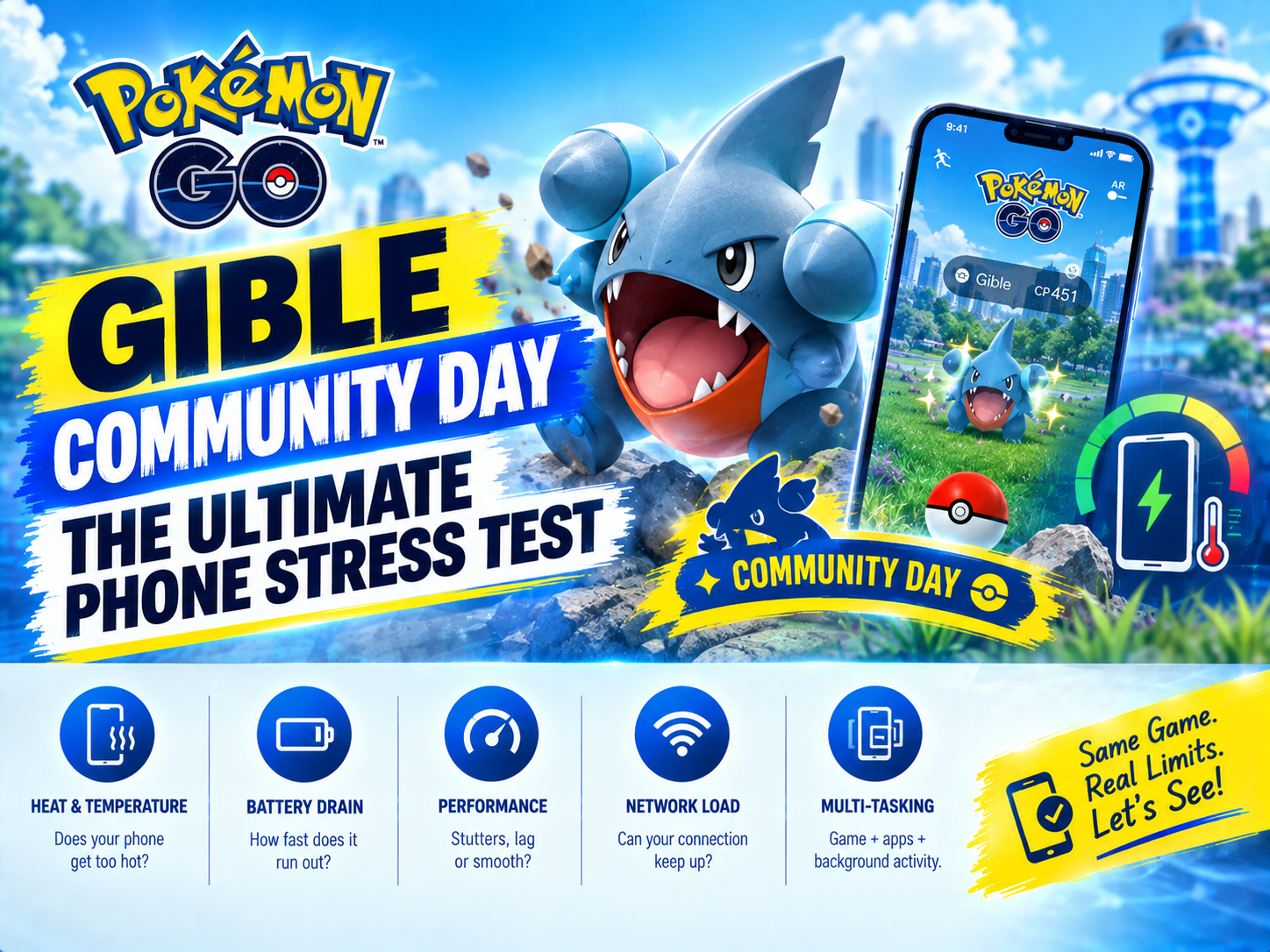
A busy Gible Community Day can expose weaknesses in a smartphone faster than most synthetic benchmarks. For several hours, Pokémon GO keeps the display illuminated, requests frequent location updates, communicates with mobile networks, renders an animated world, and responds to constant taps. Add outdoor brightness, camera-based features, summer temperatures, and charging from a power bank, and the event becomes a demanding real-world technology test.
Gible’s popularity makes the workload especially revealing. Players tend to move continuously, check dense clusters of spawns, complete research, battle, trade, and catch at a pace that leaves little idle time. The resulting Gible Community Day battery drain is not caused by one component. It is the combined effect of GPS, the modem, screen brightness, processor activity, network conditions, and heat.
That makes Pokémon GO Gible Community Day a useful way to understand what actually determines smartphone endurance. A large battery helps, but capacity alone does not guarantee stable location tracking, comfortable temperatures, or reliable performance through an extended outdoor session.
Why Gible Community Day Is a Complete Phone Stress Test
Most everyday phone tasks activate hardware in short bursts. A user opens a webpage, sends a message, or records a brief video before the phone returns to a lower-power state. Pokemon GO behaves differently during active play. It can keep several power-hungry systems engaged at the same time:
- The display remains on and may operate near maximum outdoor brightness.
- Location services repeatedly calculate the player’s position.
- The cellular modem exchanges game data while moving between network cells.
- The CPU and GPU render the map, effects, encounters, menus, and animations.
- Motion sensors help determine orientation and movement.
- The camera and image processor become active when Pokemon GO AR is enabled.
A phone can perform well for 15 minutes and still struggle after two hours. Sustained use reveals thermal throttling, inefficient modems, inaccurate GPS hardware, aggressive battery management, and displays that consume substantial power in sunlight.
Pokemon GO GPS Tracking Never Really Gets a Break
Pokemon GO GPS is central to the experience. The game needs regular location updates to place the avatar, reveal nearby spawns, calculate distance, and determine interaction range. A modern phone generally combines satellite signals with Wi-Fi positioning, cellular information, accelerometer data, and operating-system location services rather than relying on a single GPS radio.
Newer flagship phones often support dual-frequency GNSS, which can improve positioning in cities where signals bounce between buildings. Better antennas and location algorithms can also reduce avatar drift. Budget models may use less sophisticated receivers or antenna designs, producing delayed movement, sudden jumps, or unreliable positioning near dense structures.
Accuracy has an energy cost, particularly when reception is poor. Trees, tall buildings, indoor areas, and crowded urban spaces can force the location system to work harder to maintain a fix. Repeated searching may increase Pokemon GO battery drain without delivering better tracking. Players can review general location behavior through the official Android location accuracy guidance, although available controls vary by phone.
A faster processor cannot compensate for a weak GNSS antenna. For Community Day, dependable Pokemon GO GPS tracking is just as important as benchmark performance.
Mobile Data, 5G, and LTE Affect More Than a Data Plan
Pokemon GO mobile data usage is usually modest compared with video streaming, but the modem’s power consumption matters more than the raw number of megabytes. The game frequently exchanges small packets for map activity, spawns, catches, inventory actions, raids, and account synchronization. Maintaining that connection while walking between cells creates a persistent workload.
Pokemon GO 5G performance depends heavily on signal quality. A strong, efficient 5G connection can load game information quickly without causing unusual drain. Weak 5G, repeated 5G-to-LTE handovers, or a congested event area can keep the modem searching and transmitting at higher power. In those circumstances, Pokemon GO LTE may offer steadier efficiency if the phone and carrier allow users to select it.
Network congestion also explains why a phone can show several signal bars while the game responds slowly. Thousands of people gathering in a park may overwhelm local capacity. The phone then remains active longer while waiting for requests, adding heat and wasting energy. Downloading game assets and installing updates over Wi-Fi before leaving reduces avoidable cellular activity.
Screen-On Time Is the Biggest Visible Battery Load
Community Day produces hours of continuous screen-on time, often under direct sunlight. Automatic brightness can push an OLED panel toward its high-brightness mode so the map remains readable. That may be necessary, but it can consume significantly more power and raise the phone’s surface temperature.
Modern LTPO displays can lower their refresh rate when content is static, yet Pokémon GO rarely stays static during active catching. Enabling a native or high refresh rate can make animations and scrolling smoother, but it also asks the display and graphics processor to update more frequently. Switching to 60Hz is one of the simplest ways to improve Pokemon GO battery life on phones with 90Hz, 120Hz, or higher-refresh panels.
Display efficiency varies considerably. A flagship panel may be brighter and easier to read outdoors, but maximum brightness is expensive in energy terms. A dimmer Pokemon GO budget phone may draw less power at its peak while being much harder to see, encouraging the player to shade the screen or remain at full brightness throughout the event.
Pokemon GO AR and the Camera Add Another Processing Layer
Pokemon GO AR turns a normal encounter into a camera and sensor workload. The phone must operate its camera sensor, image signal processor, graphics hardware, gyroscope, and motion tracking while continuing to run the game and location services. More advanced AR effects may also analyze surfaces or estimate depth.
Using the Pokemon GO camera occasionally will not destroy battery life, but repeated AR encounters across a long session can create noticeable additional drain and heat. Standard non-AR encounters are generally more efficient because they remove the live camera feed and reduce sensor processing. Players interested in endurance should treat AR as an optional feature rather than the default catching mode.
Why Pokemon GO Overheating Changes Performance
Heat is where all these workloads meet. The display generates heat, the processor renders the game, the modem transmits data, and charging creates additional losses. Direct sunlight and warm ambient air make it harder for the phone to release that energy.
Once internal temperatures rise, the operating system may reduce CPU and GPU speeds, dim the display, slow charging, or restrict camera functions. This thermal throttling protects the battery and internal components, but it can cause frame-rate drops, delayed menus, stuttering encounters, and sluggish Pokemon GO phone performance.
Cases can trap some heat, especially thick rugged designs, although protection remains important while walking outdoors. The worst combination is often maximum brightness, weak cellular reception, active navigation, and fast charging inside a bag or in direct sun. Never cool a hot phone abruptly with ice or a freezer; condensation and extreme temperature changes can damage it. Move into shade, stop charging, lower brightness, and allow the device to cool naturally.
Flagship vs. Budget Phones During Gible Community Day
Pokemon GO flagship phone advantages
A modern Pokemon GO flagship phone typically offers a faster and more efficient processor, a stronger cellular modem, better GNSS support, a brighter display, and more capable thermal hardware. Large vapor chambers and improved heat spreaders can help maintain smooth performance during sustained play. Premium devices are also more likely to include adaptive-refresh OLED screens and advanced power-management systems.
Those advantages do not automatically deliver the longest runtime. High peak brightness, powerful chips, maximum graphics settings, and high refresh rates can consume the extra energy provided by efficient hardware. Thin flagship designs may also have less battery capacity than thicker midrange or gaming models.
Pokemon GO budget phone trade-offs
A Pokemon GO budget phone can perform surprisingly well if it has a large battery, a 60Hz display, and an efficient midrange processor. Pokémon GO does not require desktop-class graphics power, so balanced hardware may outlast a premium device running at aggressive settings.
The compromises appear in sustained responsiveness and radio quality. Lower-cost phones may reload the game more frequently because of limited memory, take longer to process busy scenes, or struggle with location accuracy. Less effective cooling can lead to throttling even when the processor is not especially fast. Slow storage can also make updates, menus, and asset loading feel less responsive.
Gaming phone battery benefits
A gaming phone battery is often larger than the battery in a conventional flagship. Gaming-focused models may also include extensive cooling, bypass-charging features, and performance controls. These characteristics are useful for Pokemon GO, although gaming phones can be heavy, and their brightest or fastest display modes still consume substantial power.
What Defines the Best Phone for Pokemon GO?
The best phone for Pokemon GO is not necessarily the device with the highest benchmark score. Community Day rewards efficiency and consistency. Important hardware factors include:
-
Battery capacity and chemistry: Larger batteries provide more headroom, while newer silicon-carbon designs can fit additional capacity into relatively slim bodies.
-
Efficient processor: A well-tuned midrange or flagship chip should sustain the game without excessive heat.
-
Reliable modem: Efficient 5G and LTE behavior matters when moving through mixed coverage.
-
Accurate GNSS hardware: Dual-frequency support and good antenna placement can improve tracking in difficult environments.
-
Readable display: Strong outdoor visibility reduces frustration, while adaptive refresh technology can conserve power in less active moments.
-
Thermal design: A phone that spreads heat effectively is more likely to remain smooth after several hours.
-
Memory and storage: Adequate RAM and fast storage reduce app reloads and interface delays.
Battery health also matters. An older flagship with a heavily degraded battery may perform worse than a new midrange model, regardless of its original specifications.
Power Banks and Settings That Extend Pokemon GO Battery Life
A Pokemon GO power bank is practical insurance during Gible Community Day. A reputable 10,000mAh USB-C model is usually a good balance between portability and useful capacity. Wired charging is generally more efficient and cooler than magnetic wireless charging, which loses more energy as heat. A short cable also reduces tangles while walking.
Charging strategy matters. Topping up before the battery becomes critically low can reduce anxiety, but charging a hot phone at maximum speed may increase thermal throttling. Keep both the phone and power bank out of direct sunlight, and stop charging if either becomes unusually hot. Damaged, swollen, or unbranded battery packs should never be used.
Useful battery-saving adjustments include:
- Enable Pokémon GO’s built-in Battery Saver option where available.
- Use 60Hz instead of a high or native refresh rate.
- Disable AR for routine catches.
- Reduce brightness when shade or cloud cover makes it practical.
- Close unnecessary camera, navigation, and streaming apps.
- Download app updates and game assets over Wi-Fi beforehand.
- Use stable LTE if weak 5G is causing repeated network switching and the device supports that choice.
- Carry the phone where heat can escape instead of sealing it in a hot bag.
Aggressive system power-saving modes can sometimes limit location updates or background behavior, so test them before the event. The official Pokémon GO Help Center is the best place to check current game settings and troubleshooting advice.
Frequently Asked Questions
Why does Gible Community Day drain a phone battery so quickly?
Gible Community Day battery use combines continuous screen-on time, frequent location updates, cellular communication, graphics rendering, and repeated user input. Outdoor brightness and weak network coverage can make the display and modem consume even more energy.
Does Pokemon GO use more battery on 5G than LTE?
Not always. Strong 5G on a modern, efficient modem may perform well, while weak 5G or constant switching between 5G and LTE can raise power consumption. Stable coverage is generally more important than the network label.
Does turning off AR noticeably improve battery life?
Yes, especially across hundreds of encounters. Disabling Pokemon GO AR prevents the camera, image processor, and additional motion-tracking functions from running during every catch. It can also help control heat.
Is a flagship or budget phone better for a long Community Day?
A flagship usually delivers better GPS accuracy, outdoor visibility, and sustained responsiveness. A budget or midrange phone with a large battery and efficient 60Hz display may last longer, however. The ideal device balances battery size, modem efficiency, cooling, display power, and reliable location hardware.
Can a power bank make Pokemon GO overheating worse?
It can. Charging produces heat, particularly during fast or wireless charging. Avoid charging in direct sunlight, remove unnecessary insulating layers, use a reliable wired power bank, and pause charging if the phone becomes excessively warm.
The Real Community Day Winner Is Efficiency
Pokémon GO Gible Community Day demonstrates why specifications cannot be judged in isolation. Battery capacity, GPS quality, modem efficiency, display brightness, thermal control, and software settings all shape the experience. The best-performing phone is the one that stays accurate, connected, readable, cool, and responsive until the final catch—not simply the one that posts the highest benchmark score.