








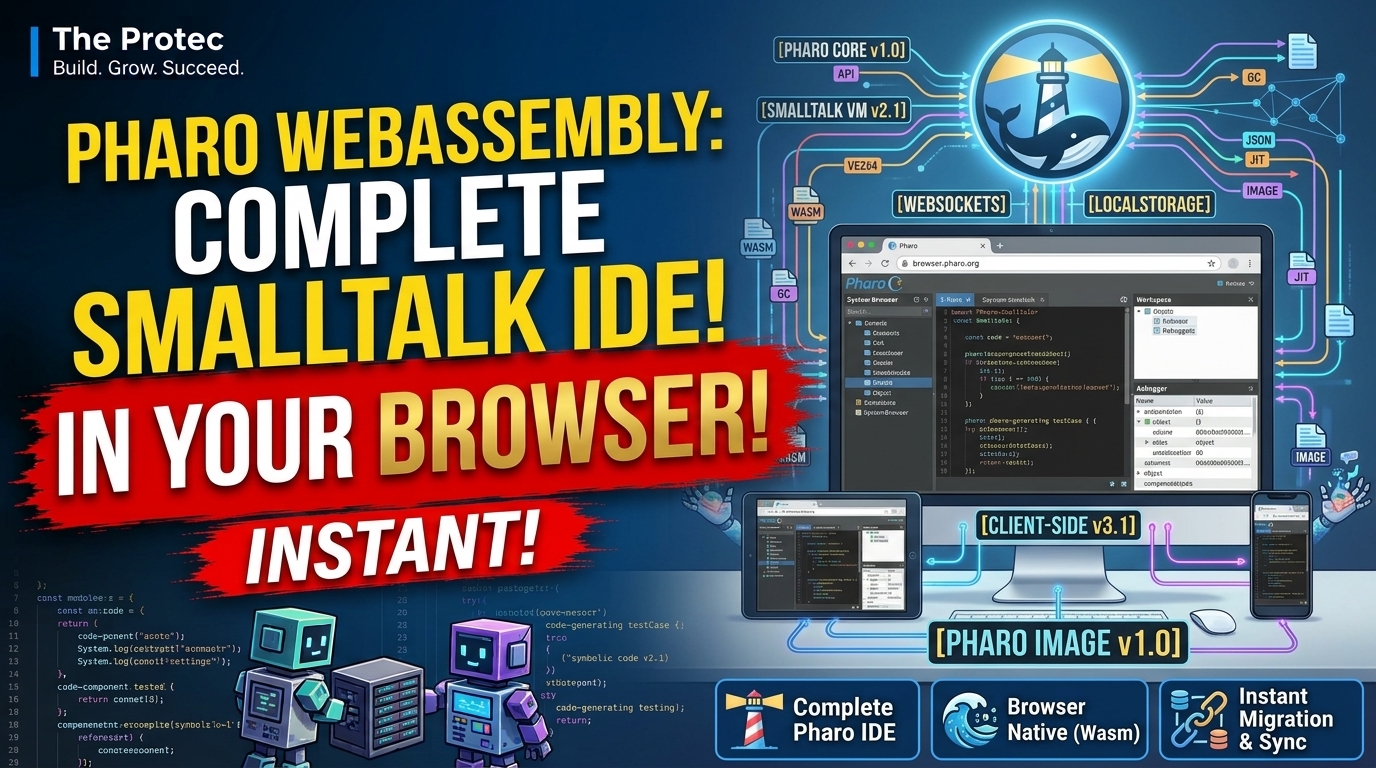
Opening a full programming environment usually begins with downloading a runtime, installing an IDE, and configuring local tools. Pharo WebAssembly challenges that routine: Massimo Nocentini’s experimental Pharo World project places an interactive Pharo Smalltalk environment directly inside a web browser. There is no conventional desktop VM installation before the first session. Instead, the browser downloads and runs the environment through WebAssembly, giving users a strikingly direct way to explore one of computing’s most distinctive live programming systems.
This is not merely a web page with a text editor and a remote compiler. Pharo World brings the behavior of a Smalltalk development world into the browser, including object exploration, live code changes, package loading, and integration with familiar Pharo tools. It is an important technical experiment, although its current limitations mean it should not yet be mistaken for a complete replacement for native Pharo development.
What is Pharo World?
Pharo World is an experimental project created by Massimo Nocentini to run Pharo’s interactive environment in the browser. Readers can open the live Pharo World demo and begin exploring without first installing a desktop application.
The word “world” has a particular meaning in Smalltalk culture. It refers to the graphical environment in which developers open browsers, inspectors, workspaces, debuggers, and other tools. Those tools are not separate from the running program. They are objects within the same live system that developers are examining and changing.
That model makes the project more ambitious than a browser-based code playground. Pharo World attempts to preserve the interactive character of the environment rather than reducing Pharo Smalltalk to a text box and a Run button. The interface, image, development tools, and executing code participate in one connected system.
Why Pharo Smalltalk is built for live programming
Pharo is an open-source, object-oriented programming system descended from Smalltalk. In its environment, almost everything is represented as an object, and development happens within a running image. An image stores the state of the object system, including loaded classes, methods, tools, and other objects.
This architecture supports a live programming environment in which developers can inspect an object, follow references, edit a method, compile the change, and observe its effect without rebuilding an application from scratch. When an error occurs, the debugger can expose the active execution context and allow code to be examined in place.
These capabilities are central to the Smalltalk development experience:
- Immediate feedback: Methods can be changed and tested while the system is running.
- Object inspection: Developers navigate actual runtime objects rather than relying only on source files.
- Integrated tools: Browsers, inspectors, debuggers, and workspaces belong to the environment itself.
- Exploratory development: A programmer can ask the system questions, examine results, and refine code incrementally.
Pharo in browser form is compelling because it makes this model available through a link. Someone unfamiliar with Smalltalk can encounter live objects and methods before deciding whether to configure a native development installation.
Why this is more than a Smalltalk IDE online
Many online programming services provide a polished editor in the browser while execution happens on a remote server. Others use a lightweight interpreter or send source code to a hosted compiler. Those approaches can be useful, but the browser interface is often only a front end for infrastructure elsewhere.
Pharo World takes a different approach. The Pharo VM has been adapted for WebAssembly so that compiled VM code can execute within the browser’s runtime and security model. The live Pharo environment is therefore operating on the user’s device inside the browser context rather than merely controlling a conventional Pharo installation on a remote desktop.
That distinction matters. A browser-based programming editor generally manages documents. A Smalltalk system manages a living graph of objects whose behavior can be inspected and changed. Bringing that system into a tab means transporting much more than syntax highlighting: it means carrying over the image-based workflow, development tools, and interactive relationship between code and runtime state.
How the Pharo VM uses WebAssembly
WebAssembly is a compact execution format designed to let compiled software run efficiently in web browsers. It provides a virtual instruction environment that browser engines can execute while retaining browser sandbox protections. Projects can use it to bring software originally designed for native platforms to the web, although platform services such as files, networking, windows, and input still need browser-compatible integration.
For Pharo WebAssembly, the key component is the VM that executes the Pharo image. The work represented in the Pharo VM source repository provides the foundation for targeting platforms beyond a standard desktop executable. In the browser, the WebAssembly build operates under web platform rules instead of receiving unrestricted access to the host operating system.
This produces the installation-free experience, but it also explains some limitations. Browser storage is not identical to a normal file system, cross-origin network requests are controlled by browser security policies, and available memory depends on both the browser and device. WebAssembly removes the need for a traditional local VM installation; it does not make platform differences disappear.
Exploring and editing the browser-based Pharo world
Once loaded, the environment demonstrates what makes Smalltalk development unusual. Users can open tools, navigate classes and methods, inspect objects, and evaluate expressions inside the running world. Rather than switching among unrelated utilities, they work within one object-oriented environment.
A useful first experiment is to inspect a simple object or collection. From there, users can examine its class, find available methods, and follow relationships to other objects. Editing and compiling a method changes behavior in the active environment, making the connection between source and runtime unusually visible.
This workflow is valuable even when the session is temporary. It allows educators to demonstrate message sending, inheritance, reflection, and object inspection without spending the first part of a lesson troubleshooting installations. It also gives experienced developers a low-friction way to revisit Smalltalk’s development model from an unfamiliar machine.
The environment should nevertheless be approached as an experiment. Exact behavior may vary by browser, device, image, and current project state. A tool that opens or performs well in one configuration may encounter graphical, memory, networking, or compatibility issues in another.
Iceberg Git tooling and Metacello package loading
Pharo World is more useful because it is not limited to code already embedded in its image. Pharo’s Iceberg tooling provides Git-oriented repository workflows, while Metacello is used to describe and load projects and their dependencies. Together, they offer a path from an initial browser session to working with external Pharo code.
In a native environment, Git and package operations can use operating-system networking and local storage facilities. A WebAssembly IDE running in a browser must instead follow same-origin rules and Cross-Origin Resource Sharing policies. Some repository services permit the required requests directly, while others do not expose the headers or browser-compatible endpoints needed for a particular operation.
Pharo World therefore supports configuration of a CORS proxy for relevant Git traffic. The proxy relays requests that the browser would otherwise block because of cross-origin restrictions. This can enable Iceberg operations and help Metacello retrieve packages hosted in Git repositories, but it is an infrastructure workaround—not a universal guarantee that every repository or package will load correctly.
Compatibility may depend on repository hosting, authentication, package assumptions, native dependencies, and whether a project expects unrestricted file-system or network access. Packages written entirely in Pharo are generally more plausible candidates than projects tightly coupled to desktop libraries or external native components.
The CORS proxy has real security implications
A CORS proxy occupies a sensitive position because repository requests pass through it. Depending on the operation and authentication method, the proxy may be able to observe repository addresses, request content, metadata, or credentials. Users should not send private repository tokens through an unknown public proxy simply because its URL is convenient.
Use direct connections when the repository service supports the required browser requests. When a proxy is necessary, choose one operated by a trusted party, review how it handles logs and authentication, and prefer narrowly scoped, short-lived credentials. Organizations evaluating browser-based programming should consider hosting their own controlled proxy. Public repositories that require no credentials present less exposure, although the proxy can still observe traffic.
Where a WebAssembly development environment is useful
Pharo World’s strongest applications are those that benefit from immediate access more than maximum performance or complete platform integration:
- Education: A teacher can share one URL and introduce objects, messages, methods, and inspectors with minimal setup.
- Experimentation: Curious developers can evaluate Pharo’s workflow before installing the native environment.
- Demonstrations: Presenters can show live programming from a browser on a supported machine.
- Lightweight development: Small exercises, code exploration, and compatible package experiments may not require a permanent workstation setup.
- Accessibility and preservation: The web offers another way to keep Smalltalk’s image-based programming model visible and approachable.
The last point is particularly significant. Smalltalk influenced modern object-oriented languages and development tools, yet its live image model is difficult to communicate through screenshots or source listings. A working environment in a browser lets people experience the model directly.
Important limitations before relying on it
As of November 2026, Pharo World remains experimental. It is best understood as evidence that a substantial Pharo environment can run in a browser, not as a promise of production parity with the desktop VM.
Browser tabs have practical resource limits, and a complete live image can consume meaningful memory and processing time. Startup speed depends on download size, browser caching, hardware, and network conditions. Long sessions may be more vulnerable to tab suspension, browser crashes, or accidental closure than a conventional desktop workflow.
Performance can also differ from a native VM. WebAssembly is designed for efficient execution, but browser integration, graphics, storage, and platform calls introduce different costs. Features that rely on native libraries, operating-system processes, unrestricted sockets, or desktop-specific interfaces may be unavailable or require adaptation.
Developers should also verify how work is persisted before treating a browser session as durable. Keep important code in an appropriate version-control workflow, confirm that commits or exports succeeded, and never assume that browser-local state is equivalent to a backed-up desktop image.
How to try Pharo World
- Open the live demo in a current desktop browser.
- Allow time for the VM and Pharo image to download and initialize.
- Begin with object inspection, expression evaluation, and class browsing.
- Test public package loading before configuring authenticated repositories.
- If a CORS proxy is required, review its operator and credential exposure first.
If the page fails to initialize, try another current browser, close memory-heavy tabs, and check the browser console for loading or compatibility errors. A failed session does not necessarily indicate that the native Pharo environment would behave the same way.
Frequently asked questions
Does Pharo World require Pharo to be installed?
No conventional desktop Pharo installation is required to open the demo. The browser downloads the components needed to run the Pharo VM through WebAssembly and starts the world within the web environment.
Is Pharo WebAssembly a replacement for the desktop IDE?
Not currently. It is suitable for exploration, teaching, demonstrations, and some lightweight development, but native Pharo remains the more complete option for sustained work, broader package compatibility, stronger platform integration, and predictable persistence.
Is it safe to use private Git repositories?
That depends on the connection path. Direct browser-compatible access avoids adding a proxy intermediary. If a CORS proxy is used, it may see repository traffic and potentially credentials. Use a trusted proxy and limited credentials, or avoid private repository access in the browser session.
Can Metacello load any existing Pharo package?
No. Metacello support makes package loading possible, but compatibility depends on the project and its dependencies. Packages that require native libraries, desktop services, unsupported network behavior, or direct file-system access may fail or need changes.
A meaningful new doorway into Smalltalk
Pharo World does not eliminate the need for a mature desktop environment, but it removes a major barrier to experiencing one. By combining a Pharo VM WebAssembly build with the system’s live object model, integrated tools, Iceberg, and Metacello, the project turns a browser tab into a credible window onto Smalltalk development. Its greatest achievement is not simply running code online; it is preserving the feeling that the programming environment itself is alive, inspectable, and open to change.