




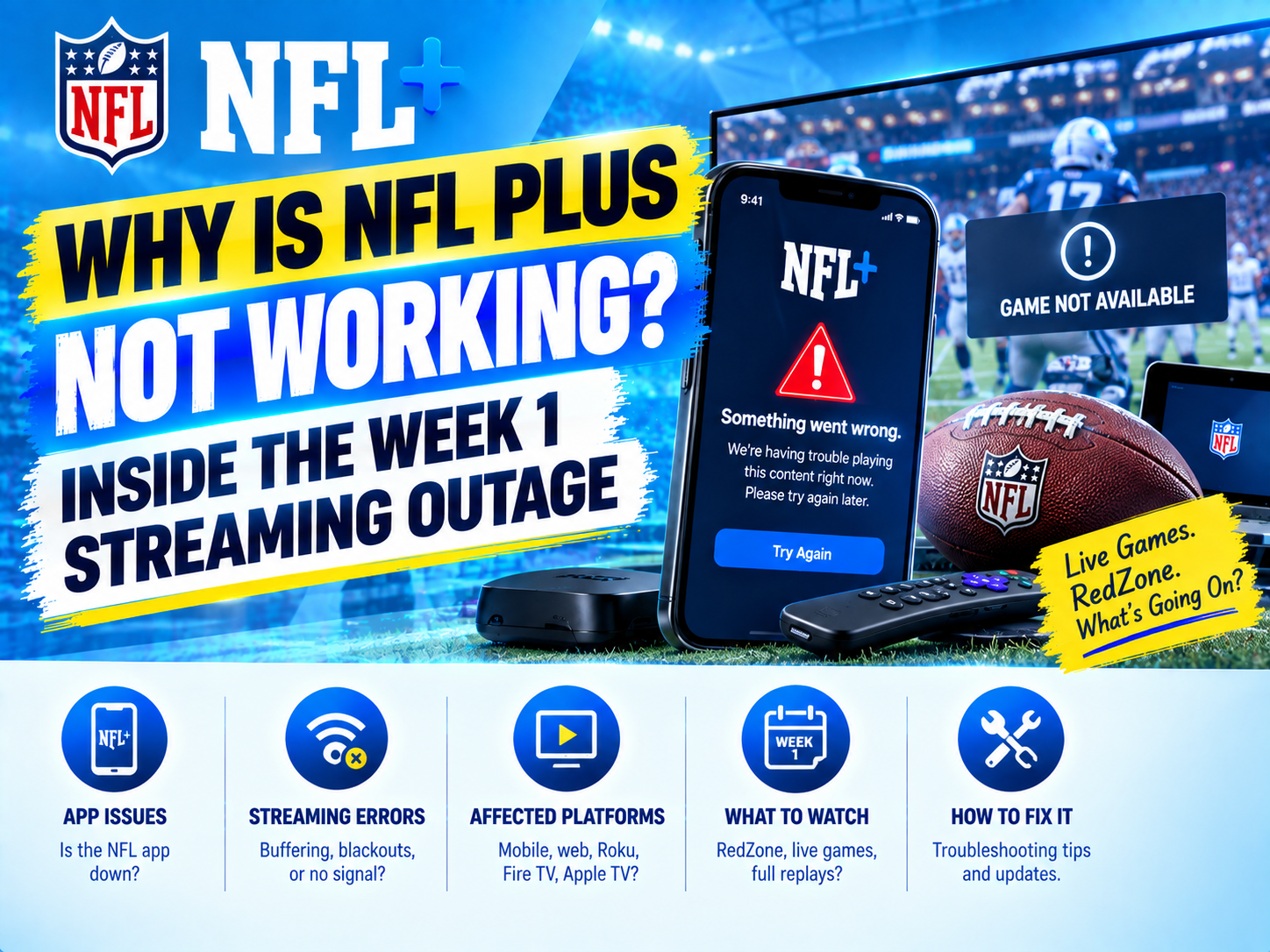
Kickoff arrives, millions of viewers open the NFL app, and the screen does everything except show football. Some users see a loading spinner. Others encounter a login loop, a subscription error, a black video player, or a message suggesting that NFL RedZone is unavailable. Within minutes, searches for “NFL app not working,” “NFL Plus down,” “is RedZone down,” and “NFL+ not working” surge.
That pattern defined the Week 1 streaming disruption affecting NFL+ and RedZone viewers. It also exposed an important reality about modern sports media: a streaming service is not one system. It is a chain of identity providers, subscription databases, application programming interfaces, video encoders, content delivery networks, advertising systems, device apps, and internet connections. A failure at any link can make the entire service appear down.
Without a detailed public engineering postmortem, it is not possible to assign the outage to one confirmed component. The symptoms, however, offer a useful look at the technologies most likely to fail when an enormous live audience arrives at once.
What Happened During the Week 1 NFL+ Outage?
Viewer reports intensified around the start of the Sunday game window, when demand for live games and NFL RedZone rises sharply. Reported symptoms included streams failing to launch, unexpected sign-outs, subscription prompts for existing customers, playback errors, and NFL RedZone not working inside the NFL app.
The timing matters. A video platform can operate normally throughout the morning and still fail at kickoff because traffic does not increase gradually. It jumps when users sign in, request account data, verify an NFL subscription, load the schedule, and start a protected stream within the same few minutes.
Searches such as “is the NFL app down,” “is NFL+ down,” “NFL RedZone down,” and “why is my NFL app not working” reflect several different technical problems. A viewer cannot usually tell whether the failure originates in the app, an NFL backend service, a CDN, a device, or the local network. The visible symptom is simply that the game will not play.
NFL+, RedZone, the NFL App, and NFL Network Are Not the Same
Understanding the outage starts with separating services that viewers often group together.
-
NFL+: NFL+ is the league’s subscription streaming product. Access depends on the customer’s plan, location, device, game rights, and successful account verification.
-
NFL+ Premium: The premium tier generally adds NFL RedZone and replay features. Package details and device rights can change, so subscribers should confirm current terms before assuming every game is available on every screen.
-
NFL RedZone: RedZone is a live channel that moves among scoring opportunities during Sunday afternoon games. It may be accessed through NFL+ Premium or an eligible television provider, depending on the viewer’s subscription.
-
The NFL app: The app is the software interface. It handles navigation and playback, but it relies on remote services for login, schedules, entitlements, advertising, and video delivery.
-
NFL Network: NFL Network is a separate linear channel. An NFL Network down report may involve the league’s stream, a pay-TV provider, or a virtual television distributor rather than NFL+ itself.
This distinction explains why NFL RedZone can fail while another section of the NFL app still works. It also explains why one user may watch successfully through a television provider while an NFL+ Premium customer encounters an error.
Why NFL Plus Can Fail Under Peak Demand
Authentication Systems Become a Bottleneck
Before showing video, NFL+ must determine who the viewer is. The authentication process may involve an NFL account, encrypted login tokens, device registration, fraud controls, and sometimes a third-party identity platform.
At kickoff, a flood of simultaneous sign-ins can overwhelm an identity endpoint or one of its dependencies. Even if the video infrastructure has abundant capacity, users cannot reach it when login requests time out. Expired or improperly refreshed tokens can also create sign-in loops that make the NFL app appear broken.
Subscription Verification Can Reject Paying Customers
Authentication confirms identity; authorization determines what that identity may watch. NFL+ must check whether the account has an active plan, whether it includes RedZone, whether the device is permitted, and whether geographic or broadcast restrictions apply.
This entitlement check often touches billing databases, caches, app stores, and partner systems. If the subscription API slows down, the safest default is usually to deny playback rather than expose premium content without authorization. The result is a frustrating “subscribe” or “content unavailable” message for someone who already pays for NFL premium access.
A stale cache can produce similar behavior. A customer may upgrade moments before kickoff, but one service still sees the previous subscription state. That is why restoring purchases or signing out and back in occasionally works—although it will not fix a platform-wide entitlement outage.
APIs and Backend Services Can Fail Before Video Starts
The NFL app uses APIs to retrieve schedules, channel listings, account details, stream URLs, artwork, scores, and configuration data. A failure in one essential API can prevent the player from receiving the information required to begin playback.
Modern platforms typically use many smaller services rather than one monolithic server. This improves flexibility, but it also creates dependencies. If a schedule service calls an entitlement service that calls a billing service, latency can multiply through the chain. Retry logic may then amplify the original problem by sending more requests to a system already under pressure—a phenomenon known as a retry storm.
CDN Capacity Is More Than Raw Bandwidth
Content delivery networks place video near viewers so every device does not pull data from a central origin. Large sports platforms increasingly use multiple CDNs, real-time traffic steering, and automated failover. These are important trends as of September 2026, but they do not eliminate risk.
A CDN can have enough total bandwidth while still experiencing congestion in a specific region or internet provider. Problems with DNS routing, cache misses, signed video URLs, or origin connectivity can also cause buffering and startup failures. If traffic steering sends too many viewers to the same CDN, spare capacity elsewhere may not help quickly enough.
The Live Video Pipeline Has Little Margin for Error
A live feed must be captured, encoded into several resolutions, packaged into short segments, encrypted, and delivered continuously. The app then switches among quality levels according to the viewer’s available bandwidth.
Low-latency streaming reduces the delay behind the live action, but smaller buffers provide less protection from network variation. A delayed segment, malformed playback manifest, encryption-key failure, or encoder problem can disrupt a huge audience at once. Server-side ad insertion adds another time-sensitive layer because the system must personalize commercial breaks without breaking the stream.
The App Itself May Be the Problem
Not every “NFL app down?” search indicates a server outage. A newly released app version may contain a device-specific playback bug. Old app builds can become incompatible with changed APIs or digital rights management requirements. Corrupted cache data, insufficient device storage, operating-system updates, VPNs, ad-blocking tools, and incorrect device clocks can also interfere with playback.
Smart TVs and streaming boxes make diagnosis harder because their app versions, video decoders, and DRM implementations differ. A stream might work on a phone but fail on one television model even though both use the same account.
Why Live NFL Games Are Uniquely Difficult to Stream
On-demand video audiences arrive over hours or days. NFL audiences converge within minutes, producing one of the internet’s most demanding traffic patterns. Week 1 is particularly challenging because dormant users return, reset passwords, install updates, activate subscriptions, and connect new devices at the same time.
Live sports also permit almost no recovery window. A service can process a delayed on-demand request without the customer missing a decisive play. During RedZone NFL coverage, even a 30-second interruption can hide a touchdown. Engineers must balance reliability, picture quality, latency, personalization, security, and cost while the audience expects television-like consistency.
Social media compounds the event. Once viewers report that NFL RedZone is not working, more people repeatedly restart apps, refresh pages, and attempt new logins. Those reasonable troubleshooting actions can increase load on struggling authentication and API systems.
How to Tell Whether NFL+ Is Down or the Problem Is Local
Before reinstalling everything, determine the scope of the failure.
-
Check multiple channels: Test NFL Network, RedZone, and another video in the NFL app. If only one stream fails, the issue may be tied to that feed or entitlement.
-
Try another device: If NFL+ works on a phone but not a television, investigate the TV app, operating system, or DRM support.
-
Change networks: Switch briefly between home Wi-Fi and cellular data. Success on one connection may indicate a router, DNS, VPN, or internet-provider issue.
-
Look for widespread reports: Review the NFL Help Center and a third-party report tracker such as Downdetector. A sharp national spike suggests NFL+ is down rather than a problem inside one home.
-
Verify the plan: Confirm that the subscription is active and includes the requested content. Device and location rights still apply even when billing is current.
-
Restart selectively: Force-close the app, restart the device, update the app, and sign in again. Avoid repeated password resets during a known authentication incident.
If many users are asking “is NFL RedZone down?” at the same moment and multiple devices fail, waiting for the provider to restore service is usually more productive than changing local settings.
What Streaming Platforms Can Learn From the Outage
The strongest defense is not simply buying more bandwidth. Live platforms need load testing that reproduces kickoff behavior across login, entitlement, API, advertising, and playback systems. They also need multi-CDN routing, isolated failure domains, graceful degradation, rate limits, circuit breakers, and capacity reserved for sudden demand.
Better observability is equally important. Engineers should be able to measure sign-in success, entitlement latency, video startup time, buffering, and errors by app version, device, region, and CDN. Clear customer communication also reduces damaging retry storms. A concise status notice can stop millions of viewers from repeatedly signing out, refreshing, and reinstalling the app.
Frequently Asked Questions
Why is the NFL app not working when other apps work?
The NFL app may be experiencing a login, API, entitlement, DRM, or video-delivery failure that does not affect other services. Test another device and network, check for broad outage reports, and update the app before reinstalling it.
Is NFL+ down if RedZone is not working?
Not necessarily. NFL RedZone can experience a feed-specific, subscription, or authorization problem while other NFL+ content remains available. Conversely, a broader NFL+ down event may affect RedZone, NFL Network, and account functions simultaneously.
How do I watch RedZone on the NFL app?
Sign in with an account or eligible provider that includes NFL RedZone, open the live section, and select the RedZone channel during its Sunday broadcast window. Availability depends on the current plan, region, device rights, and successful subscription verification.
Why does NFL+ say I need to subscribe when I already paid?
The app may not have synchronized the purchase, or an entitlement service may be unavailable. Confirm that the correct account is signed in, restore the purchase if that option is available, and check whether the subscription was purchased through an app store or directly from the NFL.
Why does NFL RedZone buffer even when my internet is fast?
A speed test measures general connectivity, not the complete route to the active video CDN. Regional congestion, Wi-Fi interference, packet loss, CDN routing, low-latency buffering, or a platform-side video issue can cause interruptions despite a high headline speed.
The Bigger Picture Behind the Week 1 Failure
The Week 1 outage was more than an inconvenient app error. It illustrated how live streaming depends on a tightly coordinated technology stack that must authenticate millions of viewers, verify subscriptions, secure premium content, personalize delivery, and move high-quality video around the country in real time.
When NFL Plus is not working, the visible failure may be a spinner, but the actual cause can sit anywhere from an identity database to a regional CDN. That complexity is why NFL app down reports spread so quickly—and why dependable live sports streaming remains one of the hardest engineering challenges on the internet.