








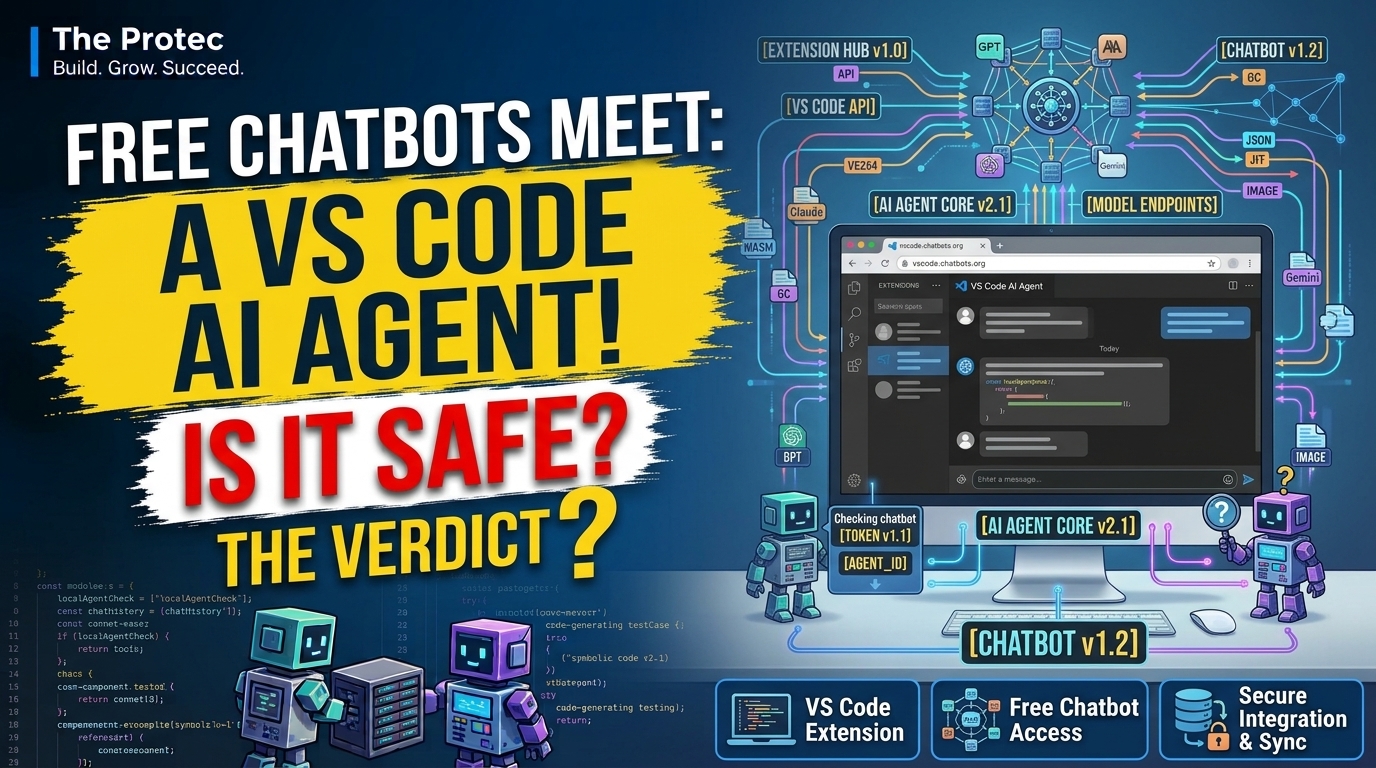
A developer tool does not necessarily need its own model—or an expensive subscription—to feel like an AI coding assistant. Code Web Chat, a VS Code AI agent extension highlighted by SignalCrest, takes a different route: it connects project context in Visual Studio Code with familiar chatbot websites and helps turn their answers into local code changes. The approach can be useful, particularly for developers already using free chatbot tiers, but calling it an autonomous agent oversimplifies both its capabilities and its risks.
The short answer is that Code Web Chat can create an agent-like workflow without converting every chatbot into a genuine autonomous coding system. It prepares code and instructions for a browser-based service, receives structured suggestions, and helps apply them in VS Code. That convenience also creates a sensitive data path between a local repository, the extension, the clipboard or browser bridge, and a third-party chatbot. Developers should understand that path before exposing private code.
What is the extension highlighted by SignalCrest?
The project is Code Web Chat, published under Robert Piosik’s robertpiosik identity. Its source is available in the CodeWebChat GitHub repository, allowing developers to inspect the implementation rather than relying solely on a marketplace description.
The project’s central idea is straightforward: use a chatbot’s existing website as the model interface while VS Code handles repository context and code-editing assistance. This avoids requiring an API key for the basic web-chat workflow and may allow someone to work within a provider’s free consumer tier. It does not guarantee unlimited, unrestricted, or cost-free use. Providers can impose message caps, model limits, account requirements, automation rules, data-retention policies, and regional restrictions.
The project’s documented site adapters have included major services such as ChatGPT, Claude, Gemini and Google AI Studio, DeepSeek, Grok, Mistral Le Chat, Qwen, Kimi, and OpenRouter’s web interface. Support can change when providers redesign their pages, so the repository and installed release should be treated as the authoritative compatibility list. A website appearing on that list also does not mean its operator endorses automated interaction.
How Code Web Chat communicates with chatbot websites
Code Web Chat does not secretly transform a consumer chatbot into a local model. The VS Code side gathers user-selected context, formats instructions, and prepares a prompt containing the task and relevant code. That prompt is handed to the chosen web chat through the project’s browser-assisted workflow or a clipboard-based handoff, depending on the installed configuration and supported site.
Site-specific browser integration works at the web-page layer rather than through a paid model API. A connector or content script interacts with supported chat interfaces, while a local bridge exchanges messages with VS Code. Because these integrations depend on the page’s document structure, a chatbot redesign can temporarily break submission or response capture. The manual fallback is conceptually simpler: copy the generated prompt into the chatbot and return the response to VS Code.
The chatbot still receives the material as ordinary conversation content. If a source file appears in the prompt, it has left the editor’s local boundary and reached that provider. A loopback connection between the browser helper and VS Code can keep the editor-to-browser transfer on the machine, but it cannot keep the final prompt local—the browser must send it to the selected chatbot service.
From a chatbot answer to local AI code editing
The extension asks the model to return changes in a structured form, such as replacement instructions or code blocks identifying affected files. Code Web Chat parses that response, maps the proposed content to workspace paths, and presents or applies edits through VS Code. This is more reliable than manually hunting through a long answer, but it is not infallible. A model can produce an incorrect filename, stale search text, incomplete code, or a path that should never be modified.
A safe workflow keeps the diff as the decision point. The chatbot proposes; the developer inspects and approves. Automatic parsing improves convenience, not correctness.
What files and permissions are involved?
VS Code extensions do not use a mobile-style permission dialog for every file operation. Once an extension is active in a trusted workspace, its process can potentially read and modify files available to the editor under the current operating-system account. Code Web Chat needs workspace access to collect selected context and write accepted changes. Its registered commands, configuration, dependencies, and activation behavior can be inspected in the source repository and installed extension manifest.
The browser component has a separate security surface. Depending on the release and browser package, it may request storage, scripting or active-tab capabilities, access to supported chatbot domains, and permission to communicate with a local endpoint. Developers should inspect the exact browser manifest they install because host lists can expand as more services are added. Broad host access matters: a content script operating on a chat page may be able to read prompts and responses visible there.
Code Web Chat provides exclusion controls and is designed to avoid common irrelevant or sensitive paths, including ignored files and large dependency or repository metadata directories. Projects commonly rely on .gitignore and extension-specific exclusion settings to reduce context. Those protections should be verified with the current release rather than assumed. An ignored file is not a security boundary if the developer explicitly selects it, pastes its contents, or includes another file that contains the same secret.
A practical AI chatbot coding workflow
Consider a small TypeScript application with a failing input-validation test. A cautious workflow would look like this:
- Select only relevant context. Include the validator, its test file, and perhaps the shared type definition—not the entire repository.
- Describe a bounded task. Ask the chatbot to reject whitespace-only usernames while preserving current error types and public interfaces.
- Send the prepared prompt. Code Web Chat transfers or copies the selected files and instructions to the supported web chatbot.
- Receive structured changes. The chatbot returns proposed replacements or file edits in the format requested by the extension.
- Review the diff. Confirm that only the validator and tests changed, imports remain valid, and no unrelated behavior was rewritten.
- Run checks locally. Execute unit tests, type checking, linting, and any security-relevant test suite before committing.
This is a useful AI chatbot coding workflow, but the model is not independently exploring the repository, running tests, observing failures, and choosing its next tool call. Unless a separate tool loop is explicitly configured, the developer remains the orchestrator.
Is this really an AI coding agent?
A genuine AI coding agent generally has a controlled loop: it can inspect state, choose an approved tool, observe the result, revise its plan, and continue until a stopping condition is reached. Its tools might include file search, terminal execution, diagnostics, tests, source control, or a browser. Mature systems also add confirmation policies, workspace boundaries, tool logs, and limits on command execution.
Code Web Chat’s core pattern is narrower. It packages context, asks an external chatbot for edits, and converts a response into changes. That can resemble an agent from the user’s perspective, especially when several handoffs are automated, but it is better described as an agent-like context-and-diff bridge. The chatbot cannot automatically acquire reliable tool use merely because its website is connected to VS Code.
This distinction matters for both marketing and safety. A structured diff workflow has fewer moving parts than an autonomous terminal agent, but it still trusts unverified generated output. Conversely, it may lack the feedback loop needed to detect that its first suggestion failed.
The main AI code privacy risks
The largest risk is not that the extension writes a bad semicolon. It is that developers send material they were never authorized to disclose. Potentially sensitive content includes:
- API keys, access tokens, passwords, certificates, and private keys;
.envfiles and production configuration;- customer data, logs, database samples, and personal information;
- private repository code and unreleased product designs;
- security controls, internal URLs, infrastructure details, and vulnerability reports;
- licensed third-party code that cannot be redistributed.
Free AI coding tools remain subject to the chatbot provider’s terms and privacy controls. Consumer and enterprise plans may have different retention, training, administrative, and contractual protections. Incognito mode does not change the provider’s server-side handling, and deleting a visible conversation does not necessarily establish immediate deletion from every backup or safety system.
Clipboard use introduces another concern. Clipboard managers, remote-desktop software, operating-system history, and other applications may retain copied source. Browser extensions can also be compromised or overprivileged. Open source makes review possible, but it does not prove that a marketplace binary matches a reviewed commit or that future updates will preserve the same behavior.
How to reduce exposure
- Use a disposable branch or isolated copy of the repository.
- Exclude secrets, generated output, dependencies, logs, and customer data.
- Send the smallest useful code selection instead of the whole workspace.
- Review the provider’s current terms and organizational AI policy.
- Disable browser access for sites that are not required.
- Rotate any credential accidentally included in a prompt; deleting the chat is not enough.
- Treat all returned code as untrusted input and scan new dependencies carefully.
Why every generated change needs diff review
An AI-generated patch can compile while still introducing authorization flaws, race conditions, insecure defaults, broken error handling, or subtle license problems. It may also remove comments, weaken tests, invent package APIs, or overwrite work that was not included in its context.
Review the diff before acceptance, then run the same validation expected for a human contribution. At minimum, check tests, static analysis, formatting, dependency changes, and security-sensitive paths. For important systems, require normal peer review. VS Code automation should shorten mechanical work, not bypass engineering controls.
How it compares with VS Code agent mode, Cline, and Continue
Microsoft’s native agent capabilities are built around VS Code’s model and tool extensibility architecture. The official VS Code AI extensibility overview explains how extensions can integrate language models, chat participants, and tools within supported editor interfaces. Native agent mode can combine workspace search, editing, diagnostics, terminal tools, and approval controls, subject to the selected model and account.
Cline is an established agent-oriented extension that can inspect files, propose edits, execute approved commands, and iterate using model APIs or compatible providers. Its strength is a visible tool loop, although that also creates greater command-execution and cost exposure.
Continue offers open-source editor assistance with configurable models, context providers, chat, autocomplete, editing, and agent-oriented workflows. It is attractive to teams that want control over model backends, including self-hosted options.
Code Web Chat’s differentiator is the reuse of browser chat services instead of requiring a dedicated coding-agent subscription or direct API billing. Its trade-off is dependence on consumer websites, fragile page integrations, provider restrictions, and less predictable privacy and automation behavior. The best choice depends on whether the priority is low-cost access, local-model control, enterprise governance, or a deeply integrated tool loop.
FAQ
Does Code Web Chat make ChatGPT a fully autonomous coding agent?
No. It can provide a useful ChatGPT VS Code integration by transferring context and processing structured edits, but the web chatbot does not automatically gain unrestricted repository, terminal, or test access. The workflow is agent-like rather than inherently autonomous.
Is the extension safe for private repositories?
It can be used cautiously, but private code may be transmitted to an external chatbot. Safety depends on the selected files, browser permissions, provider terms, organizational policy, and review process. Highly confidential repositories may require an approved enterprise or self-hosted model instead.
Are free chatbot websites really free for coding work?
They may offer free tiers, but limits and terms apply. Providers can cap messages, restrict models, prohibit certain automation, or change availability. Free access also does not mean that submitted code receives enterprise-grade privacy protection.
Can file exclusions guarantee that secrets are never sent?
No. Exclusions reduce accidental inclusion but cannot protect a secret embedded in an otherwise selected file, pasted manually, or duplicated elsewhere. Inspect the prepared context before sending it and use automated secret scanning.
Bottom line
Code Web Chat is an inventive developer productivity tool: it places a practical bridge between VS Code and browser-based chatbots, making context transfer and AI code editing less tedious. Its value is real, but so are its boundaries. It does not make every free chatbot a trustworthy autonomous agent, and it does not remove the privacy obligations attached to source code.
Use it as a context-and-diff assistant, not an unquestioned engineer. Minimize what leaves the workspace, inspect current permissions and exclusions, verify the chatbot provider’s rules, review every patch, and test before merging. That discipline determines whether the convenience becomes a productivity gain or a preventable security incident.