








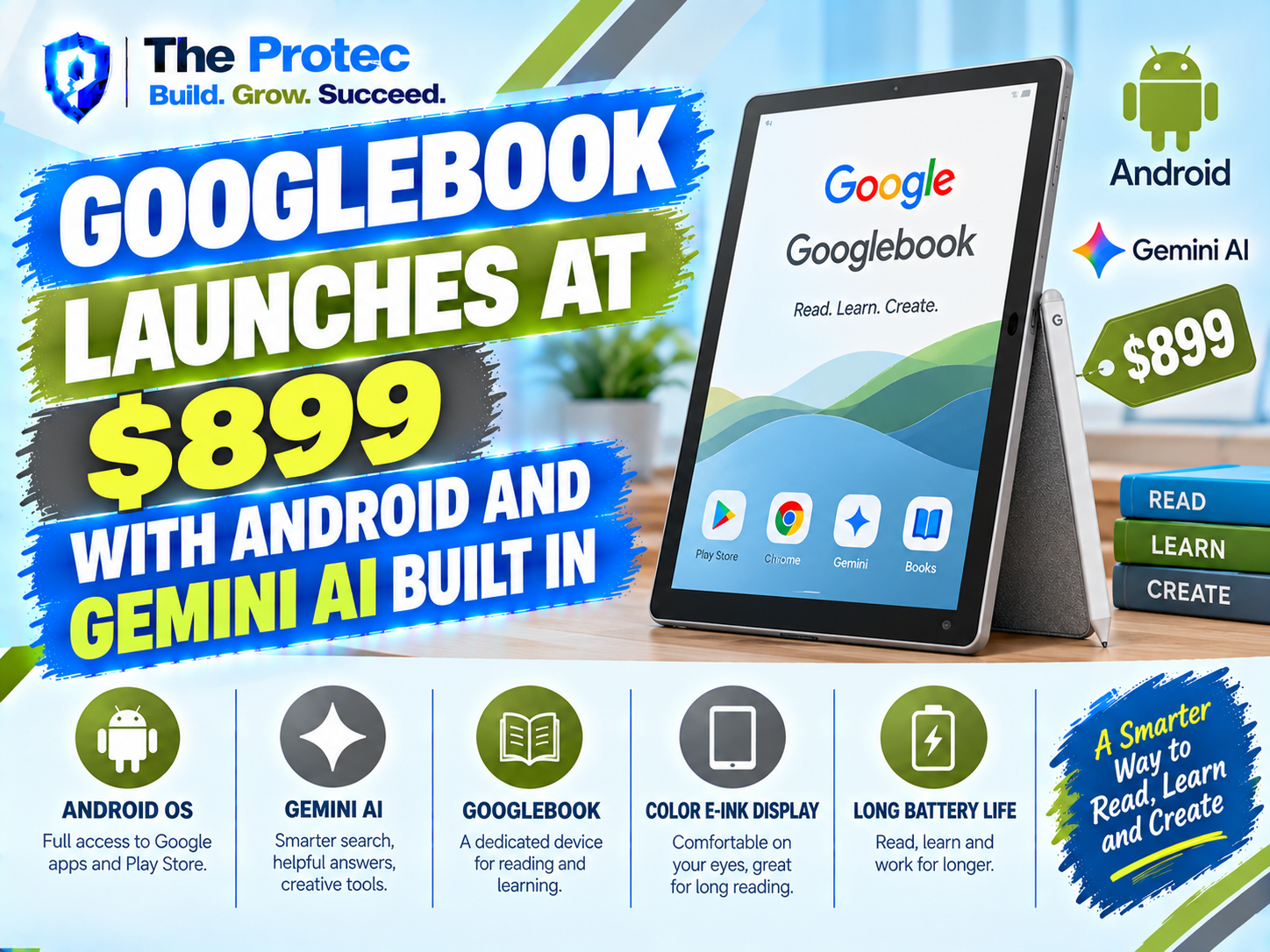
The Googlebook launch is attracting attention for a simple reason: it appears to represent something more ambitious than another premium Chromebook. With a reported starting price of $899, deep Android integration, and Gemini AI woven into the experience, the Googlebook is being positioned as a Google laptop built around the company’s entire software ecosystem.
That combination could make the Googlebook one of Google’s most consequential personal-computing projects since the Pixelbook. It also raises important questions. Is this a conventional laptop that runs Android apps, a premium evolution of ChromeOS, or the first step toward a more unified Android desktop platform? And what does a buyer actually receive for the Googlebook laptop price?
There is an important caveat. As of September 21, 2026, Google has not provided a universally accessible product page containing a complete retail specification sheet, regional release schedule, or configuration list under the Googlebook name. The $899 price, Android focus, and Gemini positioning are the central launch claims being reported, while several detailed hardware and availability claims remain preliminary. Buyers should separate those headline features from rumors until Google publishes final store listings.
Googlebook Launch: What Is Confirmed and What Is Still Developing?
The clearest description of the Googlebook is a premium Google-centered laptop intended to connect Android devices, cloud services, and Gemini more closely than a traditional Chromebook. The reported $899 starting price places it above many mainstream Chromebooks but below numerous flagship Windows ultrabooks.
The launch narrative consistently revolves around three elements:
- A starting price of $899 for the entry-level Googlebook configuration.
- Deep Android integration designed to make a phone and laptop behave more like parts of one system.
- Gemini AI features integrated into everyday desktop tasks rather than offered only through a browser tab.
Those points define the product’s direction, but they do not confirm every rumored Googlebook spec. Reports mentioning particular processors, memory capacities, display technologies, port selections, or battery-life figures should be treated as provisional unless they appear in official purchasing documentation. The distinction matters because regional models and higher-priced configurations may differ from the base device.
For comparison, Google’s established Chromebook information hub describes a broad platform used by multiple hardware manufacturers. Googlebook, by contrast, is being presented as a tightly controlled first-party experience in which Google can optimize the hardware, Android connections, and AI services together.
What You Get With the Googlebook at $899
The Googlebook $899 model is best understood as an ecosystem product. Its value is not expected to depend on one standout component. Instead, Google is betting that people will pay more for continuity between their phone, laptop, files, messages, apps, and AI assistant.
At the base price, buyers should expect the core Googlebook features: the laptop hardware, an operating environment built around Google services, Android device connectivity, and access to Gemini-powered tools. Paid cloud storage, premium Gemini tiers, mobile service, and optional accessories may still require separate subscriptions or purchases. The presence of Gemini on the device does not automatically mean every advanced AI model or service will be free indefinitely.
This distinction will be important when comparing the Googlebook laptop price with a Chromebook or Windows PC. A $500 laptop may offer adequate hardware, but it may not deliver the same phone handoff, cross-device notifications, AI context, or account-level synchronization. Conversely, buyers who do not use Android or Google services may struggle to justify the Googlebook’s premium.
Googlebook Android Integration Goes Beyond App Support
Android apps have been available on Chromebooks for years, so simply opening mobile applications would not make the Googlebook different. The more significant goal is system-level continuity: reducing the friction involved in moving between an Android phone and a laptop.
The reported Googlebook Android integration is expected to focus on several connected experiences:
- Fast sharing of photos, documents, links, and other files between nearby Android devices and the laptop.
- Phone notifications that can be viewed or managed from the desktop.
- Simple hotspot activation and network sharing without repeatedly entering credentials.
- Cross-device clipboard and task continuity for moving text or supported activities between screens.
- Access to compatible Android apps in a desktop-friendly windowed environment.
- Account synchronization for Google Photos, Drive, Messages, Chrome, and other services.
None of those ideas is entirely new on its own. The potential breakthrough is how consistently they work together. Existing Chromebooks can already perform several phone-connected tasks, while Windows offers Android connectivity through Microsoft’s Phone Link. Apple also provides strong continuity between the iPhone and Mac. Googlebook’s challenge is to make its implementation feel native, reliable, and immediate rather than like a collection of separate utilities.
A successful Android laptop experience must also handle app scaling. Mobile interfaces designed for a narrow touchscreen can feel awkward on a large display with a keyboard and trackpad. Google has spent years encouraging adaptive Android layouts, but the quality still varies by developer. Googlebook can improve window management and input behavior, although it cannot instantly redesign every third-party app.
How Gemini AI Changes the Google Laptop Experience
The Googlebook Gemini AI strategy is broader than adding a chatbot shortcut. Google’s opportunity is to place Gemini at the operating-system level, where it can assist with information spread across documents, browser sessions, email, meetings, images, and connected Android devices—subject to permissions and privacy controls.
Expected Googlebook AI features include drafting and rewriting text, summarizing long pages or documents, organizing notes, explaining selected content, generating images, and helping users locate information. Gemini may also support meeting recaps, live captions, translation, and contextual suggestions within compatible Google applications.
The most useful feature could be cross-app assistance. Instead of manually copying information from Gmail into a document or extracting details from several browser tabs, a user could ask Gemini to assemble a summary or first draft. Students might turn research notes into an outline, while professionals could summarize a discussion and create a task list.
However, buyers should examine where each feature runs. Some AI functions may use on-device processing, while more demanding requests may be sent to Google’s cloud. That affects speed, offline availability, and privacy. It can also affect cost if advanced capabilities require a paid Gemini plan. Google explains its wider assistant offerings on the official Gemini website, but the exact entitlement bundled with the Googlebook should be verified at checkout.
Google must also make AI optional and transparent. Users should be able to control which apps Gemini can access, understand when data leaves the device, and review or disable activity history. Deep integration is valuable only when it comes with equally deep controls.
Googlebook Specs: What Buyers Should Verify
A complete, consistent Googlebook specs sheet has not yet been established across official regional storefronts. That means specific claims about the processor, display resolution, storage, or battery should not be treated as final solely because they appear in an early report.
Before ordering, buyers should confirm these details for the exact $899 configuration:
- Processor model and whether dedicated on-device AI acceleration is included.
- Installed memory and whether it can be upgraded.
- Storage capacity, storage type, and expansion options.
- Display size, resolution, brightness, refresh rate, and touchscreen support.
- Webcam resolution, microphones, and biometric sign-in options.
- USB-C, USB-A, display-output, headphone, and charging connections.
- Claimed battery life and the testing method behind that claim.
- Software support period, repair options, and warranty coverage.
The processor and memory will be especially important for buyers planning to run many Android apps, browser tabs, video calls, and AI tools simultaneously. A premium price creates an expectation of smooth multitasking, a high-quality display, a dependable keyboard, and enough storage for offline work. If the base model compromises heavily in those areas, its software integration will need to be exceptional.
Googlebook vs Chromebook: What Is the Difference?
The Googlebook vs Chromebook comparison starts with terminology. Chromebook is a category covering devices from companies such as Acer, ASUS, HP, Lenovo, and Samsung. These machines range from low-cost education models to premium productivity laptops. Googlebook is being framed as Google’s own flagship expression of the platform and ecosystem.
A conventional Chromebook remains appealing because it is simple, secure, quick to update, and available at many price points. The Googlebook is aimed at someone willing to spend more for first-party design, closer Android integration, and a Gemini-first workflow.
The difference is similar to buying a reference device rather than a generic platform device. Google controls more of the experience and can tune hardware features around its software roadmap. That does not automatically make Googlebook faster or better than every Chromebook. Premium Chromebook models may offer comparable displays, processors, and build quality, sometimes at lower prices.
Software support will ultimately determine whether Googlebook becomes a distinct product line or simply a new name for a high-end Chromebook. Until Google publishes complete technical documentation, buyers should avoid assuming that the branding indicates an entirely separate operating system.
Googlebook vs Windows Laptops
Against Windows, Googlebook trades broad legacy software compatibility for a more focused Google and Android experience. Windows laptops can run a vast range of professional applications, PC games, hardware utilities, and specialized business software. Googlebook is likely to be strongest for browser-based work, Google Workspace, communication, media, Android apps, and AI-assisted productivity.
The $899 price places it in direct competition with capable Windows ultrabooks. Those machines may offer more local storage, additional ports, or support for traditional desktop programs. Googlebook’s counterargument is convenience: faster setup, lower maintenance, strong cloud synchronization, and tighter integration with the Android phone already in a user’s pocket.
Creative professionals, engineers, gamers, and organizations dependent on Windows-only software should verify application compatibility before switching. People whose working day already happens in Chrome, Gmail, Docs, Meet, Drive, and Android apps are more likely to benefit.
Googlebook Release Date, Pricing, and Availability
The reported Googlebook laptop price begins at $899, but that figure should be treated as the entry point rather than the cost of every model. Additional memory, storage, premium displays, accessories, or service bundles could raise the final price.
A single worldwide Googlebook release date has not been clearly documented through an official global retail listing. Availability may be staggered by market, and configurations could vary between countries. Prospective buyers should confirm the local on-sale date, keyboard layout, warranty terms, included charger, and Gemini subscription details through Google’s official store when listings become available.
Who Is the Googlebook Designed For?
The ideal Googlebook buyer is an Android phone owner who uses Google services heavily and wants a premium laptop without the complexity of a traditional PC. It should appeal to students, remote workers, frequent travelers, and professionals whose essential tools are web-based.
It may also suit early adopters who want AI integrated into routine work rather than installed as a separate application. The value becomes stronger when Gemini can securely understand the user’s current task and help across multiple Google services.
It is less compelling for iPhone-centered households, PC gamers, users who need specialized Windows or macOS software, and shoppers seeking the lowest possible laptop price. For those groups, the Googlebook’s ecosystem advantages may not offset compatibility limitations or the $899 starting cost.
FAQ
Is Googlebook the same as a Chromebook?
Not exactly. Chromebook refers to a broad family of ChromeOS devices from multiple manufacturers. Googlebook is being positioned as a first-party Google laptop with deeper Android and Gemini integration. Final operating-system and hardware documentation will determine how technically distinct it is from premium Chromebooks.
How much does the Googlebook cost?
The reported Googlebook laptop price starts at $899. Higher storage or memory configurations, accessories, extended coverage, and premium Gemini services may cost extra.
What Gemini AI features are included?
The launch focus includes AI-assisted writing, summarization, content explanation, organization, and contextual help across supported Google services. Exact features may depend on the device configuration, region, internet access, account type, and whether a paid Gemini plan is required.
Can the Googlebook run Android apps?
Android app support is central to the product’s reported positioning. App quality will still depend on whether developers have optimized their interfaces for larger screens, keyboards, trackpads, and resizable windows.
Should you buy the Googlebook at launch?
Android and Google Workspace users may find the integration compelling, but buyers should wait for an official local specification sheet before ordering. Confirm the processor, memory, storage, battery claims, software support period, Gemini entitlements, and return policy for the exact $899 model.
The Bottom Line
The Googlebook promises a timely idea: a premium Android-connected laptop where Gemini AI is part of the workflow rather than an optional browser destination. At $899, it must deliver more than familiar Chromebook features under a new name. Reliable phone continuity, strong hardware, transparent AI controls, and clear long-term support will decide whether the Googlebook becomes Google’s answer to the MacBook and Windows ultrabook—or remains a premium niche device.
The concept is compelling, particularly for people already invested in Android and Google services. Until complete official specifications and regional purchase pages are published, though, the smartest approach is to judge the Googlebook by verified configuration details rather than early hardware rumors.