








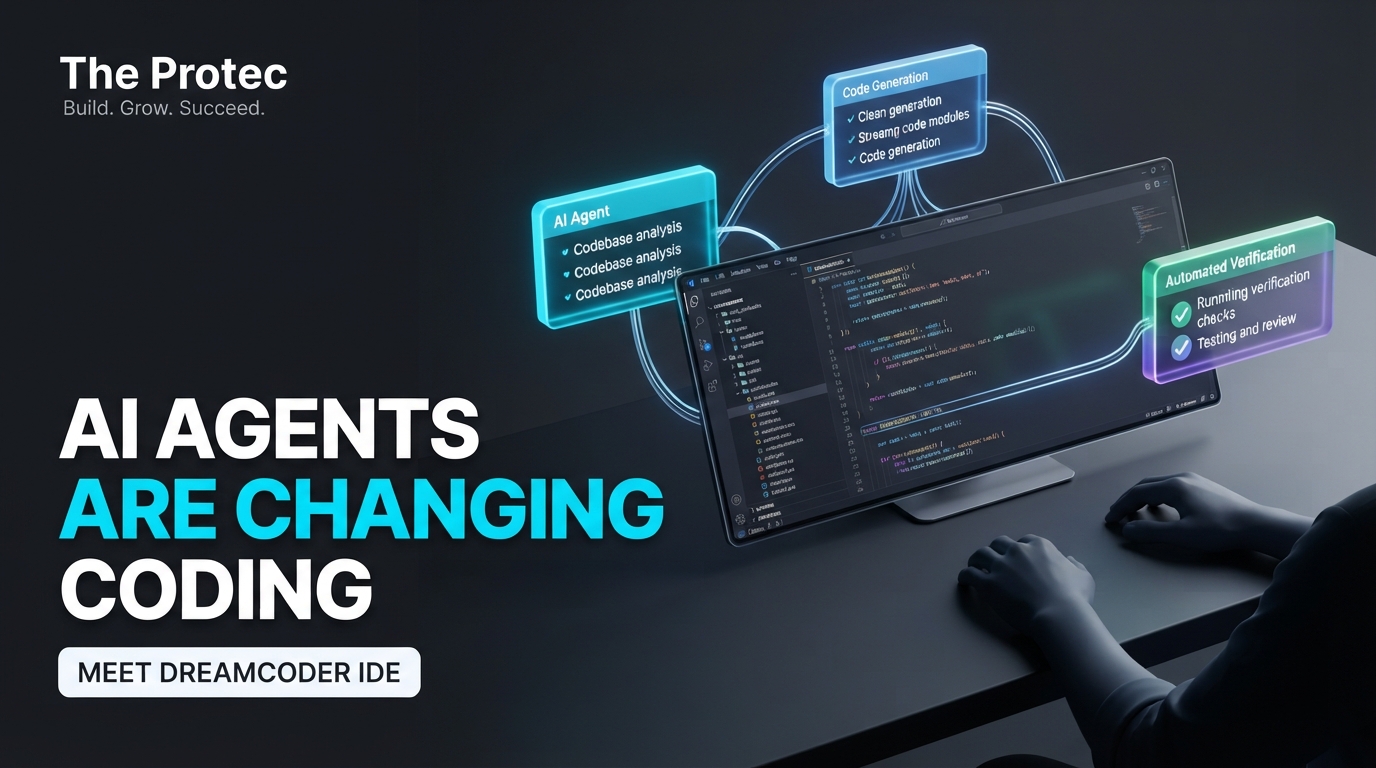
AI coding agents can write, inspect and revise increasingly substantial amounts of code, but their interfaces often make serious development harder than it needs to be. The DreamCoder AI coding IDE proposes a different foundation: a browser-based, tiling workspace where agent conversations, terminals and code reviews remain visible side by side. Instead of squeezing an agent into a terminal or conventional editor sidebar, DreamCoder treats AI-assisted development as a workflow that deserves its own interface.
DreamCoder was created by Mickey Petersen, author of Mastering Emacs, and released after approximately 15 months of development. Its central argument is not that terminals are obsolete or that one model suddenly writes better code. It is that developers need a more coherent place to supervise multiple AI coding agents, inspect their changes and continue working without losing context.
What is DreamCoder?
DreamCoder is a browser-based AI coding harness and integrated development environment designed around agent-led software work. Petersen describes its purpose and development history in the official DreamCoder announcement, which is the primary source for its capabilities.
The application combines several tools that are usually scattered across separate windows:
- Conversations with coding agents
- Interactive terminal sessions
- Code and change-review panes
- Backgroundable AI coding subagents
- Custom agent configurations
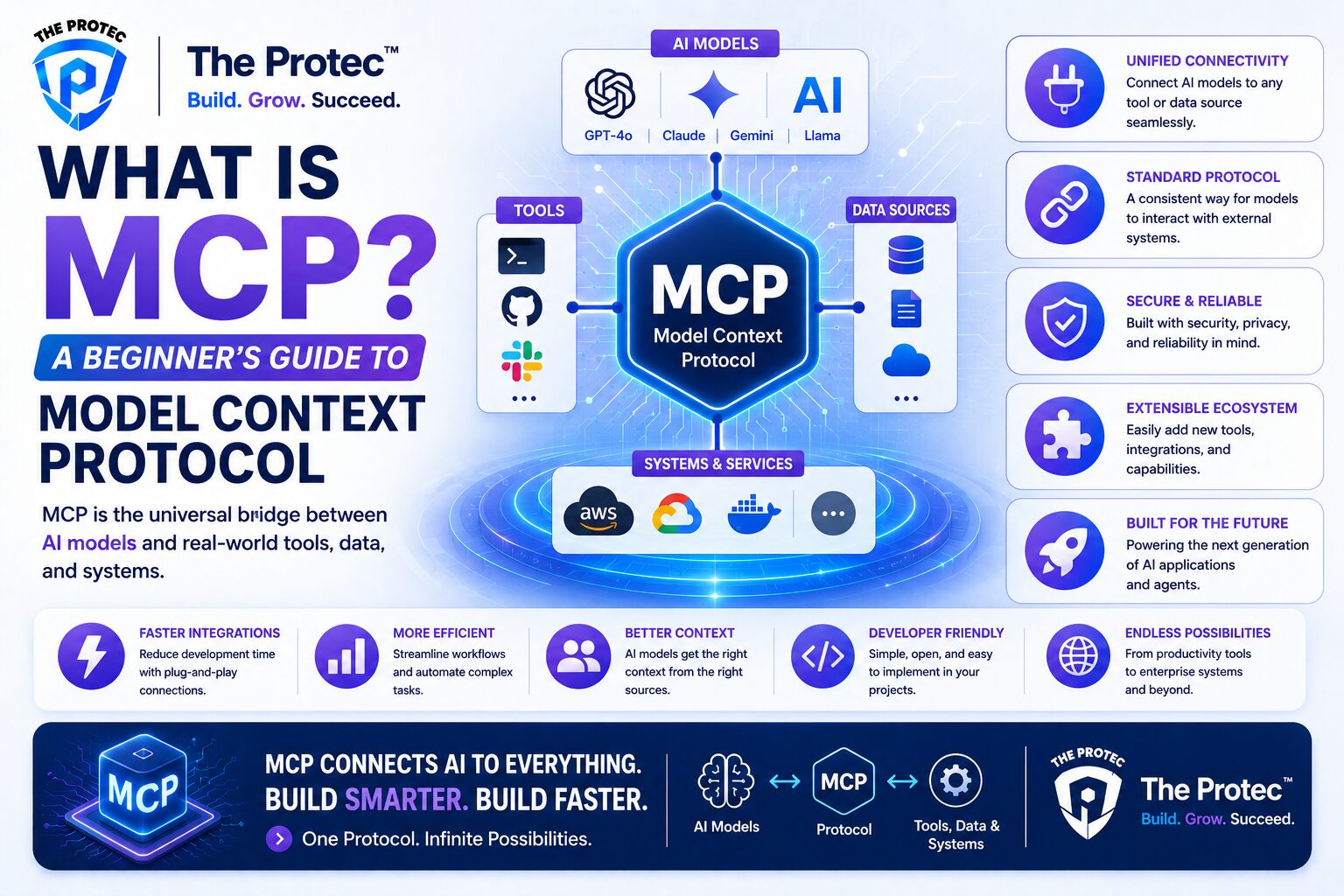
- Model Context Protocol, or MCP, server support
- Keyboard-oriented pane and workspace controls
The result is closer to an AI agent workspace than a text editor with chat attached. DreamCoder still gives terminals and source changes a central role, but it places them inside a structured environment intended for parallel, inspectable workflows.
Despite Petersen’s background, DreamCoder is not an Emacs application. It does not require developers to adopt Emacs, and it is not an Emacs configuration repackaged for AI development. The influence is more conceptual: composable panes, extensive keyboard control and an emphasis on shaping the workspace around the task.
Why replace terminal-first AI coding agents?
Tools such as Claude Code and command-line coding agents have made the terminal a capable interface for AI software development. A terminal is fast, scriptable and already familiar to many developers. The limitations become clearer, however, when one conversation turns into several simultaneous workstreams.
Imagine asking one agent to investigate a failing test, another to trace a database migration and a third to draft a small refactor. Each task may produce commands, explanations and code changes that need review. In a terminal-first setup, the developer commonly switches among tabs, scrollback buffers, editor windows and diff tools. The underlying agents may be effective, yet supervising them becomes an interface-management problem.
Traditional chat sidebars have a related weakness. They typically reserve a narrow column for a linear conversation while the editor retains most of the screen. That arrangement works for quick questions or a single edit, but it can become awkward when an agent is running commands, presenting a plan, requesting a decision and generating a large patch.
DreamCoder’s answer is spatial organization. A conversation can occupy one pane, a terminal another and a code review a third. Developers can rearrange those panes as the job evolves rather than repeatedly switching between disconnected applications. The goal is not to hide agent activity; it is to make that activity easier to supervise.
DreamCoder feature breakdown
A tiling, keyboard-driven workspace
The DreamCoder coding IDE uses tiling pane management to let developers build a workspace around the current task. Panes can represent different tools or contexts, allowing related information to stay visible at the same time. Keyboard-driven navigation is particularly valuable when moving frequently among agents, terminals and reviews, although users can expect an initial learning period if they are accustomed to mouse-led interfaces.
This design distinguishes DreamCoder from IDE extensions that bolt a chat panel onto an existing editor. Chat is not treated as an accessory. It is one component in a larger environment for directing, observing and validating agent work.
Backgroundable AI coding subagents
DreamCoder supports subagents that can be moved into the background while the developer continues elsewhere. This is useful for bounded tasks such as exploring a code path, checking test failures or researching how a module is used. A developer does not have to wait inside a single conversation while every investigation completes.
Background execution should not be confused with unsupervised autonomy. Parallel agents can also create conflicting assumptions or overlapping edits. The practical benefit comes from decomposition: giving each subagent a clear assignment, then reviewing its output before integration.
Custom agents and reusable roles
Custom agents let teams or individuals define task-oriented behavior rather than repeating the same instructions in every session. A project might use separate roles for test analysis, documentation, security review or repository exploration. The value is consistency and convenience, not a guarantee that an agent will always follow a role perfectly.
This makes the DreamCoder AI coding harness relevant to developers who already maintain instruction files, prompts or conventions for their coding agents. Those practices can become part of an organized workspace instead of remaining scattered across shell history and copied text.
MCP server support
Support for MCP servers gives DreamCoder a standard way to connect agents with compatible tools and contextual resources. Depending on the servers a developer configures, MCP can expose project-specific systems, documentation or other approved capabilities to an agent.
MCP also expands the security boundary. Every connected server should be evaluated for the data it can access and the actions it can perform. Developers should use narrowly scoped permissions, protect secrets and review commands or changes before allowing them to affect important environments.
Browser-based, multi-platform access
Because DreamCoder uses a browser-based coding IDE experience, its interface is not tied to one operating system’s native UI conventions. That can offer a more consistent workspace across development machines and reduce dependence on a specific editor shell.
Browser-based does not automatically mean remote, hosted or accessible from anywhere. Installation, local services, authentication and platform requirements still matter. Teams should consult the project’s current documentation before deciding how it fits their infrastructure.
DreamCoder vs. Claude Code, Codex and other AI coding environments
DreamCoder is best understood as an interface and orchestration alternative, not as proof that one underlying model outperforms another. Comparisons with Claude Code alternatives or Codex alternatives should therefore focus on workflow.
- Interface design: Terminal agents prioritize command-line continuity. Editor assistants commonly prioritize the source file and place chat beside it. DreamCoder prioritizes a flexible workspace containing agents, terminals and review surfaces.
- Agent orchestration: A terminal session is often centered on one active thread, even when developers manually open several tabs. DreamCoder makes multiple tasks and backgroundable subagents part of the primary interaction model.
- Review workflow: CLI users may inspect changes through Git commands or external editors. DreamCoder aims to keep inspection close to the conversation and terminal activity that produced the changes.
- Model compatibility: Claude Code and Codex are closely associated with their respective model ecosystems and product workflows. DreamCoder is positioned as a coding harness, making orchestration and configured integrations more central. Exact provider and model support can change, so it should be verified against current project documentation rather than assumed.
- Usability: Developers who live in a shell may find a CLI more direct. Those coordinating parallel investigations or reviewing substantial patches may benefit from persistent visual structure.
Other AI developer tools increasingly include planning modes, agent views, terminals and diff interfaces. DreamCoder’s distinction is the decision to build around these elements from the outset rather than adding them to a conventional editor layout.
What a practical DreamCoder workflow could look like
Consider a developer diagnosing an authentication regression. One pane can hold the main agent conversation and implementation plan. A subagent can search for recent changes to session handling while another examines failing tests. A terminal remains visible for reproducing the issue, and a review pane shows the proposed patch.
Once the investigations finish, the developer compares their findings, rejects irrelevant suggestions and asks the main agent to produce a focused change. Tests run in the adjacent terminal, and the final diff is reviewed before commit. DreamCoder does not remove the need for engineering judgment; it reduces the window switching required to apply it.
Potential limitations
DreamCoder’s interface will not suit every developer. A dedicated workspace introduces another tool to install, configure and learn. Keyboard commands and pane management can feel efficient after familiarity but demanding at first. Developers who make small, sequential edits may see little benefit over a terminal agent or an editor extension.
Parallel agents also carry practical costs. They can consume additional model usage, duplicate investigation and produce incompatible edits. More visible activity is not necessarily more productive activity. Effective use requires careful task boundaries and disciplined review.
The browser architecture may raise deployment, authentication or data-governance questions for organizations with strict requirements. MCP servers and custom integrations create useful flexibility while increasing the number of components that must be trusted and maintained.
Finally, an AI coding IDE cannot eliminate the familiar weaknesses of coding models. Generated code may misunderstand requirements, introduce security issues or pass a narrow test while breaking another behavior. DreamCoder improves the control surface; it does not make verification optional.
Who should try the DreamCoder AI coding IDE?
DreamCoder is most compelling for developers who regularly run more than one agent task, keep several terminals open or spend significant time connecting conversations to code reviews. It may also appeal to keyboard-focused users who want Emacs-like composability without using Emacs itself.
A simpler tool may remain preferable for occasional AI assistance, quick command-line questions or teams already satisfied with an established IDE extension. The deciding factor is workflow complexity, not novelty.
Can a dedicated AI agent workspace beat the terminal?
For focused, linear tasks, the terminal remains difficult to beat. It is immediate, flexible and integrates naturally with existing developer tools. DreamCoder becomes more persuasive when AI work turns concurrent: several agents, multiple terminals, large diffs and decisions that need a persistent visual context.
That is the broader significance of the project. As coding agents become less like autocomplete and more like collaborators handling bounded assignments, the interface must help developers coordinate and review them. DreamCoder’s wager is that the winning environment will not merely contain an agent. It will be organized around the work of managing agents responsibly.
Frequently asked questions
Is DreamCoder an Emacs application?
No. Although creator Mickey Petersen wrote Mastering Emacs, DreamCoder is a separate browser-based AI coding IDE. Its tiling panes and keyboard-oriented design may reflect similar interface values, but users do not need Emacs.
Does DreamCoder replace Claude Code or Codex models?
DreamCoder primarily addresses the workspace and coding-harness layer. It should be evaluated as a different way to organize agents, terminals and reviews, not as a new model that inherently outperforms Claude Code, Codex or other systems.
What are backgroundable subagents?
They are agents assigned to bounded tasks that can continue while the developer works in another part of the workspace. Their results still require review, especially when multiple agents inspect or modify related code.
Why does MCP support matter?
MCP server support can connect agents to compatible tools and contextual resources through a shared protocol. It can make DreamCoder more extensible, but every server’s permissions, data access and security implications should be assessed before use.